Free trial
Free to start with no card required, and the first practice session is offered at no cost. No trial length or post-trial conditions are stated on the homepage.
Learn moreJob search tracker with a voice interview coach built in
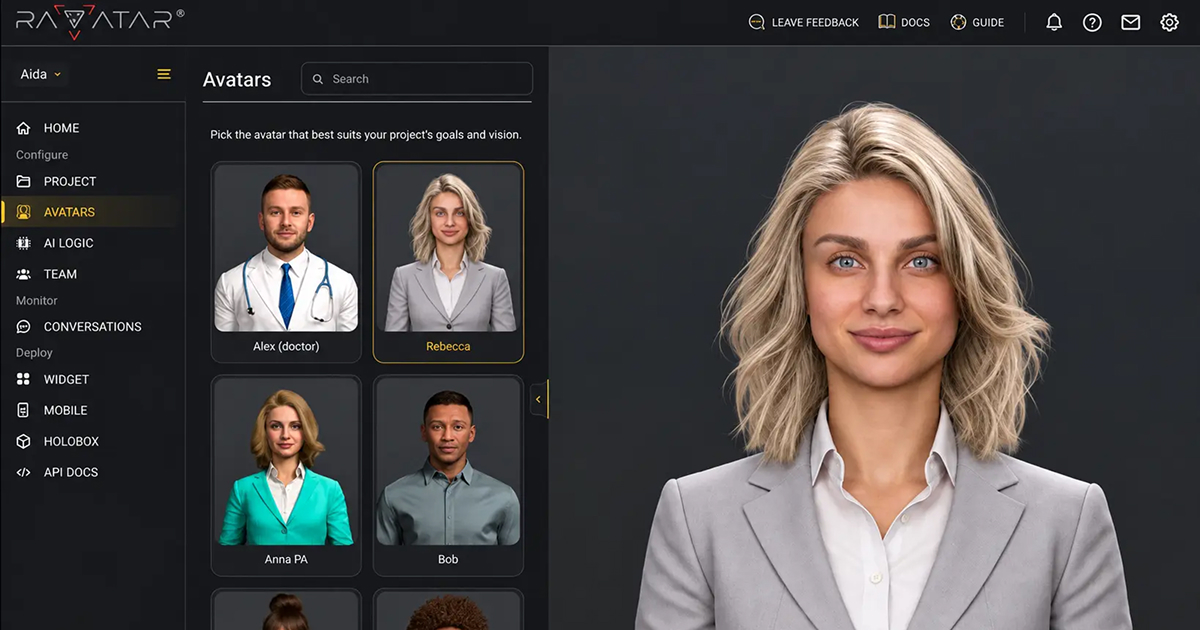
ParrotPrep is an avatar presentation tool. A job search workspace that pairs a pipeline tracker and per-role resume tailoring with voice interview practice, scored feedback and skill gap mapping, all coordinated by an AI assistant called Polly that asks before changing your data.
ParrotPrep is a job search workspace that combines an application tracker, a voice-based interview coach, resume tailoring and skill gap analysis in one product. It is aimed at candidates running an active search, particularly people juggling several roles at once who find themselves maintaining a spreadsheet, a generic resume and a mental list of follow-ups that never gets written down. The interview practice is the piece that stands out. Sessions are run out loud with Polly, a voice interviewer built around the actual job you are pursuing. Each session is scored on structure, clarity and substance, and you can pick between behavioral, product sense and technical formats. A running score shows movement between attempts, and the coaching tip points at a specific habit to fix rather than offering generic encouragement. Practice is meant to be tied to interviews already on your calendar, so the mock happens close to the real conversation. The rest of the workspace covers the surrounding chores. A pipeline board moves jobs from saved to offer, with recruiters and referrals attached to the roles they can unlock. Polly maps your skills against a library of role blueprints (the site cites over 13,000, with 15,000 skills mapped) and flags the gaps worth closing, then produces a per-job resume tailored to that posting and scored against ATS parsing before you send it. The assistant also researches companies, surfaces people you know at a target employer, drafts outreach, and nudges you when a contact has gone quiet. Where it differs from standalone interview simulators is the memory: Polly reads your jobs, resume, contacts and practice history together, and asks for approval before changing your tracker, contacts or calendar. Alternatives tend to be either practice-only tools or plain tracking boards. ParrotPrep bets that both belong in the same place, which is useful if you want the whole search in one view and less appealing if you already have a system you trust.
Free to start with no card required, and the first practice session is offered at no cost. No trial length or post-trial conditions are stated on the homepage.
Learn moreThe homepage states the product is free to start and that no card is required, and it mentions the first practice session is on us. No tier names, paid plan prices or usage limits are published in the source content.
Learn moreCovers a pipeline board from saved to offer with contacts and interview dates attached, voice mock interviews scored on structure, clarity and substance, per-role resume tailoring with ATS scoring, skill gap mapping against role blueprints, and an assistant that researches companies, finds contacts, drafts outreach and sends follow-up nudges with approval before any change.
 AI Angels400+ customizable AI girlfriends for NSFW chat, voice calls, and roleplay
 Candy AIExperience the future of companionship with AI friends who chat, role-play, and connect with you on a human level.
 ourdream.aiA vast AI roleplay platform with millions of characters for chat, images, video and voiceAI Angels400+ customizable AI girlfriends for NSFW chat, voice calls, and roleplayCandy AIExperience the future of companionship with AI friends who chat, role-play, and connect with you on a human level.ourdream.aiA vast AI roleplay platform with millions of characters for chat, images, video and voice
.png)