Support
Support resources include a help centre, a user community for topics, webinars and training, and a trust centre for security information. Enterprise buyers can also book a demo and use professional services.
Learn moreAI patent and R&D intelligence built on 2B+ expert data points

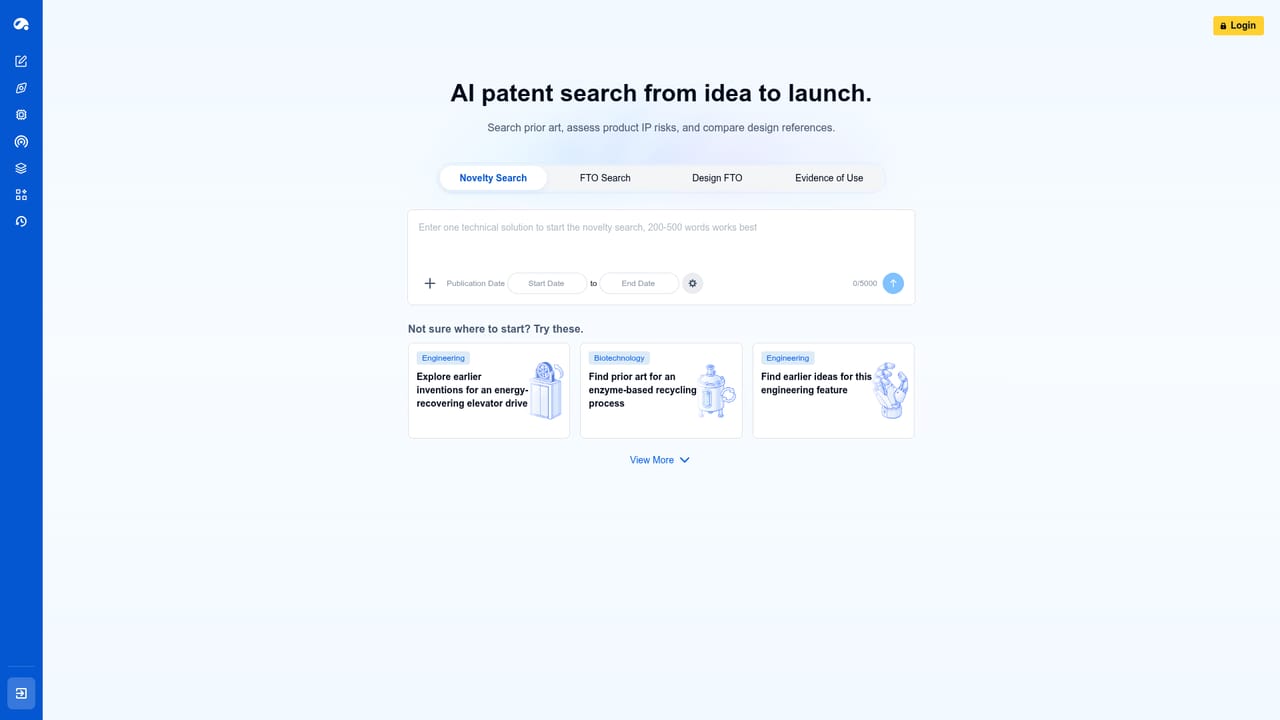
Patsnap is an AI search tool. Patsnap combines AI agents with patent, scientific and chemical data for novelty searches, FTO screening, IP drafting, monitoring and analytics. Built for IP teams, R&D groups, law firms and life sciences organisations rather than general users.
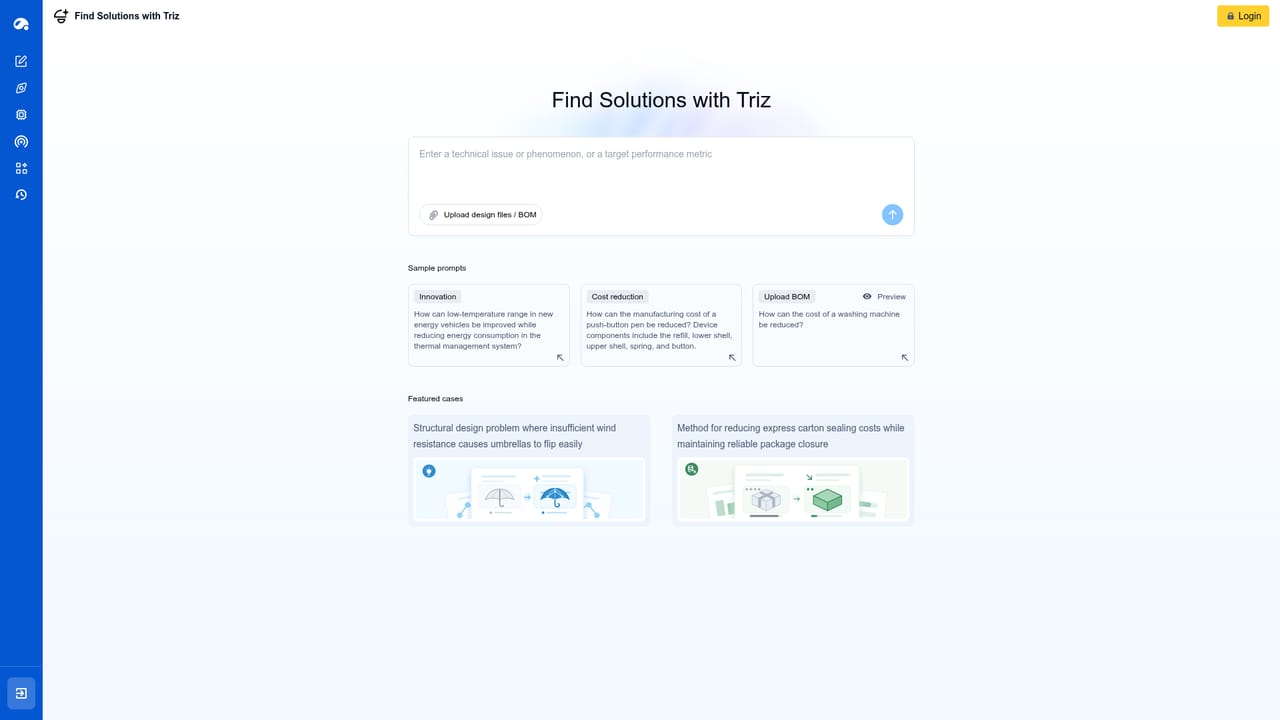
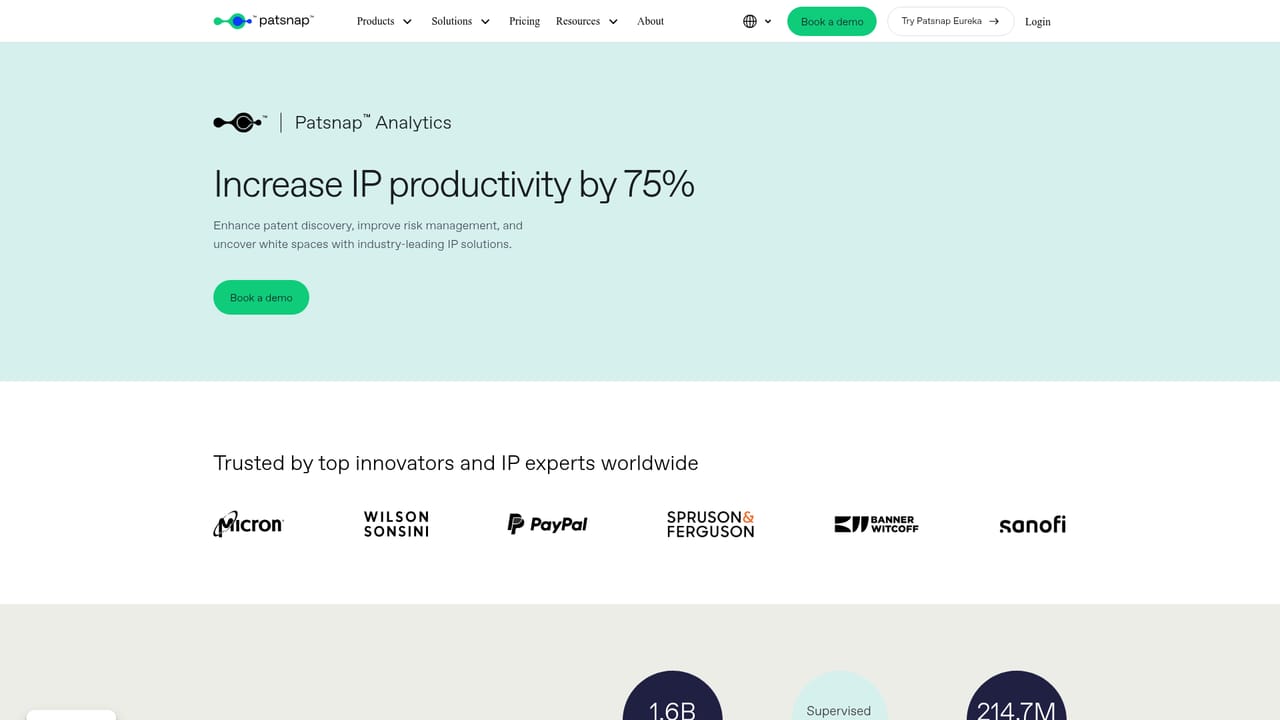
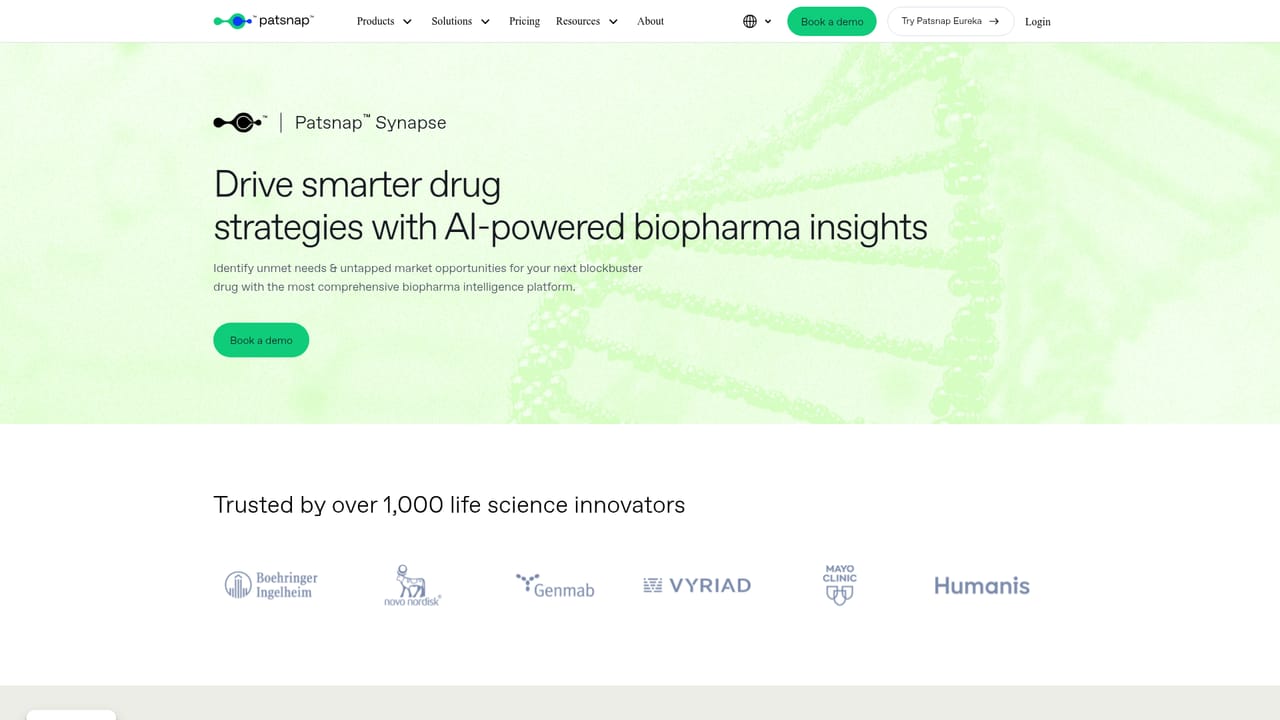
Patsnap is an AI-native platform for innovation work, built around a very large body of expert data (the company cites 2B+ data points) covering patents, science and technology. Its center of gravity is intellectual property: searching prior art, drafting patent material, monitoring competitive filings and running analytics on portfolios. Around that core sit specialised products for biopharma (Synapse for intelligence and Bio for biosequence search and analysis), chemical structure search, and a family of Eureka agents that handle discrete tasks such as novelty checks, freedom to operate screening, design risk screening, claim charting and TRIZ-based engineering problem solving. In practice the platform splits into two layers. The Intelligence Suite is where analysts work: patent analytics, monitoring and domain-specific search. The AI agents on top of it take a plain-language brief and return structured output for a defined job, which is why Patsnap markets them to law firms, life sciences teams and high-tech R&D groups separately, and also packages guided professional services for teams that want the work done rather than learned. The main audience is professional: patent attorneys and IP counsel, R&D and engineering leads, competitive intelligence analysts and biopharma or chemistry researchers. It is not a general writing assistant and does not compete with consumer chat tools. Compared with free patent databases, the value is the combination of broad data, domain-tuned search and agent-driven workflows in one place, plus an open platform and developer portal for teams that want data or models wired into their own systems. Bigger entrants do similar things piece by piece. Where Patsnap argues its case is breadth of coverage across industries and the amount of the workflow it owns from search through draft and monitoring. Buyers should treat it as an enterprise purchase: the useful path is a demo and a definition of the specific job (novelty, FTO, landscaping) before committing.
Support resources include a help centre, a user community for topics, webinars and training, and a trust centre for security information. Enterprise buyers can also book a demo and use professional services.
Learn moreAn Open Platform and developer portal cover API and integration access for teams connecting Patsnap data to their own systems. The homepage does not list specific third party software integrations.
Learn moreAI agents for IP search (novelty, FTO, design FTO), IP drafting, engineering with TRIZ, life sciences SAR extraction, materials and SEP work. The Intelligence Suite adds Analytics with Hiro, Synapse biopharma intelligence, Bio biosequence search and Chemical structure search. Professional Services and an Open Platform with developer portal sit alongside.
Learn more AI Angels400+ customizable AI girlfriends for NSFW chat, voice calls, and roleplay
 Candy AIExperience the future of companionship with AI friends who chat, role-play, and connect with you on a human level.
 ourdream.aiA vast AI roleplay platform with millions of characters for chat, images, video and voiceAI Angels400+ customizable AI girlfriends for NSFW chat, voice calls, and roleplayCandy AIExperience the future of companionship with AI friends who chat, role-play, and connect with you on a human level.ourdream.aiA vast AI roleplay platform with millions of characters for chat, images, video and voice


