PDF Generator by pdf.net

Describe a document, get a formatted PDF ready to download.

Beginner
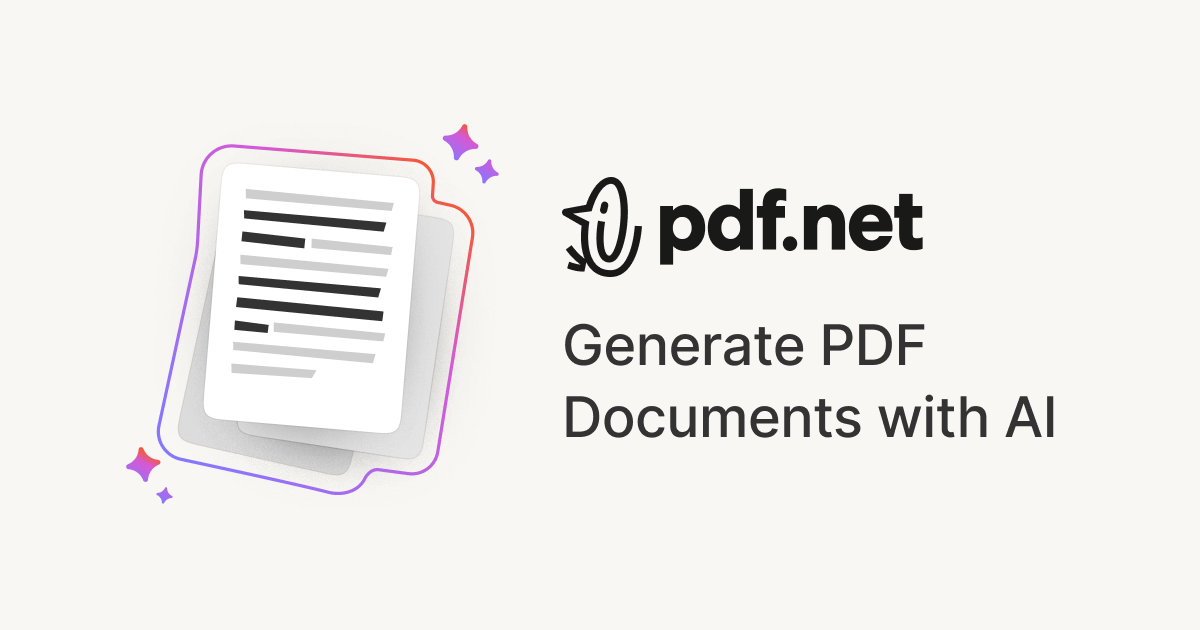
Screenshot of PDF Generator by pdf.net, Describe a document, get a formatted PDF ready to download

What is PDF Generator by pdf.net?

PDF Generator by pdf.net is a document formatting tool. A prompt based generator that produces formatted, downloadable PDFs (invoices, resumes, agreements, reports) and hands them to an online editor, backed by a wider suite of conversion, signing and security tools on the same site.

PDF Generator by pdf.net is a web tool that turns a plain text prompt into a finished, formatted PDF document. Instead of opening a blank word processor or hunting for a template, the user types what the document should be, such as an invoice, a resume, an NDA or a survey, and the tool produces a downloadable file with headings, sections and consistent layout. The homepage frames the product around a single idea: skip the blank page and move straight to a document. The tool sits inside a larger browser based PDF suite, which matters for how it is used in practice. After generation the document opens in the site's editor, where content can be adjusted before download. From there users can move into adjacent tools that live on the same domain: signing, adding text or images, comparing two versions, converting to Word or Excel, merging, compressing, splitting, redacting, protecting and requesting signatures. For someone who regularly handles contracts, reports or academic papers, that proximity can remove the usual shuffling of files between separate apps. The stated audiences are students and educators building notes or tests, researchers assembling annotated literature reviews, businesses producing reports, proposals, meeting notes and executive summaries, and creative users making planners, ebooks or activity books. The common thread is speed over design control: the pitch is a presentable document in seconds, not pixel level typesetting. On the trust side, the site says files are kept under high level encryption, that it does not store generated data long term, and it warns that AI-generated documents may be inaccurate and that legal matters should go to a licensed attorney. That warning is worth taking seriously when the output is a contract or an agreement. Compared with a general purpose writing assistant, the value here is the packaging: the same session can generate, edit, sign and convert.

How do you use PDF Generator by pdf.net?

  1. 1Describe the document you need
    Open the AI PDF generator and type a plain description of the document, for example a Q4 marketing report or a residential lease agreement. Example prompts on the page cover invoices, resumes, NDAs and surveys.
  2. 2Generate the PDF
    Submit the prompt and let the tool organise the content and apply formatting. The result is a structured document rather than raw text.
  3. 3Open it in the editor
    The generated file opens in the online PDF editor, where text, images and annotations can be adjusted before the document is finalised.
  4. 4Add signatures or edits if needed
    Use the signing tool to type, draw or upload a signature, or add text and images to the document through the dedicated editing tools.
  5. 5Download the finished PDF
    Save the document locally once the layout and content are correct. It can also be converted to Word or Excel from the same site if another format is required.

Pros and cons

Pros

  • Skips template hunting: a short text description is enough to get a formatted document.AI
  • Generated files open directly in the site's editor for edits before download.AI
  • A large set of adjacent PDF tools (convert, sign, merge, redact, protect) sits on the same domain.AI
  • Works in any browser with no installation, and keeps formatting consistent across devices.AI
  • The site states files are encrypted and not stored long term.AI

Cons

  • The homepage shows no pricing tiers, usage limits or plan details, so cost is unclear before starting.AI
  • The site itself warns AI-generated documents may be inaccurate, and legal output needs professional review.AI
  • No detail on which document types or layouts are supported beyond a short list of examples.AI
  • Design control appears limited: output formatting is handled by the tool, not set by the user.AI
  • No information on exporting into other formats directly from the generator, conversions go through separate tools.AI

How much does PDF Generator by pdf.net cost?

Features

Prompt to PDF generation for documents such as invoices, resumes, agreements, reports, proposals and meeting notes. Output opens in an online editor. The surrounding suite adds PDF summarising, chat with PDF, conversion between PDF and Word, Excel, PowerPoint, Markdown, CSV, images and EPUB, plus editing, merging, splitting, compression, redaction, password protection and e-signature tools.

Frequently asked questions about PDF Generator by pdf.net

  • How do you use PDF Generator by pdf.net?
    The walkthrough on this page covers 5 steps: 1. Describe the document you need 2. Generate the PDF 3. Open it in the editor 4. Add signatures or edits if needed 5. Download the finished PDF.
  • What platforms does PDF Generator by pdf.net support?
    PDF Generator by pdf.net is available on Web App.
  • What are the limitations of PDF Generator by pdf.net?
    The homepage shows no pricing tiers, usage limits or plan details, so cost is unclear before starting. The site itself warns AI-generated documents may be inaccurate, and legal output needs professional review. No detail on which document types or layouts are supported beyond a short list of examples.

Status

StatusActive
Views0
Outbound clicks0
Added10/21/2026

Platforms

Web App

Pricing

Freemium