Support
A support page is published on the site, though the homepage does not describe channels, response times or service level commitments.
Learn moreTurn cat and dog photos into custom AI portraits and themed pet pictures
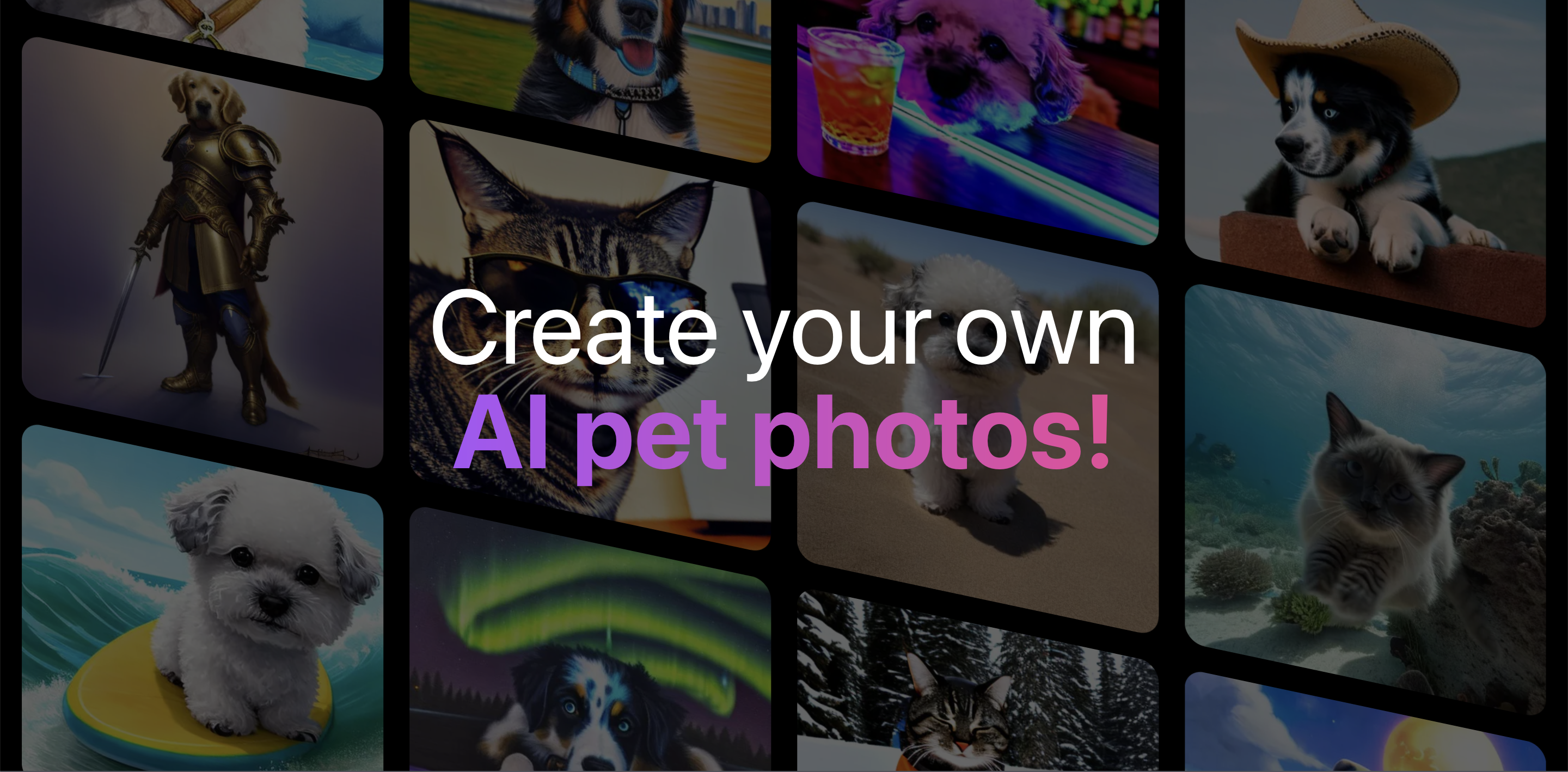
Pet Booth is a generative image tool that turns cat and dog photos into custom AI portraits and themed pet pictures.
Pet Booth is a consumer app that takes a small set of ordinary cat or dog photos and returns a larger set of AI generated images of the same animal. The site pitches two output styles: artistic portraits and photo-realistic pictures. It is built for pet owners rather than designers or studios, and the workflow is deliberately short: upload, pick themes, wait, collect images. The mechanics are stated plainly on the homepage. A user uploads between 10 and 20 photos of one pet, and the site stresses that quality and variety matter, recommending high quality shots with different backgrounds and poses. After that the user selects 10 themes from a library the site advertises as 80+ options, spanning categories like Airplane, Aliens, Ancient Ruins, Astronaut, Aurora Borealis, Banker, Bar, Baseball, Basketball, Beach and Boxer. Processing is quoted at under one hour, after which the user receives an email notification. The delivered batch is 100 images in total, split as 50 AI pet portraits and 50 AI pet photos. In practice Pet Booth sits in the personalised photo product category, closer to a themed gift or keepsake service than to a general purpose image generator. The appeal is convenience for people who want cute or funny pictures of a specific animal without writing prompts or tuning a model. The tradeoff is control: the theme list is fixed, the split between portraits and photos is fixed, and the deliverable arrives in one batch rather than through iterative editing. The homepage includes an invite link that advertises a 50 percent discount for referring a friend, which suggests a promotional rather than subscription-first model, though the page does not publish plan tiers or prices. Pet Booth makes most sense for owners who already have a good photo library of their pet, and it is not a tool for professional retouching or for matching a specific brand or client brief.
A support page is published on the site, though the homepage does not describe channels, response times or service level commitments.
Learn moreCore features are a photo upload flow that accepts 10 to 20 images of a cat or dog, a theme library advertised at more than 80 options, and a fixed output of 100 generated images per order (50 artistic portraits and 50 photo-realistic pictures). Training and generation are quoted at under one hour, and finished batches are announced by email.
Learn more AI Angels400+ customizable AI girlfriends for NSFW chat, voice calls, and roleplay
 Candy AIExperience the future of companionship with AI friends who chat, role-play, and connect with you on a human level.
 ourdream.aiA vast AI roleplay platform with millions of characters for chat, images, video and voiceAI Angels400+ customizable AI girlfriends for NSFW chat, voice calls, and roleplayCandy AIExperience the future of companionship with AI friends who chat, role-play, and connect with you on a human level.ourdream.aiA vast AI roleplay platform with millions of characters for chat, images, video and voice