Free trial
The Premium plan offers a free trial, and the site links a Start free trial button on the Premium card. A card may be required at signup; the homepage does not state trial length or terms.
Learn moreAI interview coach that hands out hints before you get stuck

Pgrammer generates coding interview questions at a difficulty you choose, gives real-time hints while you work, and analyzes your code after submission. It supports over 20 languages and runs in the browser on a GPT-4 backed interviewer prompt.
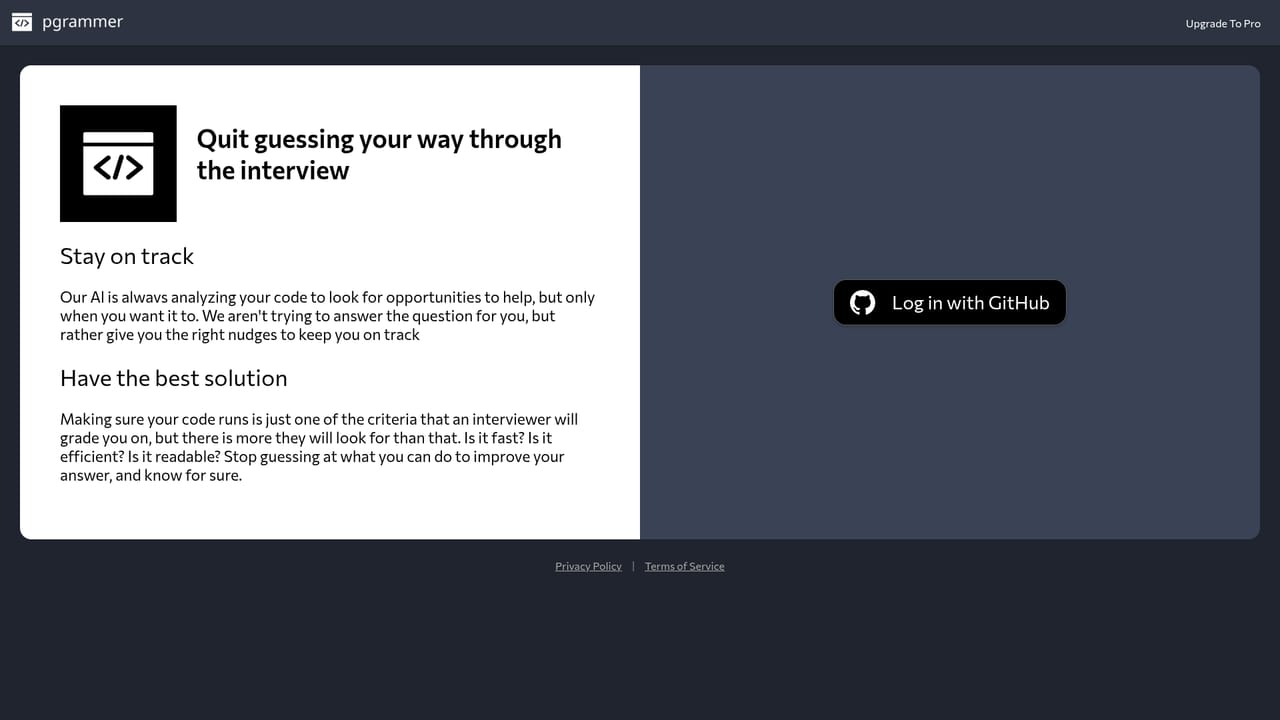
Pgrammer is a practice environment for coding interviews, built by engineers who have worked at large tech companies and wanted a middle path between grinding LeetCode alone and reading someone else's solution. The product generates a fresh challenge based on the seniority level you say you are interviewing for, then acts as an interviewer: it reads your code while you type, offers hints on request, and reviews whatever you submit, including partial attempts. The workflow is deliberately conversational rather than bank driven. You pick a difficulty and a language, and the tool uses GPT-4 behind an engineered prompt to produce a question it considers realistic for that level. Hints are available at any point, even before the first line is written, and a solution analysis can be requested without finishing the problem. After a question you can ask for a follow up set to Easier, Same or Harder, so a session can be tuned while it runs. The editor is monaco-editor, the component behind VS Code, and the listed language support covers over 20 hand picked programming languages, with frontend markup and scripting questions such as HTML, CSS, JavaScript and TypeScript included. It suits candidates in the middle of a job search who want reps under light supervision, and career switchers who find a blank problem statement plus a hidden test suite too discouraging. The comparison to LeetCode is fair but incomplete: Pgrammer trades a huge curated question bank and community answer threads for question variety and immediate guidance. Interviewers cannot use the public version to screen candidates, though the creators say they have plans in that direction and invite contact. Expect a tool that rewards honesty about your level. The value comes from answering hints with your own edits rather than asking for analysis on every attempt.
The Premium plan offers a free trial, and the site links a Start free trial button on the Premium card. A card may be required at signup; the homepage does not state trial length or terms.
Learn moreTwo tiers are listed. Starter is $0 and includes challenge questions, difficulty customization, over 20 languages, saved history, and hints and analysis credits for unlimited real-time hints and solution analysis. Premium is $12 per month, cancel any time, and adds the same feature set with real-time hints and solution analysis.
Learn moreNo help centre or documentation page is linked. The homepage FAQ covers difficulty, how the tool works and language support, and directs users to contact the team for language requests or interviewer features.
AI generated coding challenges matched to your declared interview level, real-time hints available before and during coding, solution analysis on complete or partial code, Easier/Same/Harder follow up questions, saved challenge history, monaco-editor based coding environment, and support for over 20 hand picked languages including HTML, CSS, JavaScript and TypeScript.
 AI Angels400+ customizable AI girlfriends for NSFW chat, voice calls, and roleplay
 Candy AIExperience the future of companionship with AI friends who chat, role-play, and connect with you on a human level.
 ourdream.aiA vast AI roleplay platform with millions of characters for chat, images, video and voiceAI Angels400+ customizable AI girlfriends for NSFW chat, voice calls, and roleplayCandy AIExperience the future of companionship with AI friends who chat, role-play, and connect with you on a human level.ourdream.aiA vast AI roleplay platform with millions of characters for chat, images, video and voice


