Free trial
Every new account gets free credits at signup with no credit card required, which allows testing the assistant before purchasing a plan.
Learn moreReal-time AI copilot for live coding, behavioral and system design interviews.
Own Phantom Code AI? Verify ownership to get a dofollow link

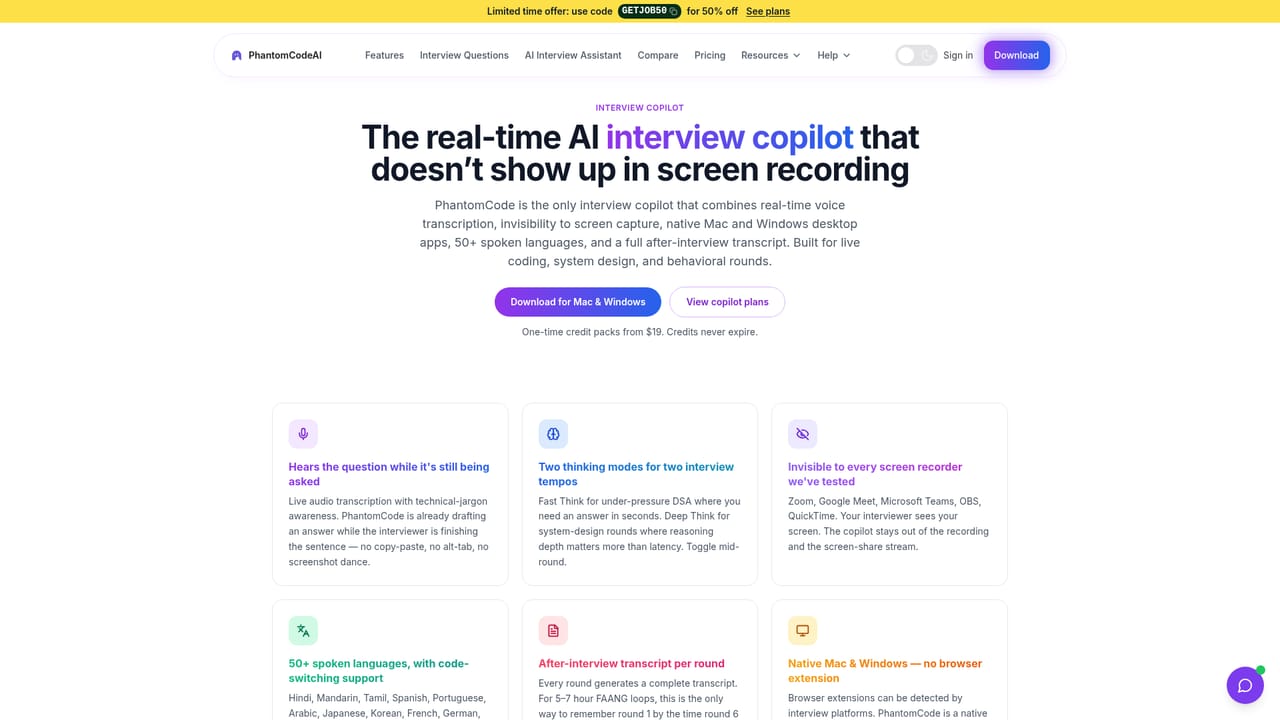
Phantom Code AI is an interview preparation tool. A macOS and Windows overlay that transcribes live interviews, generates coding and behavioral answers in real time, and supports screenshot-based solving for asynchronous assessments. Resume-aware personalization, 11 programming languages and 55 spoken languages are included.
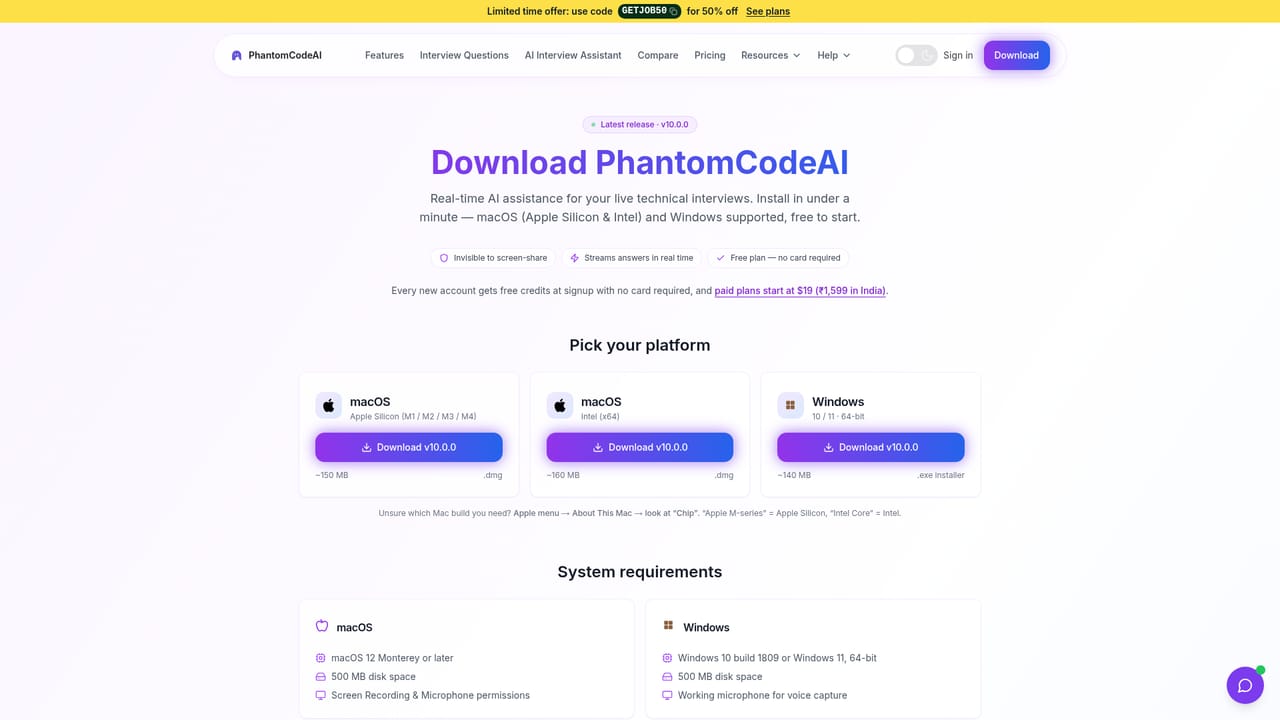
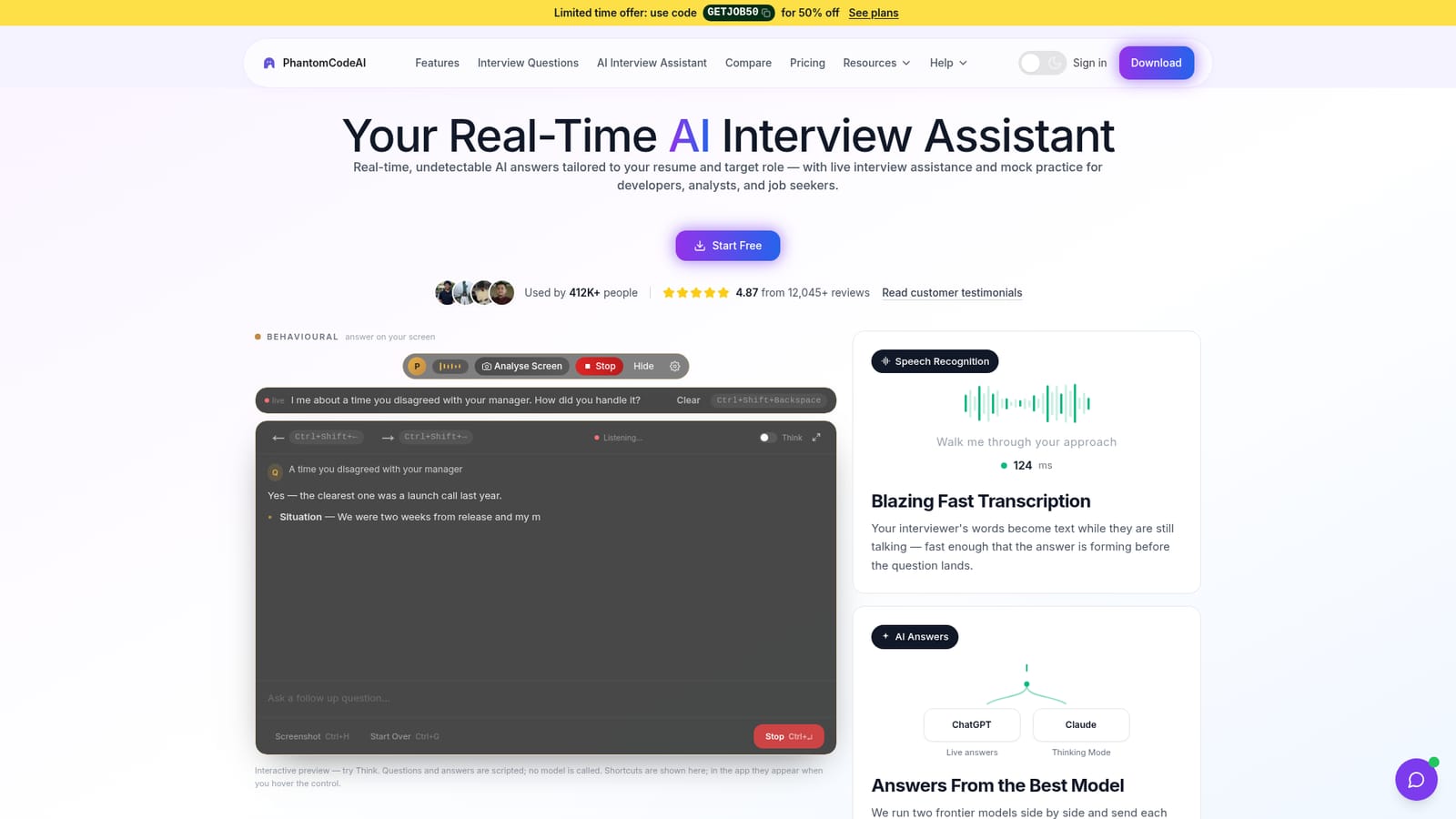
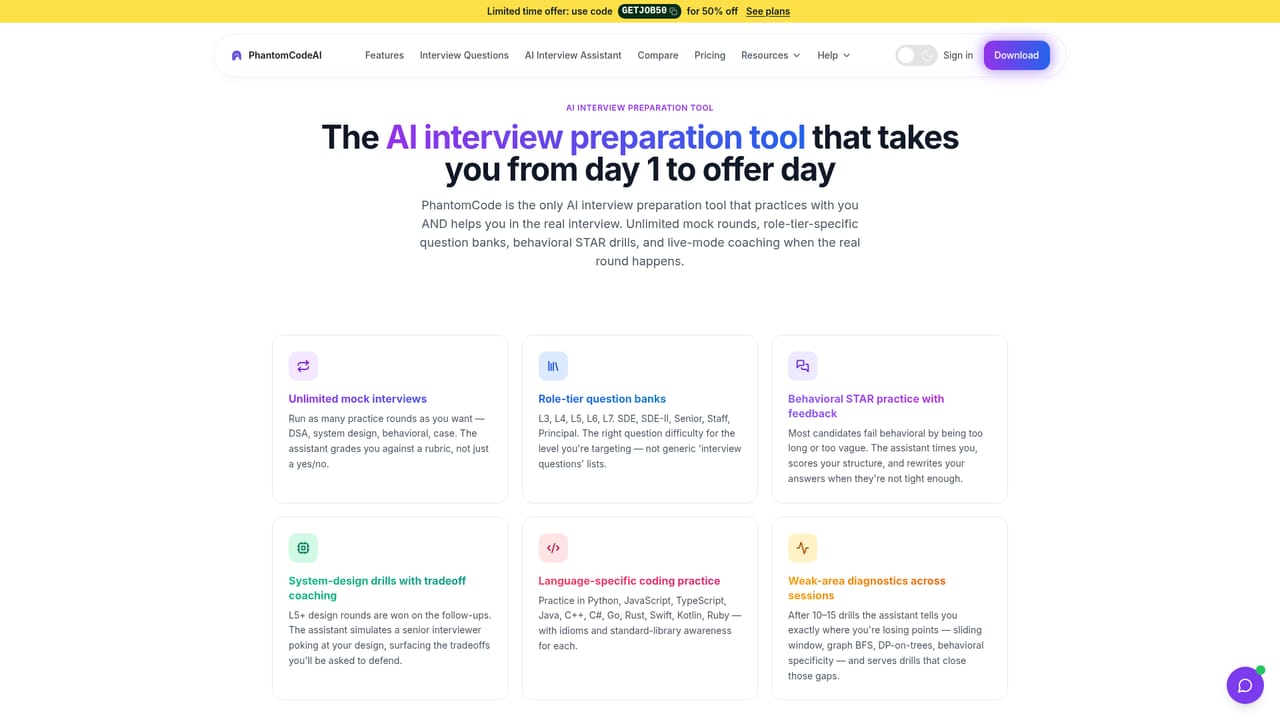
Phantom Code AI is a desktop application for macOS and Windows that listens to a live interview and produces answers on screen while the conversation is still happening. It positions itself as an interview assistant rather than a study tool: the software transcribes both sides of the call, then generates a response in a floating overlay that the vendor says stays hidden from screen sharing and proctoring. The intended audience is candidates in technical and analytical hiring pipelines, from interns preparing for data structures rounds to senior engineers facing architecture discussions, plus analysts working through SQL and business reasoning questions. The product splits into two modes. Live Interview handles synchronous calls on Zoom, Google Meet, Microsoft Teams, Amazon Chime, Webex and Lark, combining two-way audio transcription with same-language replies across 55 spoken languages and several bilingual modes for candidates who switch languages mid-round. Online Round is built for asynchronous assessments on HackerRank, CoderPad, Codility and similar platforms, where the user captures the problem with a screenshot shortcut and receives a solution with complexity analysis. Behind both modes the tool runs two frontier models in parallel and routes each question to whichever handles it better, with automatic failover if one provider goes down. Personalization is the practical differentiator. A resume upload shapes behavioral answers and project questions around real experience, and users declare their seniority and target company so the style of code and explanation shifts accordingly. A prompt manager stores reusable instructions and applies them per session. Eleven programming languages are supported, and a thinking-depth toggle lets users trade latency for reasoning on system design questions. Compared with mock interview platforms and question banks, Phantom Code AI is explicitly built for use during the interview itself, which is the ethical fault line buyers should weigh. Plans start at $19 and every account receives free credits without a card.
Every new account gets free credits at signup with no credit card required, which allows testing the assistant before purchasing a plan.
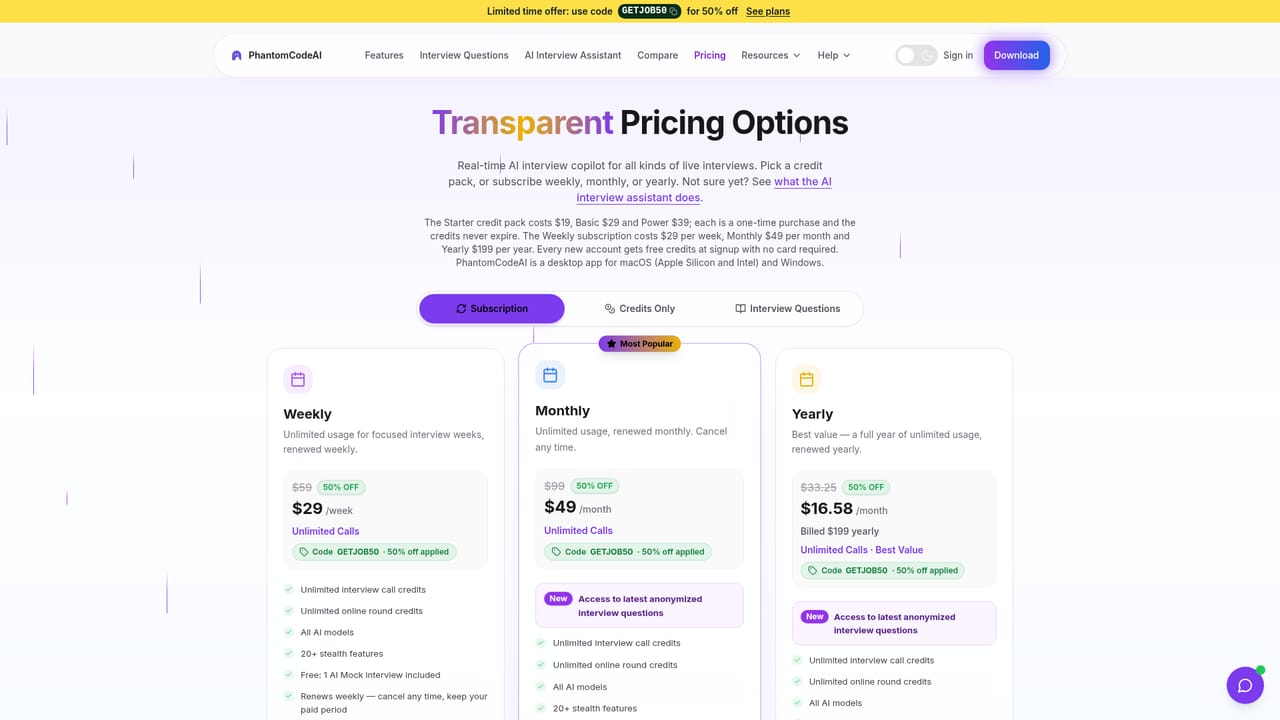
Learn morePaid plans start at $19 according to the homepage. New accounts receive free credits at signup with no card required, and a limited-time code (GETJOB50) is advertised for 50% off. Live assistant and mock interview pricing are listed on separate pages.
Learn moreA help page is published on the site, but the homepage does not describe support channels, response times or service level commitments.
Learn moreWorks alongside video and assessment platforms including Microsoft Teams, Zoom, Google Meet, Amazon Chime, Cisco Webex, Lark and Feishu, HackerRank, CoderPad and Codility. No API is documented.
Live two-way audio transcription with same-language answers across 55 spoken languages and bilingual modes, screenshot solving for online rounds, 11 programming languages, resume-aware answers, seniority and target company profiles, Fast Think and Deep Think modes, and a custom prompt manager. Supports interviews on Teams, Zoom, Google Meet, Chime, Webex, Lark, HackerRank, CoderPad and Codility.
Learn more AI Angels400+ customizable AI girlfriends for NSFW chat, voice calls, and roleplay
 Candy AIExperience the future of companionship with AI friends who chat, role-play, and connect with you on a human level.
 ourdream.aiA vast AI roleplay platform with millions of characters for chat, images, video and voiceAI Angels400+ customizable AI girlfriends for NSFW chat, voice calls, and roleplayCandy AIExperience the future of companionship with AI friends who chat, role-play, and connect with you on a human level.ourdream.aiA vast AI roleplay platform with millions of characters for chat, images, video and voice