Integrations
Fly.io is the only integration stated on the site, used for authentication into the runtime. No other integrations are documented on the homepage.
Describe a Phoenix app and watch it take shape in real time.

Phoenix.new is an app creation tool. A hosted runtime that turns a written description into a running Phoenix app, aimed at developers who want to prototype and share Elixir projects quickly.
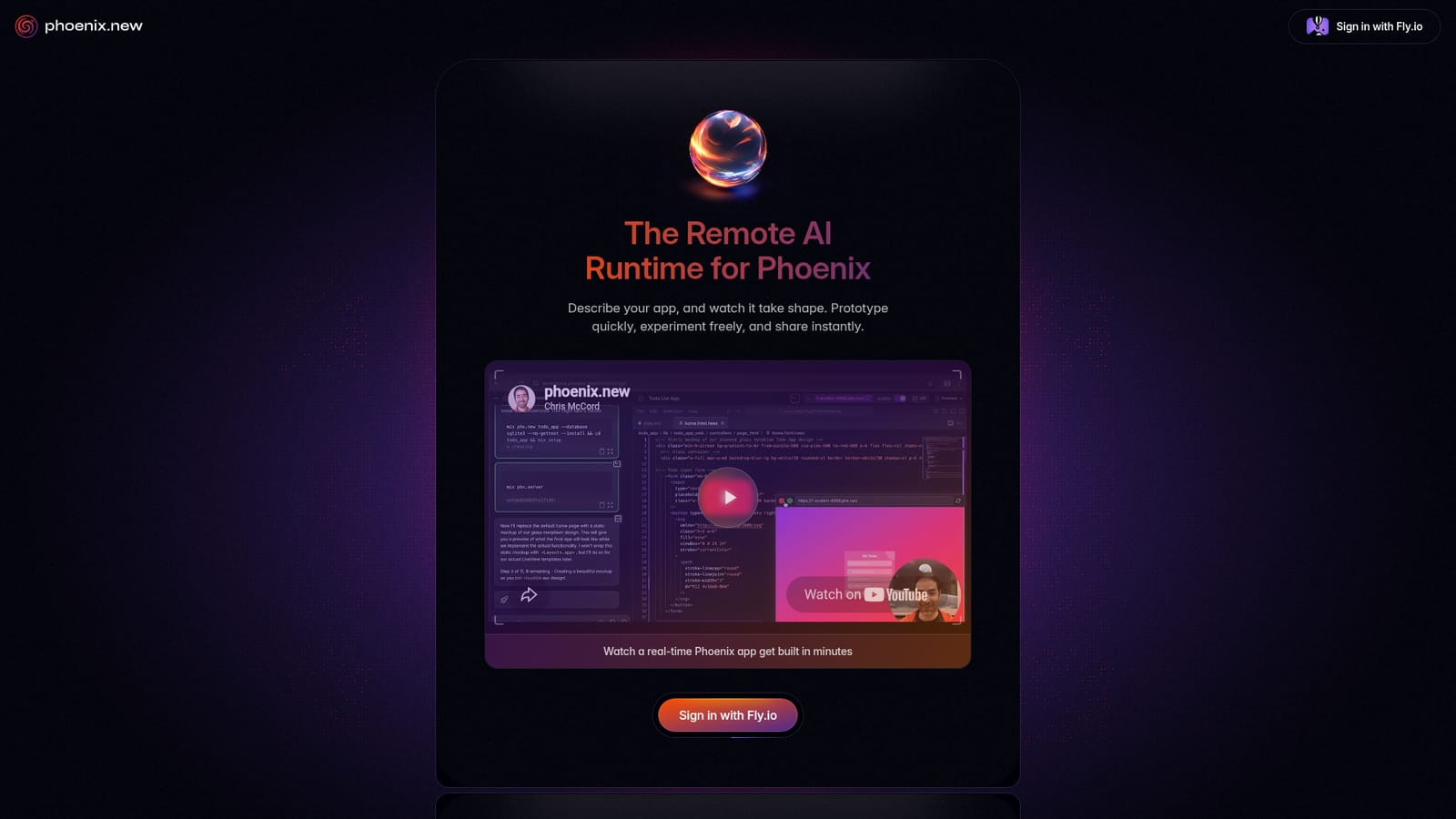
Phoenix.new is a hosted environment for building Phoenix applications through natural language. A user writes a description of the app they want, and the service generates and runs the code in a remote runtime, letting the project take shape without a local Elixir or Phoenix installation. The pitch is speed of iteration: describe, watch, adjust, repeat. It is aimed at developers who already know Phoenix or Elixir and want to compress the early, exploratory phase of a project, as well as at teams that need a working prototype to share before committing engineering time. In practice the workflow is conversational. You sign in through Fly.io, describe what the app should do, and the runtime builds it while you watch. Because the environment is remote, prototyping and experimentation do not depend on your machine's setup, and the output can be shared quickly rather than packaged up and handed off. The published walkthrough video, narrated by Chris McCord, shows a real-time Phoenix app being assembled in minutes, which is the clearest statement of what the tool is optimised for: short feedback loops on ideas that are still in flux. Compared with general-purpose code generators, Phoenix.new is narrower. It is tied to one framework and one hosting identity rather than offering a language-agnostic sandbox. That focus is the selling point, since the runtime and the generated output are both Phoenix-shaped, but it also means the tool is a poor fit if your stack is not Elixir. Treat it as a prototyping and sharing layer for Phoenix work, not a replacement for a full development environment or a version-controlled production pipeline. Editorial note: the public homepage is intentionally minimal. Concrete details on plan tiers, usage limits, storage, collaboration, export paths and data handling are not stated there, so they cannot be confirmed from the source material and should be verified with the vendor before committing a team to it.
Fly.io is the only integration stated on the site, used for authentication into the runtime. No other integrations are documented on the homepage.
Describe an app in plain language and watch it assembled in a remote Phoenix runtime. Prototype quickly, experiment freely and share instantly. Access is tied to a Fly.io sign-in, and a recorded walkthrough demonstrates a full app being built in minutes.
 AI Angels400+ customizable AI girlfriends for NSFW chat, voice calls, and roleplay
 Candy AIExperience the future of companionship with AI friends who chat, role-play, and connect with you on a human level.
 ourdream.aiA vast AI roleplay platform with millions of characters for chat, images, video and voiceAI Angels400+ customizable AI girlfriends for NSFW chat, voice calls, and roleplayCandy AIExperience the future of companionship with AI friends who chat, role-play, and connect with you on a human level.ourdream.aiA vast AI roleplay platform with millions of characters for chat, images, video and voice


