Photo AI

Train an AI model on your selfies and generate unlimited realistic photos and videos.

Beginner
Screenshot of Photo AI, Train an AI model on your selfies and generate unlimited realistic photos and videos

What is Photo AI?

Photo AI is a generative image tool. Photo AI trains a personal AI model from a user's selfies and then generates unlimited photorealistic photos and short videos across hundreds of themed packs, styles, and scenes.

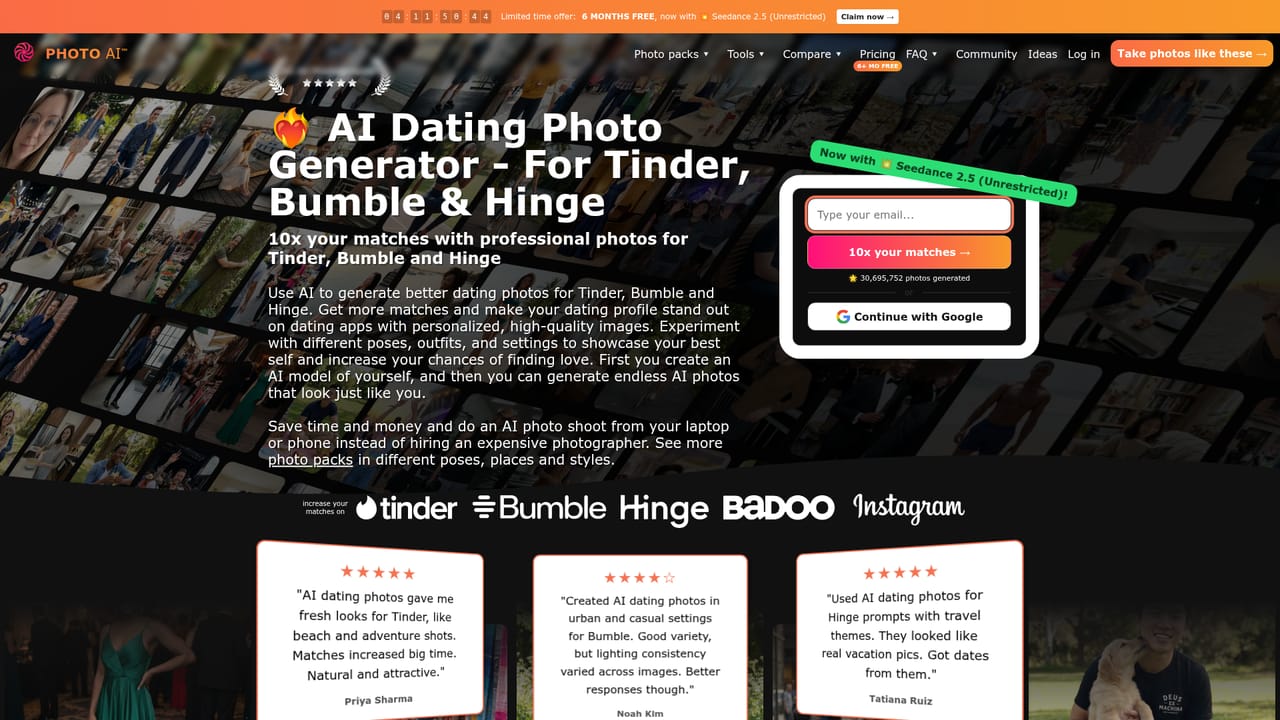
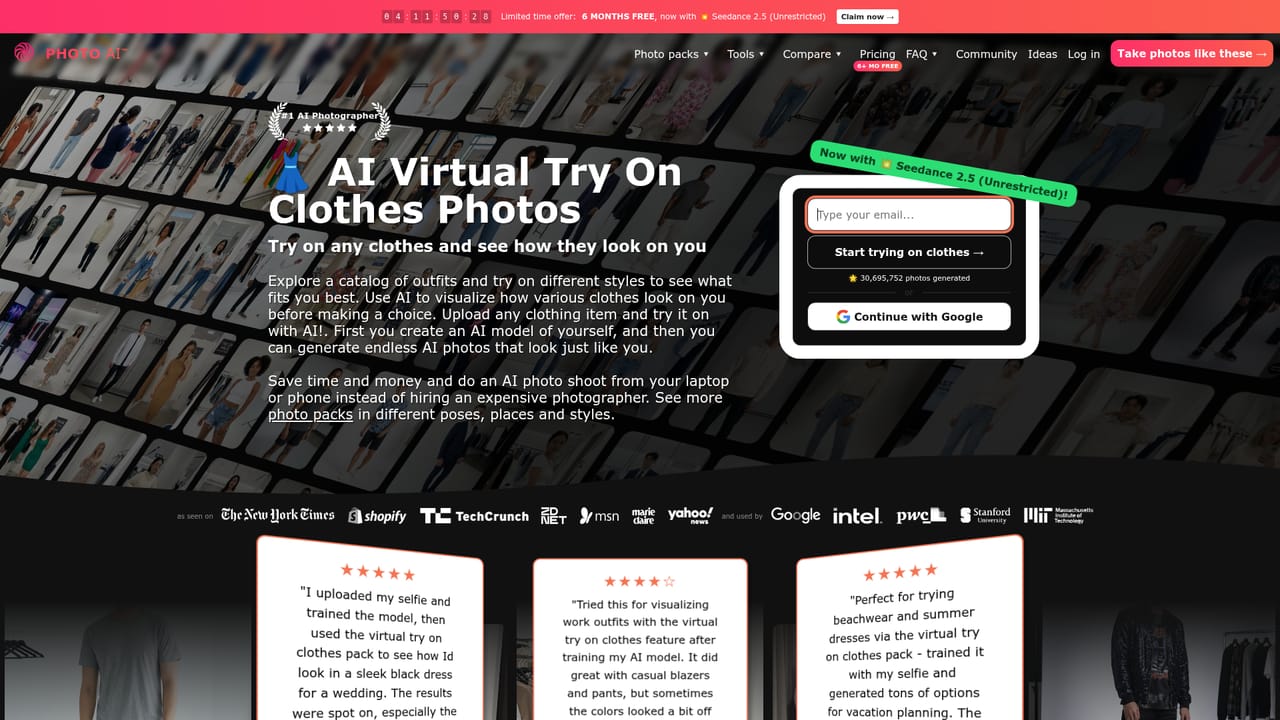
Photo AI is a web based photo and video generator built around a single idea: train a personal AI model from a handful of selfies, then use that model to produce an unlimited stream of photorealistic images and short video clips. Instead of hiring a photographer, users upload five to fifteen photos, wait roughly five minutes for training, and can then request scenes ranging from studio headshots to beach vacations, dating profile shots, or product demos, all rendered in about twenty seconds per image. The tool is aimed at individual creators, influencers, dating app users, small e-commerce sellers, and anyone who wants a steady supply of on brand imagery without booking real photo shoots. A large library of preset photo packs (dating profiles, professional headshots, seasonal themes, fashion looks, and more) removes the need to write prompts from scratch, while a batch mode lets agencies or influencer managers generate many images across multiple models at once. Beyond static images, Photo AI extends into video: any generated photo can be converted into a short clip, motion from an uploaded reference video can be transferred onto an AI photo through a mocap feature, and a built in multi track video editor lets users assemble longer edits without separate software like Premiere or CapCut. A virtual try on tool lets an AI model wear screenshots of real clothing, which is pitched at online sellers who want product visuals without human models. Users can also skip the personal likeness route entirely and design a fully synthetic AI influencer persona from scratch, choosing appearance traits and later giving it a voice. Within the AI image generation space, Photo AI differentiates itself from general purpose generators like Midjourney or Stable Diffusion by focusing narrowly on consistent human likeness across unlimited scenes, rather than broad creative image generation, making it better suited to personal branding and content production than one off artistic images.
How do you use Photo AI?

  1. 1Create an account and upload selfies
    Sign up with Google or email, then upload five to fifteen selfies taken in varied settings, angles, and lighting to give the AI enough data to learn your face.
  2. 2Train your AI model
    Press create new AI model to start training; the process takes about five minutes and produces a model that can generate a virtually unlimited number of new photos of you.
  3. 3Browse and run a photo pack
    Pick a themed pack such as AI Dating or Hard Flash to instantly apply a curated set of prompts to your trained model instead of writing scenes manually.
    Photo AI — Browse and run a photo pack
  4. 4Generate a custom scene
    Describe any pose, outfit, or location in your own words and press take photo to render a new image with your model in roughly twenty seconds.
  5. 5Try on clothing or turn a photo into video
    Paste a screenshot of an outfit to dress your model, or press make video on any generated photo to create a short animated clip.
    Photo AI — Try on clothing or turn a photo into video

Pros and cons

Pros

  • Consistent character likeness across unlimited generated photos once a model is trainedAI
  • Large library of ready made photo packs removes the need to write promptsAI
  • Built in video tools include photo to video conversion, motion capture transfer, and a multi track editorAI
  • Virtual clothing try on and product video features extend use beyond personal photographyAI
  • New AI models receive free photos immediately after trainingAI

Cons

  • No confirmed API for developers to integrate generation into external apps or workflowsAI
  • Exact subscription tiers and per credit costs are not disclosed on the homepageAI
  • Quality depends heavily on the diversity and quality of uploaded training selfiesAI
  • Video length appears limited to short clips, with longer duration listed only as a planned featureAI
  • Synthetic AI influencer creation raises disclosure and authenticity questions for viewersAI

How much does Photo AI cost?

Free trial

Every newly trained AI model receives a batch of free photos immediately, and a limited time promotion offers six months of free access to new sign-ups.

Learn more

Pricing

Photo AI operates on a subscription model tied to generation credits used for photos and videos; the homepage does not list specific tier prices but currently promotes a limited time offer of six months free access.

Learn more

Support

Photo AI provides an FAQ and community/ideas section covering billing, account, and feature questions, alongside a public roadmap for upcoming capabilities.

Features

AI model training from selfies, unlimited photorealistic photo generation, photo to video conversion, motion capture transfer, a multi track video editor, virtual clothing try on, product video creation, batch image generation, and synthetic AI influencer design.

Frequently asked questions about Photo AI

  • How much does Photo AI cost?
    Photo AI operates on a subscription model tied to generation credits used for photos and videos; the homepage does not list specific tier prices but currently promotes a limited time offer of six months free access.
  • Does Photo AI offer a free trial?
    Every newly trained AI model receives a batch of free photos immediately, and a limited time promotion offers six months of free access to new sign-ups.
  • How do you use Photo AI?
    The walkthrough on this page covers 5 steps: 1. Create an account and upload selfies 2. Train your AI model 3. Browse and run a photo pack 4. Generate a custom scene 5. Try on clothing or turn a photo into video.
  • What platforms does Photo AI support?
    Photo AI is available on Web App.
  • What are the limitations of Photo AI?
    No confirmed API for developers to integrate generation into external apps or workflows. Exact subscription tiers and per credit costs are not disclosed on the homepage. Quality depends heavily on the diversity and quality of uploaded training selfies.

Status

StatusActive
Views1
Outbound clicks0
Added9/5/2026

Platforms

Web App

Pricing

SubscriptionFreemiumFree Trial

Creator

@levelsio

Twitter / X