SpriteFuse

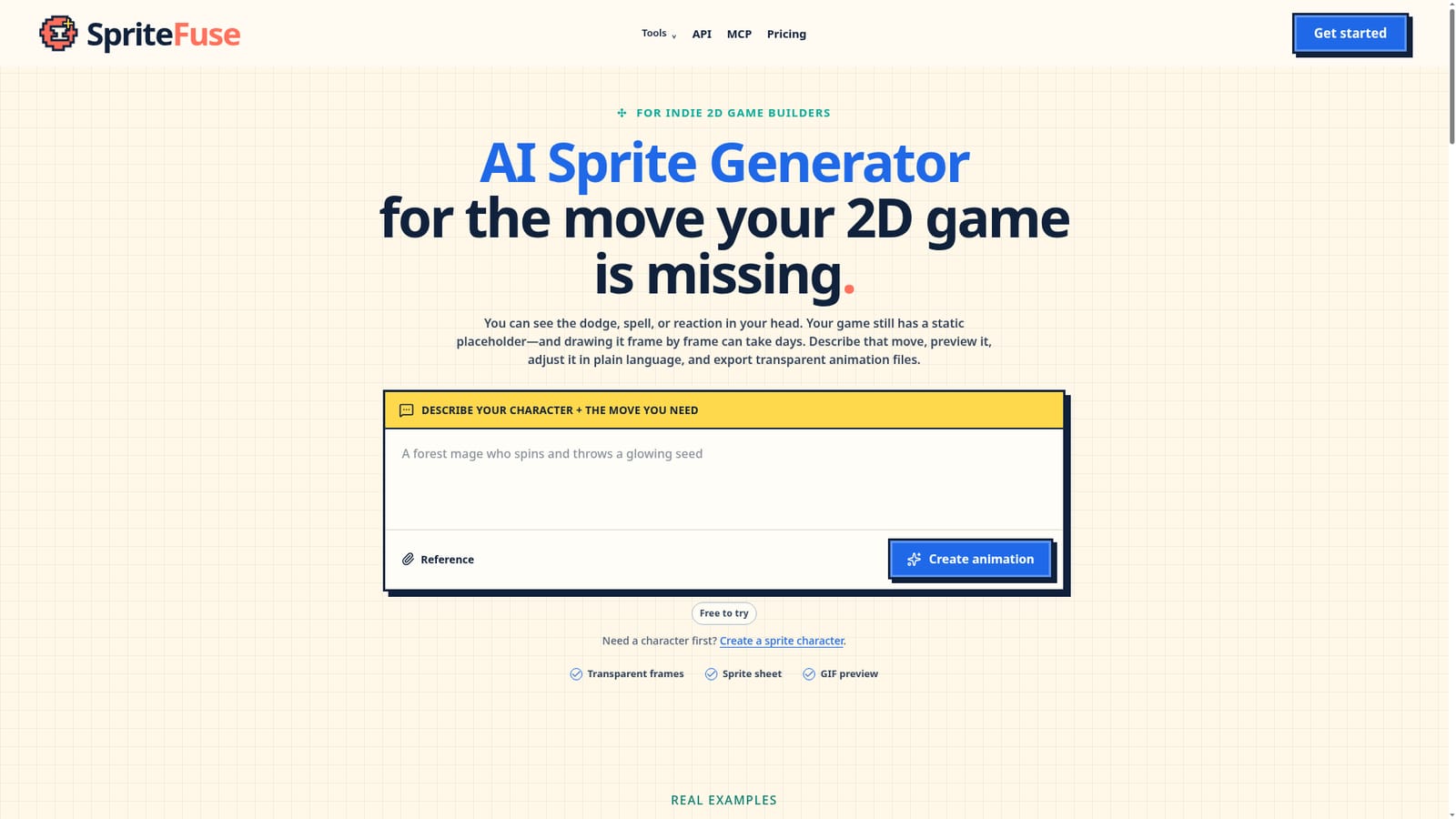
Turn a text description of a game move into exportable 2D sprite animation frames.

Beginner API
Screenshot of SpriteFuse, Turn a text description of a game move into exportable 2D sprite animation frames

What is SpriteFuse?

SpriteFuse is an animation tool that turns a text description of a game move into exportable 2D sprite animation frames. SpriteFuse generates 2D character sprite animations from text descriptions, letting indie game developers preview, adjust in plain language, and export transparent frames, sprite sheets, GIFs, and engine-ready metadata.

SpriteFuse is a web based AI sprite generator built for indie developers and small teams working on 2D games. Instead of picking from a list of preset animations, a user types out the character and the specific action needed, such as a sword swing, a spell cast, or a hurt reaction, and the tool produces a short animation built from that description. An existing character image can be uploaded as a reference, or the character can be described entirely in text, and the same character context can be reused across later animations to keep colors, proportions, and equipment consistent. The practical workflow centers on previewing and refining rather than accepting a single output. Once an animation is generated, it can be played back frame by frame, and changes such as timing or a pose detail can be requested in plain language, with the tool building on the previous result instead of starting over. This matters for small teams who need to iterate on a specific motion quickly without hiring a dedicated animator for every placeholder asset. Completed animations export as transparent PNG frames, a packed sprite sheet, a GIF for quick review, and metadata covering frame order, timing, canvas, and pivot details, along with written setup guidance for Godot and Unity. Individual frames remain editable in external tools such as Aseprite, since no native project file is generated. SpriteFuse also exposes a generation API and an MCP interface, positioning it as a prototyping and iteration layer that sits before final art polish rather than a replacement for a dedicated pixel artist on assets that need to ship as is. It fits alongside manual pixel art workflows and sprite sheet utilities as a way to fill in missing animation states fast, with the understanding that final production quality still depends on the complexity of the character and the game's own art bar.
How do you use SpriteFuse?

  1. 1Describe the character and the move
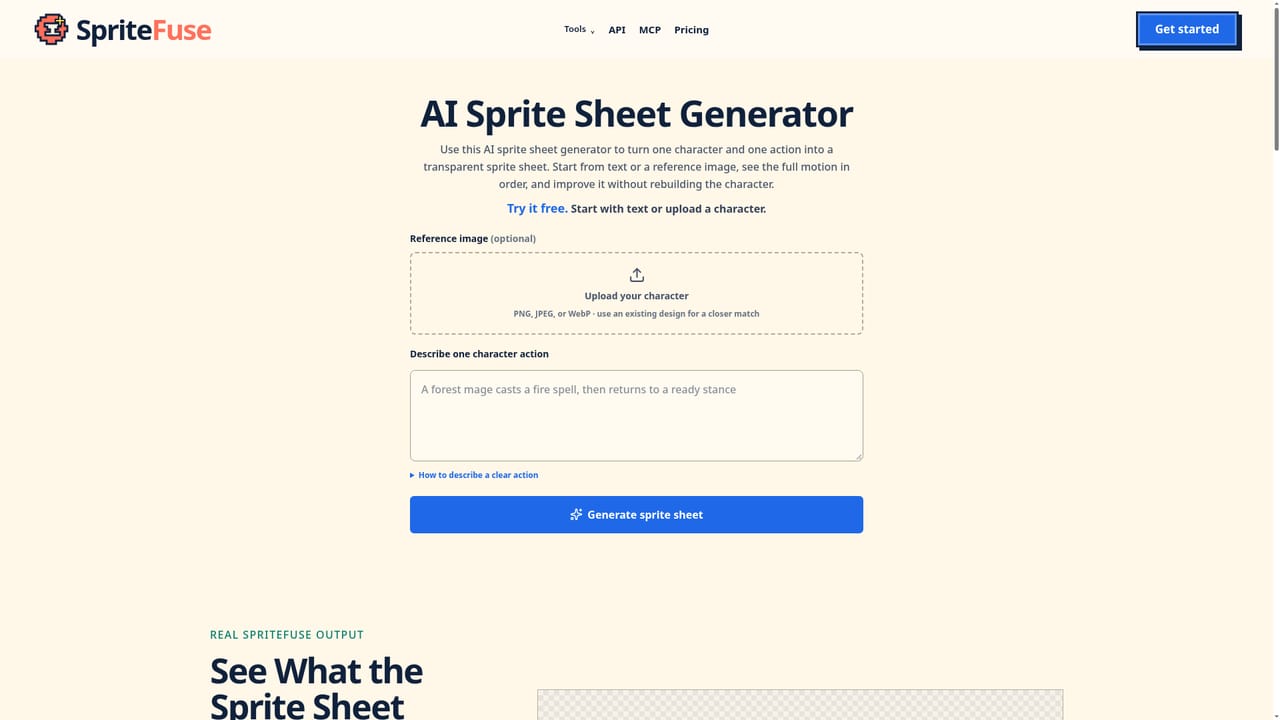
    Write out the character's defining traits and the specific action needed, including starting pose, main action, and recovery, rather than picking a preset.
    SpriteFuse — Describe the character and the move
  2. 2Add an optional reference image
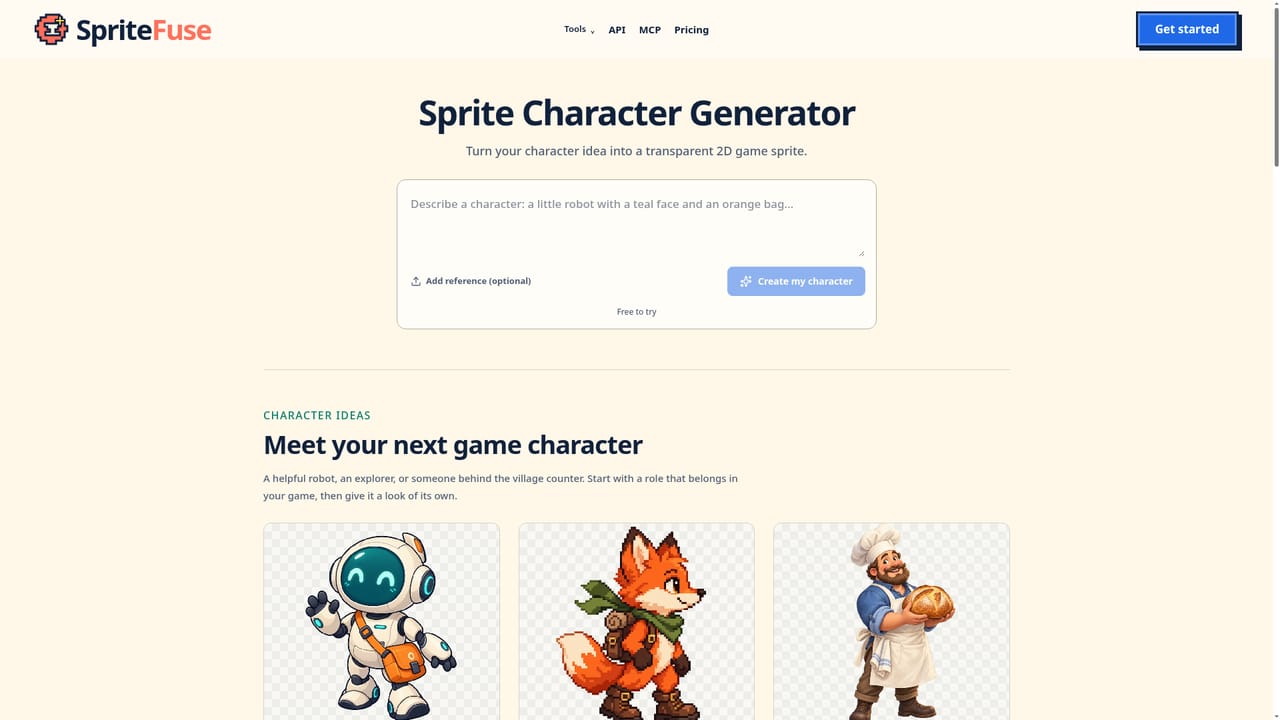
    Upload a PNG, JPEG, or WebP of an existing character concept if one is available, or skip this step and rely on the text description alone.
    SpriteFuse — Add an optional reference image
  3. 3Preview the animation and inspect frames
    Play back the generated animation, review individual frames, and check timing before deciding what needs adjustment.
  4. 4Refine with plain language instructions
    Describe any visual change needed and the tool updates the existing animation rather than regenerating it from zero.
  5. 5Export sprite files for the game engine
    Download the transparent sprite sheet, individual frame PNGs, GIF preview, and metadata, then follow the included Godot or Unity setup guidance.
    SpriteFuse — Export sprite files for the game engine
  6. 6Continue editing or integrate via API
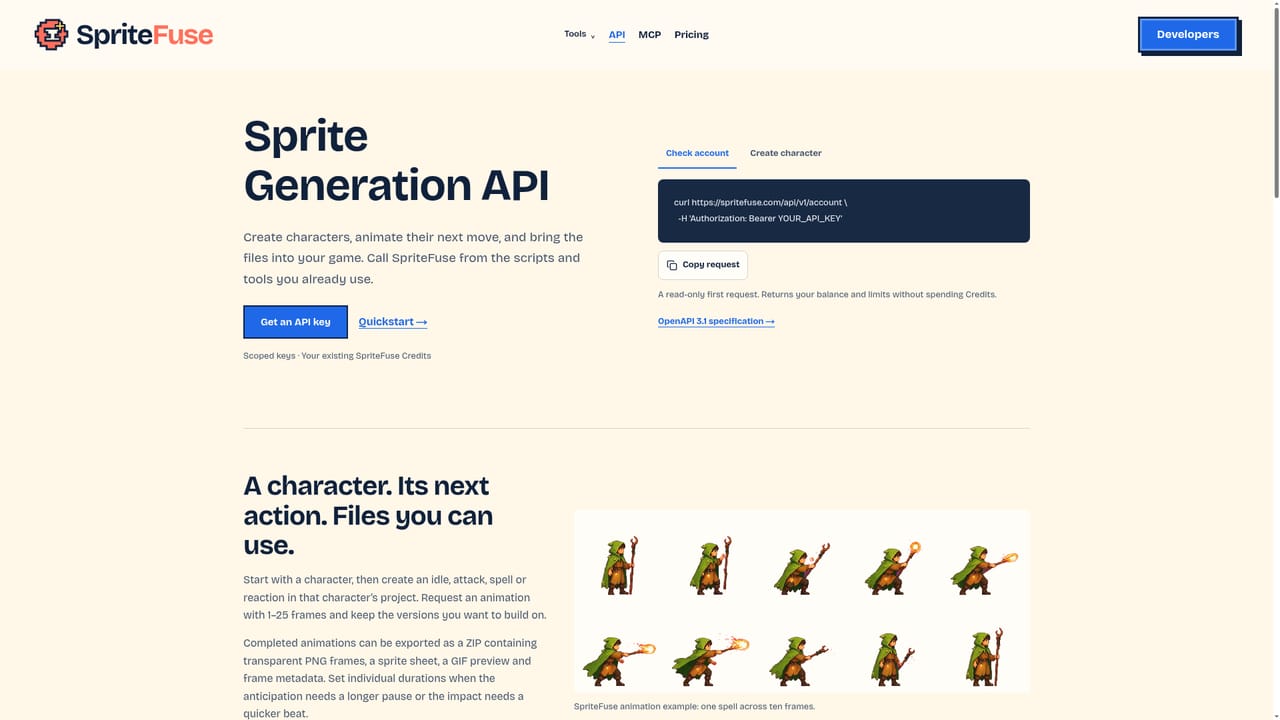
    Open exported frames in an external editor like Aseprite for retouching, or use the sprite generation API or MCP interface for programmatic workflows.
    SpriteFuse — Continue editing or integrate via API

Pros and cons

Pros

  • Open ended action descriptions instead of a fixed list of walk, idle, or attack presetsAI
  • Supports iterative plain language edits on a completed animation instead of regenerating from scratchAI
  • Exports cover transparent frames, a packed sprite sheet, GIF preview, and metadata in one passAI
  • Includes written setup guidance for bringing animations into Godot or UnityAI
  • Offers an API and MCP interface for developers who want to integrate generation directlyAI

Cons

  • No native .aseprite project file is exported, so frame touch ups require separate manual setupAI
  • Generated results are explicitly framed as prototyping material, not guaranteed shipped-game qualityAI
  • Homepage does not disclose concrete pricing tiers or credit amounts, only that a pricing page existsAI
  • Consistency across multiple separate animations for the same character depends on reused reference context working wellAI
  • No mention of support for engines beyond Godot and UnityAI

How much does SpriteFuse cost?

Free trial

The AI sprite generator is free to try, letting a character and action be described and previewed before committing to a paid plan.

Learn more

Support

Support is available by email, with an FAQ section covering generation behavior, file handling, and data privacy on the homepage.

Learn more

Integrations

Exports include setup guidance for Godot and Unity, exported frames remain compatible with external editors such as Aseprite, and a generation API and MCP interface are available for developers.

Learn more

Features

Generates transparent 2D character sprite animations from text or a reference image, with plain language adjustment of completed results, and exports sprite sheets, individual frames, GIF previews, timing metadata, and Godot or Unity setup guidance.

Learn more

Frequently asked questions about SpriteFuse

  • Does SpriteFuse offer a free trial?
    The AI sprite generator is free to try, letting a character and action be described and previewed before committing to a paid plan.
  • Does SpriteFuse have an API?
    Yes, SpriteFuse offers an API.
  • How do you use SpriteFuse?
    The walkthrough on this page covers 6 steps: 1. Describe the character and the move 2. Add an optional reference image 3. Preview the animation and inspect frames 4. Refine with plain language instructions 5. Export sprite files for the game engine 6. Continue editing or integrate via API.
  • What platforms does SpriteFuse support?
    SpriteFuse is available on Web App.
  • What does SpriteFuse integrate with?
    Exports include setup guidance for Godot and Unity, exported frames remain compatible with external editors such as Aseprite, and a generation API and MCP interface are available for developers.
  • What are the limitations of SpriteFuse?
    No native .aseprite project file is exported, so frame touch ups require separate manual setup. Generated results are explicitly framed as prototyping material, not guaranteed shipped-game quality. Homepage does not disclose concrete pricing tiers or credit amounts, only that a pricing page exists.

Status

StatusActive
Views0
Outbound clicks0
Added10/18/2026

Platforms

Web App

Pricing

Free TrialSubscription