PhotoAI

AI photo and video effects that turn one portrait into dozens of looks

Beginner
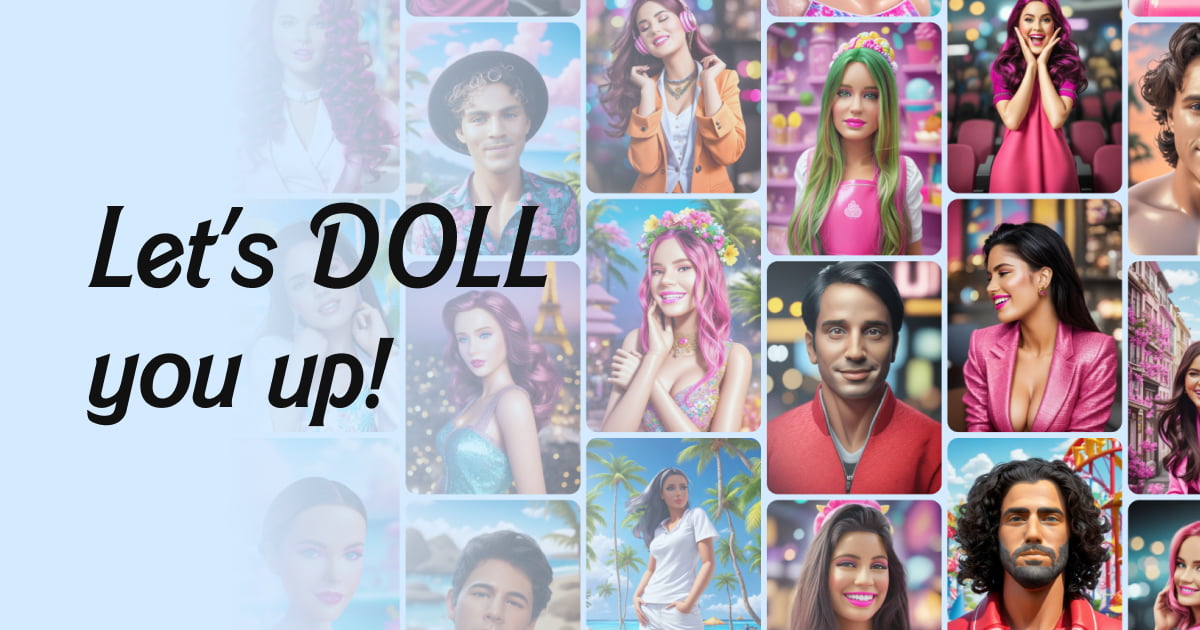
Screenshot of PhotoAI, AI photo and video effects that turn one portrait into dozens of looks

What is PhotoAI?

PhotoAI is an avatar presentation tool. PhotoAI bundles a large library of preset AI photo styles and photo-to-video effects in one browser app. Pick an effect, upload a clear portrait, generate a few variations, and review faces, hands and motion before sharing.

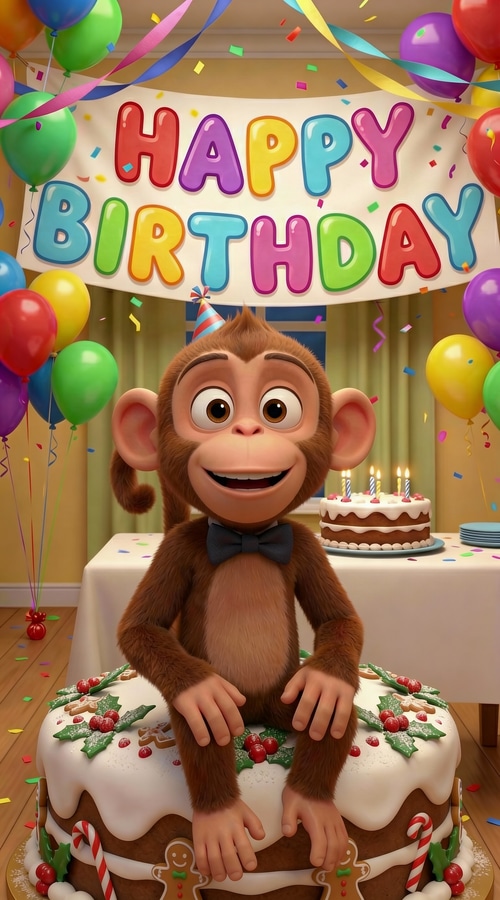
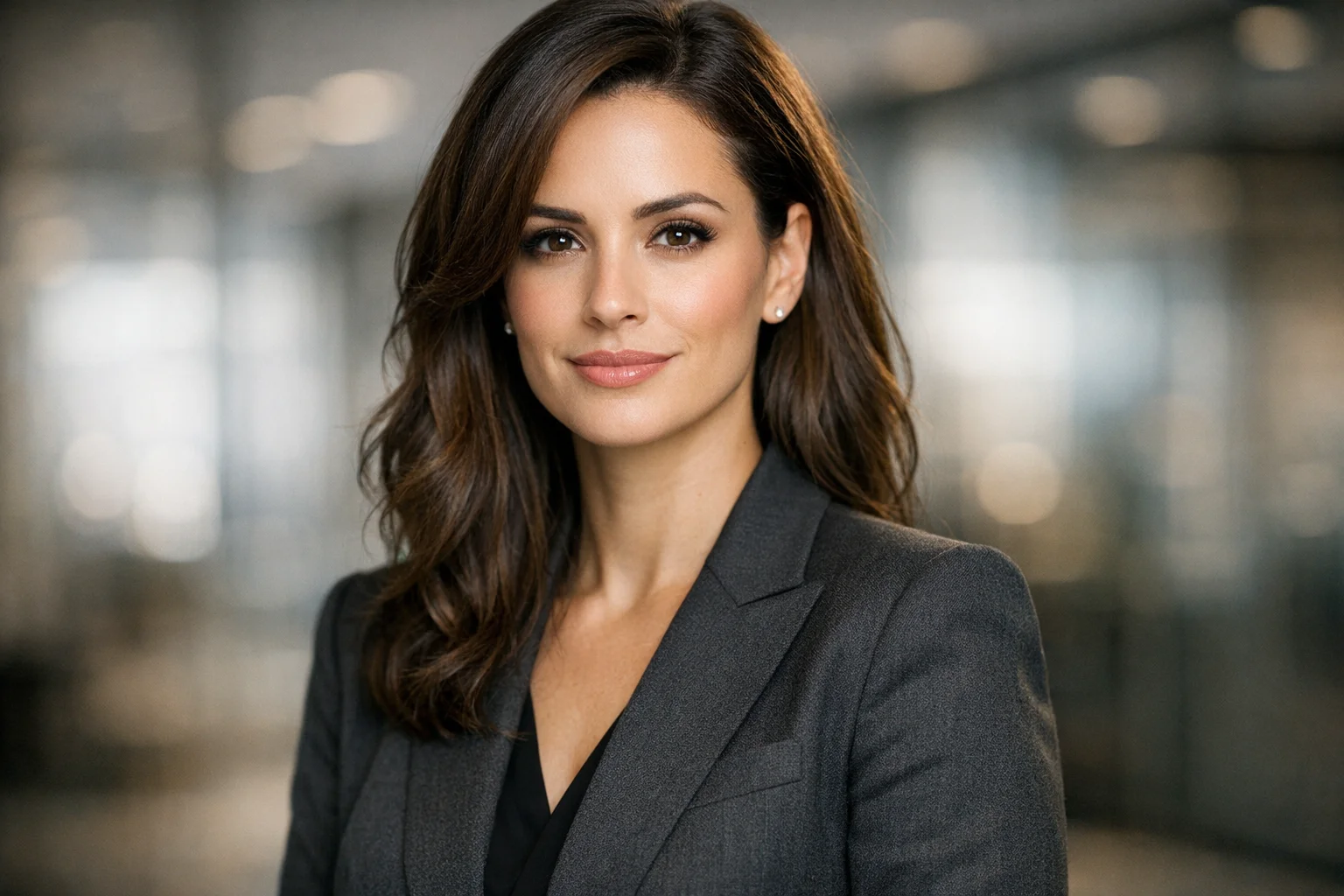
PhotoAI is a browser based creative platform built around a large catalog of preset AI effects. The homepage advertises more than 1000 photo and video effects, grouped into two lanes: AI Photo styles such as Y2K, Glamour, movie posters and superhero portraits, and AI Video effects such as Red Carpet, AI Giant, AI Museum, Wings, Dispersion, Paparazzi, Werewolf, Long Curly Transition, Birthday Girl and Flying. The pitch is breadth rather than manual control: a user picks a look, supplies a portrait, and the system produces a new image or a short clip. The workflow is deliberately short. A user browses the effect library, uploads a clear, well lit photo where the face or main subject is easy to recognize, and generates. PhotoAI handles the transformation, so no Photoshop or video editing experience is required. Because generation varies between runs, the platform encourages producing several versions and comparing faces, hands, hair, background and motion before settling on a keeper. That review step matters, since the FAQ openly notes that details can shift from one output to the next. Who it suits: people making social posts, stories, profile pictures, memes and trend driven content, plus anyone who wants a themed portrait (professional headshot, dating profile image, YouTube thumbnail, seasonal or birthday set) without hiring an editor. The catalog is organized around viral formats and meme culture, so the tool fits casual and semi professional creators better than studios needing layer level retouching. Where it sits among alternatives: general purpose image generators expect prompts and iteration, while PhotoAI expects you to choose from a menu of prebuilt transformations. That makes it faster for trend chasing and weaker for bespoke art direction. The homepage does not publish prices, plan tiers or integration details, so budget and workflow fit have to be checked on the site itself.

How do you use PhotoAI?

  1. 1Browse the effect library
    Open the catalog and compare the AI video effects (Red Carpet, AI Giant, AI Museum, Werewolf and others) with the AI photo styles such as Y2K, Glamour and superhero portraits. Pick the one that matches the result you want.
  2. 2Check an effect page before committing
    Each style has its own page with sample outputs. Review the examples for a specific effect to judge framing, lighting and how much of the original face is preserved.
  3. 3Upload a clear source photo
    Supply a well lit image where the person or main subject is easy to recognize. Faces, hair, clothing and proportions give the model the visual information it needs, so avoid blurry or heavily cropped shots.
  4. 4Generate and compare versions
    Run the effect, then generate additional versions so you can compare composition, movement and style consistency before choosing a favorite.
  5. 5Inspect the details
    Zoom in on the face, hands, body, clothes and background, and for video check the motion across the clip. Regenerate if anything looks off.
  6. 6Export for your channel
    Download the finished image or short video and use it for posts, stories, profile images, memes or thumbnails, keeping the platform's terms in mind when publishing.

Pros and cons

Pros

  • Large preset catalog: the site advertises over 1000 photo and video effects, with 49 video effects and 58 photo styles surfaced on the homepage aloneAI
  • Single place for both stills and short clips, which removes the need to move between a photo editor and a video toolAI
  • No learning curve: choosing an effect replaces prompt writing and layer work, so beginners can produce results on the first attemptAI
  • Multiple generations are supported, so styles and framing can be compared side by side before picking a final imageAI
  • Geared to current social formats, with themed sets for headshots, dating photos, thumbnails and seasonal or birthday contentAI

Cons

  • No published pricing on the homepage, so cost per generation and plan limits are unknown until you dig into the appAI
  • Quality depends heavily on the uploaded photo; the site only advises using clear, well lit images and offers no guidance on handling difficult sourcesAI
  • Outputs are inconsistent by design, and the FAQ concedes that faces, hands, hair and backgrounds can drift between versions, which means extra review timeAI
  • The preset approach limits creative control: there is no indication of prompt level direction, masking or fine tuning beyond picking a styleAI
  • Effect libraries built around viral trends age quickly, and the homepage gives no signal about how often styles are refreshed or retiredAI

How much does PhotoAI cost?

Support

Support is limited to an on-site FAQ that covers what Photo AI is, how generation works, which photo to upload, why results vary between runs, and what to check before sharing. No email, chat or documentation channels are listed on the homepage.

Features

Preset driven AI generation for stills and short video. The homepage lists 49 AI video effects, including Red Carpet, AI Giant, AI Museum, Wings, Dispersion, Paparazzi, Werewolf, Long Curly Transition, Birthday Girl and Flying, plus 58 AI photo styles such as Y2K, Glamour, movie posters and superhero portraits. Users upload a portrait, generate one or more results, and review faces, hands, backgrounds and motion. No editing software or prompt writing is required.

Learn more

Frequently asked questions about PhotoAI

  • How do you use PhotoAI?
    The walkthrough on this page covers 6 steps: 1. Browse the effect library 2. Check an effect page before committing 3. Upload a clear source photo 4. Generate and compare versions 5. Inspect the details 6. Export for your channel.
  • What platforms does PhotoAI support?
    PhotoAI is available on Web App.
  • What are the limitations of PhotoAI?
    No published pricing on the homepage, so cost per generation and plan limits are unknown until you dig into the app. Quality depends heavily on the uploaded photo; the site only advises using clear, well lit images and offers no guidance on handling difficult sources. Outputs are inconsistent by design, and the FAQ concedes that faces, hands, hair and backgrounds can drift between versions, which means extra review time.

Status

StatusActive
Views0
Outbound clicks0
Added10/21/2026

Platforms

Web App

Pricing

Freemium