Pricing
The homepage states that all image processing tools are free, while VIP users have no restrictions on downloading pictures. No specific prices or plan tiers are listed on the homepage; the footer links to a dedicated pricing page.
Learn moreBrowser-based AI photo editor with cutout, inpaint and batch tools

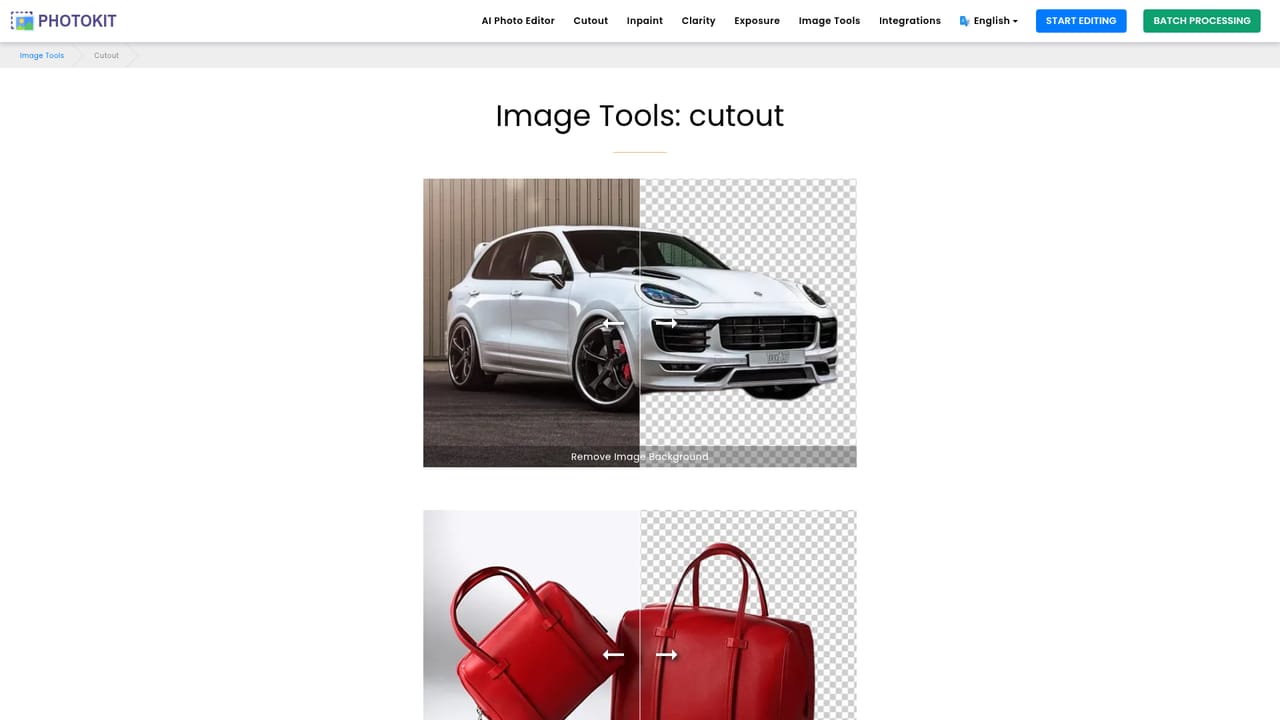
PhotoKit is a background remover tool. A browser-based AI photo editor covering background removal, object removal, enhancement, artistic filters, collages and batch processing of common image formats, aimed at beginners who want quick one-click results without installing software.
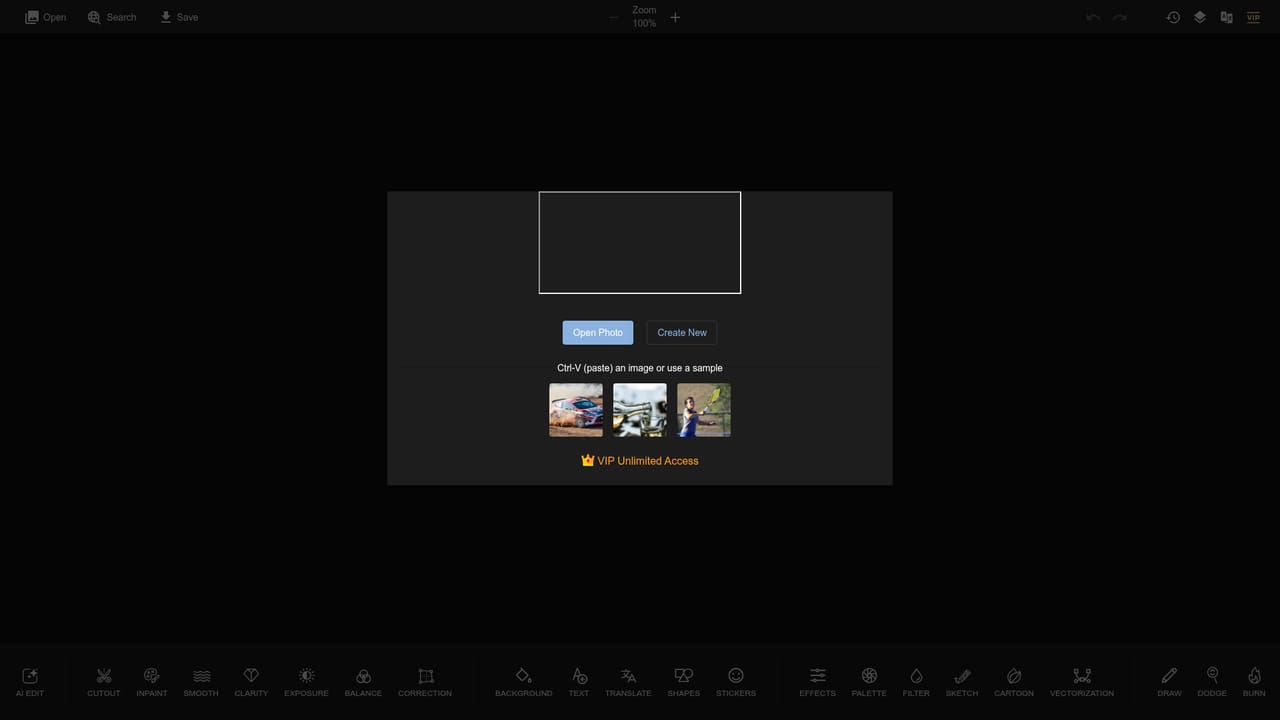
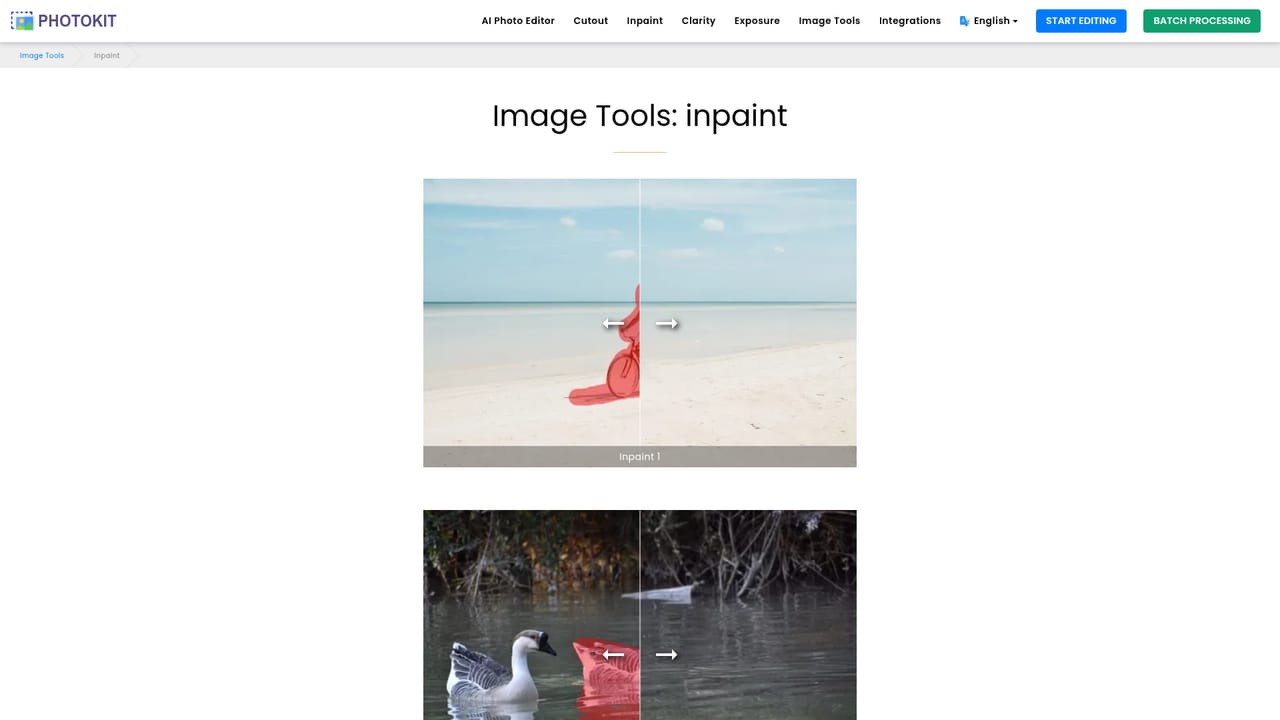
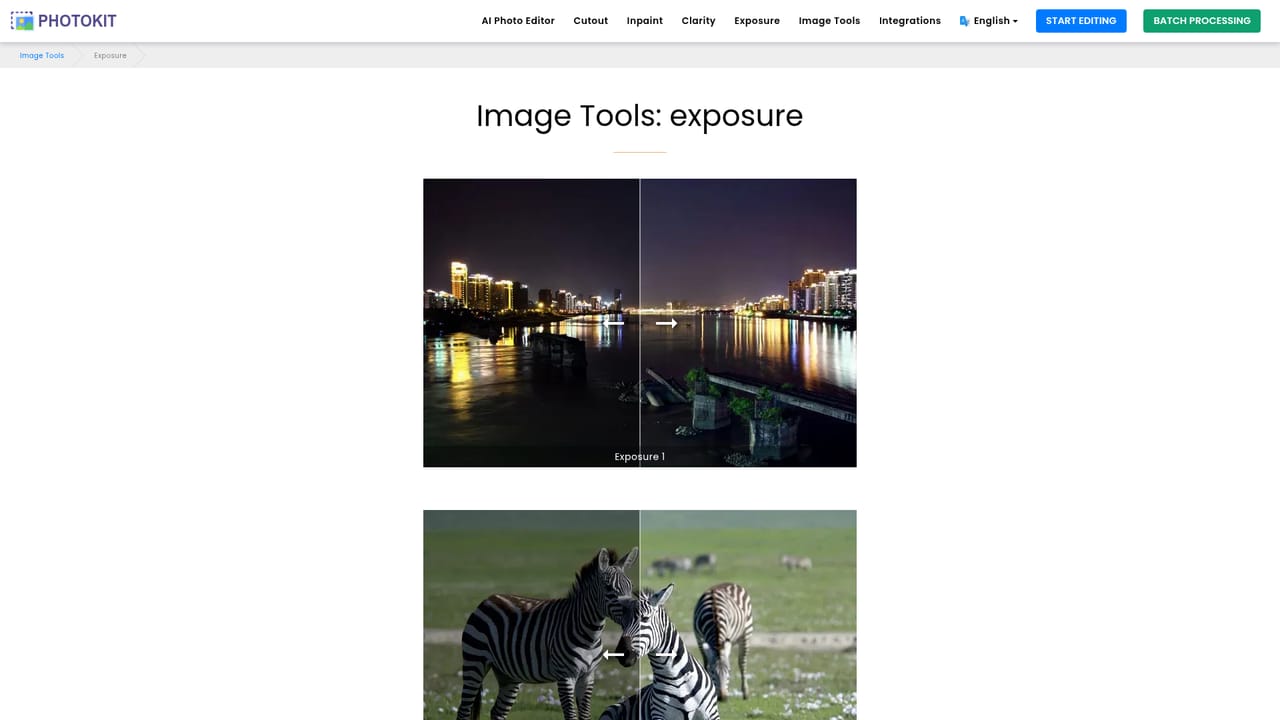
PhotoKit is an online photo editor that runs entirely in a modern browser, so there is nothing to install before you start retouching. The service pairs a conventional editing canvas with AI-assisted routines: background removal that the site claims completes in about five seconds, an inpaint brush for deleting objects, watermarks and skin blemishes, and one-click correction for clarity, exposure and color balance. The company reports more than 84 million images processed, which suggests the workflows have been exercised at real volume rather than demonstrated on a handful of samples. The toolset is broad for a browser editor. Alongside the AI routines there are the expected transforms (crop, resize, rotate, warp, frame, collage) and a long list of creative filters: sketch, cartoon, vectorization, colorize, mosaic, blur and palette changes. Text, shapes and stickers cover social graphics and meme-style work. A batch processor handles bulk resizing, cropping, compressing and converting across png, jpg, gif, bmp, tiff and RAW files, which is the feature most likely to matter to people processing catalogs or photo libraries rather than single images. An AI Edit mode supports background replacement and style transfer driven by prompts in multiple languages, with the original lighting and detail preserved. The intended audience is beginners and casual editors first. PhotoKit states that only basic image editing skills are needed to reach results comparable to dedicated desktop software, and the interface is organized around one-click tools and preset effects rather than layers and manual masks. Marketers, journalists, small e-commerce sellers and anyone who needs a quick background removal or a clean resize will find the learning curve short. Users who need precise channel work, color-managed output or advanced compositing will likely outgrow it. PhotoKit positions itself as a free, cross-platform alternative to installed editors, with paid VIP access removing download restrictions. The main differentiator is breadth: background removal, restoration, artistic filters and batch conversion sit under one roof instead of being spread across separate single-purpose sites.
The homepage states that all image processing tools are free, while VIP users have no restrictions on downloading pictures. No specific prices or plan tiers are listed on the homepage; the footer links to a dedicated pricing page.
Learn moreSupport is handled by email at the address published on the homepage, with the site promising a reply. A contact page is linked in the footer for questions about the service.
The site lists an SDK and API page, and offers a Chrome extension that adds image download and full page screenshot tools alongside the editor.
AI Edit with background replacement, style transfer, text editing, repair and transformation; one-click Cutout for background removal; Inpaint for deleting objects, watermarks and blemishes; Clarity and Exposure correction; Smooth, Balance, Correction, Effects, Palette, Style, Filter, Sketch, Cartoon, Vectorization, Colorize, Mosaic, Blur, Magic eraser; text, shapes, stickers, frame, collage; resize, crop, transform, warp; batch resize, crop, compress, convert, cutout and watermark.
Learn more AI Angels400+ customizable AI girlfriends for NSFW chat, voice calls, and roleplay
 Candy AIExperience the future of companionship with AI friends who chat, role-play, and connect with you on a human level.
 ourdream.aiA vast AI roleplay platform with millions of characters for chat, images, video and voiceAI Angels400+ customizable AI girlfriends for NSFW chat, voice calls, and roleplayCandy AIExperience the future of companionship with AI friends who chat, role-play, and connect with you on a human level.ourdream.aiA vast AI roleplay platform with millions of characters for chat, images, video and voice




