Free trial
Free use is built in rather than time-limited: the upload panel shows a number of free attempts remaining today, which replenishes daily.
Learn moreBrowser-based AI upscaling that pushes photos and artwork toward 8K
Own PhotoUpscaler? Verify ownership to get a dofollow link

PhotoUpscaler is a 4K upscale tool. A browser-based AI upscaler that enlarges JPG, PNG, WEBP and HEIC images by URL or upload, aimed at restoring old photos, sharpening product shots and preparing files for print, with a daily free allowance and claims of 8K output.
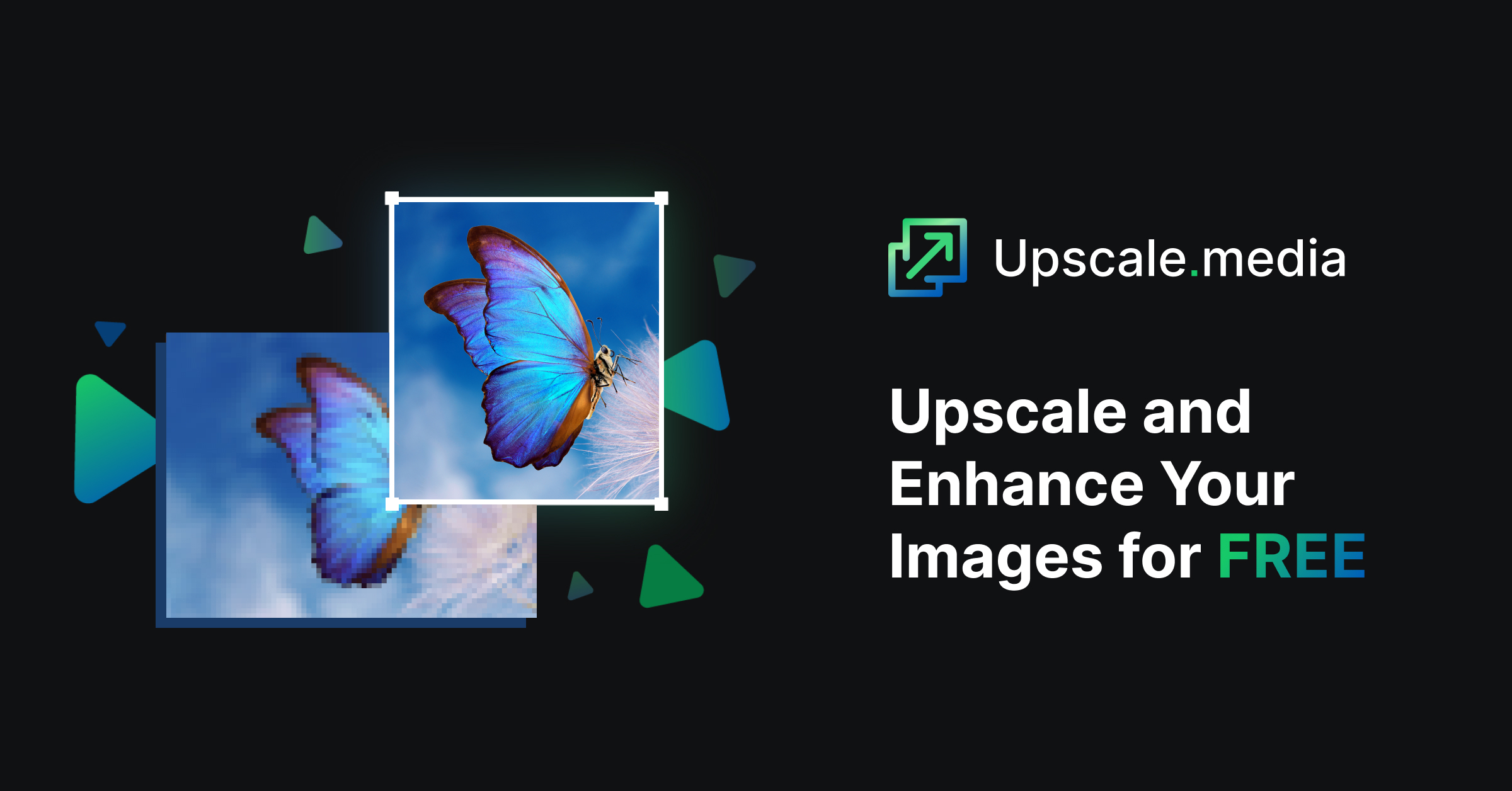
Photo Upscaler AI is a web tool built around a single job: taking a small, soft or pixelated image and returning a larger, cleaner version of it. The workflow is deliberately minimal. A visitor uploads a JPG, PNG, WEBP or HEIC file, or pastes a public HTTPS image URL, and the service processes it automatically. There are no layers, masks or adjustment panels to learn, and the site leans on that simplicity rather than positioning itself as a full editor. The intended audience is broad. E-commerce sellers use it to sharpen product shots before they go onto a storefront. Photographers and digital artists use it to recover detail from older or lower-resolution files. The homepage also calls out two specific niches: restoring faded family photos and enlarging anime illustrations while keeping the line work and style intact. Prints, social visuals and marketing assets are the other common destinations. In practice the tool sits in front of a design program, not instead of one: the upscaled file is downloaded and then carried into whatever editor, store or print pipeline the user already has. Mechanically, Photo Upscaler AI says it reconstructs missing detail instead of stretching pixels, the distinction the site draws between a conventional image enlarger and an AI upscaler. It claims to sharpen edges, cut blur and keep original textures and colour balance so results do not look overprocessed. Users can tweak how aggressive the enhancement is, and the marketing copy points to 8K output for printing or publishing, plus 4K enhancement. Among upscalers, it competes on accessibility and price rather than on studio-grade controls. The homepage advertises free processing, a daily allowance of attempts (the upload panel shows a count of free attempts remaining), and browser access across devices. Pricing tiers beyond the free allowance are not spelled out on the page.
Free use is built in rather than time-limited: the upload panel shows a number of free attempts remaining today, which replenishes daily.
Learn moreThe tool is free to use with a daily cap on attempts (the upload panel displays a remaining count). The homepage references paid plans and daily deals but does not publish prices or what each tier includes.
Learn moreUpload, drag and drop or URL-based image input for JPG, PNG, WEBP and HEIC. AI enhancement that sharpens detail, reduces blur and aims for up to 8K output while preserving texture and colour. Adjustable enhancement strength. Before and after comparison on results. Browser-based access with no software install.
 AI Angels400+ customizable AI girlfriends for NSFW chat, voice calls, and roleplay
 Candy AIExperience the future of companionship with AI friends who chat, role-play, and connect with you on a human level.
 ourdream.aiA vast AI roleplay platform with millions of characters for chat, images, video and voiceAI Angels400+ customizable AI girlfriends for NSFW chat, voice calls, and roleplayCandy AIExperience the future of companionship with AI friends who chat, role-play, and connect with you on a human level.ourdream.aiA vast AI roleplay platform with millions of characters for chat, images, video and voice