Free trial
No time-limited trial is described. Instead, anyone who registers receives 5 free credits every month, which covers five upscales at 2x or 4x.
Learn moreBrowser-based AI upscaling of images up to 16K
Own ImageUpscaler? Verify ownership to get a dofollow link

ImageUpscaler is a 4K upscale tool. An online AI upscaler that enlarges images by 2x, 4x, 6x or 8x, reaching up to 16K resolution in under a minute. It handles JPG, PNG, WEBP and BMP files, includes a basic post-upscale editor and batch downloads, and gives registered users 5 free credits per month.
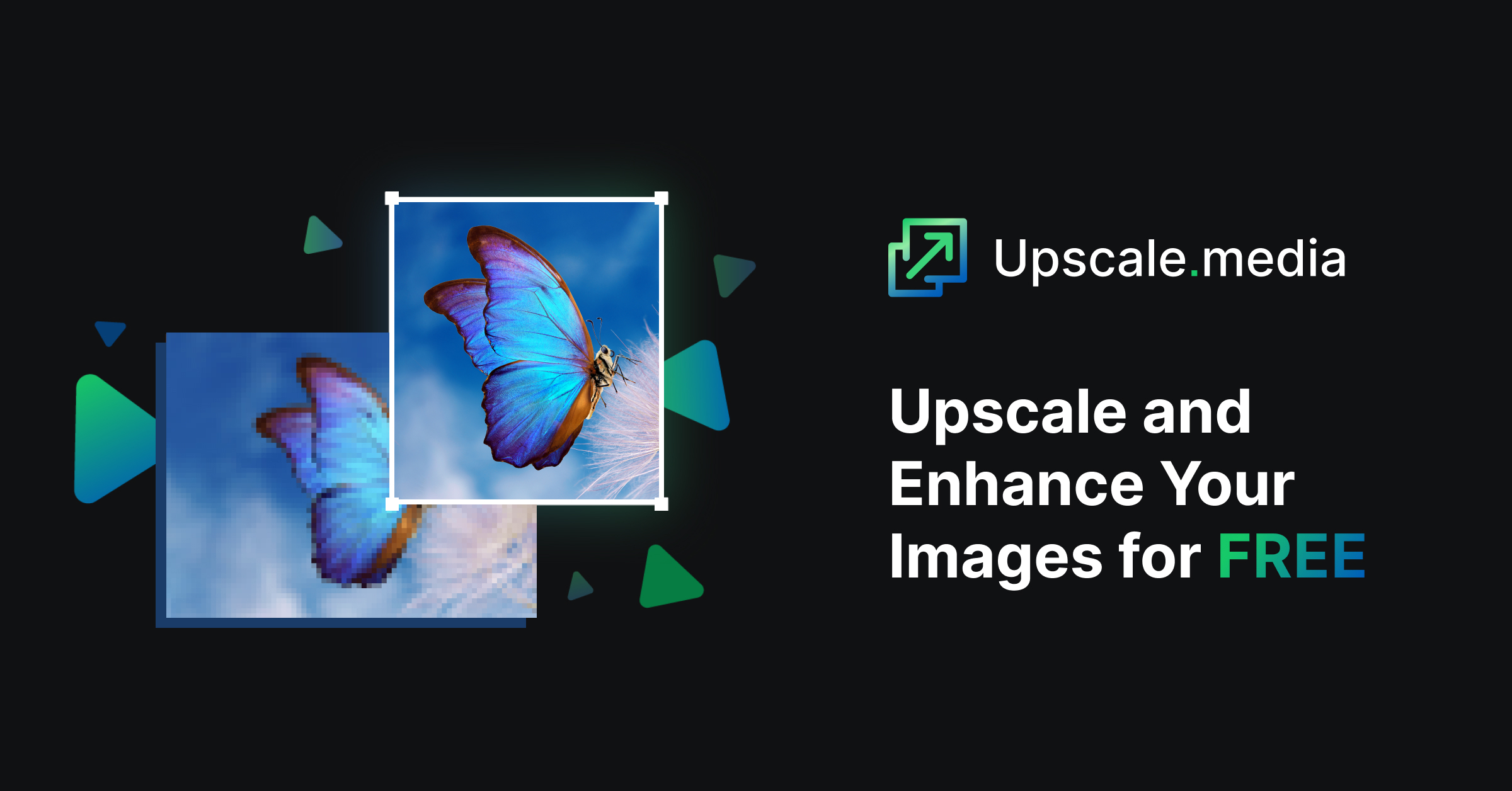
ImageUpscaler is a web tool built around one job: taking a small or soft image and rebuilding it at a much larger resolution. The upscale page accepts JPG, JPEG, PNG, WEBP and BMP files up to 30MB, runs an AI model that generates new pixel data rather than stretching the original, and returns a sharper file in roughly 10 to 40 seconds. Output ceilings scale with the multiplier chosen: 2x tops out around 4K, 4x around 8K, with 6x and 8x reaching 12K and 16K for subscribers. Anything larger than 2000 by 2000 pixels is first shrunk down to that size before the enlargement runs, which is worth knowing before uploading a big source file. In practice the workflow is deliberately short. You add a file, pick a multiplier, wait, then optionally open an editor to crop, rotate, flip, adjust colours, apply filters, stamp a watermark or annotation, or type in exact target dimensions. Batch uploads sit in a table with per-file status and a download-all control. Results tend to be strongest on synthetic and graphic content: logos, cartoon and anime frames, computer graphics and AI-generated images. The site is candid that photos which have already been upscaled once will fare worse on a second pass, and it recommends running blurry photos through its separate deblurring tool before enlarging them. A FacePro 8x option is marketed for portraits, and sample galleries cover product shots, billboards and print work. The audience is broad by design. Photographers, designers and marketers use it to rescue low-resolution assets, e-commerce sellers use it for cleaner product photos, and the page also lists security footage, telescope images, medical scans, textbook material and large-format printing as target cases. Personal use (old family photos, wallpapers for high-resolution screens) is just as valid. Against alternatives, ImageUpscaler competes on free access and resolution headroom rather than on a deep editing suite. Registered accounts get 5 credits a month at no cost, paid tiers start at $9.90 for 50 images, and the tool sits in a family of single-purpose utilities (enhance, JPEG artifact removal, image enlarger, deblurring) that you combine by hand. Buyers who need one integrated editor, native desktop software or API access will not find it here.
No time-limited trial is described. Instead, anyone who registers receives 5 free credits every month, which covers five upscales at 2x or 4x.
Learn moreRegistered users get 5 free credits per month, described as 5 images monthly. Paid plans are Starter at $9.90 per month for 50 images, Premium at $25 per month for 500 images with priority queue, and Premium Plus at $29 per month for 1000 images with priority queue. All three paid tiers are ad-free.
Learn moreAI upscaling at 2x, 4x, 6x and 8x with output up to 16K, batch uploads with per-file status, a download-all control, and a built-in editor for cropping, rotating, flipping, colour adjustment, filters, watermarks, annotations and exact dimension entry. Accepts JPG, JPEG, PNG, WEBP and BMP up to 30MB. A FacePro 8x mode targets portraits.
 AI Angels400+ customizable AI girlfriends for NSFW chat, voice calls, and roleplay
 Candy AIExperience the future of companionship with AI friends who chat, role-play, and connect with you on a human level.
 ourdream.aiA vast AI roleplay platform with millions of characters for chat, images, video and voiceAI Angels400+ customizable AI girlfriends for NSFW chat, voice calls, and roleplayCandy AIExperience the future of companionship with AI friends who chat, role-play, and connect with you on a human level.ourdream.aiA vast AI roleplay platform with millions of characters for chat, images, video and voice