Integrations
Actions connect agents to Slack, email, Google Sheets, Airtable, HubSpot, Attio, ClickUp, Todoist, Zapier and general APIs, so an agent can log records, send handoffs and trigger workflows.
Learn moreBuild AI agents, package them as products, and sell them through branded portals

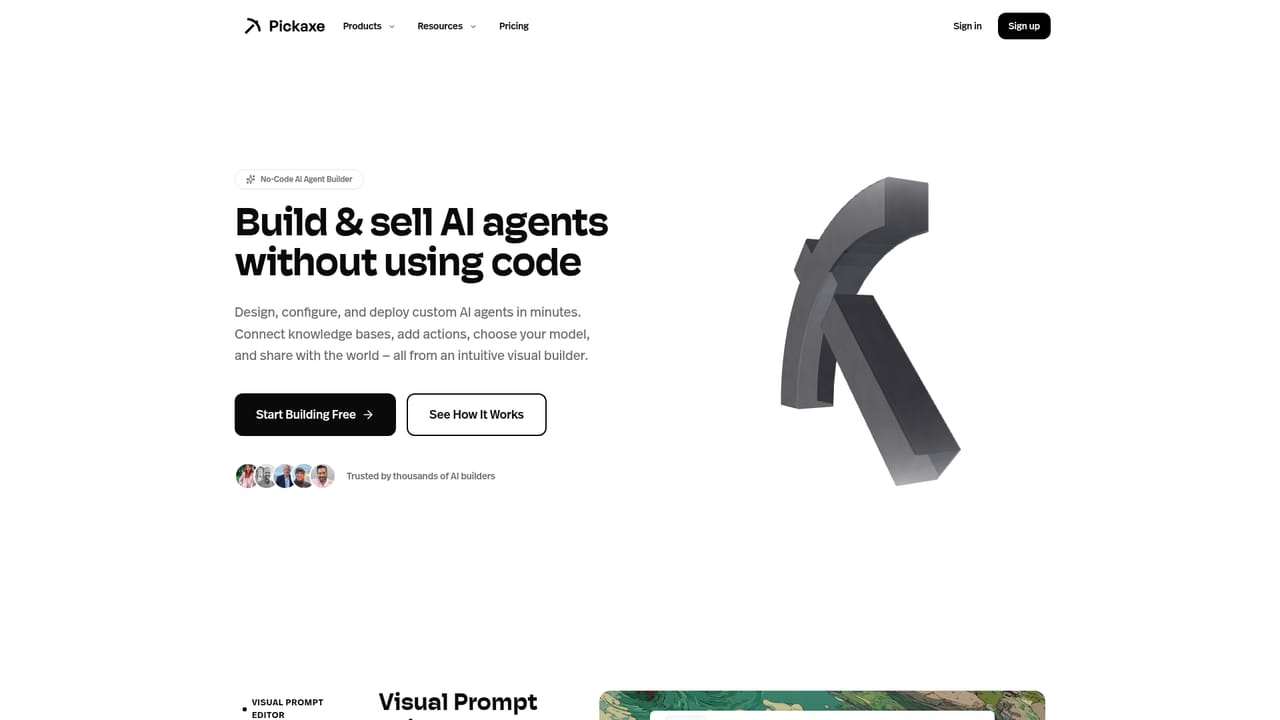
Pickaxe is an app creation tool that builds AI agents, package them as products, and sell them through branded portals. Pickaxe is a no-code builder for AI agents that can be packaged into branded portals and sold, with billing, access control and usage tracking included.
Pickaxe is a no-code environment for assembling AI agents and turning them into sellable products. The homepage frames it as a kind of Shopify for agent-powered businesses: you define what the agent does, feed it knowledge, connect it to outside services through Actions, then wrap the whole thing in a branded portal with billing, access control and usage tracking already wired in. The builder is aimed at people who have expertise but not an engineering team. Coaches, consultants, agencies, course creators and small software shops all appear in the published customer stories, with examples ranging from a USMLE exam practice generator to a wellness companion app and a real estate marketing workflow. A prompt-driven starting point lets a builder describe the tool they want in plain language and get a first draft, and a template library covers common patterns such as lead qualification, client intake, support escalation and internal knowledge search. In practice the work splits into three layers. The agent layer holds the model choice, instructions and reference material. The Actions layer handles the outside world, pushing results into Google Sheets, Airtable, Slack, email, CRM records or a Zapier workflow. The delivery layer decides where the finished tool lives: a shareable link, an embed, a Slack bot or a full portal with its own look and user management. Because billing and access control sit at the portal level, a builder can charge for access without stitching together a payment processor and a separate login system. The result competes less with raw chat interfaces and more with custom development. Anyone weighing a bespoke RAG build or a hand-rolled client portal will find the appeal in speed and packaging rather than depth. Teams with unusual compliance needs or highly custom data pipelines should check fit first, since the platform is opinionated about how agents are assembled and delivered.
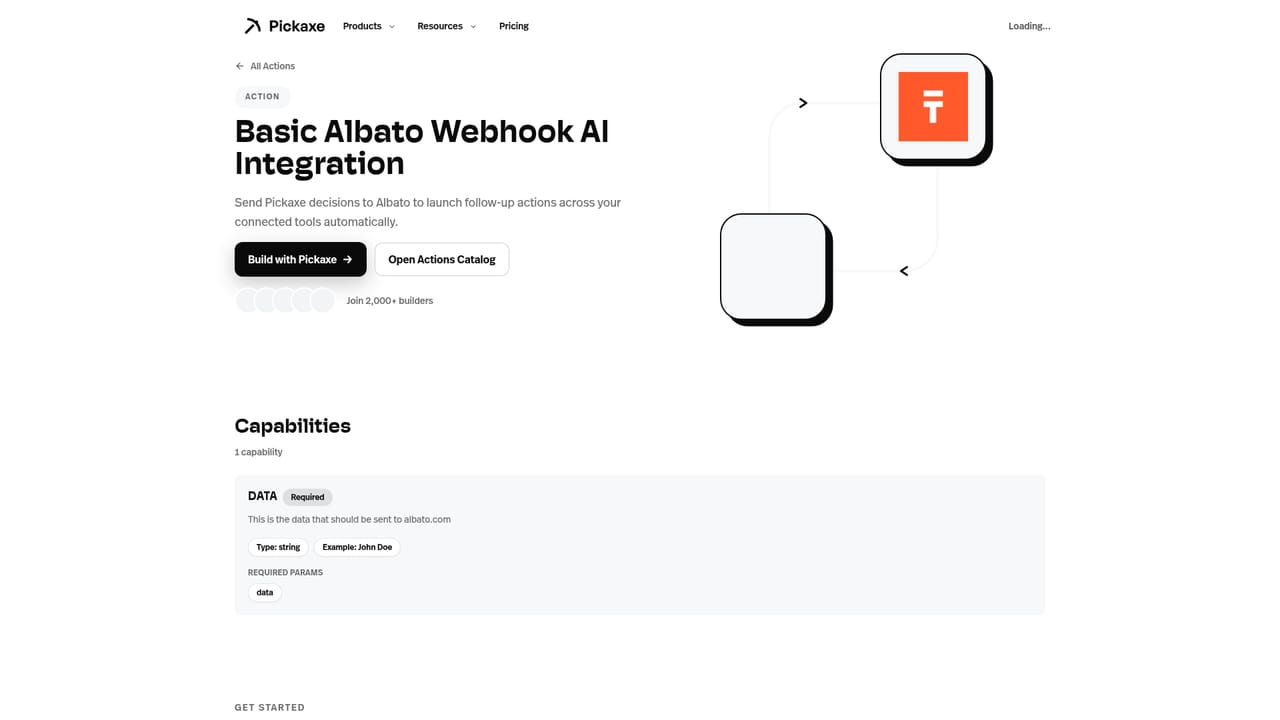
Actions connect agents to Slack, email, Google Sheets, Airtable, HubSpot, Attio, ClickUp, Todoist, Zapier and general APIs, so an agent can log records, send handoffs and trigger workflows.
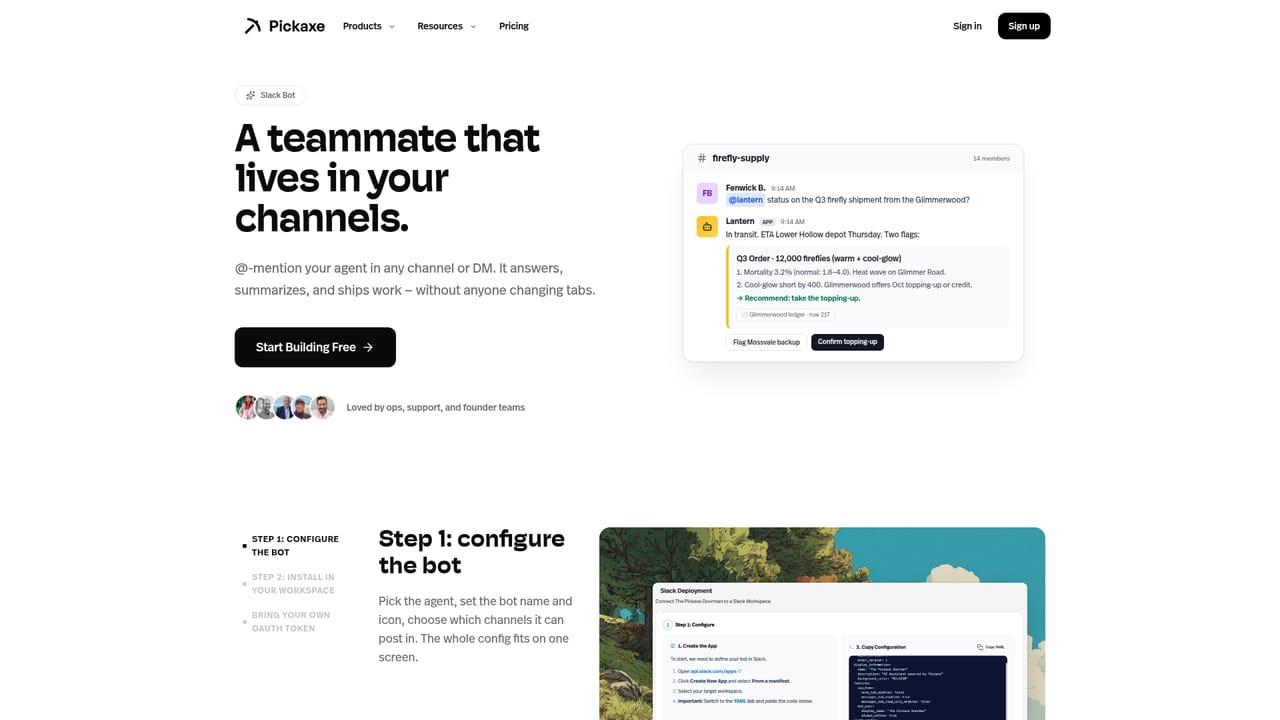
Learn moreA no-code agent builder with model selection, knowledge and instructions, plus Actions that push results into Slack, email, Google Sheets, Airtable, CRM tools and Zapier. Agents can be delivered as links, embeds or Slack bots, or grouped into branded AI portals with billing, access control and usage tracking. Prompt-based starting points and templates cover sales, support, coaching, education and internal knowledge use cases.
Learn more AI Angels400+ customizable AI girlfriends for NSFW chat, voice calls, and roleplay
 Candy AIExperience the future of companionship with AI friends who chat, role-play, and connect with you on a human level.
 ourdream.aiA vast AI roleplay platform with millions of characters for chat, images, video and voiceAI Angels400+ customizable AI girlfriends for NSFW chat, voice calls, and roleplayCandy AIExperience the future of companionship with AI friends who chat, role-play, and connect with you on a human level.ourdream.aiA vast AI roleplay platform with millions of characters for chat, images, video and voice


