PicText

Click the words in a finished image, type new text, and let AI rebuild the rest.

Beginner
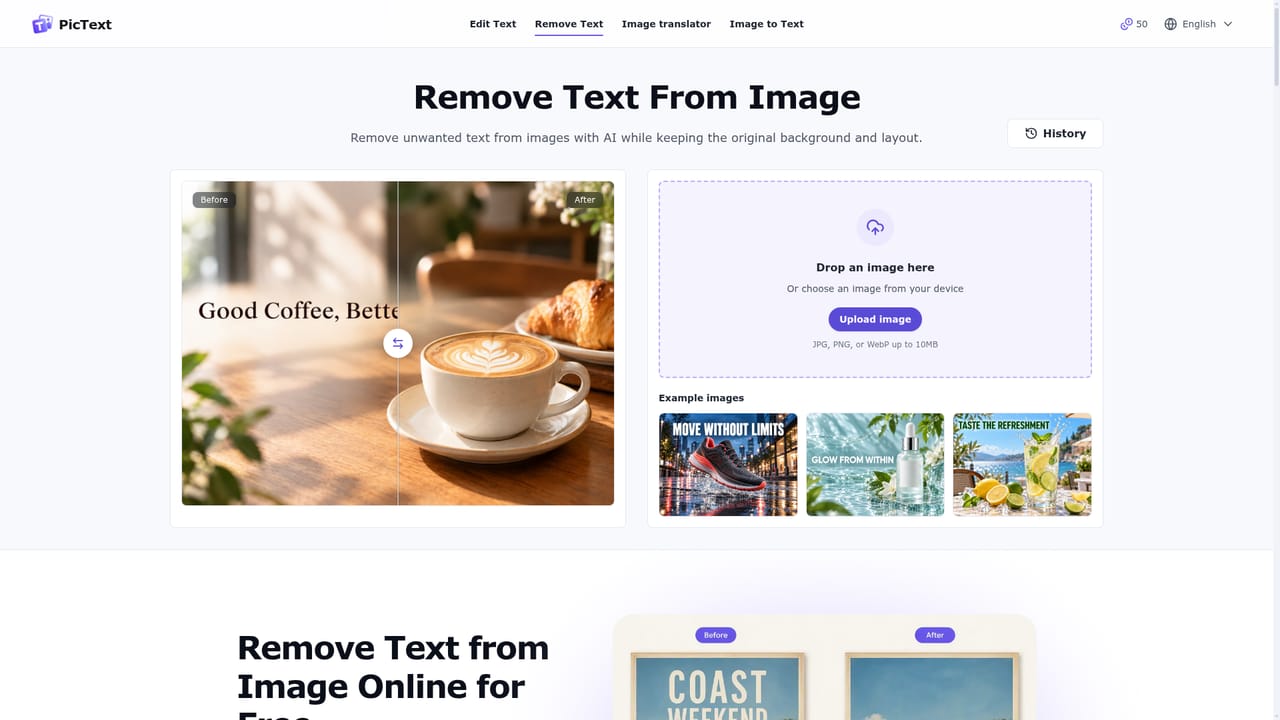
Screenshot of PicText, Click the words in a finished image, type new text, and let AI rebuild the rest

What is PicText?

PicText is a browser based AI tool that lets users click on text inside a finished image, retype it, and have the AI rebuild that area to match the original style, with added tools for text removal and image translation.

PicText is a browser based editor built around a narrow but common problem: the design file is gone, but the picture still needs a text change. Instead of recreating a banner, screenshot, or product shot from scratch, users upload the finished image, click directly on the words that need to change, type the replacement, and the AI reconstructs that region so the new text follows the original style and sits naturally against the background. The tool is aimed at people who need quick corrections rather than full creative control: marketers updating a price or date on a promo graphic, e-commerce sellers refreshing product labels, support teams fixing an outdated menu name in a tutorial screenshot, or anyone catching a typo in an image that has already shipped. Because the whole process happens in the browser with no software to install, it fits into a fast publish-and-correct workflow rather than a design pipeline. In practice, the steps are upload, click, type, and download. There is no layer management, no masking, and no timeline, so the learning curve is close to zero. Alongside its core text replacement feature, PicText also offers dedicated tools for removing text entirely and for translating the text inside an image, which extends its use beyond simple corrections into localization and cleanup work. Compared to full design suites that bury text editing under dozens of other tools, PicText positions itself as a single purpose utility. That focus makes it faster for small, specific edits, though it also means it is not a substitute for a complete photo or graphic design application when more substantial changes are needed.
How do you use PicText?

  1. 1Upload the image you want to edit
    Drag in a JPG, PNG, or WebP file, or paste a screenshot straight from the clipboard. The entire workflow runs in the browser, so nothing needs to be installed first.
    PicText — Upload the image you want to edit
  2. 2Select the text to change
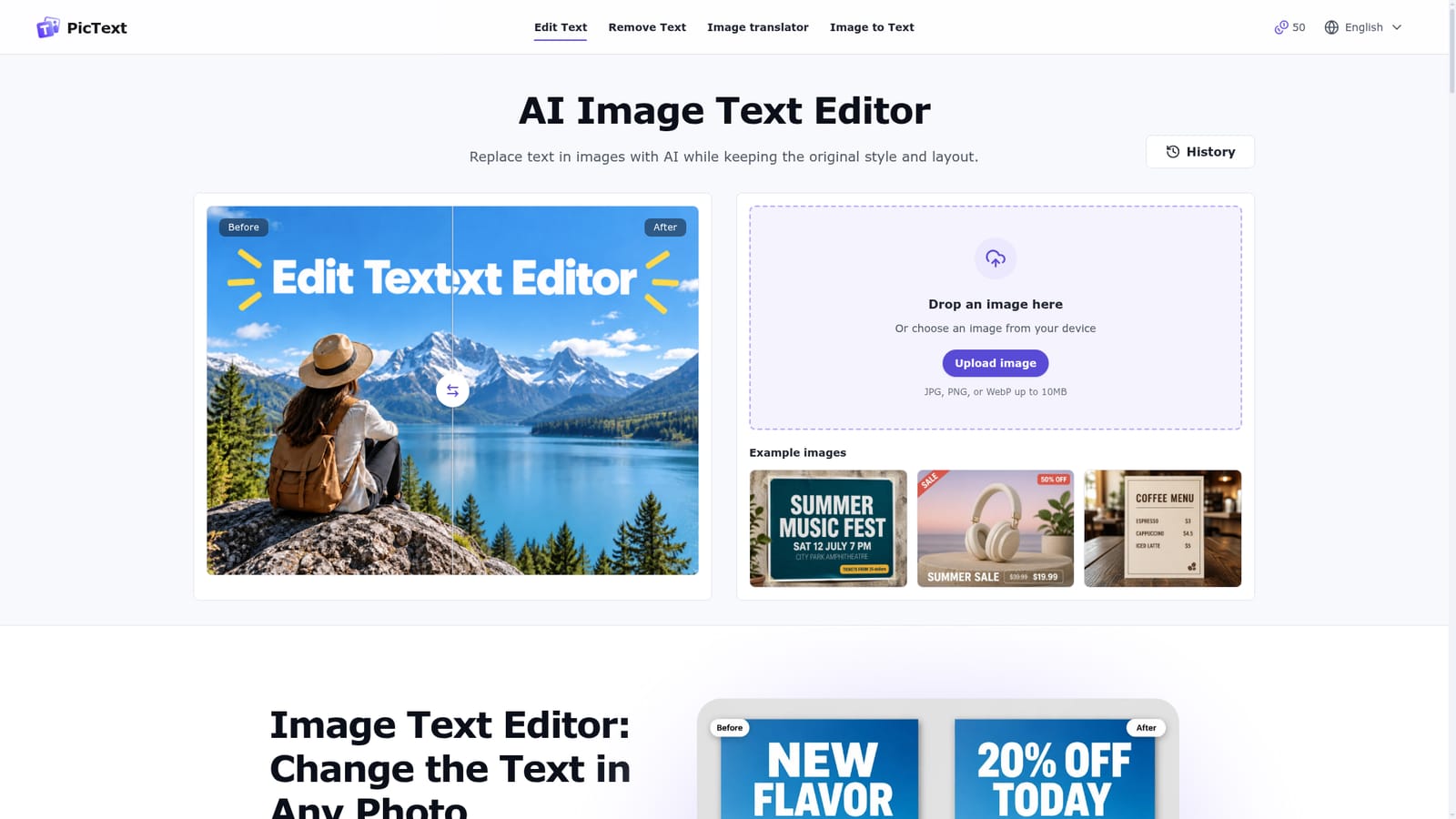
    PicText highlights the text areas it can read inside the uploaded image. Click on the specific words that need to be replaced.
    PicText — Select the text to change
  3. 3Type the new wording
    Enter the replacement text and let the AI rebuild that section of the image so it matches the surrounding style and placement.
  4. 4Preview and download the result
    Check the edited image against the original, then download the finished file to use in a campaign, document, or post.
  5. 5Try text removal or translation if needed
    For images where text should be erased instead of replaced, or translated into another language, use the dedicated remove text or translator tools.
    PicText — Try text removal or translation if needed

Pros and cons

Pros

  • Edits text directly inside a finished image without needing the original design fileAI
  • Runs fully in the browser with no installation required on any deviceAI
  • Offers a free daily credit allowance so the workflow can be tested before payingAI
  • Also includes dedicated text removal and image translation tools in the same productAI
  • Interface is available in eight languages, widening access for non-English speakersAI

Cons

  • Quality of the blended result depends heavily on image resolution and clarity, per the homepage itselfAI
  • No desktop or mobile app is mentioned, so offline or native device use is not supportedAI
  • Homepage does not disclose any paid plan details beyond the free daily credit systemAI
  • No mention of an API, batch processing, or team collaboration features for larger workflowsAI

How much does PicText cost?

Free trial

Users get a free daily credit allowance that resets each day, allowing repeated use of the editor without a subscription or upfront payment.

Learn more

Pricing

The homepage states PicText offers a free daily allowance of credits that resets every day, letting users try the full workflow before committing to anything. No specific paid plan pricing is disclosed on the page.

Learn more

Support

Support is reachable through a listed contact email. The homepage also includes a detailed FAQ section covering formats, storage, commercial use, and device compatibility.

Learn more

Features

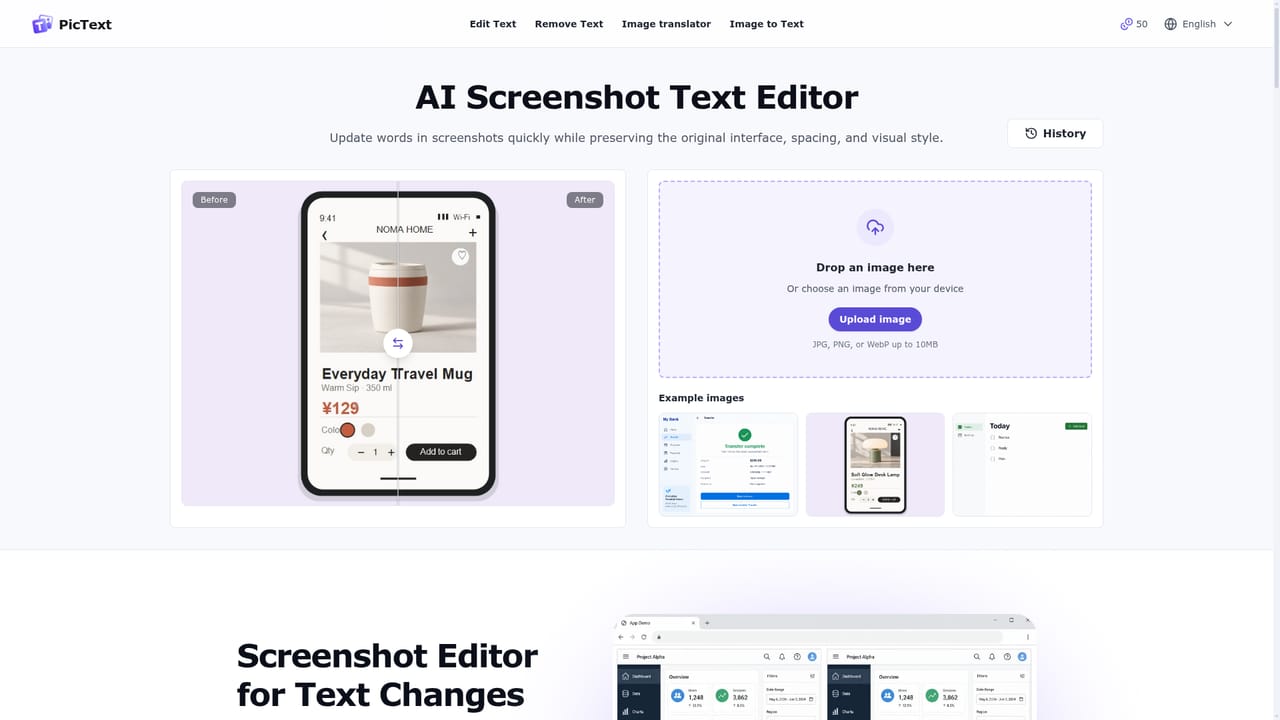
Core feature is AI based text replacement inside finished images while preserving style and layout. Also includes text removal, image translation, image to text extraction, and a dedicated screenshot editor, all run in the browser with an eight language interface.

Frequently asked questions about PicText

  • How much does PicText cost?
    The homepage states PicText offers a free daily allowance of credits that resets every day, letting users try the full workflow before committing to anything. No specific paid plan pricing is disclosed on the page.
  • Does PicText offer a free trial?
    Users get a free daily credit allowance that resets each day, allowing repeated use of the editor without a subscription or upfront payment.
  • How do you use PicText?
    The walkthrough on this page covers 5 steps: 1. Upload the image you want to edit 2. Select the text to change 3. Type the new wording 4. Preview and download the result 5. Try text removal or translation if needed.
  • What platforms does PicText support?
    PicText is available on Web App.
  • What are the limitations of PicText?
    Quality of the blended result depends heavily on image resolution and clarity, per the homepage itself. No desktop or mobile app is mentioned, so offline or native device use is not supported. Homepage does not disclose any paid plan details beyond the free daily credit system.

Status

StatusActive
Views0
Outbound clicks0
Added10/13/2026

Platforms

Web App

Pricing

FreemiumFree