Free trial
No separate trial is needed: the core converter is usable free without registration, subject to batch limits (reported as 3 or 10 images depending on the section of the page).
Learn moreFree OCR that turns photos, screenshots and scans into editable text
Own Picture To Text Converter? Verify ownership to get a dofollow link

Picture To Text Converter is an erase text from GIF tool. A free, no-install OCR tool that extracts editable text from images, screenshots, scans, PDFs and handwriting in over 20 languages, with batch uploads on paid plans and no stored files.
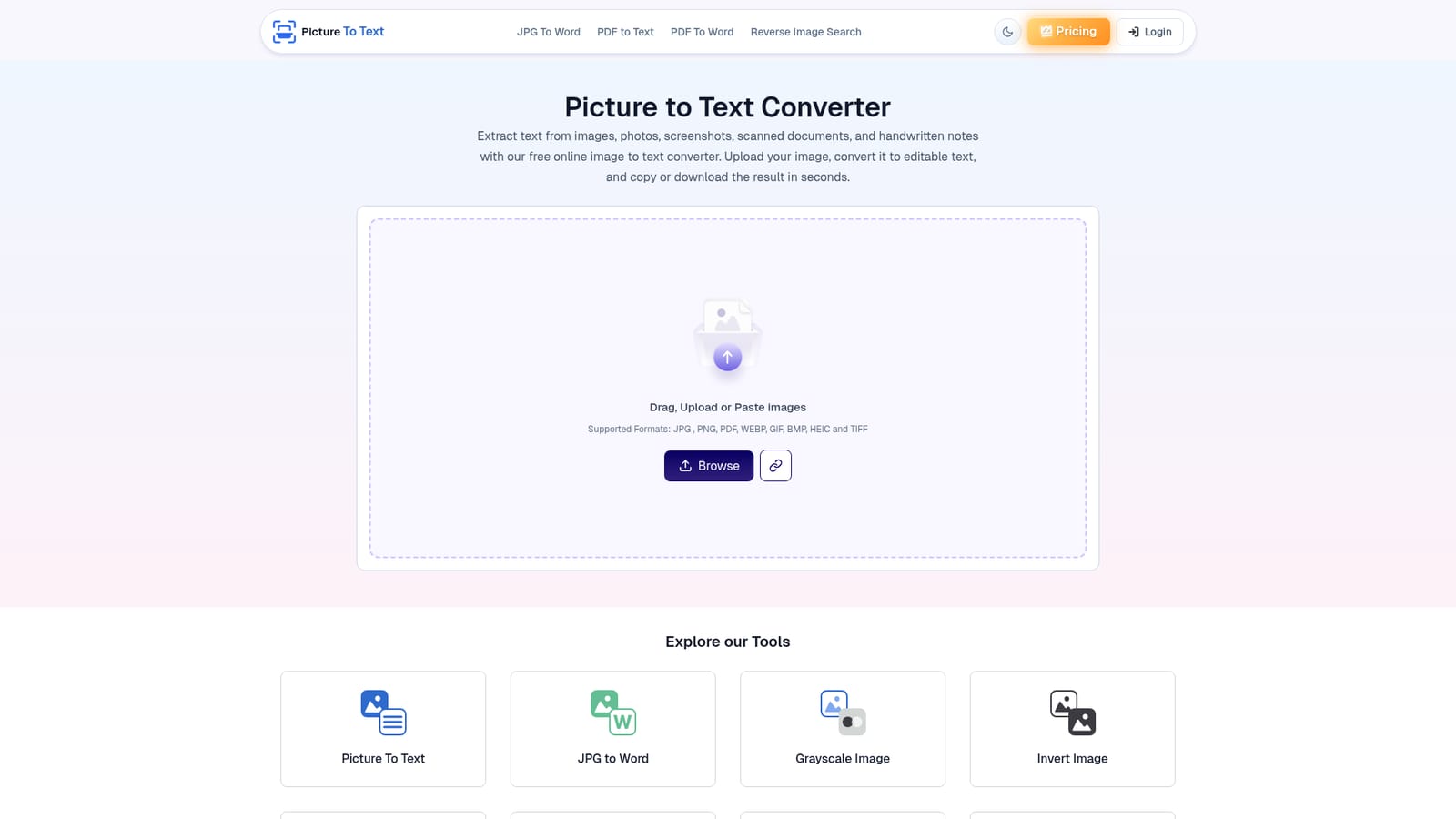
Picture To Text Converter is a browser based OCR utility that pulls editable, searchable text out of photographs, screenshots, scanned pages, PDFs and handwritten notes. The workflow is deliberately plain: drop a file into the upload box (or paste and drag it), press Convert, and the recognized text appears ready to copy to the clipboard or download as a TXT file. Accepted inputs include JPG, PNG, JPEG, GIF, JFIF, TIFF, BMP, WEBP, HEIF and HEIC, so phone photos and desktop scans can go through the same pipe without conversion first. Recognition runs on a mix of OCR for printed characters and ICR for handwriting, which is why the tool claims reasonable results on old books, blurry shots and messy notes rather than clean typeset pages only. Interfaces and recognition cover more than 20 languages, and the site ships localized versions for German, French, Spanish, Japanese, Korean, Arabic, Russian and several others. Batch handling scales with the plan: the free tier is described as allowing up to 3 images per upload in one part of the page and up to 10 in the FAQ, while premium accounts reach 50 files at a time. The audience is broad on purpose. Students digitize lecture notes, office workers turn contracts and invoices into searchable copy, researchers process scanned papers, journalists quote from photographed documents, and travelers read signboards and menus abroad. The vendor states that uploaded images and extracted text are not stored and are deleted after conversion, which matters for anyone handling confidential paperwork. Competitively, it sits with lightweight web OCR tools rather than full document suites: no installation, no account required for the free tier, and sibling utilities for JPG to Word, PDF to Text, Image to PDF and PDF to Word cover adjacent jobs. Teams that need structured exports, layout retention or API access will find it basic, but for quick one-off extractions it removes the manual retyping step entirely.
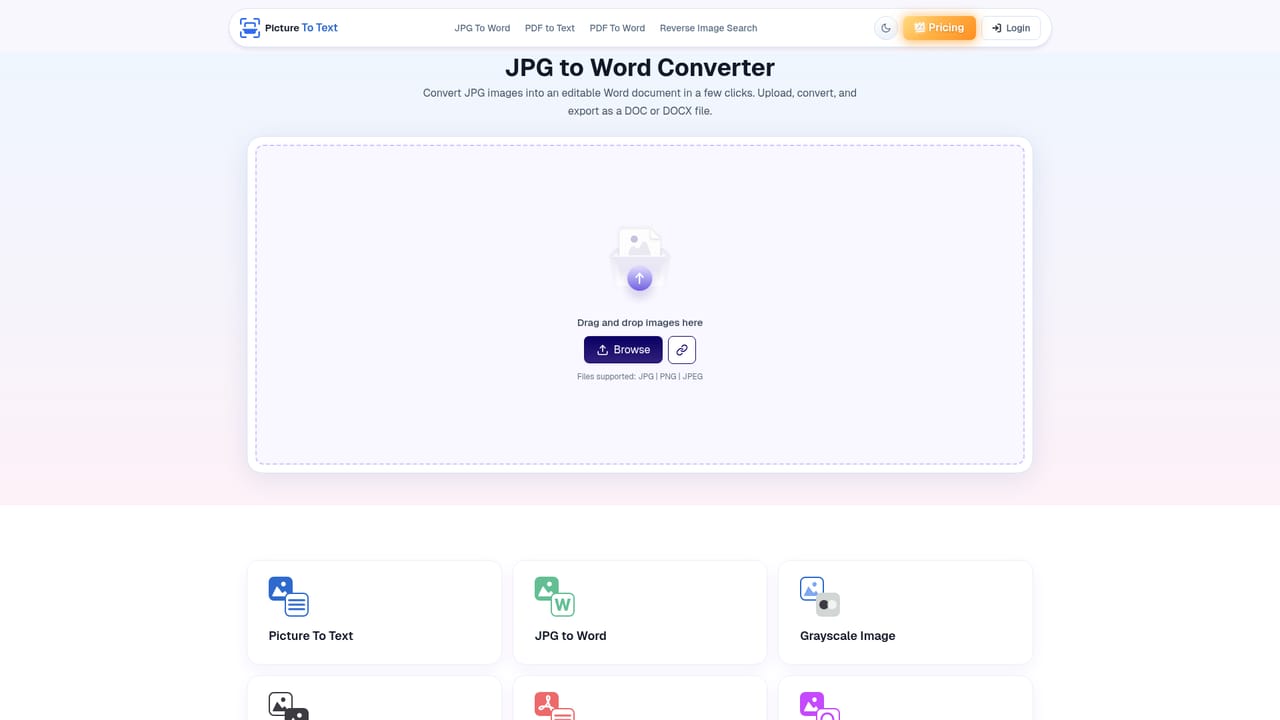
No separate trial is needed: the core converter is usable free without registration, subject to batch limits (reported as 3 or 10 images depending on the section of the page).
Learn moreThe page lists pricing as Free and Paid, with a premium version for batch processing and additional OCR features. Free users convert without registration; premium users can process up to 50 images at once. Exact prices and plan names are not stated on the homepage.
Learn moreNo help centre or contact channel is described on the homepage. A blog carries guides such as copying text from an image on iPhone and an explainer on OCR technology, and a feedback prompt appears after conversion.
Learn moreOCR and ICR extraction from images, screenshots, scans, PDFs and handwriting; support for JPG, PNG, PDF, WEBP, GIF, BMP, HEIC and TIFF; over 20 recognition languages; batch uploads with higher limits on premium; copy to clipboard or download as TXT; stated automatic deletion of uploaded files and results; companion tools for JPG to Word, PDF to Text, Image to PDF and PDF to Word.
 AI Angels400+ customizable AI girlfriends for NSFW chat, voice calls, and roleplay
 Candy AIExperience the future of companionship with AI friends who chat, role-play, and connect with you on a human level.
 ourdream.aiA vast AI roleplay platform with millions of characters for chat, images, video and voiceAI Angels400+ customizable AI girlfriends for NSFW chat, voice calls, and roleplayCandy AIExperience the future of companionship with AI friends who chat, role-play, and connect with you on a human level.ourdream.aiA vast AI roleplay platform with millions of characters for chat, images, video and voice