Free trial
No card based trial is described. The free tier provides 3 translations on signup (30 credits) and 10 daily credits, with watermark free export and the text editor included.
Learn moreTranslate text inside photos, menus and manga without losing the layout
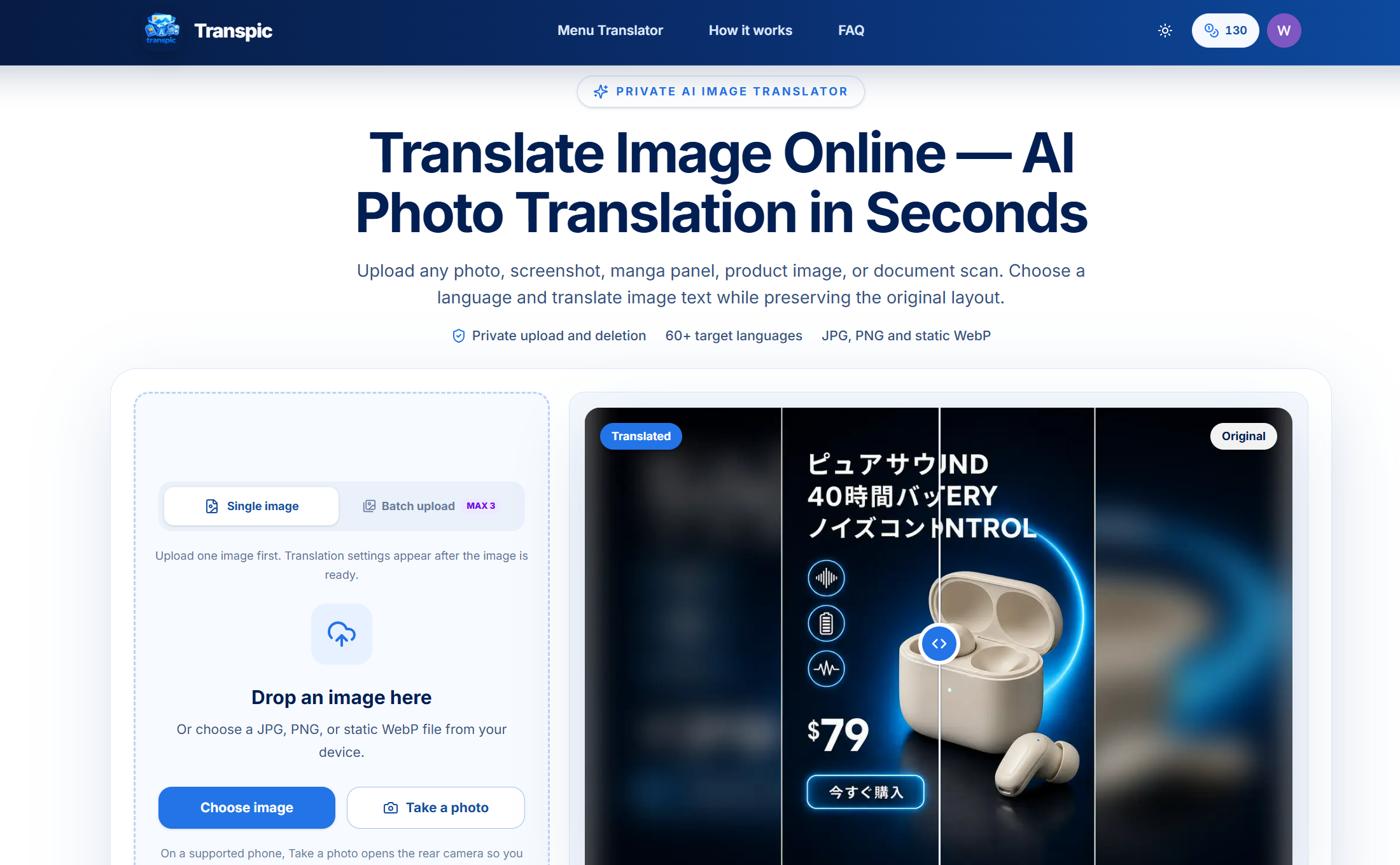
Transpic AI is an edit pictures tool that translates text inside photos, menus and manga without losing the layout. An AI image translator that swaps text inside photos, menus, manga panels and product graphics into one of 60+ languages while holding the original layout, with an editor for reviewing and adjusting each translated text block before export.
Transpic is a browser based image translator that rewrites the text inside a picture into another language while keeping the surrounding design intact. A photo of a restaurant menu, an app screenshot, a manga page, a product ad or a scanned table all go through the same pipeline: the service detects text regions, translates their meaning, and places the new wording back near the visual element it belongs to. Layout awareness is the core selling point. Dish prices stay beside the correct dish, speech bubbles stay with the right speaker, and table cells keep their rows and columns, so the result can be checked at a glance instead of cross referencing a separate block of copied text. The workflow is a guided browser sequence with no software to install. Users drop a JPG, PNG or static WebP file, pick a target language from more than 60 options, and choose a mode matched to the content: general for signs and posters, product for e commerce graphics, manga for comics, document for scans and screenshots. Batch upload, before and after comparison sliders, and an editor for wording, size, color and placement give a review step before export at the original dimensions. Processing runs on Gemini, DeepSeek, ChatGPT and Grok models, and files are handled through private storage with short lived access links rather than published as public assets. The tool suits localization freelancers, small e commerce sellers, manga scanlation readers, travelers deciphering menus, and analysts working with foreign language screenshots. It sits alongside cloud OCR tools and design suites: compared with OCR alone it preserves the picture, and compared with Photoshop style workflows it removes most of the manual retyping. Direct PDF and Word uploads are not supported, so documents must arrive as images. Exact per plan credit math and quality behavior for hard scripts are worth testing on your own files before committing to an annual plan.
No card based trial is described. The free tier provides 3 translations on signup (30 credits) and 10 daily credits, with watermark free export and the text editor included.
Learn moreFree tier gives 3 signup translations (30 credits) plus 10 daily credits that expire at 00:00 UTC, 3 images per batch and 1 target language. Starter is $9.90 per month billed yearly at $99, with 60,000 credits upfront, 20 images per batch and 2 languages. Pro runs $19.90 per month billed yearly at $199, with 144,000 credits upfront, 50 images per batch and 5 languages.
Learn moreLayout aware text detection keeps each translated phrase tied to its visual element. Review before download in an editor for wording, size, color and placement. Batch upload with ZIP export, four content modes (general, product, manga, document), custom instructions, 60+ target languages and output at the uploaded dimensions.
 AI Angels400+ customizable AI girlfriends for NSFW chat, voice calls, and roleplay
 Candy AIExperience the future of companionship with AI friends who chat, role-play, and connect with you on a human level.
 ourdream.aiA vast AI roleplay platform with millions of characters for chat, images, video and voiceAI Angels400+ customizable AI girlfriends for NSFW chat, voice calls, and roleplayCandy AIExperience the future of companionship with AI friends who chat, role-play, and connect with you on a human level.ourdream.aiA vast AI roleplay platform with millions of characters for chat, images, video and voice

.png)