BG Generator

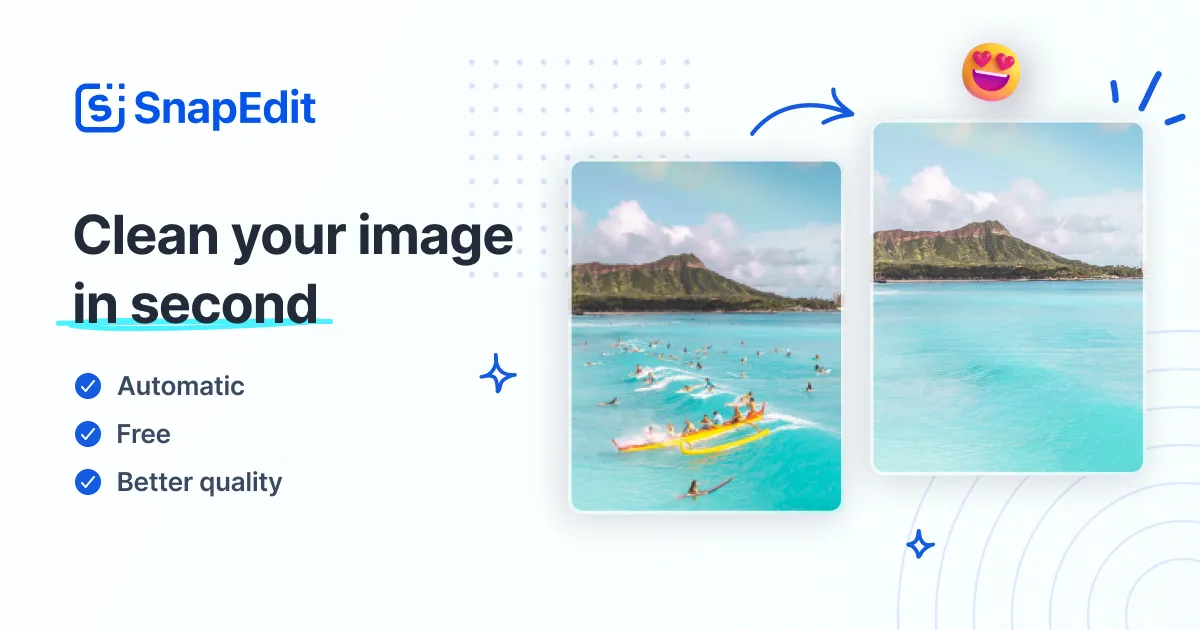
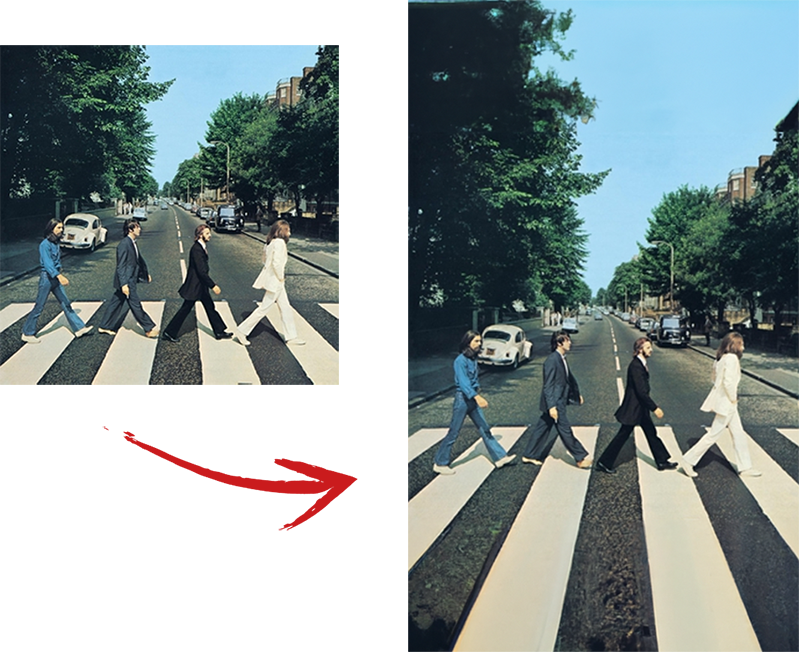
Offline Windows eraser that removes unwanted objects from photos with a small AI model

Beginner
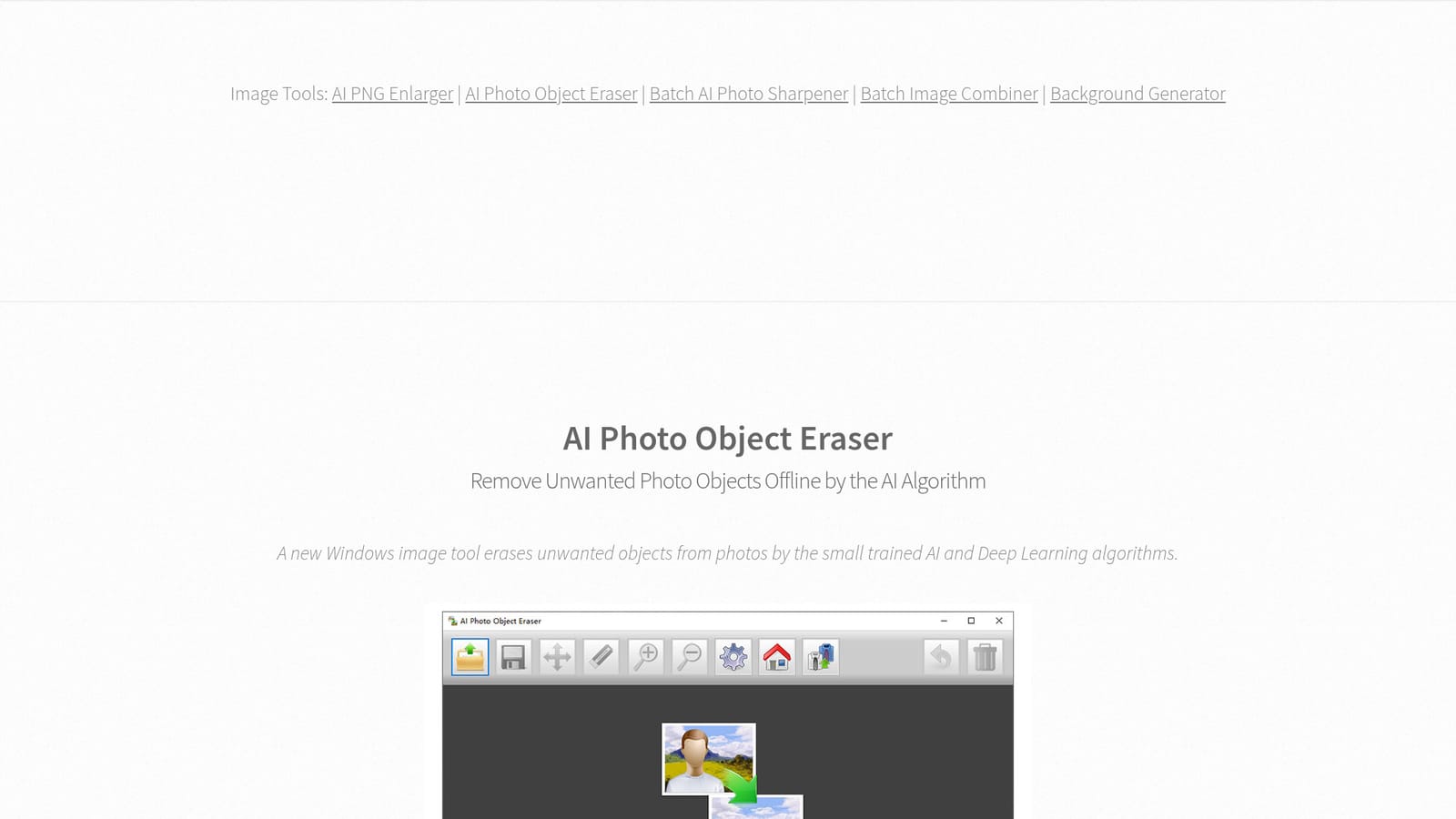
Screenshot of BG Generator, Offline Windows eraser that removes unwanted objects from photos with a small AI model

What is BG Generator?

BG Generator is a content aware fill tool. A lightweight offline Windows program that erases unwanted objects from JPG and PNG photos using a small built in AI model. It processes everything locally, handles transparent PNG files, includes Undo and Reset, and ships as a 32 MB installer or a portable ZIP.

AI Photo Object Eraser is a Windows desktop program built for one narrow job: taking an unwanted element out of a photo and reconstructing what was behind it. The removal is handled by a compact trained AI and Deep Learning algorithm that ships inside the installer rather than running in a browser tab. The download is 32 MB, a portable ZIP build is offered at 48 MB, and the program asks for .NET Framework 4.7.1 or higher on Windows 7 SP1 through Windows 11, in both 32 and 64 bit editions. The defining choice here is offline operation. Nothing is uploaded and no internet connection is required, so every edit happens locally on the machine. That puts the tool in a different bracket from browser based object removers, which are usually stronger on hard reconstructions but require handing the file to a server. The trade is deliberate: a small model that runs fast and consumes little system resources, positioned to stay smooth even on lower specification computers. The same logic shows up in the disk footprint and in the absence of any account or cloud library. In practice the workflow is a brush and erase loop. The page's own advice is to start with the smaller objects before the larger ones, to experiment with erasing big blocks versus building up small ones gradually, and to adjust the zoom ratio before painting over anything. JPG and standard PNG are supported, and so is transparent PNG, which matters because naive processing tends to flatten or dirty an alpha channel; here transparency and image quality are meant to survive the pass. Undo and Reset are present, which is necessary given how iterative the erase and compare cycle becomes. It suits Windows users with modest hardware who want quick cleanups of clutter, stray objects or small blemishes, and who would rather not create an account to do it. Anyone needing intricate inpainting on complex scenes should expect the small model to hit its ceiling. The same publisher offers an AI PNG Enlarger, a Batch AI Photo Sharpener and a Batch Image Combiner, and bundles the set as an AI Image Toolkit for $49.95.

How do you use BG Generator?

  1. 1Download the installer or the portable build
    Grab the 32 MB Windows installer, or the 48 MB ZIP if you prefer a version that runs without installing. Check that .NET Framework 4.7.1 or higher is present on the machine first.
    BG Generator — Download the installer or the portable build
  2. 2Open a photo
    Load the JPG or PNG you want to clean up. Transparent PNG files are accepted, so images with cut out backgrounds can be edited without losing their alpha channel.
  3. 3Zoom in before you erase
    The publisher recommends adjusting the zoom ratio before painting over anything. Working closer makes it easier to cover only the object and leave the surrounding pixels untouched.
  4. 4Brush over the object, smallest first
    Paint across the unwanted element and let the local AI model fill in the gap. Start with the small items and move to the large ones, and try both broad strokes and gradual small passes to see which reconstructs better.
  5. 5Undo, compare and reset
    Use Undo when a fill looks wrong and Reset to return to the untouched original. Several attempts on the same area are normal, so compare each result against the source before saving.
  6. 6Export and try the companion tools
    Save the finished image in its original format. If the photo also needs upscaling or sharpening, the publisher offers an AI PNG Enlarger and a Batch AI Photo Sharpener as separate downloads.
    BG Generator — Export and try the companion tools

Pros and cons

Pros

  • Entirely offline: photos are never uploaded and no internet connection is required, which keeps image privacy intactAI
  • Very small footprint for an AI tool, with a 32 MB installer and low system resource use on modest hardwareAI
  • Handles transparent PNG alongside JPG and standard PNG without flattening the alpha channelAI
  • Undo and Reset controls make the trial and error erase loop practicalAI
  • Portable ZIP build runs without a formal installation, useful on locked down or shared machinesAI

Cons

  • Windows only, so macOS, Linux and mobile users are excluded entirelyAI
  • A small model will struggle with dense or complicated backgrounds where a larger cloud model reconstructs more convincinglyAI
  • No batch processing is described: each photo is handled one at a timeAI
  • Requires the separate .NET Framework 4.7.1 runtime, which can be a hurdle on older or freshly reset systemsAI
  • Freeform brush erasing demands manual judgement, so results vary by user and by imageAI

How much does BG Generator cost?

Pricing

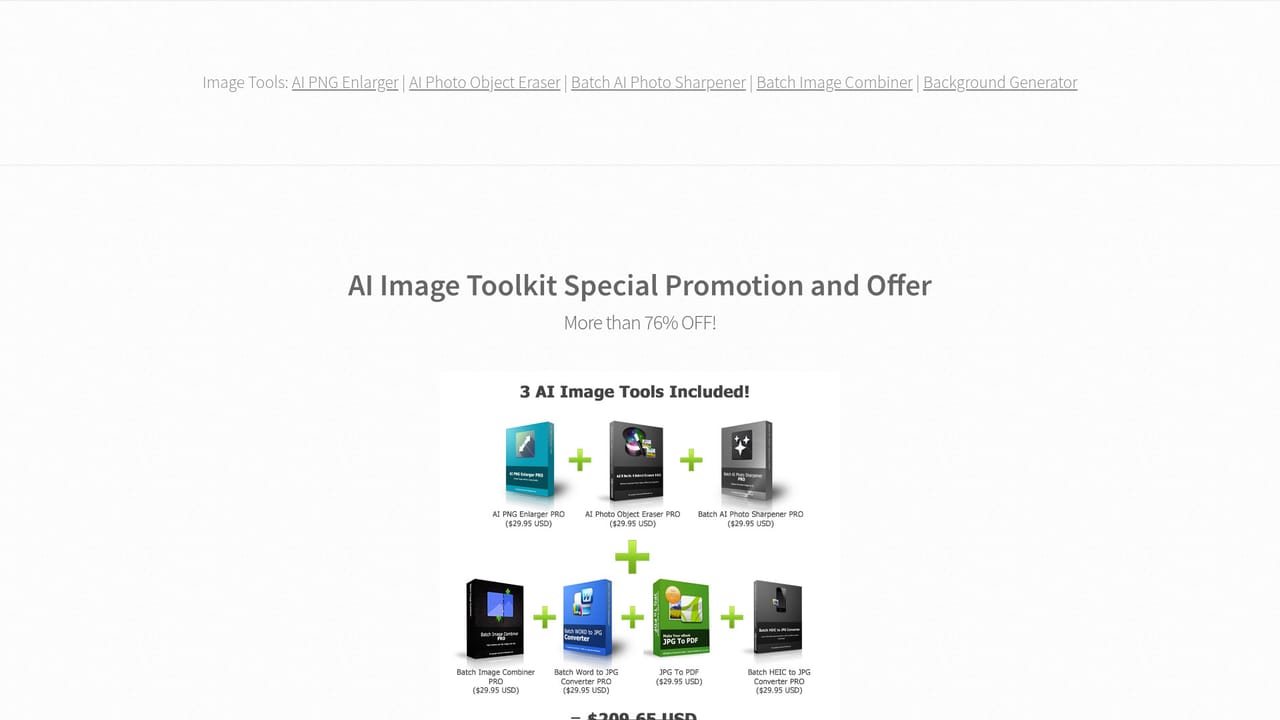
The program is listed as Freemium and is free to download, with the AI Image Toolkit bundle (which groups the publisher's image tools) promoted at $49.95 USD, marked as 72 percent off. The homepage does not break down what the paid tier unlocks inside the eraser itself.

Learn more

Support

Questions about the software are handled by email at admin@bggenerator.com; there is no live chat or ticket portal mentioned on the page.

Features

Local offline object removal powered by a small trained AI and Deep Learning model. Supports JPG, PNG and transparent PNG, with Undo and Reset for iterative edits. The 32 MB installer runs on Windows 7 SP1 and later (32 and 64 bit), needs .NET Framework 4.7.1 or higher, and a 48 MB portable ZIP is available. The interface is localized into 17 languages.

Frequently asked questions about BG Generator

  • How much does BG Generator cost?
    The program is listed as Freemium and is free to download, with the AI Image Toolkit bundle (which groups the publisher's image tools) promoted at $49.95 USD, marked as 72 percent off. The homepage does not break down what the paid tier unlocks inside the eraser itself.
  • How do you use BG Generator?
    The walkthrough on this page covers 6 steps: 1. Download the installer or the portable build 2. Open a photo 3. Zoom in before you erase 4. Brush over the object, smallest first 5. Undo, compare and reset 6. Export and try the companion tools.
  • What platforms does BG Generator support?
    BG Generator is available on Windows.
  • What are the limitations of BG Generator?
    Windows only, so macOS, Linux and mobile users are excluded entirely. A small model will struggle with dense or complicated backgrounds where a larger cloud model reconstructs more convincingly. No batch processing is described: each photo is handled one at a time.

Status

StatusActive
Views0
Outbound clicks0
Added10/21/2026

Platforms

Windows

Pricing

FreemiumPaid