Free trial
Three text generations per day are available free and no credit card is required to start.
Learn moreTurn a plain brief into a wordless story built from emojis
Own Edyt.ai Emoji Story Generator? Verify ownership to get a dofollow link

Edyt.ai Emoji Story Generator is an emoji translation tool that turns a plain brief into a wordless story built from emojis. A browser tool from Edyt.ai that turns a written prompt into a short story told entirely in emoji sequences, aimed at social posts, chat gags, classroom exercises and visual puzzles.
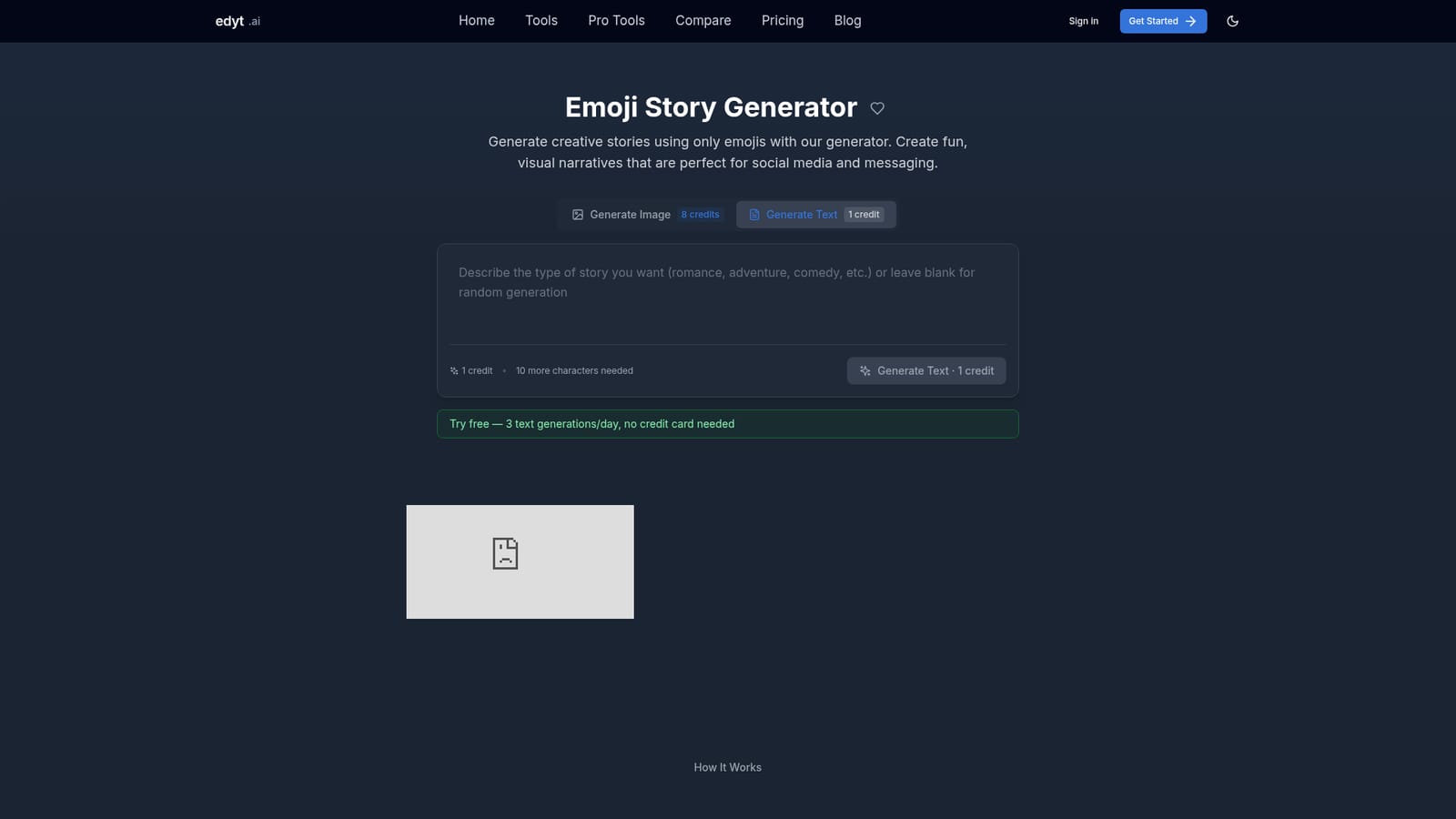
Edyt.ai Emoji Story Generator is a browser based tool that converts a written description into a narrative told entirely with emoji sequences. Instead of drafting prose, the user supplies a prompt describing the story they have in mind, and the model returns a string of symbols that reads as a beginning, middle and end. The site positions the output for social posts and chat threads, where a compact row of pictograms can carry a joke, a romance beat or a small adventure without a single word. The page leans heavily on genre framing. Examples are grouped into romance, adventure, comedy and drama, each with short annotated sequences such as a rocket, planet and alien for a space story, or a heartbreak arc that moves from tears to a love letter to reunion. That library doubles as a teaching device: the site explains plot structure, character casting with person emojis, setting through location and weather symbols, and mood through sparkles and weather icons. Writers who want a template rather than a blank prompt can lift a pattern and adjust it. The practical workflow is thin by design. Describe the vision, generate, then copy or edit the sequence and regenerate if the first pass misses. Because the result is only a handful of characters, most of the real work happens after generation: choosing which symbol best conveys a beat and trimming anything that muddies the flow. It suits social media creators, teachers working on visual literacy, roleplayers, and anyone making a quick visual gag for a group chat. Among Edyt's sibling tools it is the lightest: the story idea and character backstory generators produce long prose, while this one produces a compact visual artifact, so it complements rather than replaces them. Expect a fast, low cost utility on the Edyt platform (40 credits for $4.99, with a text generation costing 1 credit) rather than a full narrative studio. It works best as an idea spark for a caption, a puzzle or a party game, and it will not police ambiguity: a sequence that reads clearly to its author can confuse everyone else, so testing on a real audience is part of the job.
Three text generations per day are available free and no credit card is required to start.
Learn moreCredits based. The page lists 40 credits for $4.99, a text generation costing 1 credit, and 3 free text generations per day without a credit card. An image generation is listed at 8 credits.
Learn morePrompt driven emoji story generation with genre framing for romance, adventure, comedy and drama. The page also documents story design guidance on plot structure, character casting, setting and mood, plus a library of example sequences and popular emoji combinations. Output can be copied, edited or regenerated, and related story tools sit alongside it.
 AI Angels400+ customizable AI girlfriends for NSFW chat, voice calls, and roleplay
 Candy AIExperience the future of companionship with AI friends who chat, role-play, and connect with you on a human level.
 ourdream.aiA vast AI roleplay platform with millions of characters for chat, images, video and voiceAI Angels400+ customizable AI girlfriends for NSFW chat, voice calls, and roleplayCandy AIExperience the future of companionship with AI friends who chat, role-play, and connect with you on a human level.ourdream.aiA vast AI roleplay platform with millions of characters for chat, images, video and voice


