Free trial
The homepage offers a free start on the web tools and mentions a free trial when using the app, but no trial length or included quota is stated.
Learn moreA free, browser-based AI photo editor built around one-click fixes

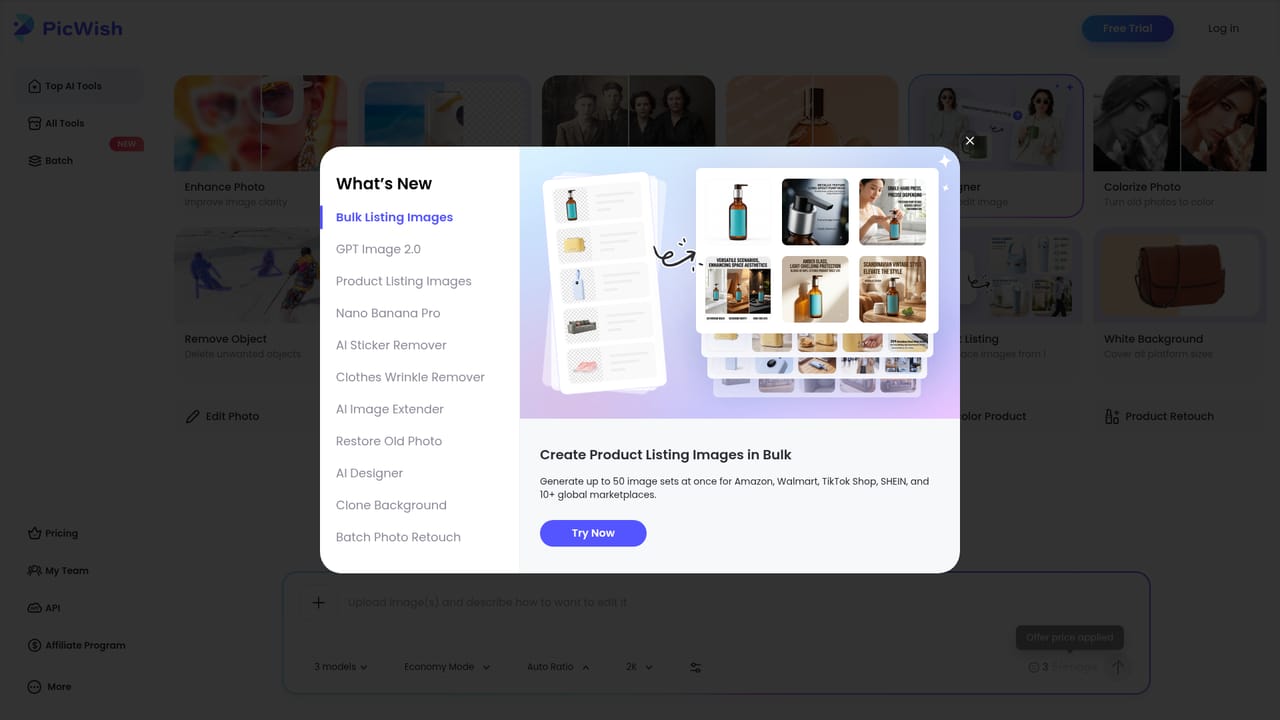
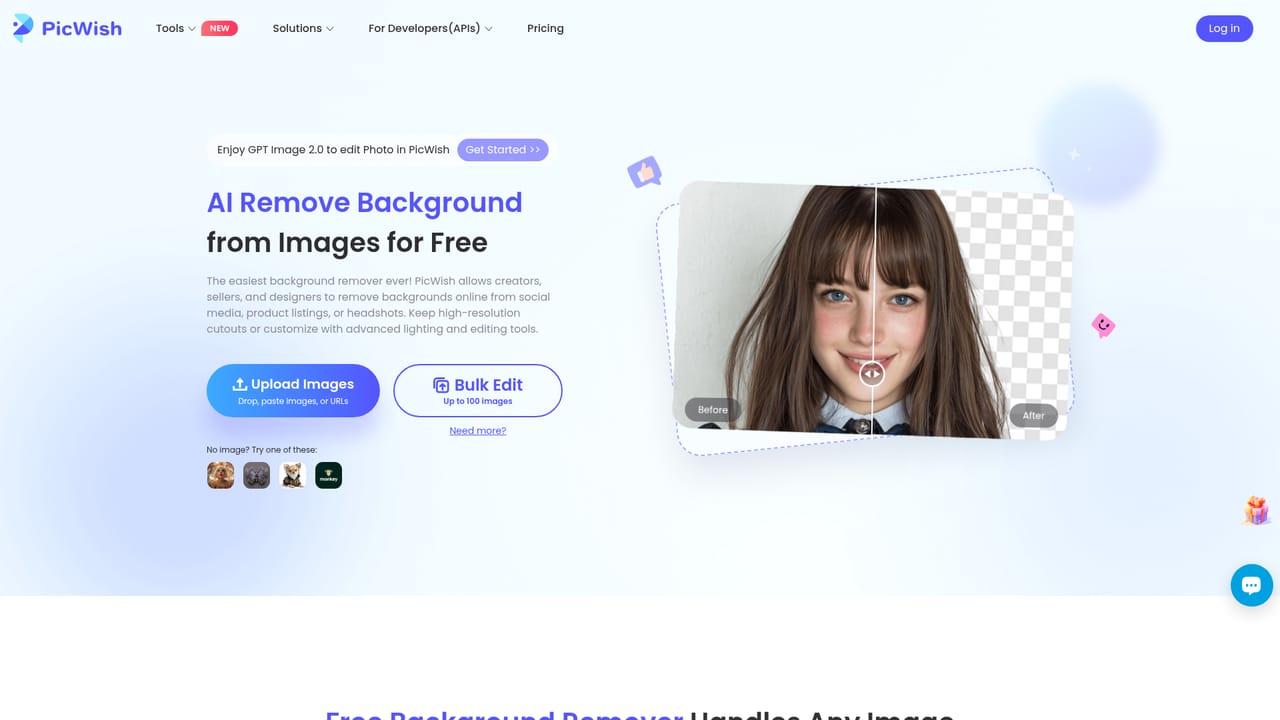
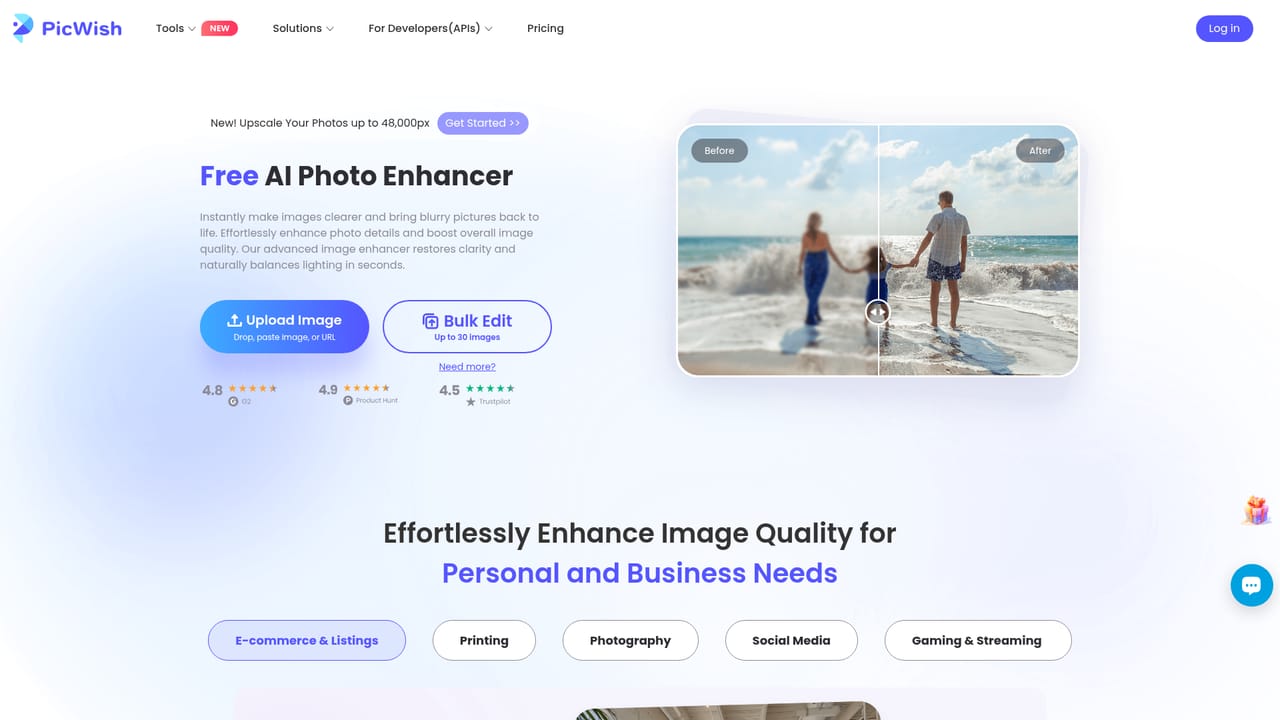
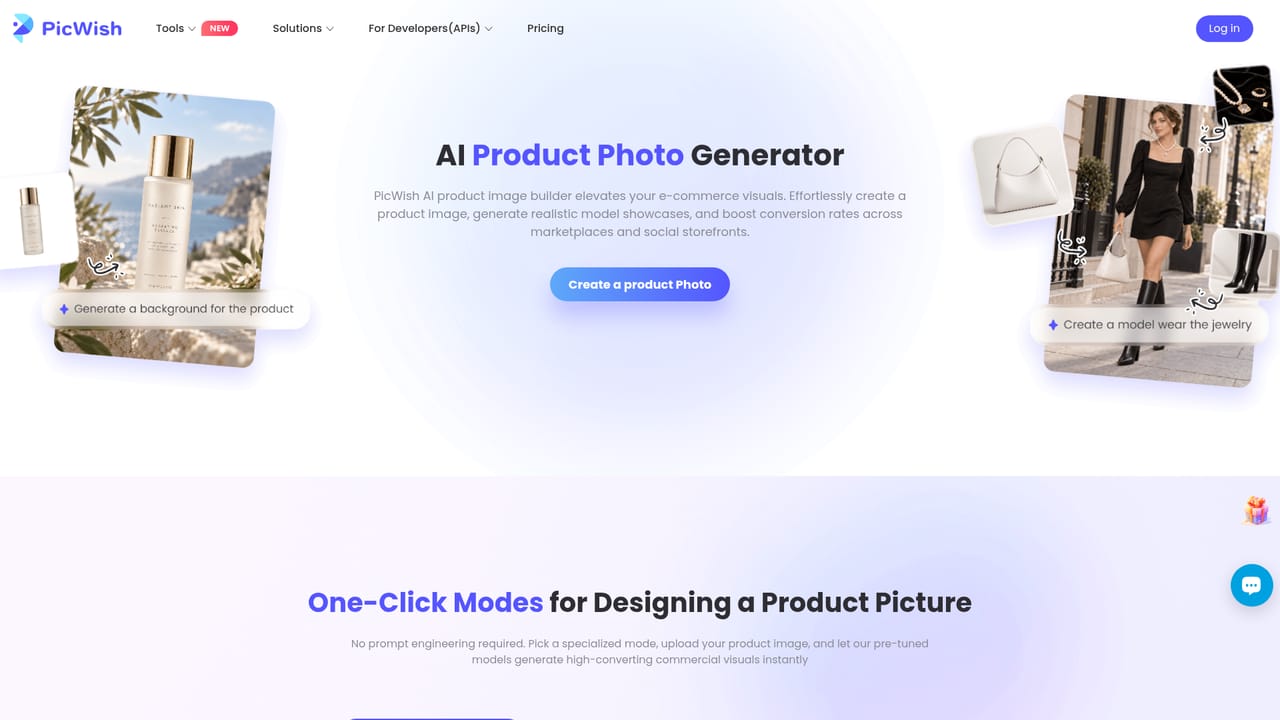
PicWish is a browser-based AI photo editor with dedicated tools for background removal (batch up to 30 files), photo enhancement, portrait unblurring, watermark removal, face cutout, and a chat-driven AI Designer for product visuals.
PicWish is a web-based photo editor that bundles a set of single-purpose AI tools behind one account. Each tool handles a narrow task: cutting a subject out of its background, upscaling a low-resolution file, sharpening a soft image, pulling detail back into a blurred portrait, stripping text watermarks, or isolating a face for cutout composites. The homepage positions the suite as "the easiest AI photo editor," and the structure reflects that claim: you pick a tool, upload a file, and the model does the work without layer stacks or masking brushes. The background remover is the centrepiece. It advertises batch processing of up to 30 files at once, with resizing and lighting adjustments available after the cutout, which points to product photography as a core audience. Sellers who need clean catalogue shots, designers assembling composites, and social media managers producing cutouts on deadline are the clearest fits. The photo enhancer and portrait unblur tools serve a second audience: people rescuing old, soft, or low-resolution images for print or personal archives. PicWish also ships an AI Designer that works differently from the rest. Instead of a fixed transformation, you describe the visual you want in natural language, and the tool generates a professional-looking product image from your photo. The homepage notes that scenario presets are provided for beginners, so the chat-style workflow does not require prompt-writing experience. A separate GPT Image 2.0 entry point adds conversational image editing on top of the standard tools. Where it sits among alternatives: PicWish is closer to a task-specific utility than a full editor like Photoshop or Affinity, and it competes with other browser cutout and upscaling services rather than with professional creative suites. Its edge is the breadth of small tools under one login and the batch capacity on background removal. Its limits are equally clear: there is no layered manual editing, no raw workflow, and no indication of an API for teams that need to automate these operations at scale.
The homepage offers a free start on the web tools and mentions a free trial when using the app, but no trial length or included quota is stated.
Learn moreTools cover background removal with batch processing of up to 30 files plus resizing and lighting controls, automatic photo enhancement for resolution and detail, portrait unblurring, automatic text watermark removal, and AI face cutout. An AI Designer converts natural language descriptions into product visuals, with presets for beginners, and a separate GPT Image 2.0 mode handles conversational photo editing.
Learn more AI Angels400+ customizable AI girlfriends for NSFW chat, voice calls, and roleplay
 Candy AIExperience the future of companionship with AI friends who chat, role-play, and connect with you on a human level.
 ourdream.aiA vast AI roleplay platform with millions of characters for chat, images, video and voiceAI Angels400+ customizable AI girlfriends for NSFW chat, voice calls, and roleplayCandy AIExperience the future of companionship with AI friends who chat, role-play, and connect with you on a human level.ourdream.aiA vast AI roleplay platform with millions of characters for chat, images, video and voice




