Pikzels

AI thumbnail maker built for YouTube click-through

Beginner
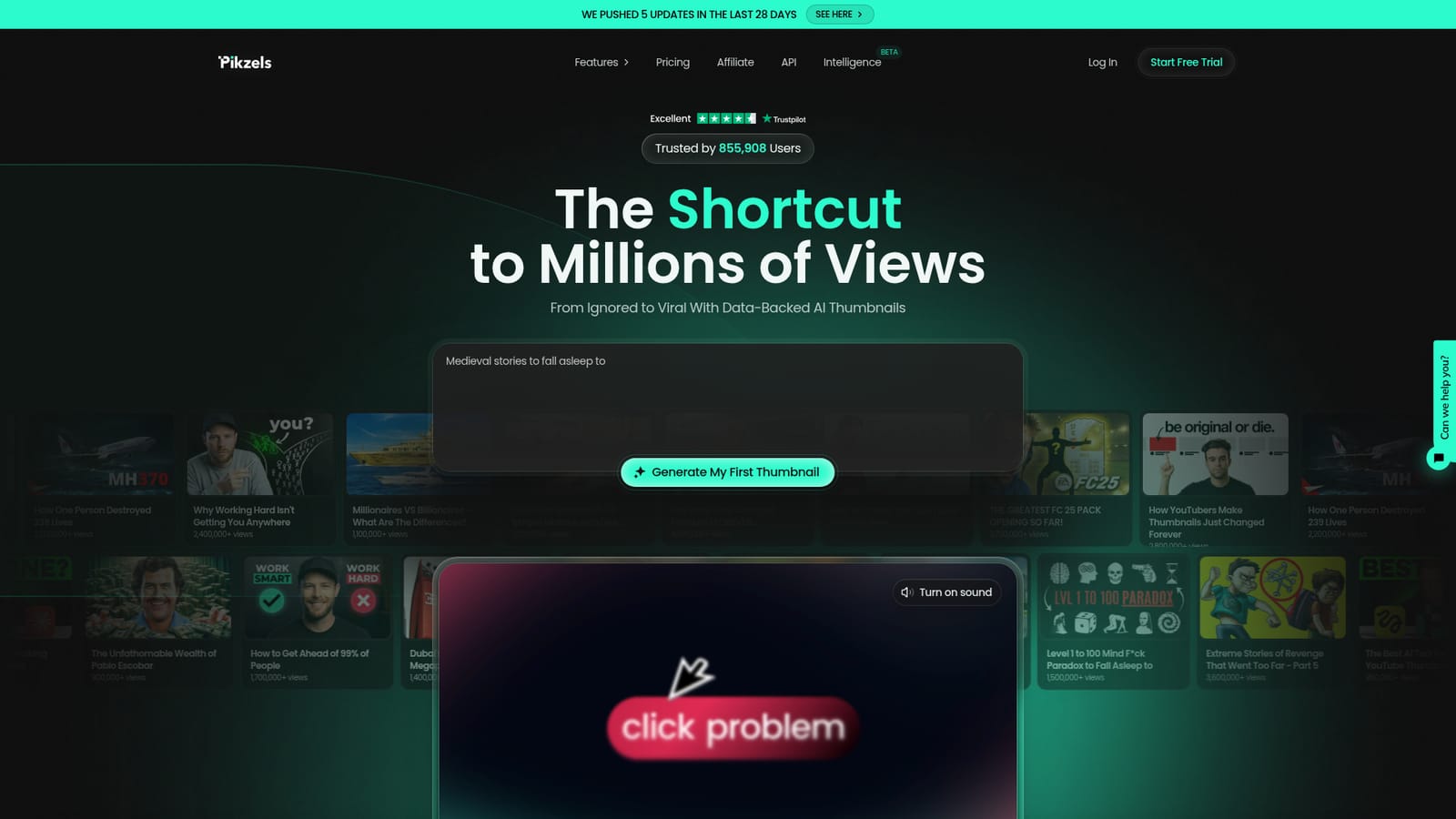
Screenshot of Pikzels, AI thumbnail maker built for YouTube click-through

What is Pikzels?

Pikzels is a banner image generator tool. AI thumbnail generator for YouTube creators, with prompt generation, person reference, style presets, thumbnail recreation, competitor analysis, one click repair and title ideas. Built for channels that ship thumbnails at volume.

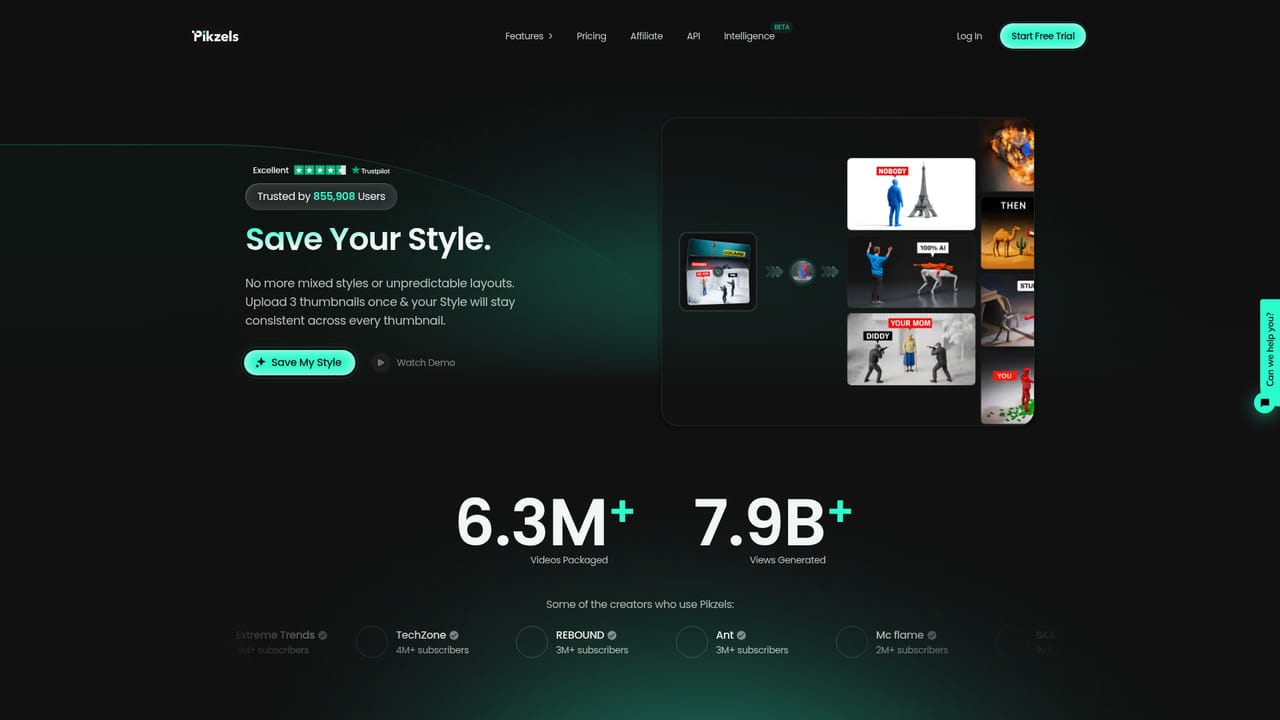
Pikzels is an AI thumbnail maker aimed squarely at YouTube creators. It generates thumbnail imagery from a text prompt, and it also carries a set of editing and research tools around that core: recreating an existing thumbnail, analyzing a competitor's design, repairing a broken image in one click, saving recurring characters as Personas, applying consistent visual Styles, and generating title ideas. The pitch is speed: a creator describes the video, gets candidates back, and refines them in the browser rather than opening a full design suite. The tool suits channels that publish often and treat thumbnails as a volume problem. Gaming, reaction, documentary and commentary formats are well represented in the sample work on the homepage, and the roster of named creators spans channels from roughly one hundred thousand to over seventy million subscribers. Teams that already have a visual identity can lock it down with Personas and Styles so repeat uploads do not drift. Creators working with a thumbnail designer, or without one, get a fast first draft to react to. In practice the workflow is prompt first, then iterate. Personas keep a host or mascot consistent across uploads, Styles hold a palette or rendering look, and titles supplies headline options that can be dropped onto the artwork. Recreate and Analyze work from reference thumbnails when the goal is to match a proven format or understand why a competing design performs. One Click Fix is a repair shortcut for output that came back with obvious visual faults. The obvious comparison is general image generators, which are cheaper per image but know nothing about thumbnail conventions: bold faces, readable text at small size, strong contrast and a clear focal point. Pikzels narrows the problem to that format, which is its advantage. Channels that also need channel art, end screens or full graphic design will still want a broader design tool alongside it. Pricing is listed on a separate page rather than the homepage, so check the plans before committing to a heavy upload schedule.

How do you use Pikzels?

  1. 1Describe the video and generate
    Start from the homepage, enter the video topic or idea as a prompt, and generate a first set of thumbnail candidates to review.
    Pikzels — Describe the video and generate
  2. 2Lock in your characters with Personas
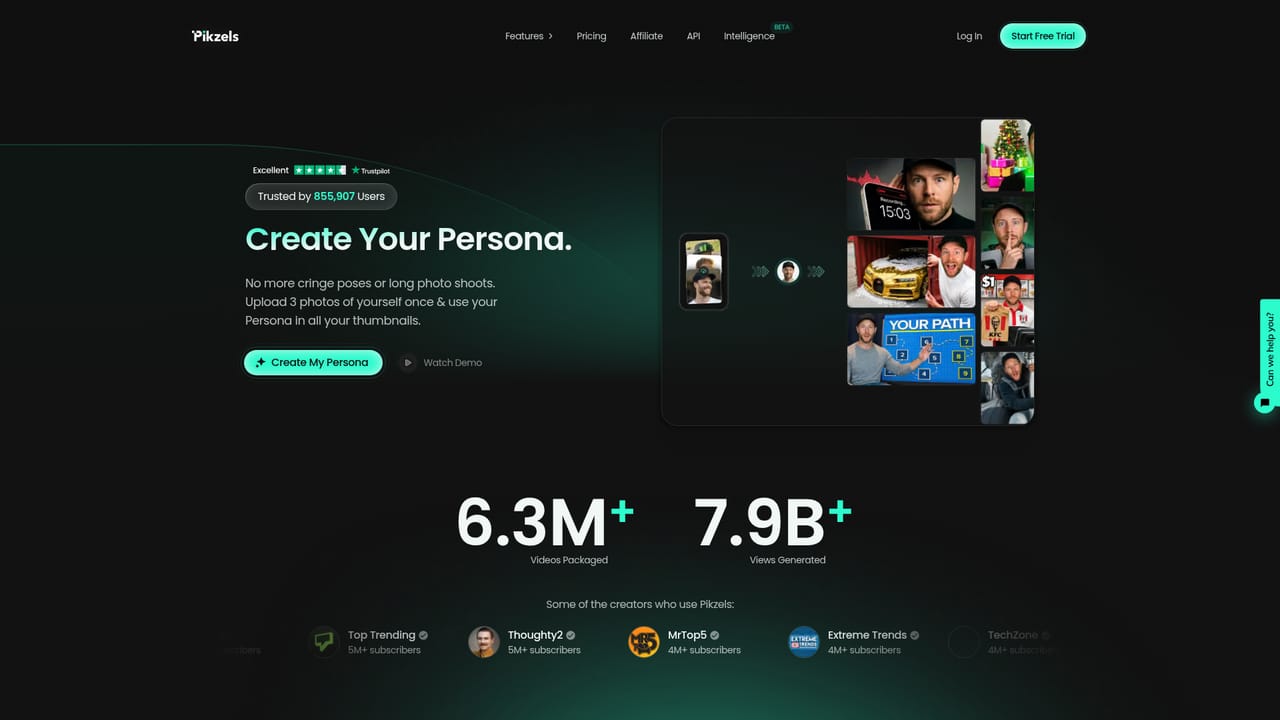
    Set up a Persona so the same host, mascot or character appears consistently across thumbnails instead of changing every upload.
    Pikzels — Lock in your characters with Personas
  3. 3Apply a Style for a consistent look
    Choose or define a Style that holds your palette and rendering approach, then reuse it on later uploads to keep the channel visually coherent.
    Pikzels — Apply a Style for a consistent look
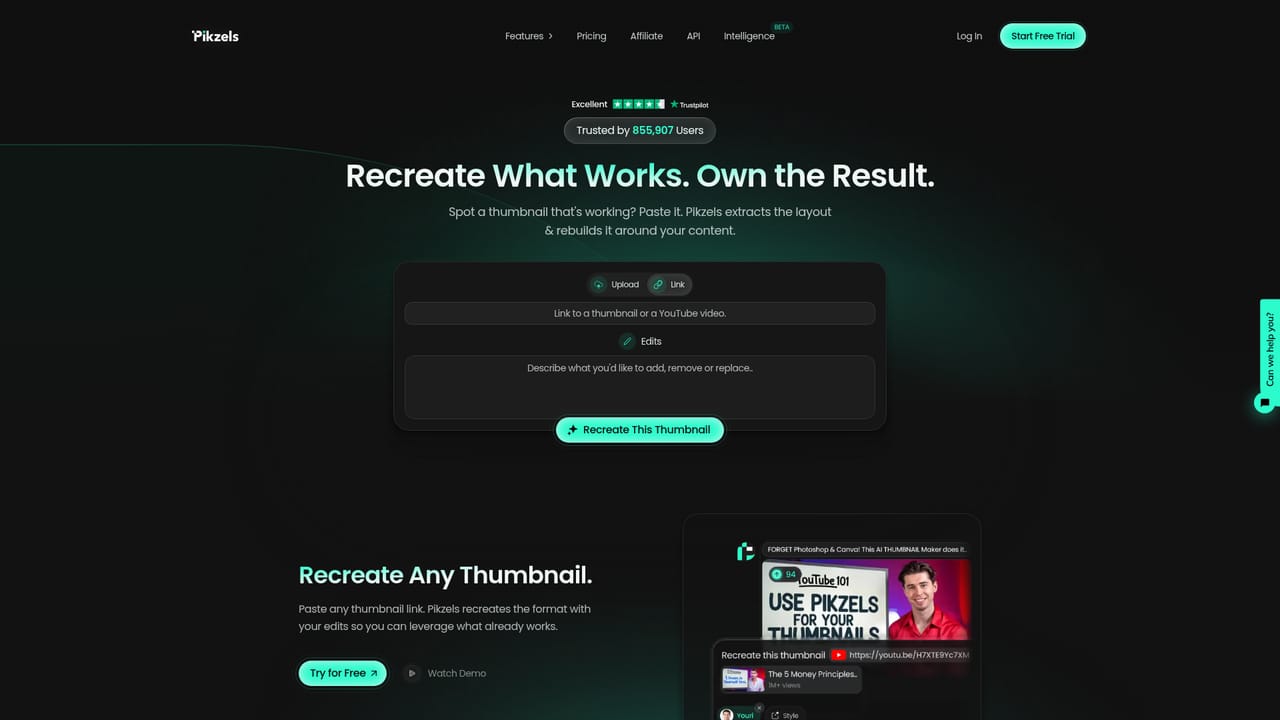
  4. 4Recreate a thumbnail format that works
    Point the Recreate feature at a thumbnail whose layout or composition you want to echo, then adapt the result to your own subject.
    Pikzels — Recreate a thumbnail format that works
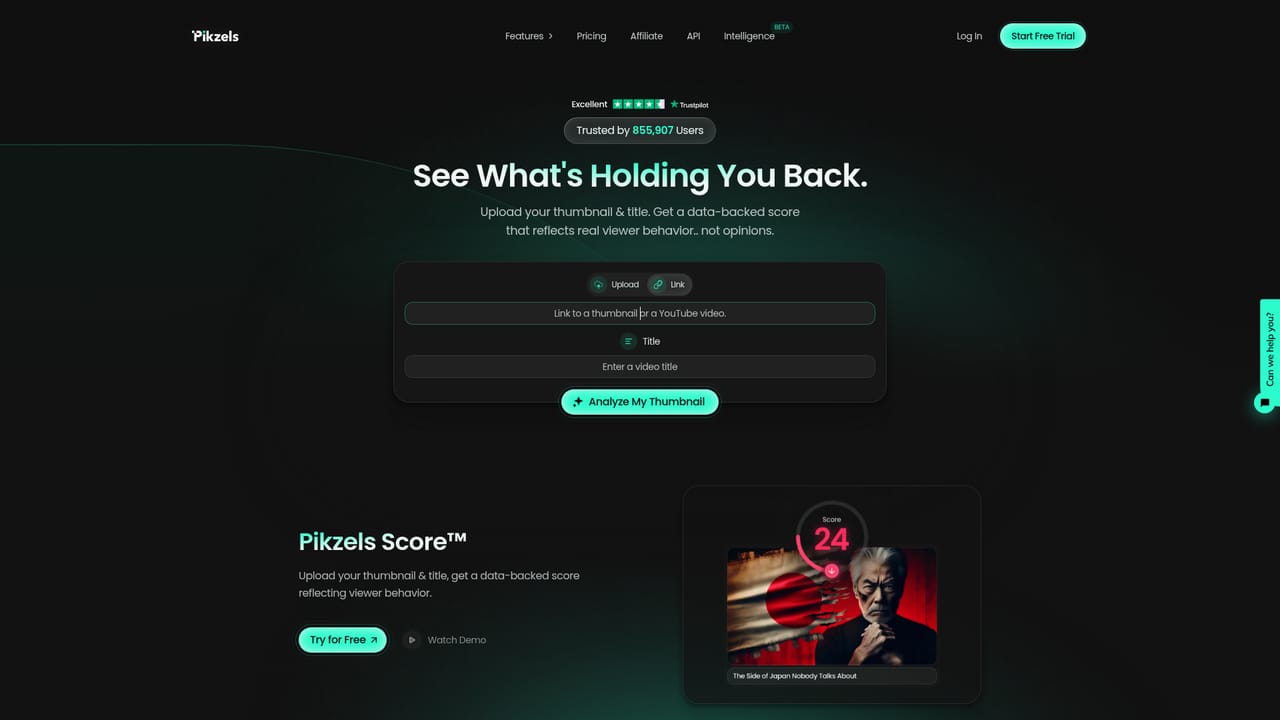
  5. 5Analyze a competitor design
    Run a rival thumbnail through Analyze to understand its visual choices before deciding what to borrow for your own artwork.
    Pikzels — Analyze a competitor design
  6. 6Repair and pair with titles
    Use One Click Fix to clean up obvious faults in a generated image, then pick a headline from the titles tool and finish the thumbnail.

Pros and cons

Pros

  • Purpose built for YouTube thumbnails rather than general image generationAI
  • Personas keep a host or mascot consistent across every uploadAI
  • Recreate and Analyze features turn competitor thumbnails into usable referencesAI
  • Sample work spans channels from 100K to 71M+ subscribersAI
  • Handles titles alongside artwork, so text and image ideas come from one placeAI

Cons

  • Pricing is not shown on the homepage, so budget checks require a separate page visitAI
  • Focused narrowly on thumbnails, with no coverage of banners, end screens or other channel artAI
  • AI output still needs a human pass for readable text and accurate subject detailAI
  • Homepage claims about views and videos are marketing figures with no published methodologyAI
  • Little is stated publicly about export formats, resolution options or bulk generationAI

How much does Pikzels cost?

Features

Prompt based thumbnail generation plus Recreate, Analyze and One Click Fix for working from existing designs or repairing output. Personas keep characters consistent, Styles hold a visual identity, and a titles tool generates headline options to sit on the artwork.

Frequently asked questions about Pikzels

  • How do you use Pikzels?
    The walkthrough on this page covers 6 steps: 1. Describe the video and generate 2. Lock in your characters with Personas 3. Apply a Style for a consistent look 4. Recreate a thumbnail format that works 5. Analyze a competitor design 6. Repair and pair with titles.
  • What platforms does Pikzels support?
    Pikzels is available on Web App.
  • What are the limitations of Pikzels?
    Pricing is not shown on the homepage, so budget checks require a separate page visit. Focused narrowly on thumbnails, with no coverage of banners, end screens or other channel art. AI output still needs a human pass for readable text and accurate subject detail.

Status

StatusActive
Views0
Outbound clicks0
Added10/21/2026

Platforms

Web App

Pricing

FreemiumSubscription