Free trial
A free Personal plan with 2 monthly credits is available and signup needs no credit card. It is enough to test the workflows, not for regular output.
Learn moreAI images and videos for product photos, ads and social content

Thumbr.ai generates images and short videos for stores, ads and social channels, with model choice, guided workflow templates for product photos and thumbnails, image-to-image remixing and batch output of up to four images. Credit based pricing starts at a free tier.
Thumbr.ai is a web based generation studio built around finished asset types rather than a blank prompt box. Instead of asking users to figure out a workflow from scratch, the product opens with five named paths: AI product photos, AI marketing images, AI video generator, AI social media visuals and an AI thumbnail creator. Each path targets a specific commercial job, which makes the tool feel closer to a content production desk than to a general purpose image playground. Under the hood, generation runs on a choice of AI models, with the site noting that each one is tuned for different use cases and quality levels. Users pick a model, set preferences and generate. Prompt quality matters, but so does control: a guidance scale slider, a selector for how many images to produce (up to four at once), a range of art styles including a realistic option, and a safety check toggle are all exposed. Image-to-image is supported as well, so an uploaded photo can be restyled, upscaled or turned into variations while keeping its original composition. That makes it practical to take an ordinary product shot and rebuild it against a new backdrop. The audience is small teams and solo operators who need a steady stream of visuals without a photographer or an editor. Store owners producing listing photos, marketers assembling ad and email creative, and video creators needing high contrast thumbnails are the obvious fits. Plan structure reinforces that: credits translate roughly one to one into images and about fifteen credits into a single video, so heavy video users will burn through allowances quickly. Competitively, Thumbr.ai sits in the crowded field of generators such as Midjourney, Ideogram and Canva's AI features. Its differentiator is the opinionated workflow layer and the low entry price rather than raw model novelty. Anyone wanting deep editing control, team collaboration tools or native integrations should look elsewhere; this is a lean, credit based generator aimed at fast commercial output.
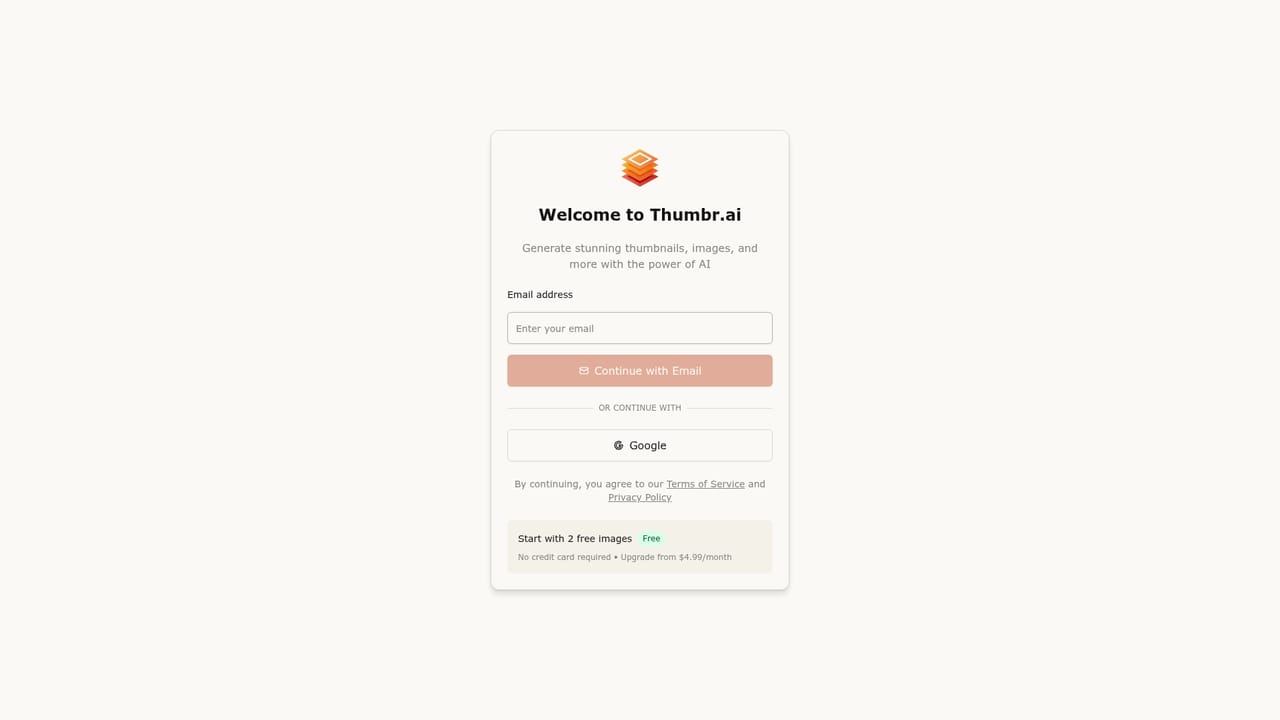

A free Personal plan with 2 monthly credits is available and signup needs no credit card. It is enough to test the workflows, not for regular output.
Learn moreThree tiers. Personal is free with 2 credits monthly (about 2 images) and public content storage. Starter costs $4.99 per month for 60 credits (about 60 images or 4 videos), private storage, credit rollover, topups and email support. Pro costs $17.99 per month for 250 credits (about 250 images or 16 videos), cheaper topups and priority support.
Learn moreSupport is tiered by plan: community support on the free Personal plan, email support on Starter and priority support on Pro. A contact route for the support team is referenced on the site.
Model selection, image-to-image transformation, batch generation of up to four images, guidance scale and art style controls, and a safety check toggle, all fronted by five task specific workflows for product photos, marketing images, video, social visuals and thumbnails.
 AI Angels400+ customizable AI girlfriends for NSFW chat, voice calls, and roleplay
 Candy AIExperience the future of companionship with AI friends who chat, role-play, and connect with you on a human level.
 ourdream.aiA vast AI roleplay platform with millions of characters for chat, images, video and voiceAI Angels400+ customizable AI girlfriends for NSFW chat, voice calls, and roleplayCandy AIExperience the future of companionship with AI friends who chat, role-play, and connect with you on a human level.ourdream.aiA vast AI roleplay platform with millions of characters for chat, images, video and voice


