Ping

A simple AI task manager that merges private to-dos with shared team boards

Beginner
Screenshot of Ping, A simple AI task manager that merges private to-dos with shared team boards

What is Ping?

Ping is an AI task manager for small teams that keeps private to-dos separate from shared Kanban boards. It turns voice notes, photos, Gmail, Slack and ChatGPT conversations into tasks, runs on web, iOS, Android, Windows and macOS, and charges one flat price for teams of up to 15.

Ping is a task manager built around a split that most productivity apps handle badly: the private list each person keeps for themselves and the shared board a team works from. Rather than forcing one model on both, Ping keeps a personal to-do view separate from shared Kanban boards, so an individual can plan their own day while still seeing what the team needs from them. It is aimed at small teams, and the homepage is explicit about the ceiling: the Team plan covers up to 15 people at a flat price instead of per-seat billing. The capture layer is where the AI does its work. Tasks can be dictated by voice, pulled from photos, converted from starred emails in Gmail, lifted out of Slack messages, or created from a ChatGPT conversation. The point is to avoid retyping something that already exists somewhere else. An AI Task Assistant handles planning help, and tasks carry deadlines, reminders, recurring schedules and colored tags. A Google Calendar integration puts task deadlines into the calendar, and smart notifications handle follow-up. In daily use the pattern is capture first, sort later. Something arrives as a voice note, a photographed sticky note or a Slack thread, becomes a task, and then lands either on a private list or a shared board where it can be assigned and tracked. Projects group related work, and progress tracking shows where things stand. Individual users get planning buckets for today, this week and later; teams get assignment and a shared view. Ping competes with mainstream task managers that charge per seat and treat AI capture as an add-on. Its pitch is narrower and cheaper for small groups: one flat team price, capture from the tools a team already uses, and a clear wall between personal focus and team visibility. The free tier is genuinely usable, which makes it a low-risk comparison against heavier project tools.

How do you use Ping?

  1. 1Create your account and start on the free tier
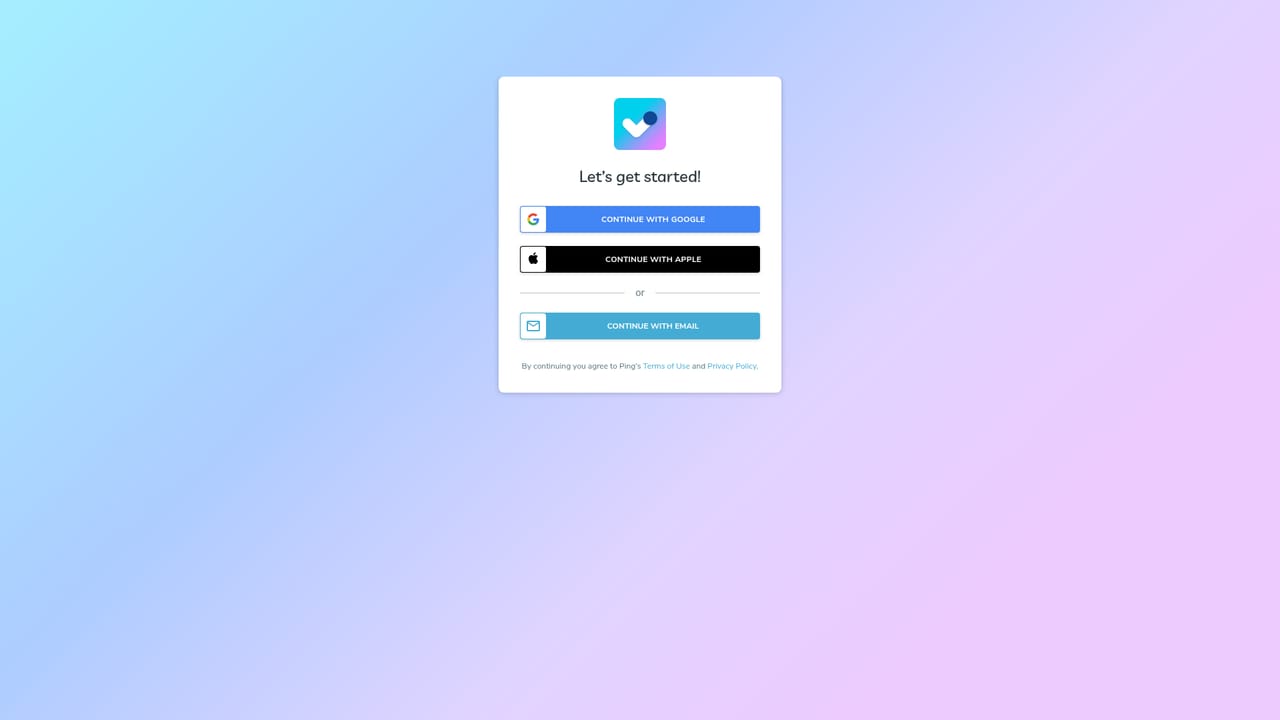
    Sign up through the web app to get the free plan: unlimited tasks, tags, recurring tasks and reminders, plus 3 projects and the Slack and ChatGPT integrations. Mobile and desktop apps use the same account.
    Ping — Create your account and start on the free tier
  2. 2Capture tasks the AI way
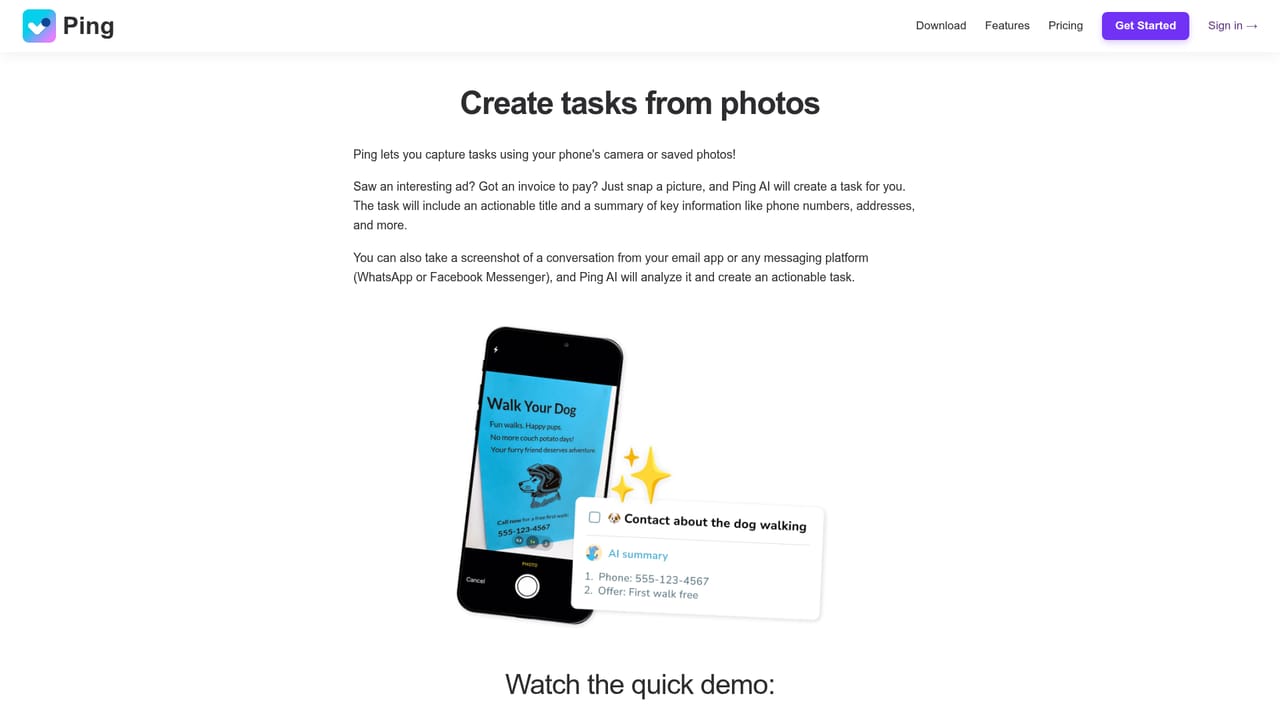
    Add work by dictating it, photographing a note or whiteboard, or converting an email. The capture features turn that raw input into a titled task with a date, so nothing has to be rewritten by hand.
    Ping — Capture tasks the AI way
  3. 3Set up shared Kanban boards for the team
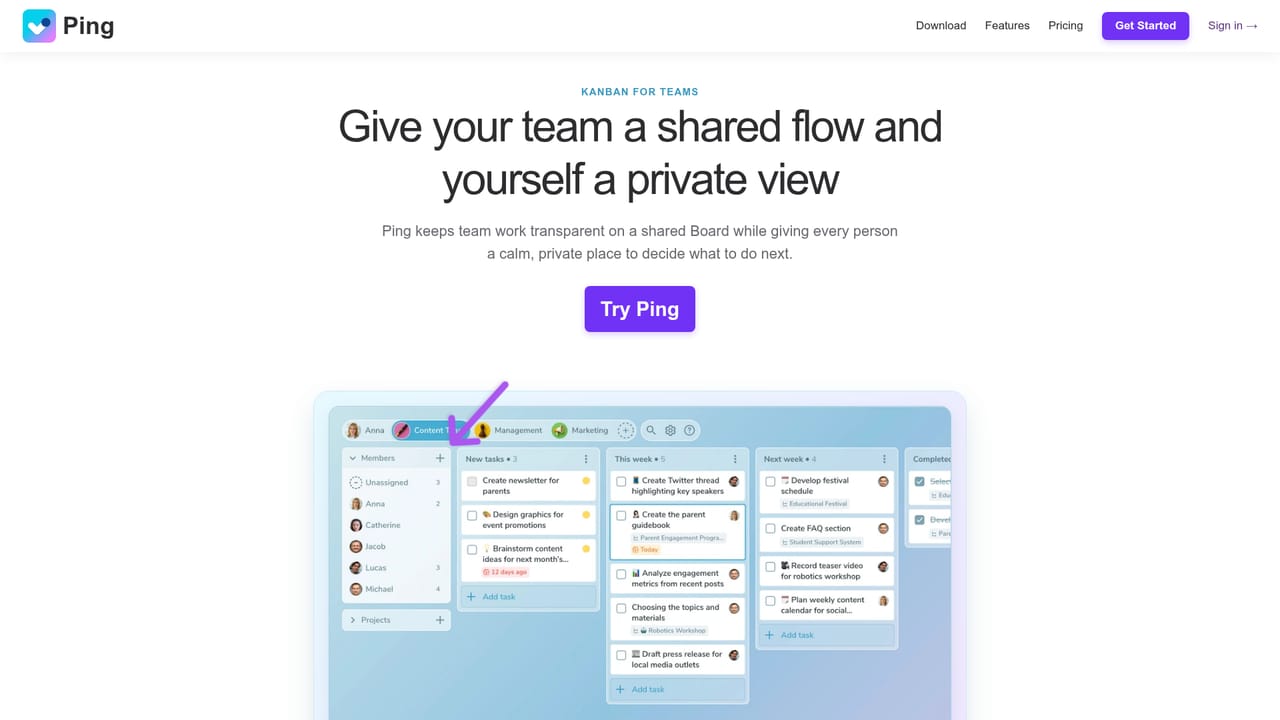
    Move from your private list to shared boards, where work is assigned and progress is visible at a glance. Boards and unlimited projects require the Pro tier or a Team seat.
    Ping — Set up shared Kanban boards for the team
  4. 4Connect Gmail, Calendar, Slack and ChatGPT
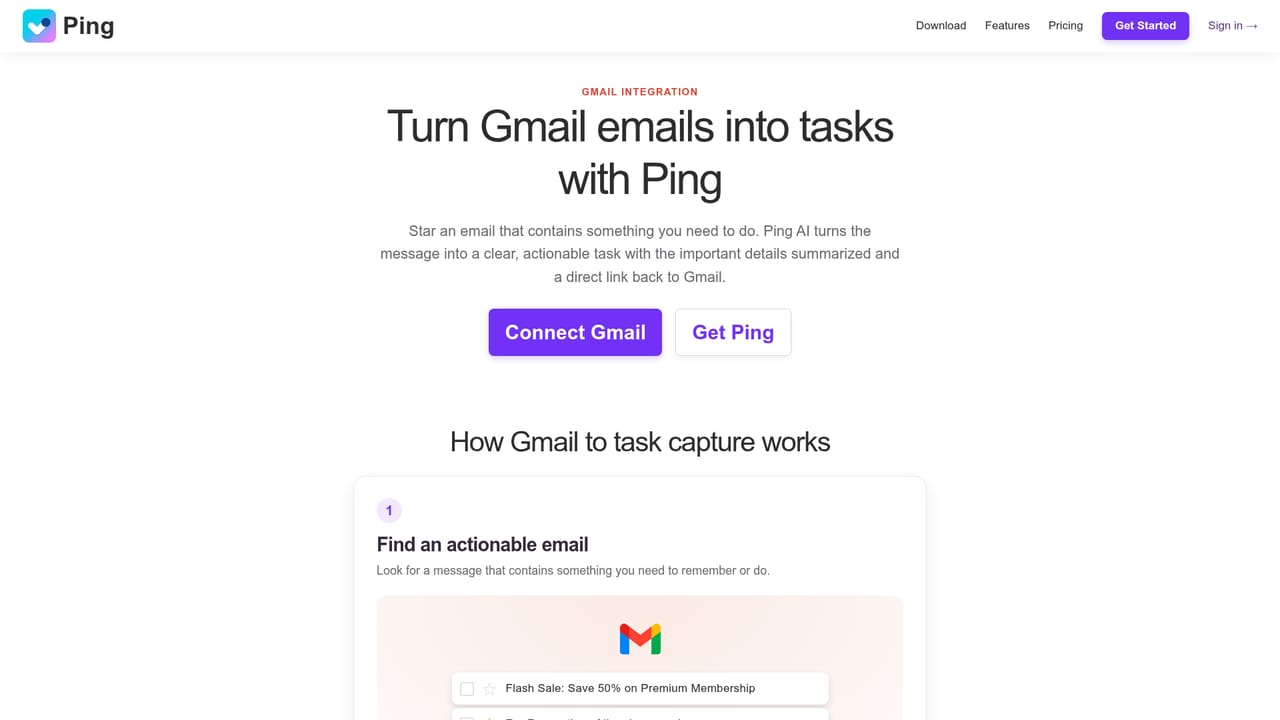
    Link the tools your team already uses. Starred email becomes tasks, deadlines appear in Google Calendar, Slack messages convert to tasks and ChatGPT conversations can create them.
    Ping — Connect Gmail, Calendar, Slack and ChatGPT
  5. 5Let the AI Task Assistant help plan
    Use the assistant inside the app for help deciding what to do next and organising incoming work. Ask it directly or work through the ChatGPT integration, then adjust dates and reminders yourself.

Pros and cons

Pros

  • Capture from voice, photos, Gmail, Slack and ChatGPT removes most retyping of tasks that already exist elsewhereAI
  • Private to-do list and shared Kanban boards are kept distinct, so personal planning does not clutter team viewsAI
  • Team plan is a flat price for up to 15 seats rather than per-user billing, which suits small groupsAI
  • Free tier includes unlimited tasks, tags, recurring tasks, reminders, 3 projects and Slack and ChatGPT integrationsAI
  • Native apps on web, iOS, Android, Windows and macOS cover most working contexts without a browser tabAI

Cons

  • Team plan caps at 15 members, so growing teams hit a wall with no stated path beyond itAI
  • AI capture from voice, photos and the Task Assistant sits behind Pro, so the free tier is a conventional task managerAI
  • No public API or developer documentation is described on the homepage, limiting custom automationAI
  • Pricing is quoted per month with annual billing, and monthly-only costs are not statedAI
  • Kanban boards and project limits are tiered, so free users cannot evaluate the team workflow properlyAI

How much does Ping cost?

Pricing

Free plan with unlimited tasks, tags, recurring tasks, reminders, 3 projects and Slack and ChatGPT integrations. Pro is $3.66 per month billed annually, adding voice and photo capture, the AI Task Assistant, Calendar and Gmail integration, unlimited projects, Kanban boards and snoozing. Team is $14.99 per month billed annually for up to 15 seats, each getting Pro.

Learn more

Integrations

Gmail for turning emails into tasks, Google Calendar for task deadlines, Slack for creating tasks from messages, and ChatGPT for generating tasks from conversations.

Features

AI capture from voice, photos, Gmail, Slack and ChatGPT; an AI Task Assistant; private to-do planning for today, this week and later; shared Kanban boards with assignment and progress tracking; projects with task progress views; recurring tasks, reminders, colored tags and task snoozing; smart notifications; and Google Calendar deadline sync.

Learn more

Frequently asked questions about Ping

  • How much does Ping cost?
    Free plan with unlimited tasks, tags, recurring tasks, reminders, 3 projects and Slack and ChatGPT integrations. Pro is $3.66 per month billed annually, adding voice and photo capture, the AI Task Assistant, Calendar and Gmail integration, unlimited projects, Kanban boards and snoozing. Team is $14.99 per month billed annually for up to 15 seats, each getting Pro.
  • How do you use Ping?
    The walkthrough on this page covers 5 steps: 1. Create your account and start on the free tier 2. Capture tasks the AI way 3. Set up shared Kanban boards for the team 4. Connect Gmail, Calendar, Slack and ChatGPT 5. Let the AI Task Assistant help plan.
  • What platforms does Ping support?
    Ping is available on Web App, iOS, Android, Windows and MacOS.
  • What does Ping integrate with?
    Gmail for turning emails into tasks, Google Calendar for task deadlines, Slack for creating tasks from messages, and ChatGPT for generating tasks from conversations.
  • What are the limitations of Ping?
    Team plan caps at 15 members, so growing teams hit a wall with no stated path beyond it. AI capture from voice, photos and the Task Assistant sits behind Pro, so the free tier is a conventional task manager. No public API or developer documentation is described on the homepage, limiting custom automation.

Status

StatusActive
Views0
Outbound clicks0
Added10/21/2026

Platforms

Web AppiOSAndroidWindowsMacOS

Pricing

FreeFreemiumSubscription