PixCosmos

One visual workspace for AI image creation, editing and video generation.

Beginner
Screenshot of PixCosmos, One visual workspace for AI image creation, editing and video generation

What is PixCosmos?

PixCosmos is a generative image tool. PixCosmos gathers image generation, photo editing, video creation and motion tools from several leading AI models in one visual workspace, aimed at creators, marketers and small teams who want a single hub instead of many separate subscriptions.

PixCosmos bundles a broad set of image and video tools into a single browser based workspace. Instead of subscribing to several model providers separately, users reach leading engines such as Seedream 5.0 Pro, Nano Banana Pro, GPT Image 2, Seedance 2.0 and Google Gemini Omni from one interface. The homepage presents this as the core promise: create, edit and animate visuals without switching accounts or tools. The image side covers the full production loop. You can generate from a prompt, then edit, relight, upscale, resize, enhance or swap backgrounds. Dedicated tools handle niche jobs: an AI Clothes Changer for virtual try-on that preserves identity, face and character swap, angle generation and background removal. Presets give finer control over results, which helps when you want repeatable output rather than a single lucky roll. The video side is equally operational. Seedance 2.0 and Gemini Omni generate clips from prompts or still images, while Motion Control transfers motion from an existing video onto your character. Lip Sync aligns speech to mouth movement, Video Translate handles localisation, and separate tools reframe, upscale or strip backgrounds from footage. A community prompt gallery shows tested ideas for Seedance, giving newcomers a starting point. The tool suits marketers, small creative teams, solo content creators and ecommerce sellers who need product visuals and short social clips quickly. It is less about deep manual retouching and more about routing a request to the right model. Against single-model tools, the draw is breadth and a unified credit balance; the trade off is that quality depends on whichever upstream model you pick, and the catalogue is wide enough to need orientation. Beginners can start with presets and one-click utilities, while experienced users can pick specific models for control.

How do you use PixCosmos?

  1. 1Claim the starter pack
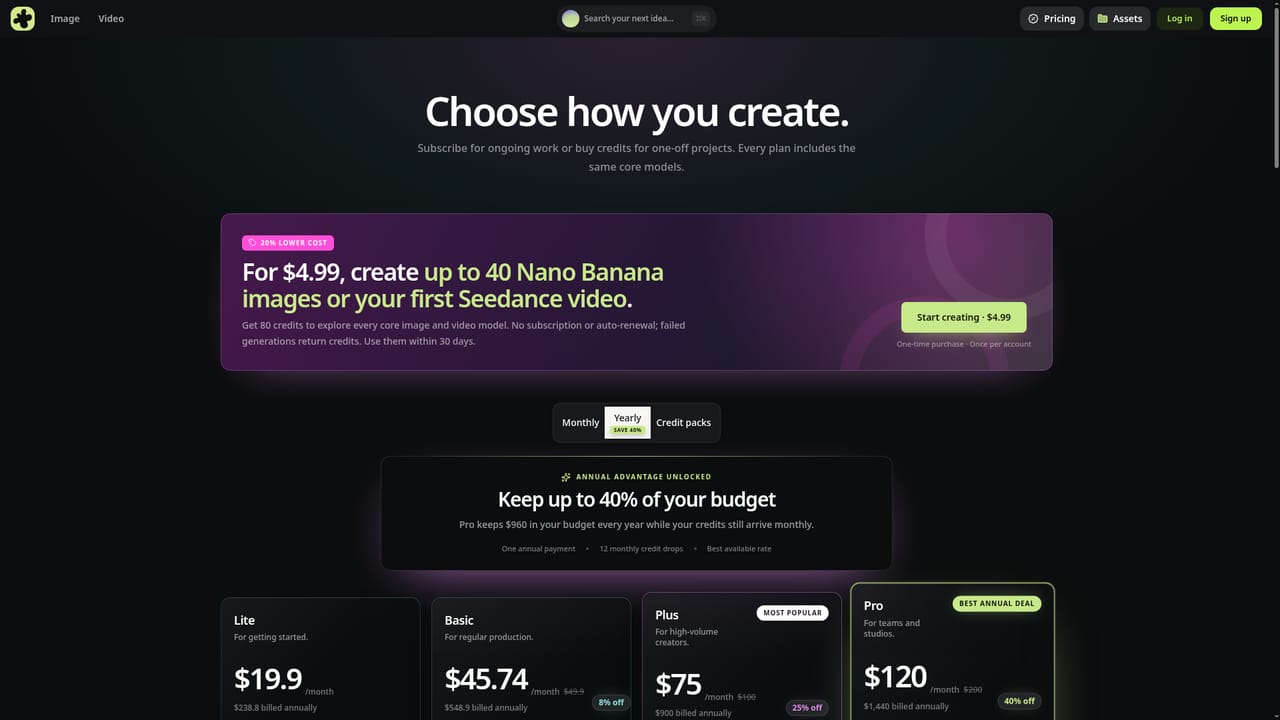
    Open the pricing page and pick up the once-per-account starter offer: 80 credits for $4.99, one payment with no subscription. Note that the credits must be used within 30 days.
    PixCosmos — Claim the starter pack
  2. 2Generate your first image
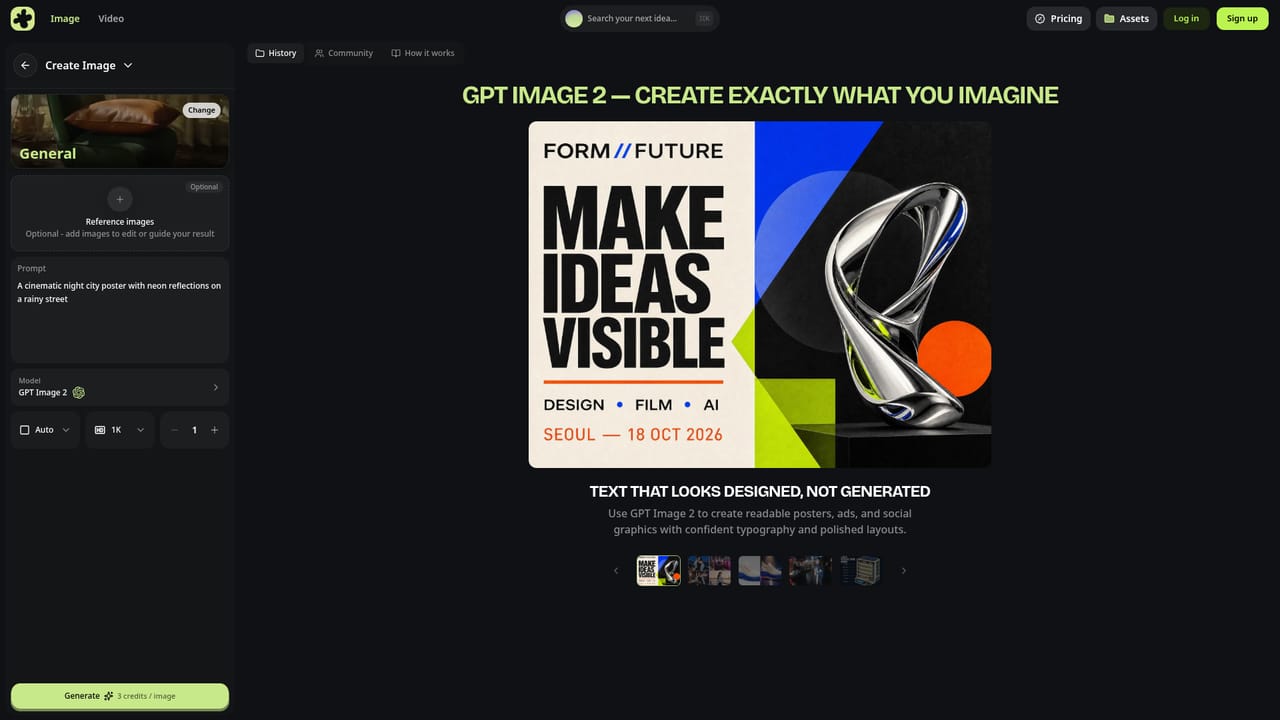
    Go to the image creation workspace and enter a prompt. Use presets if you want tighter control over style and composition before committing credits.
    PixCosmos — Generate your first image
  3. 3Clean up and refine the result
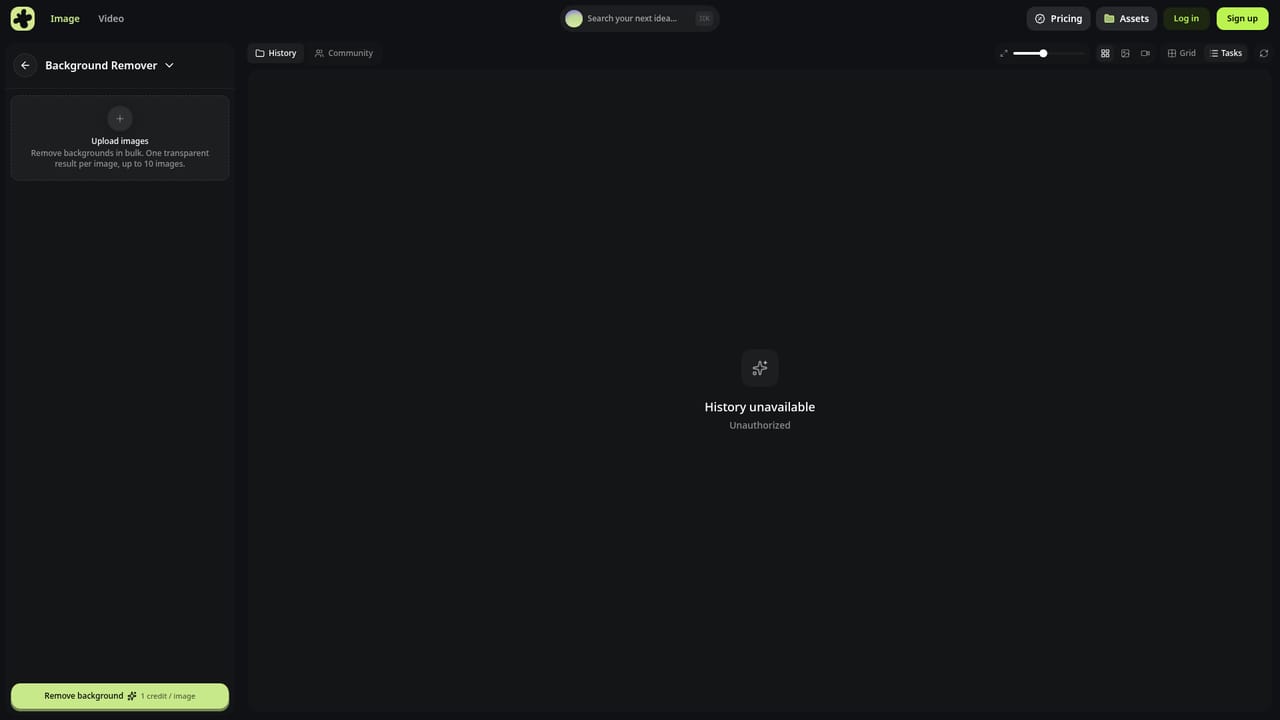
    Run the output through the background remover or the relight tool to isolate the subject and adjust lighting. The upscale and enhance tools sharpen resolution when needed.
    PixCosmos — Clean up and refine the result
  4. 4Produce a video clip
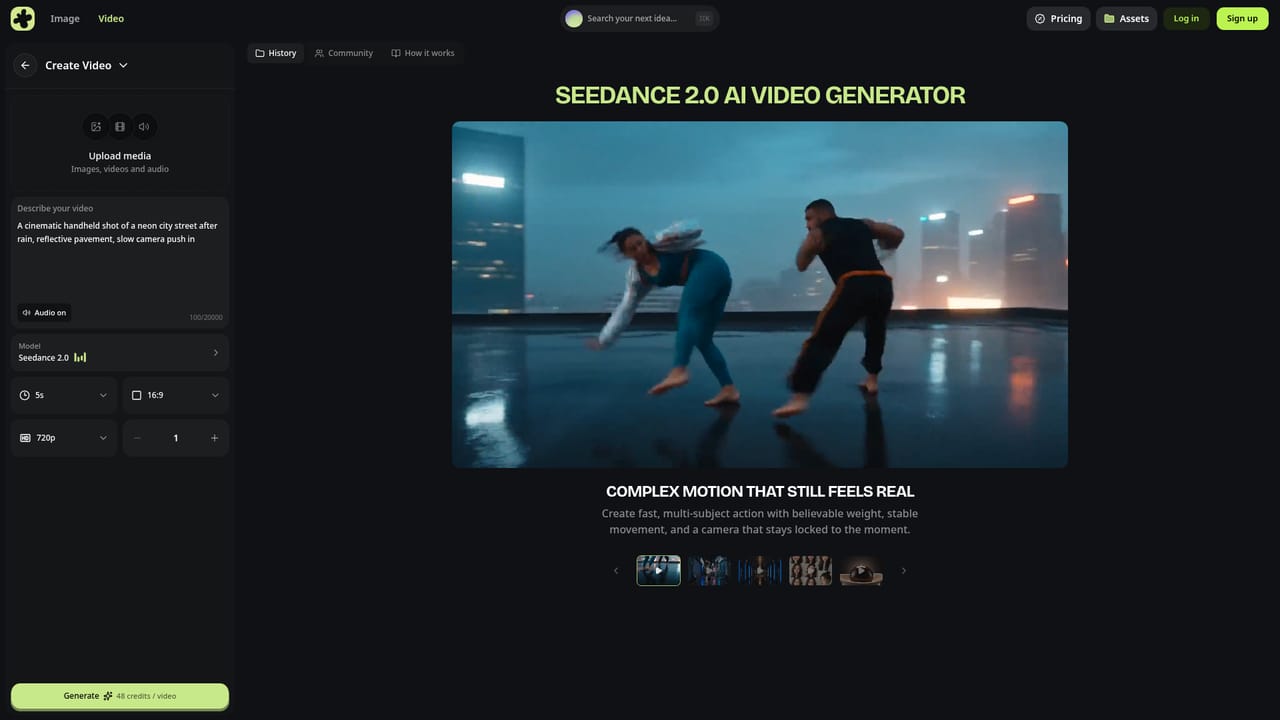
    Move to video creation, choose a model such as Seedance 2.0, and supply a prompt or a reference image. Motion Control lets you copy movement from an existing clip onto your character.
    PixCosmos — Produce a video clip
  5. 5Finish with audio and format tools
    Add Lip Sync for talking-head footage, then use Video Reframe or the Video Upscaler to fit the clip to platform dimensions and improve resolution.

Pros and cons

Pros

  • Combines image and video generation plus editing utilities in one browser workspaceAI
  • Access to recognised models including Seedream 5.0 Pro, Nano Banana Pro, GPT Image 2, Seedance 2.0 and Gemini OmniAI
  • Practical one-click tools such as background remover, relight, upscale, clothes changer and lip syncAI
  • Starter pack offers 80 credits for $4.99 with no subscription, auto-renewal or commitmentAI
  • Failed generations return eligible credits, which softens the cost of trial and errorAI

Cons

  • Wide tool catalogue lacks clear guidance on which model suits which task, so beginners may flounderAI
  • Quality and style depend entirely on third-party models, so results vary between toolsAI
  • Starter credits expire within 30 days, which pressures occasional usersAI
  • No published detail on API access or integration with outside workflowsAI
  • Feature set is skewed to fast content production rather than precise manual retouchingAI

How much does PixCosmos cost?

Pricing

The homepage promotes a one-time starter pack of 80 credits for $4.99, limited to one per account, usable across core image and video models, with no subscription or auto-renewal. Credits must be used within 30 days, and failed generations return eligible credits. Ongoing plan tiers are not detailed on the homepage.

Learn more

Features

Image tools cover generation, editing, relight, upscale, resize, enhance, background removal and change, angle generation, face and character swap, and an AI clothes changer. Video tools cover generation with Seedance 2.0 and Gemini Omni, motion control, lip sync, translation, background removal, reframing and upscaling, plus presets and a community prompt gallery.

Learn more

Frequently asked questions about PixCosmos

  • How much does PixCosmos cost?
    The homepage promotes a one-time starter pack of 80 credits for $4.99, limited to one per account, usable across core image and video models, with no subscription or auto-renewal. Credits must be used within 30 days, and failed generations return eligible credits. Ongoing plan tiers are not detailed on the homepage.
  • How do you use PixCosmos?
    The walkthrough on this page covers 5 steps: 1. Claim the starter pack 2. Generate your first image 3. Clean up and refine the result 4. Produce a video clip 5. Finish with audio and format tools.
  • What platforms does PixCosmos support?
    PixCosmos is available on Web App.
  • What are the limitations of PixCosmos?
    Wide tool catalogue lacks clear guidance on which model suits which task, so beginners may flounder. Quality and style depend entirely on third-party models, so results vary between tools. Starter credits expire within 30 days, which pressures occasional users.

Status

StatusActive
Views0
Outbound clicks0
Added10/21/2026

Platforms

Web App

Pricing

FreemiumPaid


