Pixelto AI

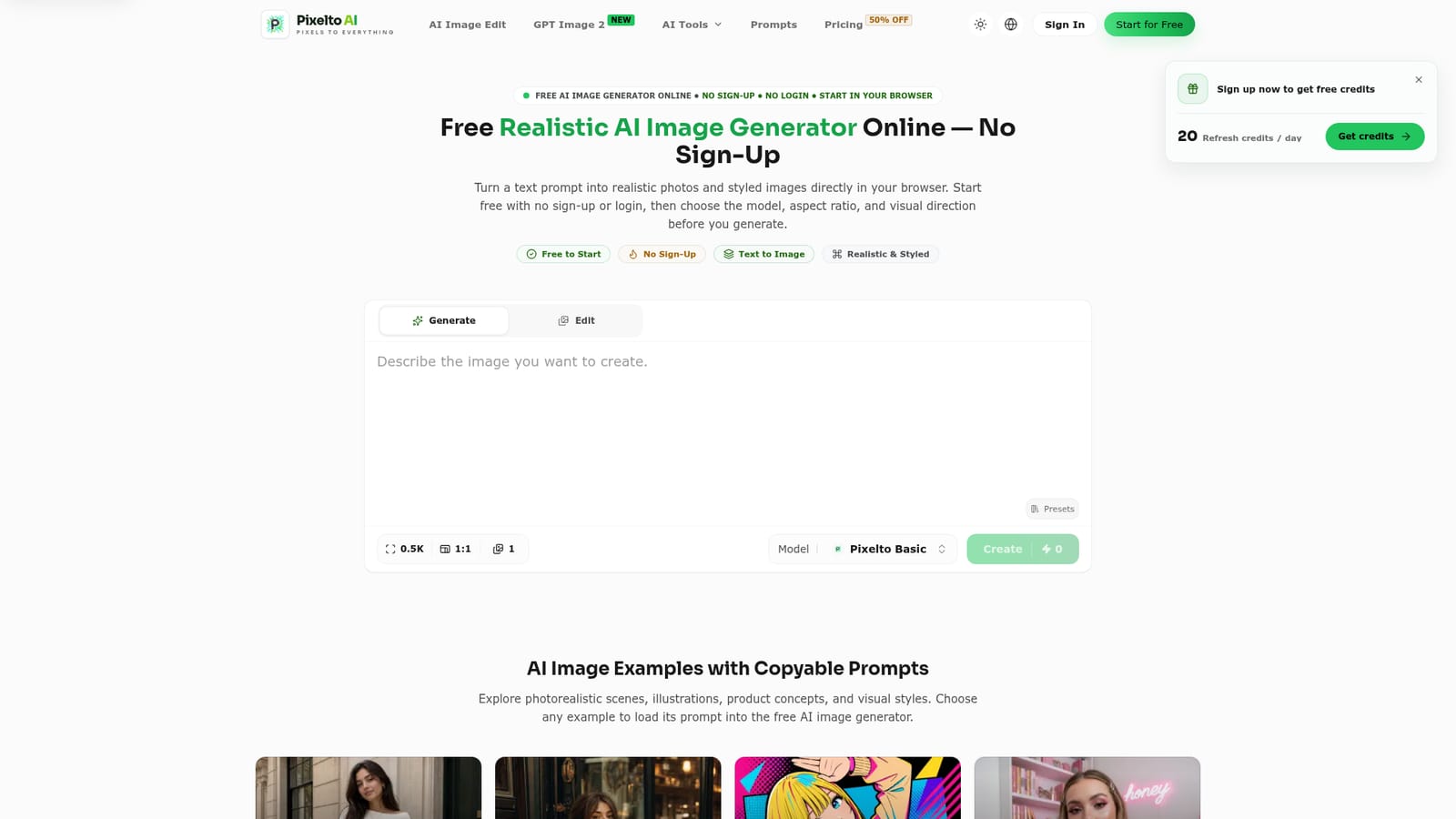
Generate realistic AI images from a text prompt in your browser, no sign-up needed.

Beginner
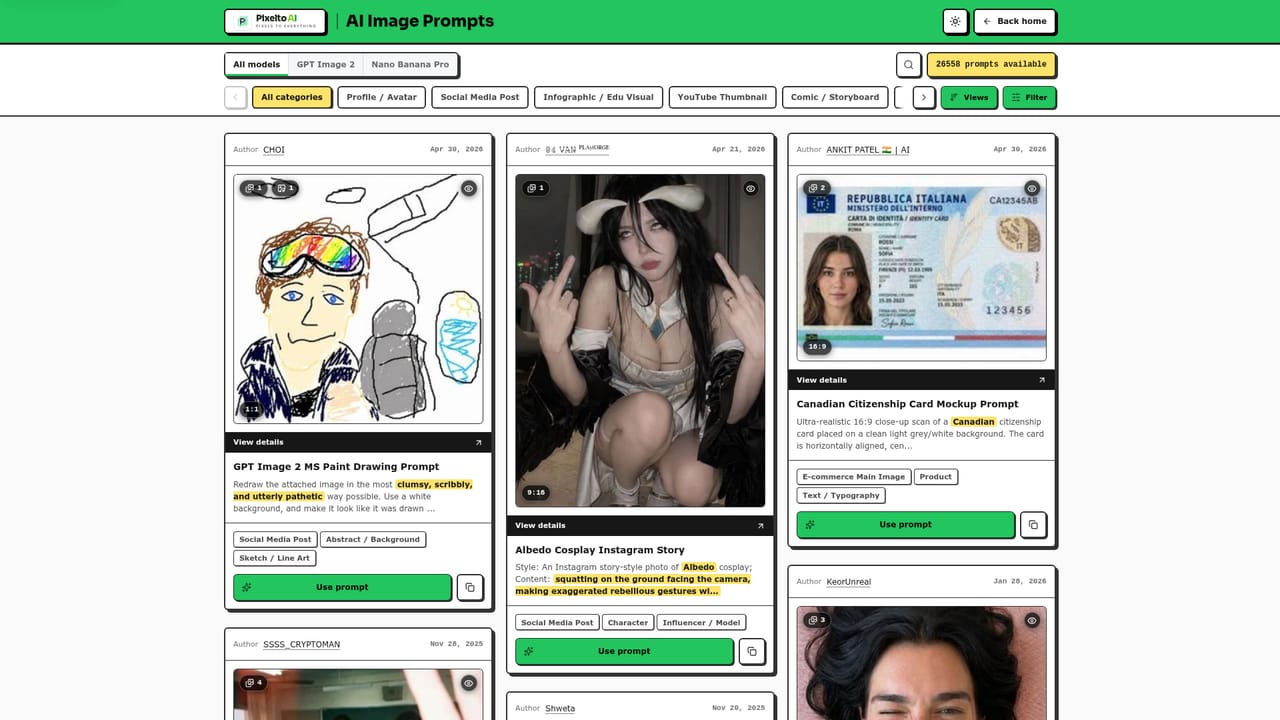
Screenshot of Pixelto AI, Generate realistic AI images from a text prompt in your browser, no sign-up needed

What is Pixelto AI?

Pixelto AI is a generative image tool that generates realistic AI images from a text prompt in your browser, no sign-up needed. Pixelto AI is a free, no-sign-up browser tool that turns text prompts into realistic or styled images, backed by a large library of copyable prompt templates and tools for editing and restoring photos.

Pixelto AI is a browser-based text-to-image generator built around removing friction from the first attempt. Instead of requiring an account before a single image is produced, the tool lets a visitor type a prompt, pick a model, set an aspect ratio, and generate straight away. The emphasis throughout is on realistic photography-style output alongside stylized and illustrative looks, covering portraits, product concepts, editorial fashion shots, sketch-style art, and collage formats. A large part of the experience is the prompt library. Rather than starting from a blank box, users can browse categorized examples (paparazzi-style candid shots, vintage fashion portraits, sketchbook character studies, CCTV-style surveillance looks, watercolor illustrations, and more), each with a fully written prompt that can be loaded and customized with editable arguments like clothing color, hair color, or setting. This makes the tool approachable for people who are not skilled prompt writers but still want controlled, specific results. Beyond pure generation, Pixelto AI includes separate tools for AI image editing and photo restoration, plus access to newer model options such as GPT Image 2. This positions it less as a single-model novelty generator and more as a small suite built around one interface: browse a prompt, generate or edit an image, refine settings, repeat. The tool fits best for content creators, marketers, hobbyist artists, and anyone prototyping visual ideas who wants to avoid account creation during experimentation. It sits in the same space as other browser-first AI image generators, differentiated mainly by its no-login entry point and its prompt template catalog rather than by a proprietary model.
How do you use Pixelto AI?

  1. 1Open the generator and write a prompt
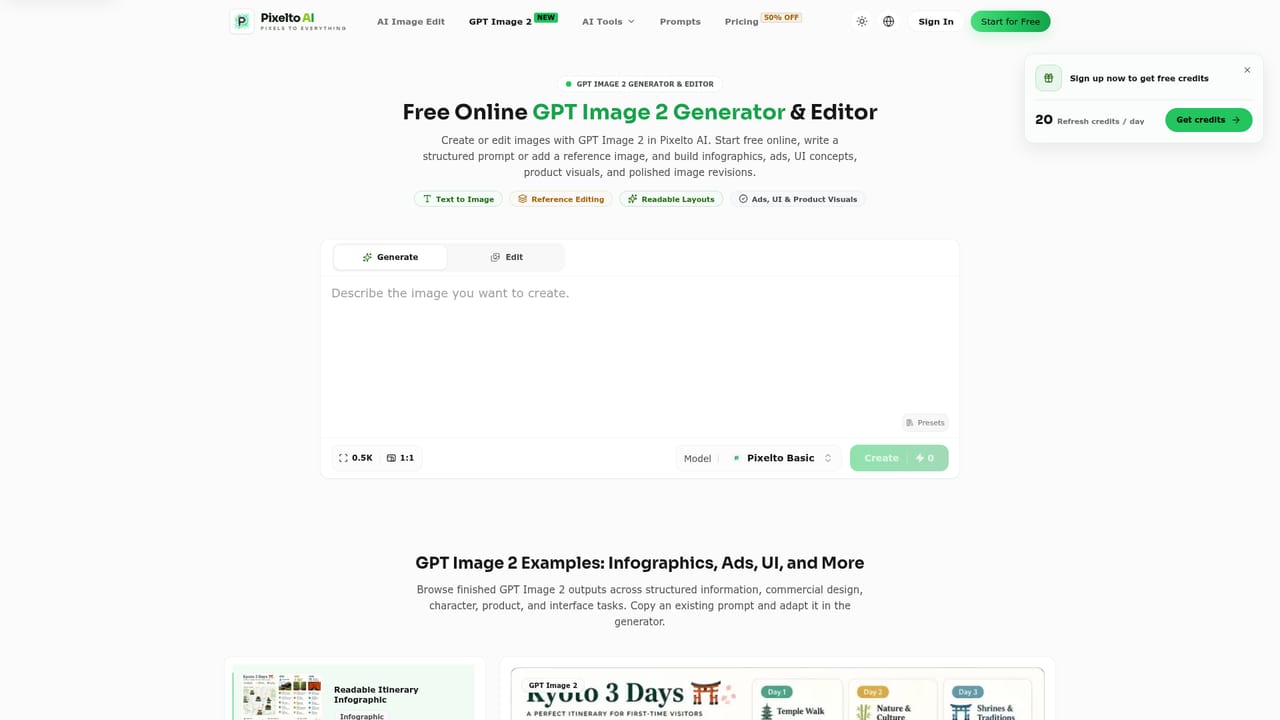
    Go to the Pixelto AI homepage and type a text description directly into the generator, no account creation is needed to begin.
    Pixelto AI — Open the generator and write a prompt
  2. 2Browse prompt templates for ideas
    Visit the prompts library to explore categorized example prompts for realistic photos, illustrations, and stylized looks, then load one into the generator.
    Pixelto AI — Browse prompt templates for ideas
  3. 3Choose a model and adjust settings
    Select between available models such as GPT Image 2, then set the aspect ratio and visual direction before generating the image.
    Pixelto AI — Choose a model and adjust settings
  4. 4Edit or restore an existing image
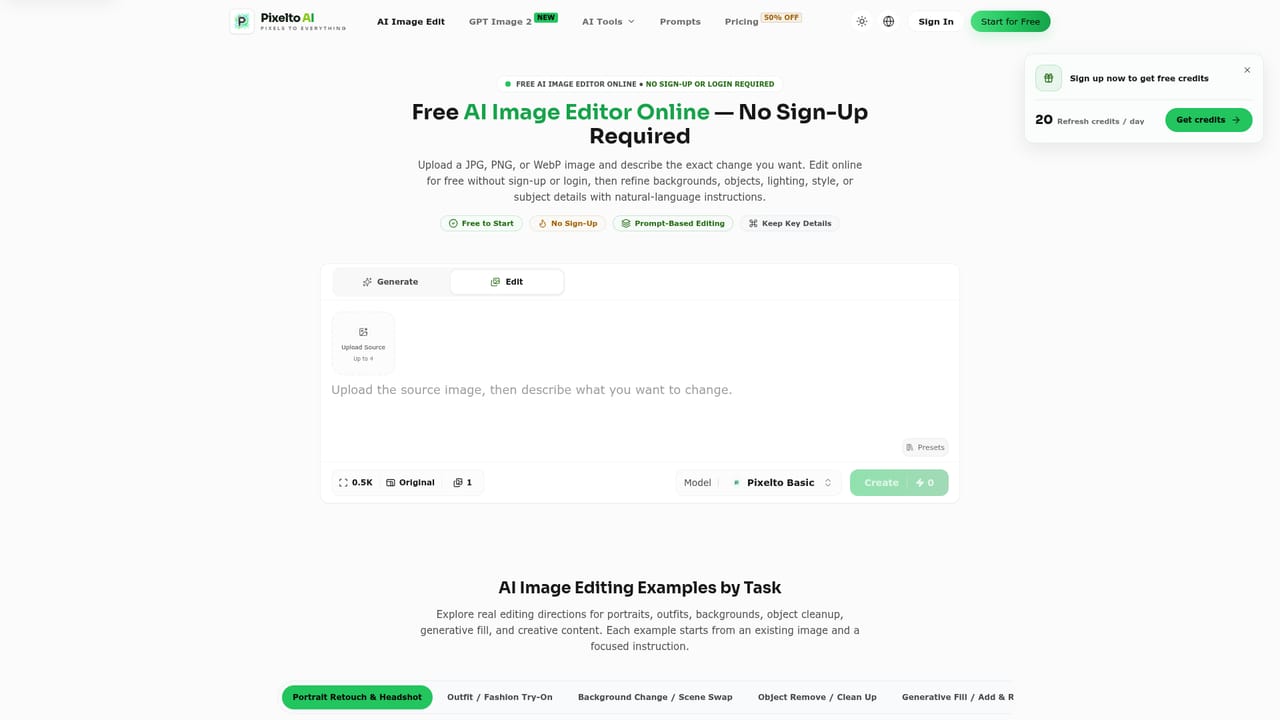
    Use the AI image edit tool to modify an uploaded photo, or the photo restoration tool to repair and enhance older images.
    Pixelto AI — Edit or restore an existing image
  5. 5Check pricing for extended use
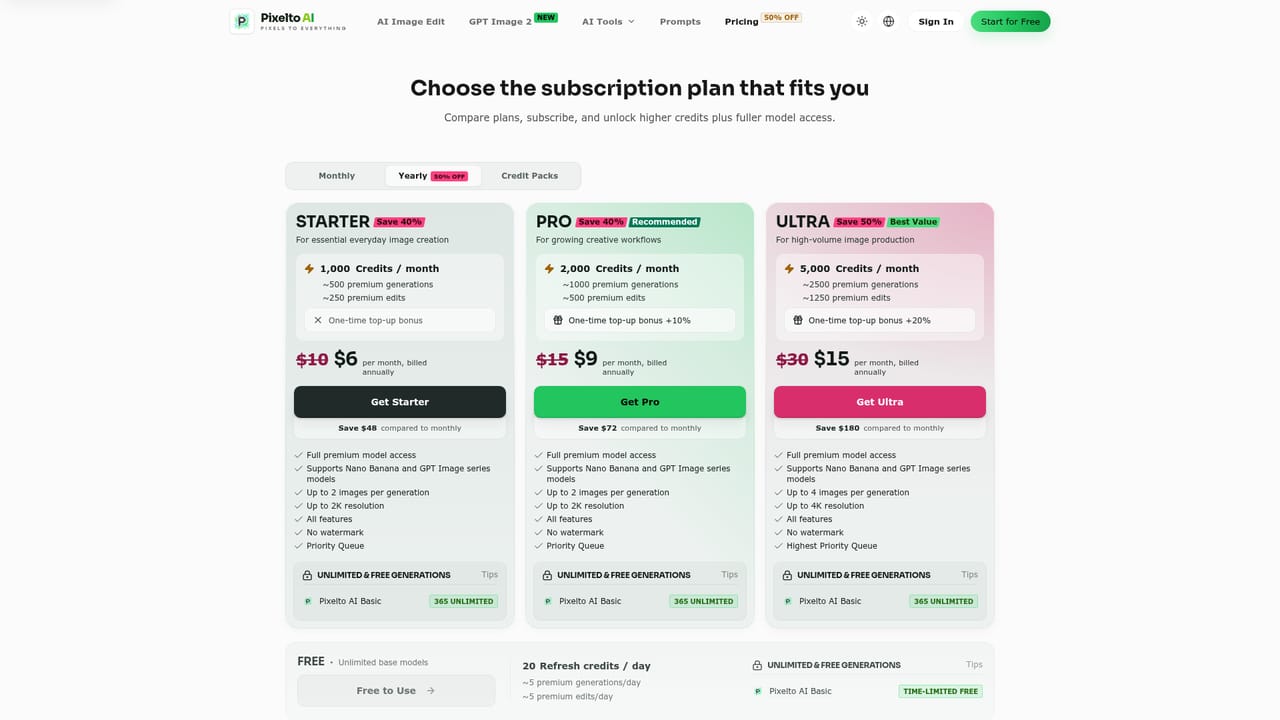
    Review the pricing page for current plans and the listed discount if generation needs go beyond the free starting point.
    Pixelto AI — Check pricing for extended use

Pros and cons

Pros

  • No account, sign-up, or login required to generate the first imageAI
  • Large library of ready-made, customizable prompt templates for faster ideationAI
  • Supports multiple image generation models, including GPT Image 2AI
  • Includes separate tools for AI image editing and photo restoration, not just generationAI
  • Runs entirely in the browser with no installation neededAI

Cons

  • Homepage promotes a pricing discount but does not spell out plan limits or exact costsAI
  • No mention of an API, so developers cannot easily build on top of itAI
  • No dedicated mobile or desktop apps, usage is limited to a web browserAI
  • Commercial usage rights, resolution limits, and model differences are not clearly detailed upfrontAI
  • Quality and consistency across the different underlying models are not independently describedAI

How much does Pixelto AI cost?

Pricing

The site lists a pricing page with a 50% off promotion, but specific plan tiers, limits, and dollar amounts are not detailed on the homepage itself.

Learn more

Support

A contact page is available for reaching the team directly; no live chat or help center is described on the homepage.

Learn more

Features

Browser-based text-to-image generation with no sign-up required, a searchable library of copyable prompt templates, selectable models including GPT Image 2, adjustable aspect ratio and style settings, plus dedicated AI image editing and photo restoration tools.

Frequently asked questions about Pixelto AI

  • How much does Pixelto AI cost?
    The site lists a pricing page with a 50% off promotion, but specific plan tiers, limits, and dollar amounts are not detailed on the homepage itself.
  • How do you use Pixelto AI?
    The walkthrough on this page covers 5 steps: 1. Open the generator and write a prompt 2. Browse prompt templates for ideas 3. Choose a model and adjust settings 4. Edit or restore an existing image 5. Check pricing for extended use.
  • What platforms does Pixelto AI support?
    Pixelto AI is available on Web App.
  • What are the limitations of Pixelto AI?
    Homepage promotes a pricing discount but does not spell out plan limits or exact costs. No mention of an API, so developers cannot easily build on top of it. No dedicated mobile or desktop apps, usage is limited to a web browser.

Status

StatusActive
Views0
Outbound clicks0
Added10/12/2026

Platforms

Web App

Pricing

FreeFreemium