Free trial
Pro is free for every account during early access. Once paid plans open, each account gets a 14-day Pro trial with no card required. A permanent free plan also exists.
Learn moreBrowser pixel-art studio where your own AI can draw live
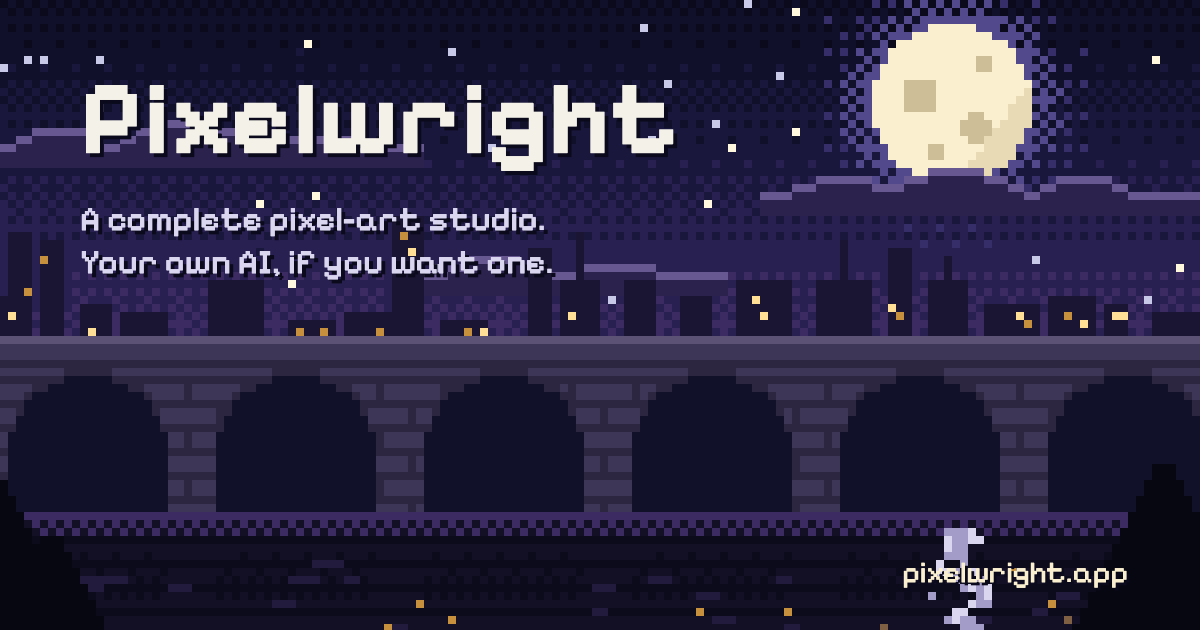
Pixelwright is a web pixel-art studio with rigs, tiles, palettes, animation and engine exports. It works fully by hand, or lets Claude, ChatGPT or Cursor draw live on the canvas, with flat pricing and no AI credits.
Pixelwright is a browser-based pixel-art studio for game developers and pixel artists. It covers the main stages of game art in one place: palettes with named colour ramps, character rigs, square, isometric and hex tiles with autotiling, frame animation with onion skin, and exports aimed at engines and tools such as Godot, Unity, GameMaker, Phaser, Tiled and Aseprite. Aseprite-style shortcuts and built-in lessons ease the move for people arriving from other editors. The feature that sets it apart is optional AI connection. Rather than bundling an image generator, the studio exposes its drawing tools to an assistant the user already pays for. Claude, ChatGPT, Cursor or Claude Code connect through a single address, and the assistant reads the studio's pixel-art guides before it draws. It then places pixels on the canvas while the user watches, and the user can take the pen, undo any step or ask why a choice was made. The same connection works as a tutor: the assistant points at real buttons and explains shading or pose decisions while the human does the drawing. The site states that no AI runs on its own servers, and that the studio records who drew what and writes an AI disclosure. Because every pixel is a palette colour on a whole-pixel grid, output stays consistent from frame to frame, and swapping a ramp recolours a character across all of its frames. Characters are drawn once as parts and animated by moving them, which keeps small projects manageable and avoids redrawing each pose. Against prompt-to-image generators, which return raster pictures that usually need clean-up, Pixelwright behaves more like a conventional editor with an AI operator inside it. Against desktop editors such as Aseprite, it trades local software for a web studio with live AI collaboration. Pricing is flat, with no credits or token meters, and Pro is currently free during early access. The tool suits solo developers who already code with an AI, hobbyists, and learners who want guided practice.
Pro is free for every account during early access. Once paid plans open, each account gets a 14-day Pro trial with no card required. A permanent free plan also exists.
Learn moreFree plan at $0 with 2 AI sessions a day, 3 cloud assets and PNG export. Starter is $4/month billed yearly ($49) or $6 monthly. Pro is $8/month billed yearly ($99) or $12 monthly. Founding Pro is $79/year for the first 500 people. Pro is currently free for everyone. Students pay $3/month for the first year.
Learn moreConnects to Claude, Claude Code, Cursor and ChatGPT (plans with developer mode) through one address. Exports to Godot, Unity, GameMaker, Phaser, PixiJS, Tiled and Aseprite. Imports palettes from Lospec.
Learn morePixel-perfect drawing, palette ramps, shading, onion skin, character rigs, isometric and hex tiles on up to 16 levels, autotiling, colour cycling, Lospec palette import, built-in lessons, live AI drawing with undo, version history, and exports to common engines.
 AI Angels400+ customizable AI girlfriends for NSFW chat, voice calls, and roleplay
 Candy AIExperience the future of companionship with AI friends who chat, role-play, and connect with you on a human level.
 ourdream.aiA vast AI roleplay platform with millions of characters for chat, images, video and voiceAI Angels400+ customizable AI girlfriends for NSFW chat, voice calls, and roleplayCandy AIExperience the future of companionship with AI friends who chat, role-play, and connect with you on a human level.ourdream.aiA vast AI roleplay platform with millions of characters for chat, images, video and voice


