Free trial
A free account is created with one outfit change included, which is enough to judge output on your own photo before buying credits.
Learn moreSwap outfits in any photo while the person, pose and background stay intact

Pixfy AI is a body image editor tool. A browser tool that regenerates the clothing in a photo from a text description while keeping the same face, pose and background. Aimed at creators and sellers who need outfit variations fast, with sibling tools for VTuber avatars and text edits in images.
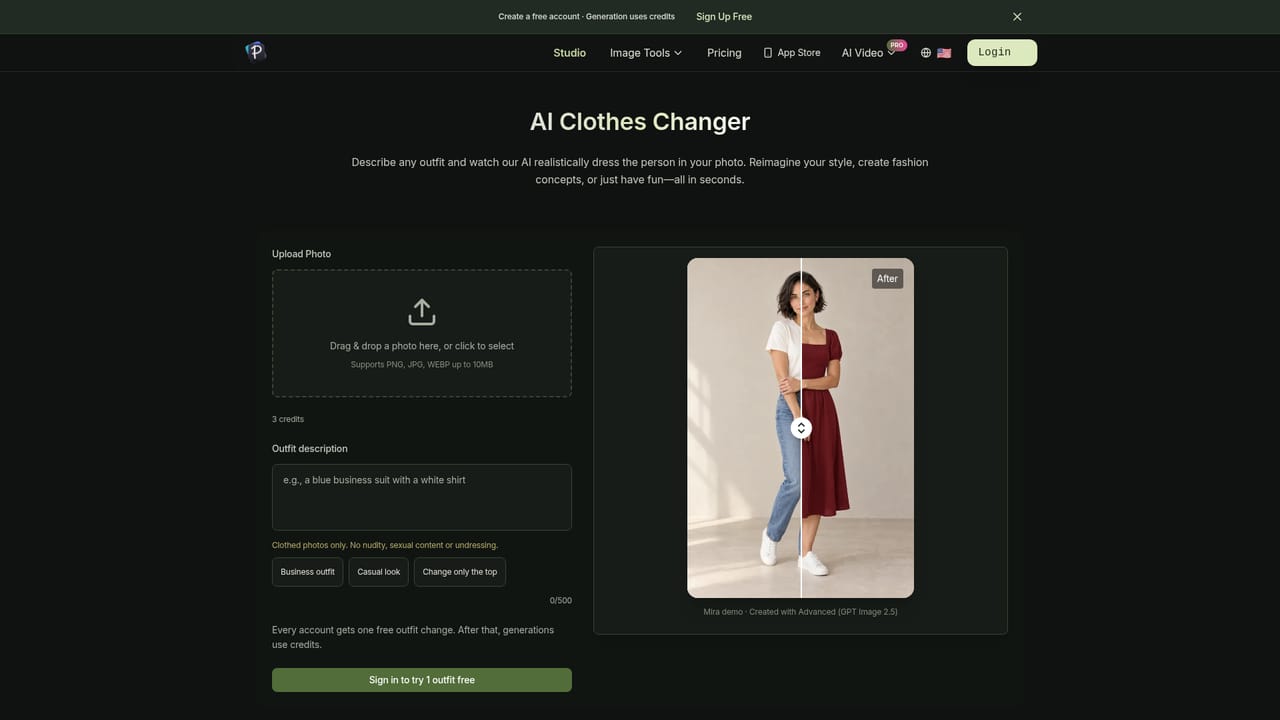
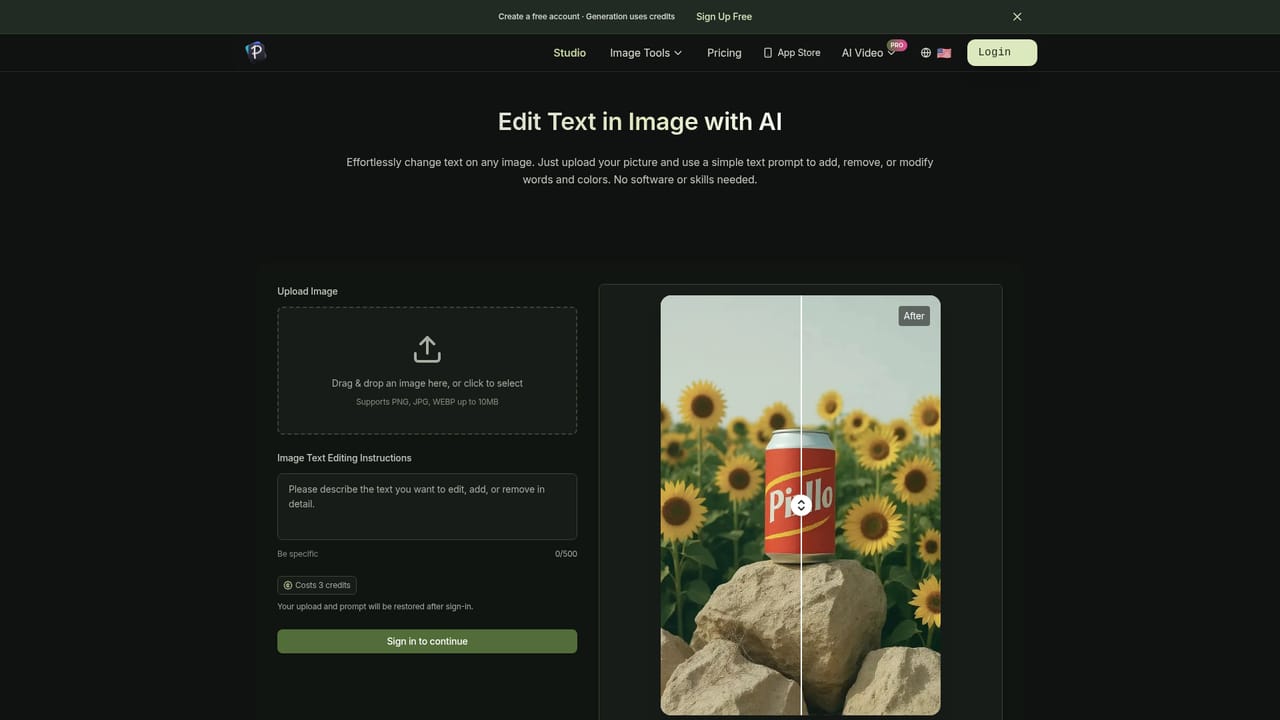
Pixfy AI is a browser based image editor built around one focused job: changing the clothes in a photo without disturbing anything else. You upload a picture of a single person, type a description of the outfit you want, and the tool regenerates the clothing while holding the face, body position and backdrop in place. The homepage demo shows a before and after pair made with a model it labels Advanced (GPT Image 2.5), which suggests Pixfy routes the underlying generation through a third party image model rather than a house built pipeline. In practice the workflow is short. Files go up as PNG, JPG or WebP up to 10MB, the outfit field accepts up to 500 characters, and there are preset prompts for a business outfit, a casual look or a top-only change. The homepage is explicit that results improve with a sharp, well lit photo of one person; full body shots suit complete outfits while half body shots are fine for tops and jackets. Naming color, fabric and fit in the description is the stated way to get a usable result. The editing is deliberately narrow. Clothing changes only: tops, dresses, suits, jackets, seasonal and costume outfits. The tool refuses to remove clothing and blocks nude or sexual requests, so it is not a general purpose photo retoucher and it will not help with face reshaping, object removal or scene replacement. Pixfy also ships sibling tools on the same account, a VTuber model maker that turns a text description into an anime style avatar and a text in image editor that changes, adds or removes words with a short instruction, which makes the site a small suite for character and social content rather than a single purpose toy. The natural audience is people who need a new outfit on an existing photo quickly: creators making thumbnails or stream assets, resellers and marketplace sellers showing a garment in a different styling, and anyone building a cast of AI characters who wants wardrobe variations without a reshoot. Against general editors like Photoshop's generative fill, Pixfy trades control and layers for a guided form that asks only for a photo and a sentence.
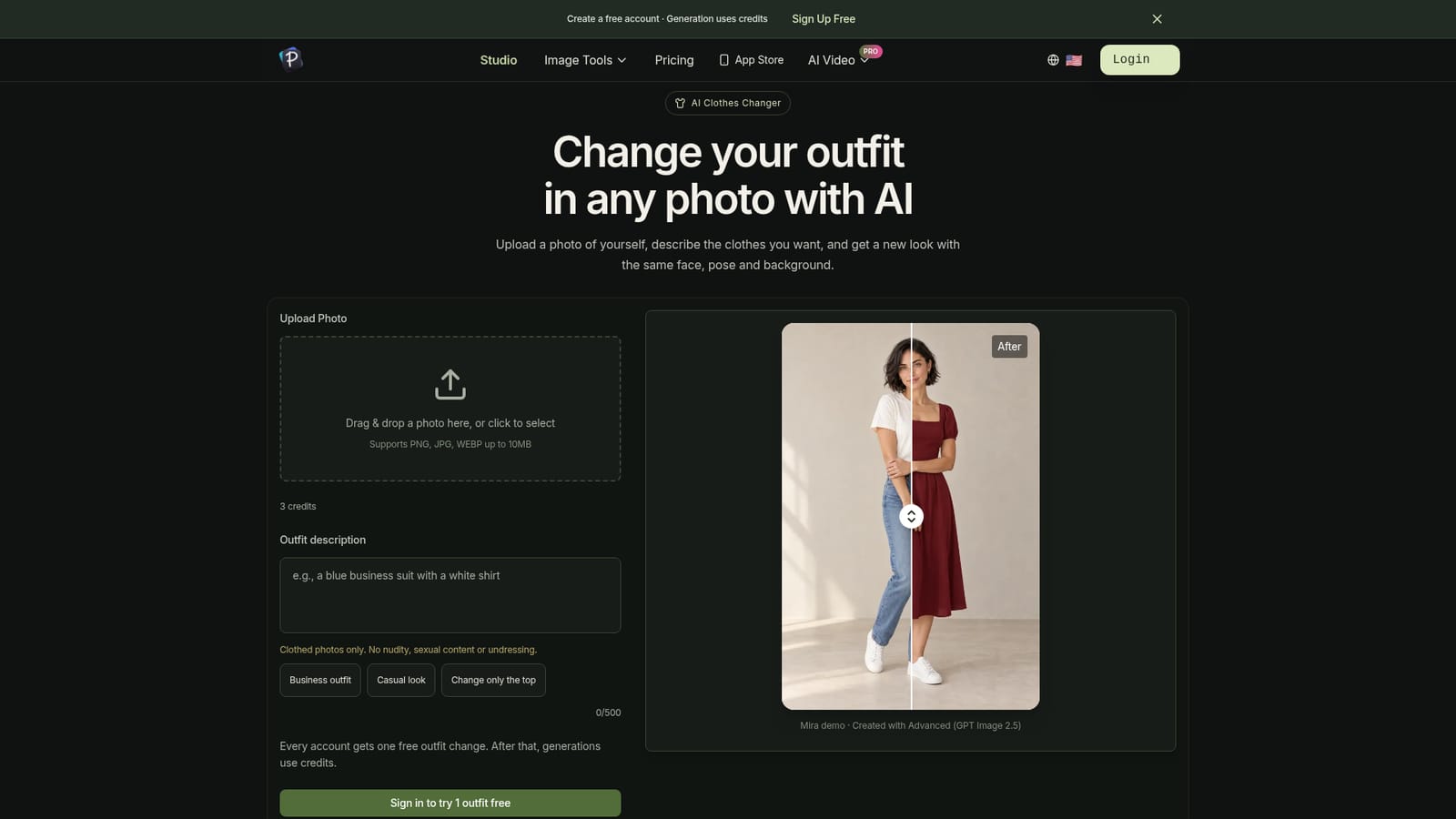

A free account is created with one outfit change included, which is enough to judge output on your own photo before buying credits.
Learn moreEach new account includes one free outfit change. After that, every generation costs 3 credits, and credits come either from a one-time pack with no subscription or from a plan listed on the pricing page. Exact pack and plan figures are not shown on the homepage.
Learn moreThe core tool uploads a PNG, JPG or WebP up to 10MB, takes an outfit description of up to 500 characters, and regenerates the clothing while holding face, pose and background. Presets cover business, casual and top-only changes. Pixfy also offers a VTuber model maker for anime style avatars and an editor that changes, adds or removes text inside an image from a short instruction.
Learn more AI Angels400+ customizable AI girlfriends for NSFW chat, voice calls, and roleplay
 Candy AIExperience the future of companionship with AI friends who chat, role-play, and connect with you on a human level.
 ourdream.aiA vast AI roleplay platform with millions of characters for chat, images, video and voiceAI Angels400+ customizable AI girlfriends for NSFW chat, voice calls, and roleplayCandy AIExperience the future of companionship with AI friends who chat, role-play, and connect with you on a human level.ourdream.aiA vast AI roleplay platform with millions of characters for chat, images, video and voice




