Pixlr

Browser photo editor with built-in AI image, video and audio generation

Beginner
Screenshot of Pixlr, Browser photo editor with built-in AI image, video and audio generation

What is Pixlr?

Pixlr is a free browser-based photo editor that bundles AI image, video and audio generation with tools like background removal, generative fill, upscaling and face swap. Paid plans add credits, ad-free use and more models.

Pixlr is a browser-based suite that combines a conventional photo editor with a growing set of generative AI tools. Instead of one product, it is a family of entry points: Pixlr Express for quick edits, Pixlr Editor for layered work, and separate pages for image generation, instruction-based editing, video generation, audio generation, face swap, collages and file conversion. Nothing has to be installed, and the platform is described as available for browser, mobile and desktop. The AI toolset covers most everyday retouching jobs. Background removal, object removal, noise reduction, skin enhancement, colorizing, sharpening and sticker creation sit alongside generative fill, generative expand for outpainting, generative transform for moving or resizing objects, and super scale upscaling up to 25 megapixels. An AI assistant accepts plain-language edit requests, and an extract-layers tool splits an image into separate layers. On the generation side, Pixlr routes requests to third-party models such as Flux, Recraft, Kling, Veo, Stable Diffusion, Seedream and ElevenLabs, so users can produce images from text, animate stills into video, convert text to speech or music, and transcribe audio. In practice, a user opens a tool, drops in an image or types a prompt, and refines the result in the same editor, which is the main workflow advantage: generated assets do not need to be exported into a second application before text, cropping or layering. The audience spans beginners making social graphics, small businesses editing product photos, and designers who want a lighter alternative to desktop software. Pixlr is free to start, with paid plans that remove ads, add AI credits, unlock all models, enable private mode and a priority generation queue, and expand fonts, templates and elements. Education use is free. Among alternatives, it competes with Photoshop-style editors on one side and standalone generators on the other, and its pitch is covering both in a single web workspace.

How do you use Pixlr?

  1. 1Open the right Pixlr tool
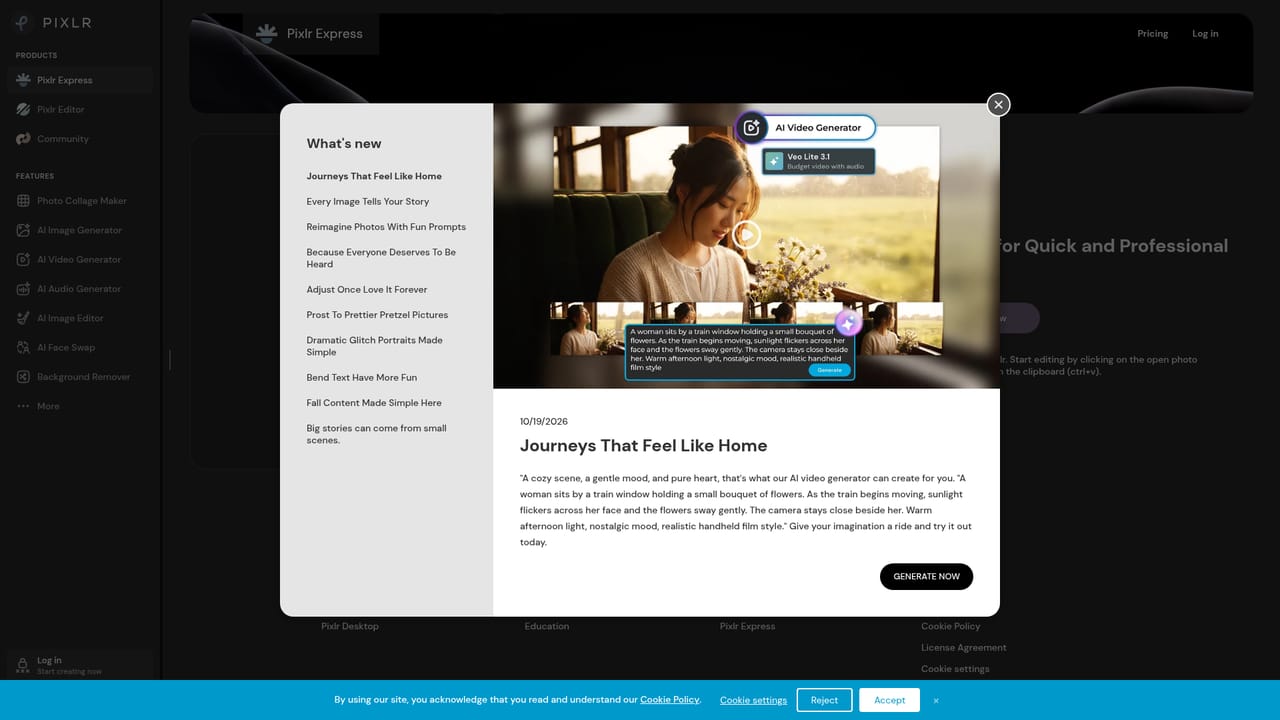
    Start with Pixlr Express for quick AI edits or Pixlr Editor for layered work. Drop an image onto the page or click to browse.
    Pixlr — Open the right Pixlr tool
  2. 2Remove a background
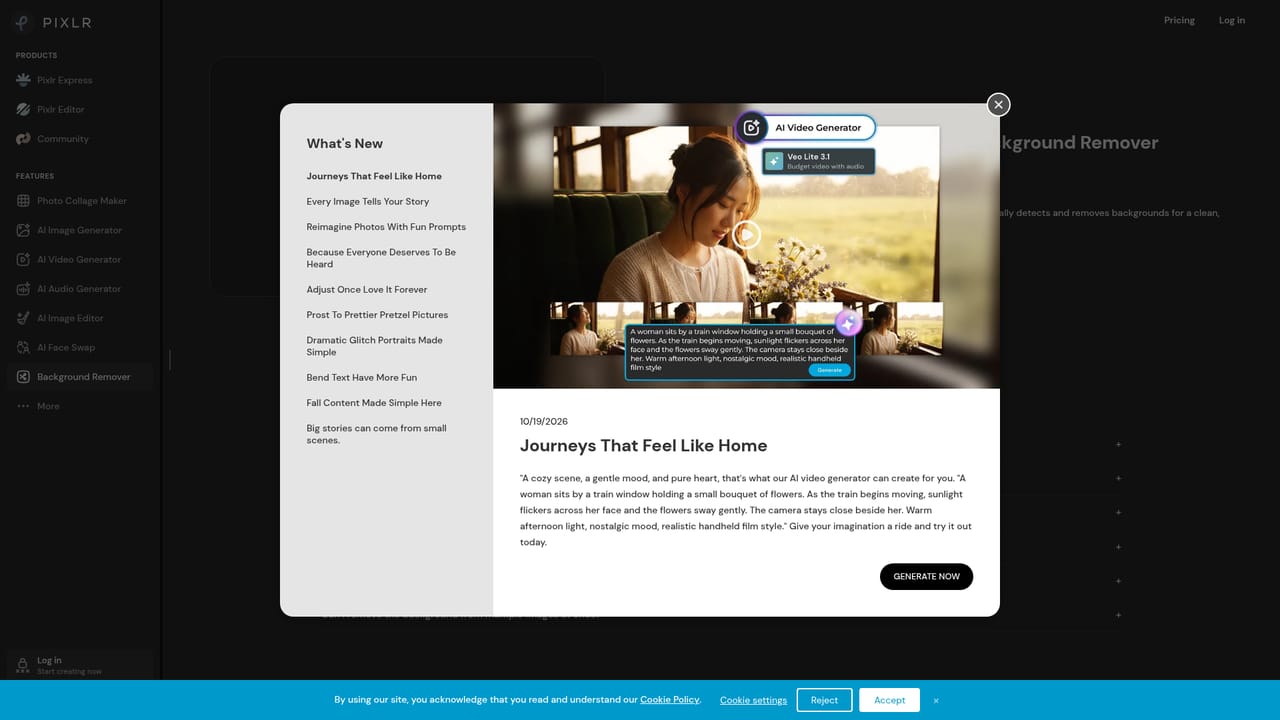
    Upload a photo to the background remover and let the AI isolate the subject in one click. Download the cutout or carry it into the editor.
    Pixlr — Remove a background
  3. 3Generate an image from a prompt
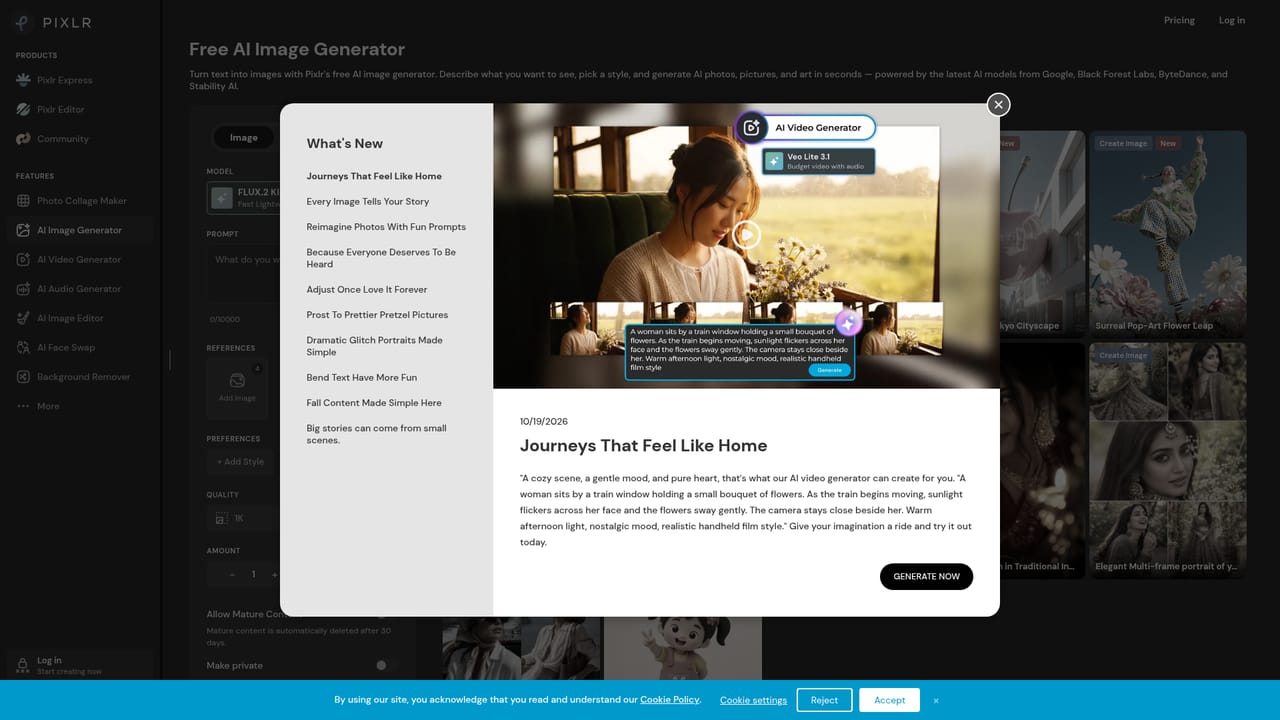
    Open the image generator, describe the picture you want, and choose a model. Send the result to the editor for text, cropping or layers.
    Pixlr — Generate an image from a prompt
  4. 4Edit with plain-language instructions
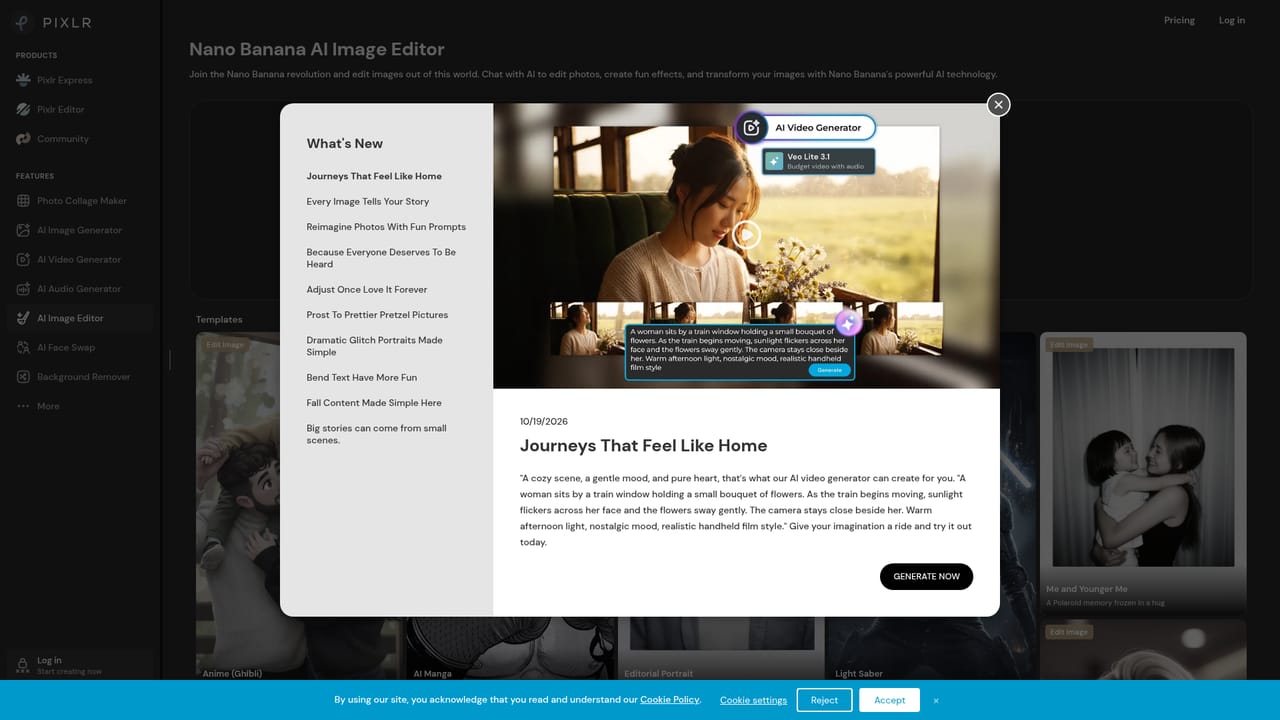
    Use the Instruct Editor to describe a change to an existing image and let the AI apply it.
    Pixlr — Edit with plain-language instructions
  5. 5Animate or extend into video
    Open the video generator to turn a text description or a still image into a short clip.
  6. 6Compare plans
    Review the paid tiers if you need more AI credits, all models, private mode or ad-free editing.

Pros and cons

Pros

  • Editing and AI generation live in one browser workspace, so generated images can be refined without switching appsAI
  • Wide AI toolset: background and object removal, generative fill and expand, upscaling, face swap and collagesAI
  • Access to many third-party models for image, video and audio, including Flux, Kling and VeoAI
  • No installation needed, and a free tier plus free use for educationAI
  • Low entry price for paid plans, starting at $1.99 per monthAI

Cons

  • Full model access, ad-free editing and larger AI credit allowances require a paid planAI
  • The suite is split across many separate tools and pages, which can feel scattered for new usersAI
  • Generation depends on third-party models, so output quality and availability vary by modelAI
  • Layered editing in a browser is lighter than desktop software for complex professional workflowsAI

How much does Pixlr cost?

Pricing

Free to use in the browser, with paid plans starting at $1.99 per month. Paid tiers add ad-free editing, more AI credits, all image, video and audio models, private mode, a priority queue and extra fonts and templates. Free for education.

Learn more

Integrations

Draws on third-party AI models including Flux, Kling, Recraft, Veo, Stable Diffusion, Seedream, Wan and ElevenLabs. No other app integrations are listed on the homepage.

Features

AI photo editing (background and object removal, generative fill, expand, transform, upscaling to 25 MP, noise removal), text-to-image, image-to-image, video generation, face swap, text-to-speech, speech-to-text, text-to-music, collages and file conversion.

Frequently asked questions about Pixlr

  • How much does Pixlr cost?
    Free to use in the browser, with paid plans starting at $1.99 per month. Paid tiers add ad-free editing, more AI credits, all image, video and audio models, private mode, a priority queue and extra fonts and templates. Free for education.
  • How do you use Pixlr?
    The walkthrough on this page covers 6 steps: 1. Open the right Pixlr tool 2. Remove a background 3. Generate an image from a prompt 4. Edit with plain-language instructions 5. Animate or extend into video 6. Compare plans.
  • What platforms does Pixlr support?
    Pixlr is available on Web App, iOS, Android, Windows and MacOS.
  • What does Pixlr integrate with?
    Draws on third-party AI models including Flux, Kling, Recraft, Veo, Stable Diffusion, Seedream, Wan and ElevenLabs. No other app integrations are listed on the homepage.
  • What are the limitations of Pixlr?
    Full model access, ad-free editing and larger AI credit allowances require a paid plan. The suite is split across many separate tools and pages, which can feel scattered for new users. Generation depends on third-party models, so output quality and availability vary by model.

Status

StatusActive
Views0
Outbound clicks0
Added10/21/2026

Platforms

Web AppiOSAndroidWindowsMacOS

Pricing

FreemiumSubscription






