Pricing
Jobs are priced in credits: most single fixes cost 1 credit, common edits and stylised looks cost 2, and headshot packs cost 3. The homepage does not state subscription prices, credit bundle prices or how credits are purchased.
Learn moreChat-based photo editing inside WhatsApp.

PixZap is a body image editor tool. PixZap delivers over 60 photo edits through a WhatsApp chat: send an image, describe the change, receive the result. It covers object removal, restoration, relighting, background swaps and selfie retouching, with each job costing one to three credits.
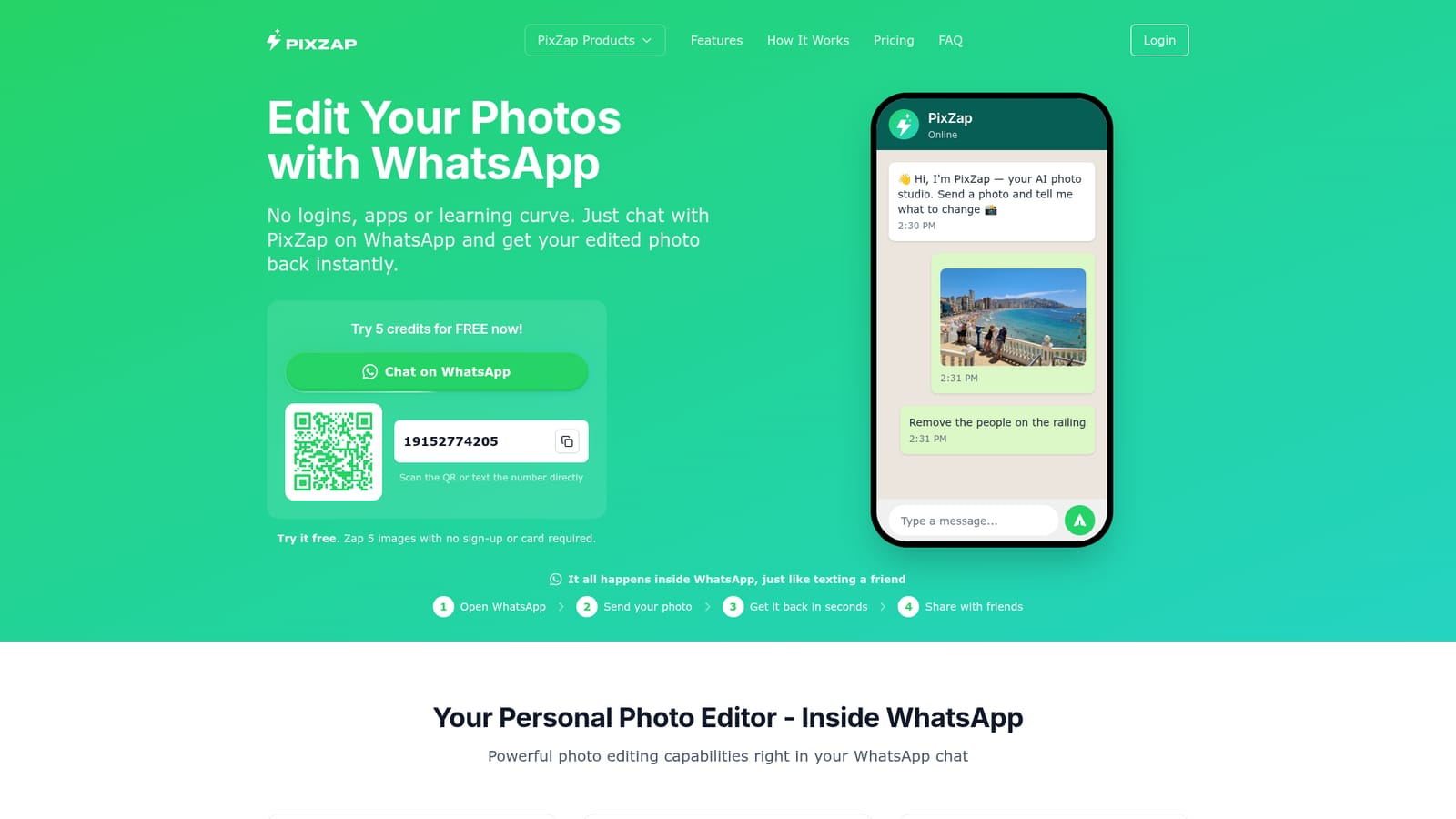
PixZap is a photo editing service that lives inside WhatsApp, turning the messaging thread you already use into a command line for image retouching. There is no app to install and no account to create: you send a photo, type a plain-language instruction such as "remove the camping gear" or "make it snow", and the edited image comes back in the same chat. The tool advertises more than 60 individual edits, grouped into Viral, Fix & Restore, Selfie Studio and Fun, so the interface is really a menu of specific jobs rather than a blank canvas. The strongest coverage sits in corrective work. Restore repairs and colorizes damaged prints, Remove erases people or clutter, Unblur sharpens soft focus, and Change Background, Relight, Change Weather, Uncrop and Remove Glare handle problems that normally send people back to a desktop editor. Selfie Studio targets profile and dating photos with headshot packs, haircut previews, Suit Me Up, Try-On and De-Age. The Viral and Fun sets lean on novelty: action figures, magazine covers, plush toys, stickers, polaroids and trading cards. Direct manipulations like moving a person to the centre, changing dress colour, editing text on a sign or swapping an object are also supported through free-form prompts. Each job carries a credit cost, generally one to three, with simpler fixes at the lower end and multi-image packs at the top. That makes PixZap a reasonable fit for casual users who edit a few photos a week, and for social sellers who want quick product or lifestyle shots without opening Photoshop. It is less suited to anyone needing layered files, precise colour management, batch processing or pixel-level control, since everything runs through a chat prompt and the output is a finished flat image. Competing tools tend to be either full desktop editors with a steep learning curve or browser studios that require sign-up; PixZap bets that convenience and zero setup outweigh granular control.

Jobs are priced in credits: most single fixes cost 1 credit, common edits and stylised looks cost 2, and headshot packs cost 3. The homepage does not state subscription prices, credit bundle prices or how credits are purchased.
Learn moreOperates through WhatsApp. No other integrations, plugins or API access are described on the homepage.
Over 60 edits grouped into Viral, Fix & Restore, Selfie Studio and Fun. Highlights include Restore, Remove, Unblur, Change Background, Relight, Change Weather, Uncrop, Open Eyes, Remove Glare, Enlarge, Headshots, Haircut, Glow Up, Suit Me Up, Try-On, Stickers, Polaroid and Tattoo Preview, plus free-form edits for moving, adding, swapping objects and changing text in photos.
 AI Angels400+ customizable AI girlfriends for NSFW chat, voice calls, and roleplay
 Candy AIExperience the future of companionship with AI friends who chat, role-play, and connect with you on a human level.
 ourdream.aiA vast AI roleplay platform with millions of characters for chat, images, video and voiceAI Angels400+ customizable AI girlfriends for NSFW chat, voice calls, and roleplayCandy AIExperience the future of companionship with AI friends who chat, role-play, and connect with you on a human level.ourdream.aiA vast AI roleplay platform with millions of characters for chat, images, video and voice




