Features
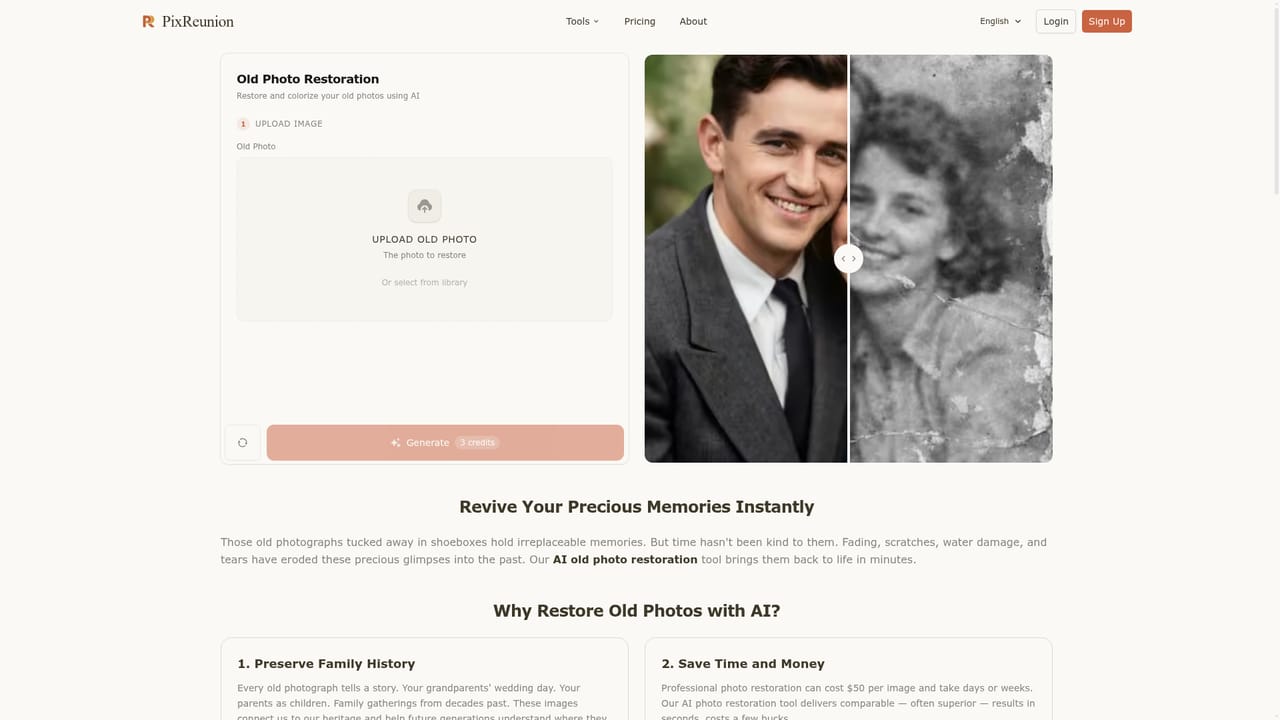
Studio family portraits from multiple photos, add person to photo, old photo restoration, image upscaler, image filter, baby generator and object removal. Multiple artistic styles and ready-to-print 4K output are advertised.
AI family portraits that bring separated loved ones into one frame

PixReunion is a web AI photo studio that merges separate photos into one family portrait, adds missing people to group shots, and offers restoration, upscaling, filters and object removal for keepsake photos.
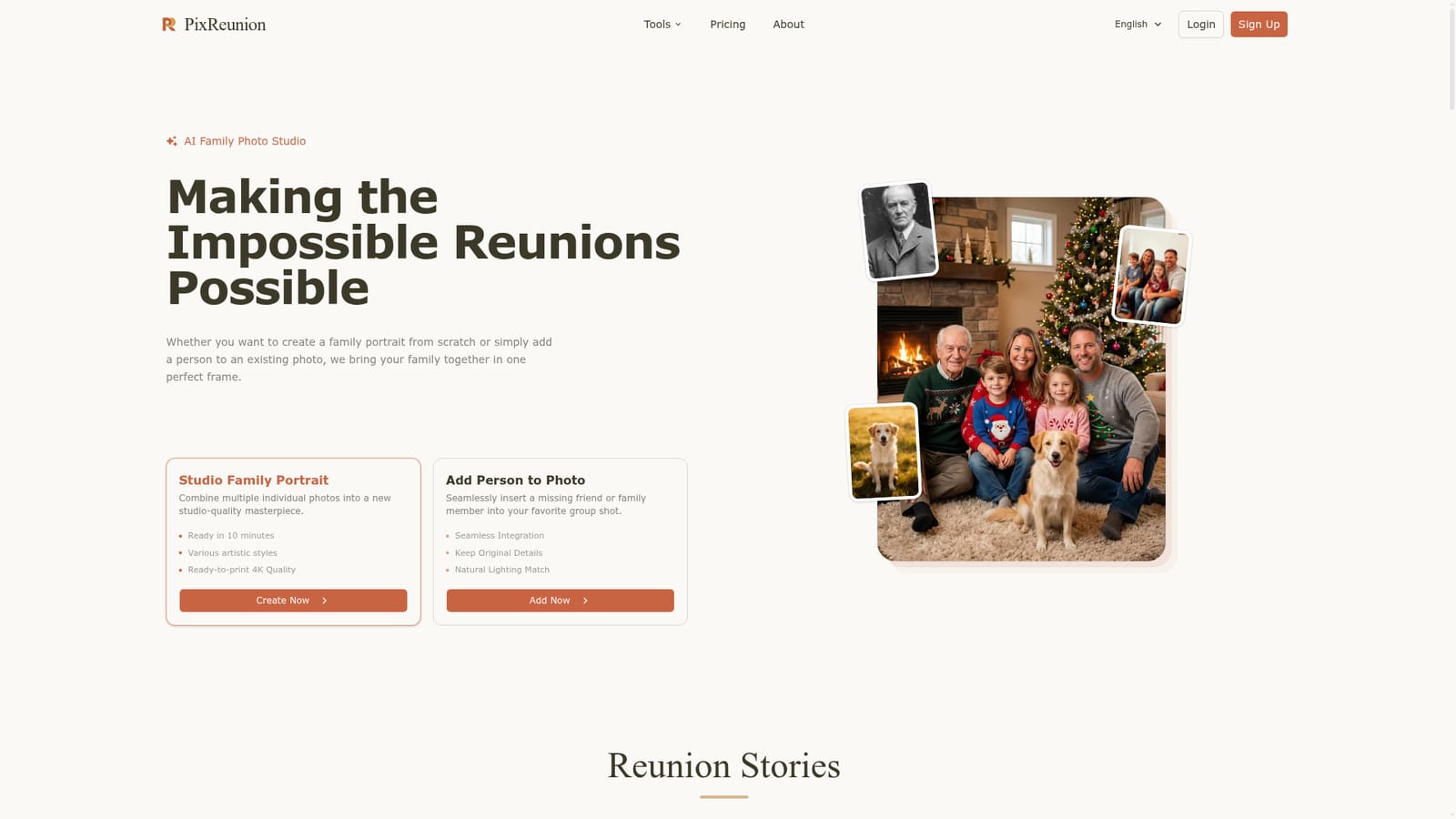
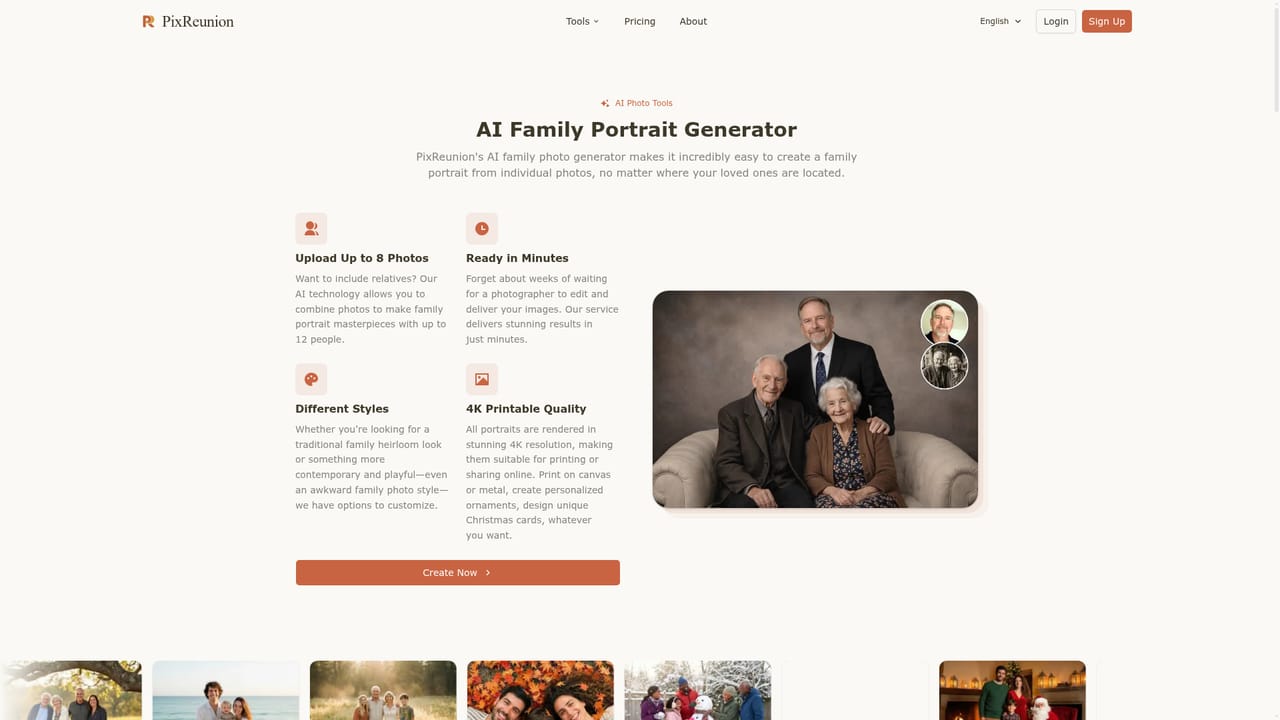
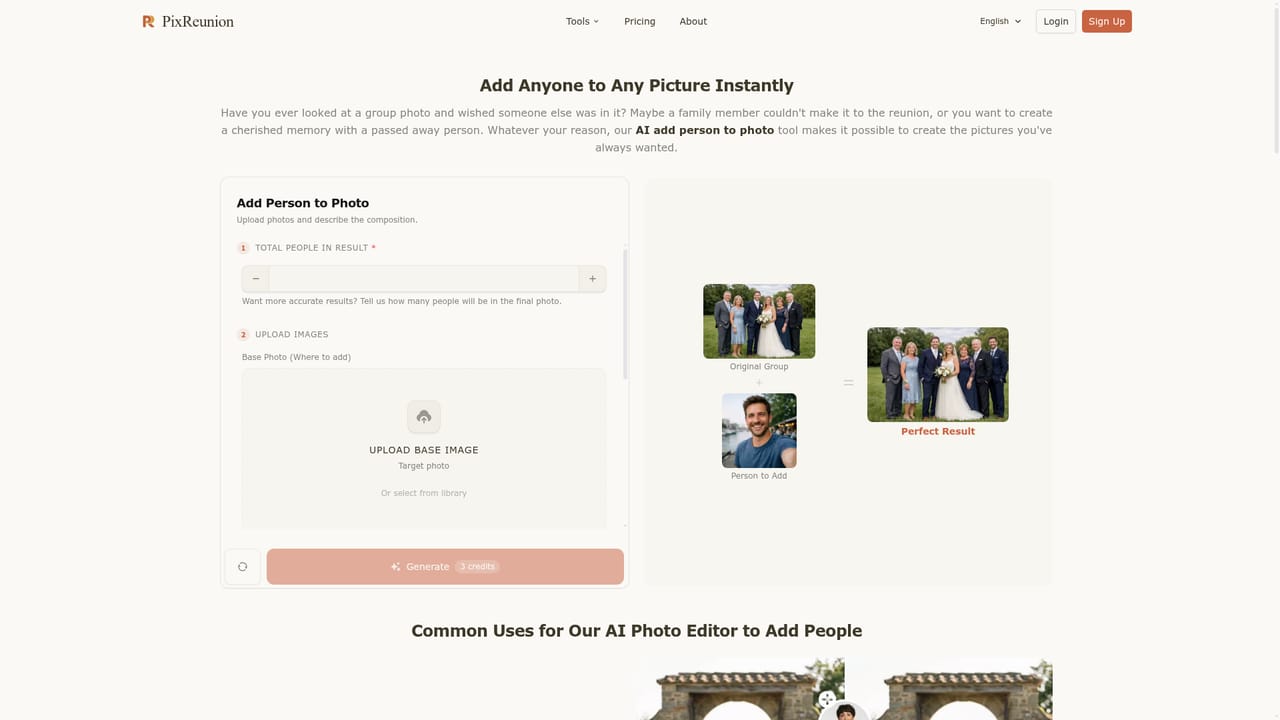
PixReunion is a web-based AI photo studio built around one emotional use case: getting everyone into the same picture. Its main feature combines several individual photos into a single group portrait, so relatives who live in different cities, or who are no longer alive, can appear together in a polished studio-style image. A companion tool inserts a missing friend or family member into an existing group shot while keeping the original details and matching the lighting. The homepage presents the studio as a set of focused tools rather than a general image editor. Beyond the family portrait generator and the add-person feature, separate pages cover old photo restoration, an image upscaler, an image filter, a baby generator and object removal. Sample galleries show a range of settings, including Christmas scenes, sofa portraits, beach and meadow shots, formal wood-panel backdrops, black-and-white styles and multigenerational groups with pets. The site states that portraits can be ready in about 10 minutes, come in various artistic styles, and are delivered in print-ready 4K quality. In practice, a user uploads photos of each person, picks a style or scene, and lets the AI compose the result. The workflow suits people who want a keepsake rather than a design project: gifts for parents, wedding photos that include a relative who could not travel, or memorial images that place a late parent beside a grandchild. User stories on the homepage describe exactly these situations. Among alternatives, PixReunion sits between general AI image generators and traditional photo editors such as manual compositing tools. Its advantage is a narrow, guided flow for family and reunion imagery with no prompt engineering. The tradeoff is less open-ended control than a full editor or a prompt-driven generator offers. The homepage does not publish pricing, credit limits or platform details, so buyers need to check the individual tool pages before committing to a large batch of photos.
Studio family portraits from multiple photos, add person to photo, old photo restoration, image upscaler, image filter, baby generator and object removal. Multiple artistic styles and ready-to-print 4K output are advertised.


