Free trial
There is no separate trial period; the core editor and unlimited downloads are free to use, with optional paid AI match packs for extra font-matching beyond the daily free allowance.
Learn moreClick the words already in a photo, type new ones, and the background rebuilds itself.

PixText is an edit text on ID tool. PixText lets users click on text inside a screenshot, poster or product photo, type a replacement, and have AI erase the original words and rebuild the background behind them, with optional AI font matching for unusual lettering.
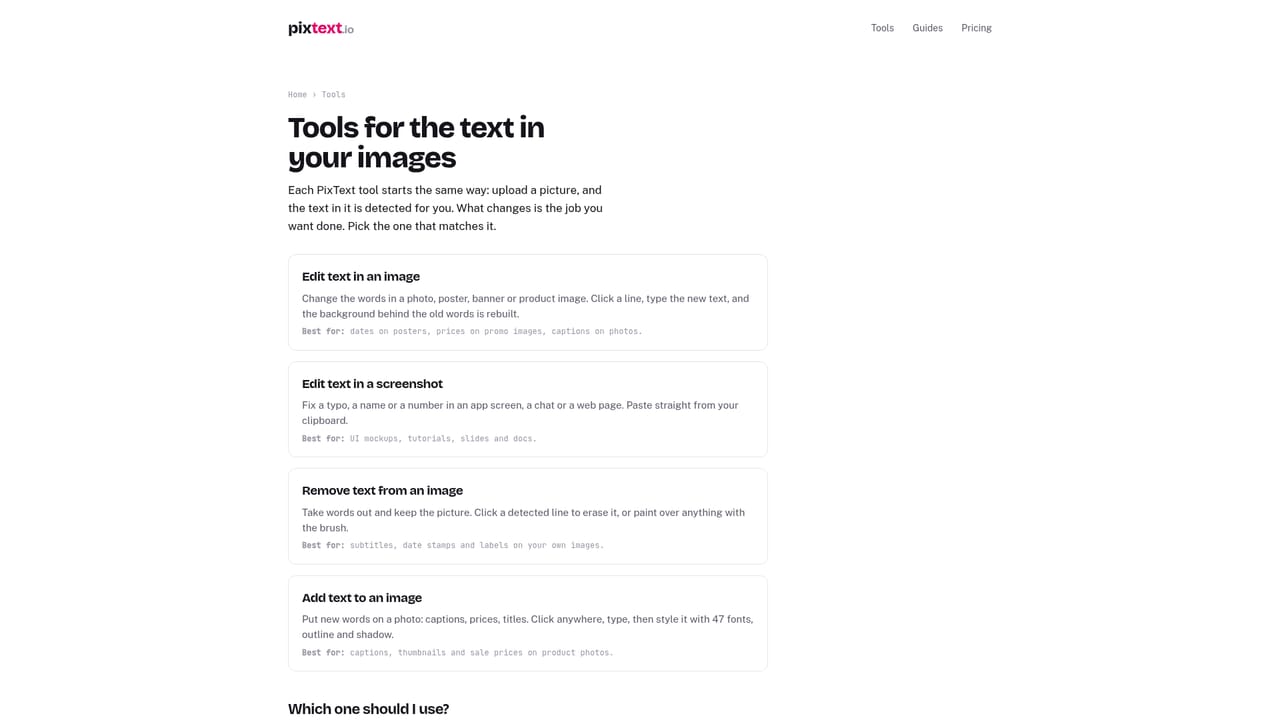
PixText is a browser-based editor built around a narrow but useful idea: changing text that is already inside an image rather than stacking new text on top of it. A user uploads a screenshot, poster, product photo or meme, clicks on any line of text, types a replacement, and the tool erases the original characters and reconstructs the background behind them. The result looks like the image was always worded that way, instead of carrying a visible patch or sticker. The tool is aimed at people who need a quick text fix without opening Photoshop or tracking down a source file: social media managers swapping captions, sellers updating prices on listing photos, event organizers changing a date on a poster, or anyone fixing a typo in a UI screenshot. A separate AI match option tries to reproduce unusual lettering, such as neon signage or hand-drawn type, by redrawing the edited line in the image's own style rather than substituting a generic font. A manual brush is available for cleanup or for removing elements like watermarks and logos on images the user has rights to edit, and a standalone text tool lets users add fresh lines to a photo that had no text before. In practice, results depend heavily on what sits behind the original text. Flat colors, gradients, and simple photographic backgrounds erase cleanly almost every time, while busy textures, fabric, packaging, and reflective surfaces are more likely to show soft blurring where the old text used to be. PixText supports JPG, PNG, and WebP files up to 10MB and exports a PNG at the processed resolution. Among text-editing tools, PixText sits in a specific niche: it is not a general photo editor or a caption-overlay app, but a focused utility for in-place text replacement. That makes it a practical pick for people who repeatedly need to adjust existing text on images rather than design new graphics from scratch.
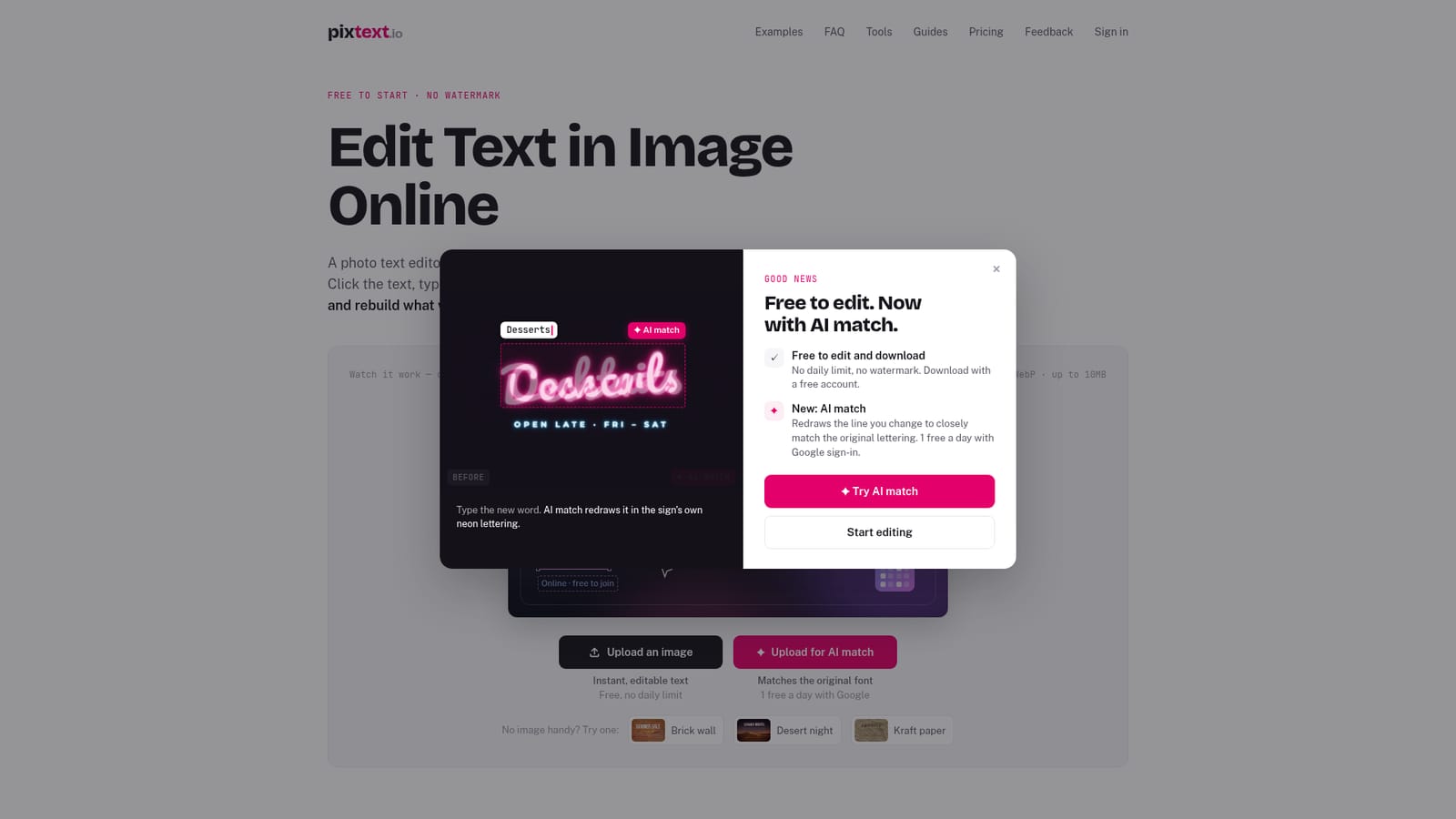
There is no separate trial period; the core editor and unlimited downloads are free to use, with optional paid AI match packs for extra font-matching beyond the daily free allowance.
Learn moreEditing and downloading images is free with no daily limit and no watermark; a free account is required to download. Extra AI font-match uses beyond the one free daily match (with Google sign-in) are sold as one-time packs rather than a subscription; exact pack prices are not stated on the homepage.
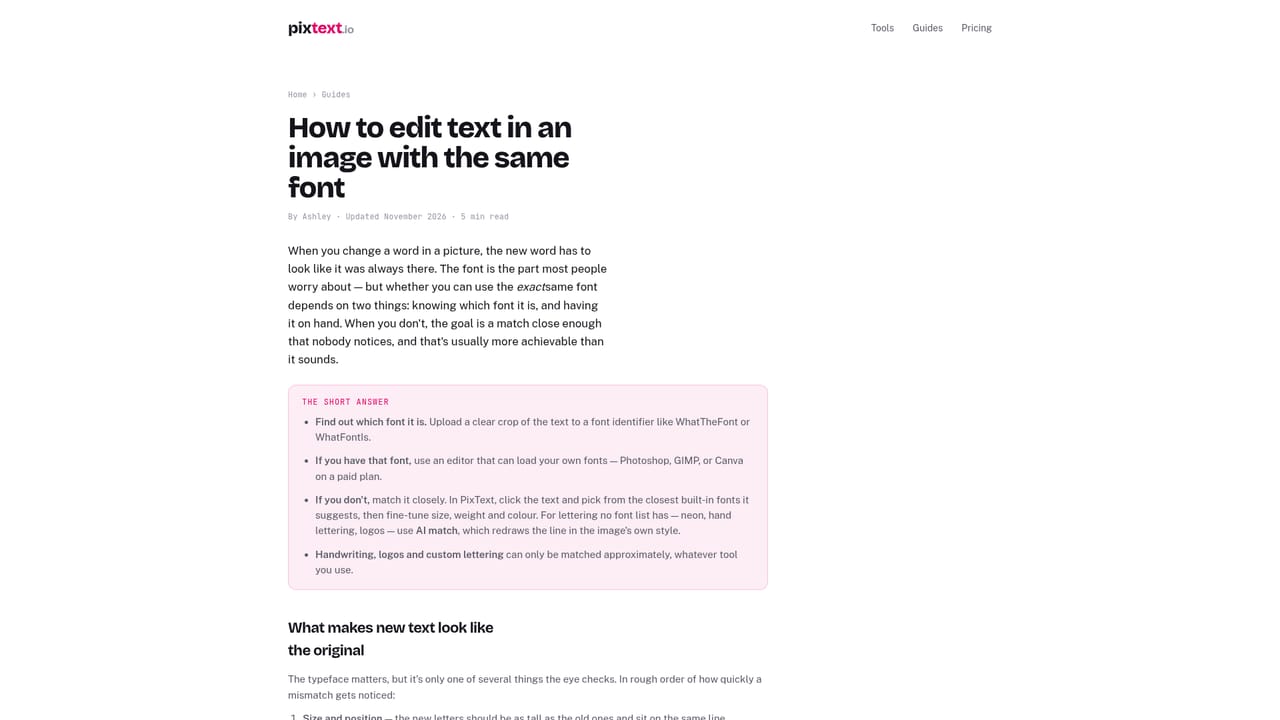
Learn moreSupport is available through a contact page, along with an FAQ section and written guides covering common editing scenarios like matching fonts or editing screenshots.
Learn moreClick-to-edit text replacement with automatic background reconstruction, AI font matching for unusual lettering, a manual brush for cleanup or removal of watermarks and logos, a tool to add new text to images, and support for JPG, PNG and WebP files up to 10MB.
Learn more AI Angels400+ customizable AI girlfriends for NSFW chat, voice calls, and roleplay
 Candy AIExperience the future of companionship with AI friends who chat, role-play, and connect with you on a human level.
 ourdream.aiA vast AI roleplay platform with millions of characters for chat, images, video and voiceAI Angels400+ customizable AI girlfriends for NSFW chat, voice calls, and roleplayCandy AIExperience the future of companionship with AI friends who chat, role-play, and connect with you on a human level.ourdream.aiA vast AI roleplay platform with millions of characters for chat, images, video and voice


