Free trial
Free access is credit-based rather than time-limited: up to 25 credits per day are provided to try the editors and tools before subscribing.
Learn moreOne-click AI object removal inside a 25-tool photo editor
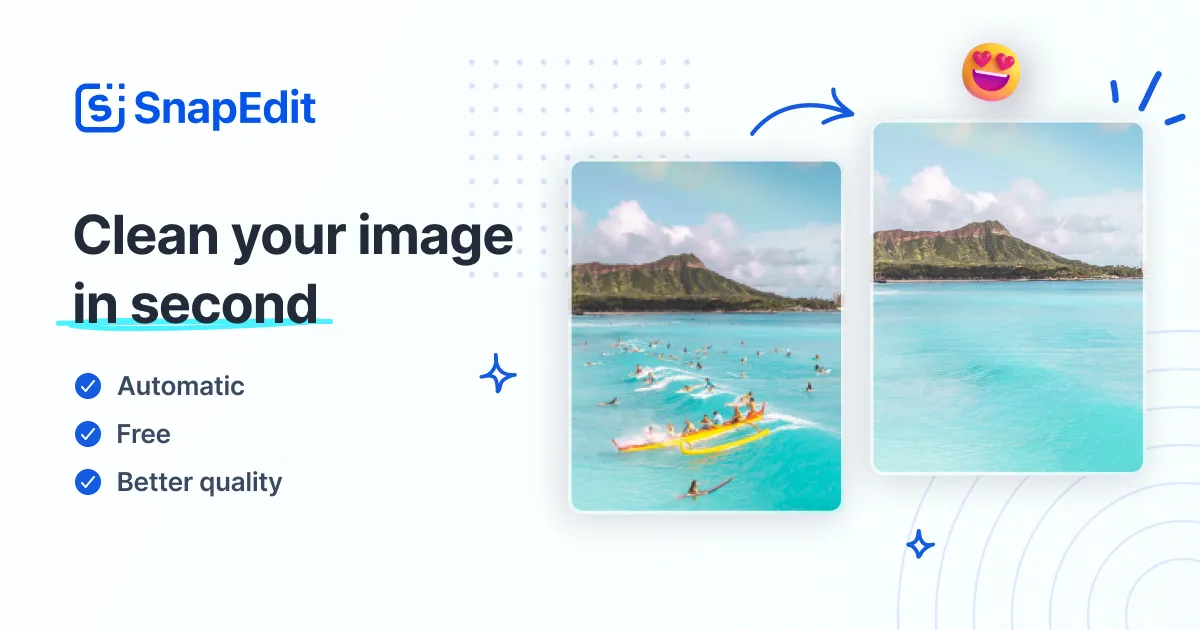
SnapEdit is an AI image upscaler tool. An all-in-one AI photo editor with 25+ tools, led by one-touch object removal, background erasing, HD and 4K enhancement, and batch processing. Suited to creators, ecommerce teams and casual users who want quick cleanup in a browser or mobile app.
SnapEdit is a browser-based photo editor built around a simple premise: most people need a handful of cleanup jobs done fast, not a full desktop studio. The headline tool is one-touch object removal, where the AI detects unwanted details in a picture and erases them with minimal manual input. Around that core sit more than 25 tools, including background removal with a library of over 100 templates, an enlarge and enhance pass that lifts blurry photos toward HD and 4K output, AI skin retouching for acne and blemishes, text removal for timestamps and captions, and a wire line eraser for shots ruined by overhead cables. The product is aimed at creators and small teams rather than retouchers. Photographers, social media producers, ecommerce sellers, travel and real estate shooters, and shop owners all get the same workspace. Practical workflows include batch processing of up to 50 photos at a time, which is where the ecommerce case becomes concrete: standardise a catalogue, strip backgrounds, compress files, and export for marketplaces without opening several apps. Everyday users get a simpler pitch: fix a photobombed holiday shot or sharpen an old picture without learning layer-based software. The interface is web-first and also ships as a mobile app, with no installation required on desktop. Work starts by uploading an image, then choosing a tool from the tool grid. Removal tasks rely on automatic detection, with manual brushing available when the model misses something. Outputs can be downloaded at HD or 4K, and a credit allowance gates usage. SnapEdit competes with dedicated object removers like Cleanup.pictures and with general editors such as Canva and Fotor. Its edge is bundling removal, background, enhancement and compression in one place, backed by an API for teams that need editing inside their own applications. The trade-off is that it favours speed and convenience over granular control, so advanced retouchers may still reach for Photoshop.
Free access is credit-based rather than time-limited: up to 25 credits per day are provided to try the editors and tools before subscribing.
Learn moreThe homepage does not list plan prices. It states that up to 25 free credits are available daily, that HD and 4K downloads are offered, and that paid plans exist, with reviewers referencing an annual subscription. Check the site for current tiers and credit costs.
Learn moreEmail support is highlighted in user reviews on the homepage. A contact page is published on the site for direct enquiries.
Learn moreA developer API is available for integrating SnapEdit's image editing into applications and business workflows. No other third-party integrations are described on the homepage.
Learn moreOver 25 tools in one workspace: one-touch object removal, background removal with 100+ templates, photo enhancement to HD and 4K, AI skin retouching, text and wire line removal, plus compression, conversion, watermarking and background blur. Batch processing handles up to 50 photos, and an API supports automated editing.
Learn more AI Angels400+ customizable AI girlfriends for NSFW chat, voice calls, and roleplay
 Candy AIExperience the future of companionship with AI friends who chat, role-play, and connect with you on a human level.
 ourdream.aiA vast AI roleplay platform with millions of characters for chat, images, video and voiceAI Angels400+ customizable AI girlfriends for NSFW chat, voice calls, and roleplayCandy AIExperience the future of companionship with AI friends who chat, role-play, and connect with you on a human level.ourdream.aiA vast AI roleplay platform with millions of characters for chat, images, video and voice








