Free trial
A 7 day auto-renewing trial is advertised on the homepage. The displayed prices are placeholder values, so the actual trial charge and renewal amount need checking on the pricing page before signing up.
Learn morePlagiarism detection inside a broader AI writing suite
Own Plagiarism Checker by JustDone? Verify ownership to get a dofollow link
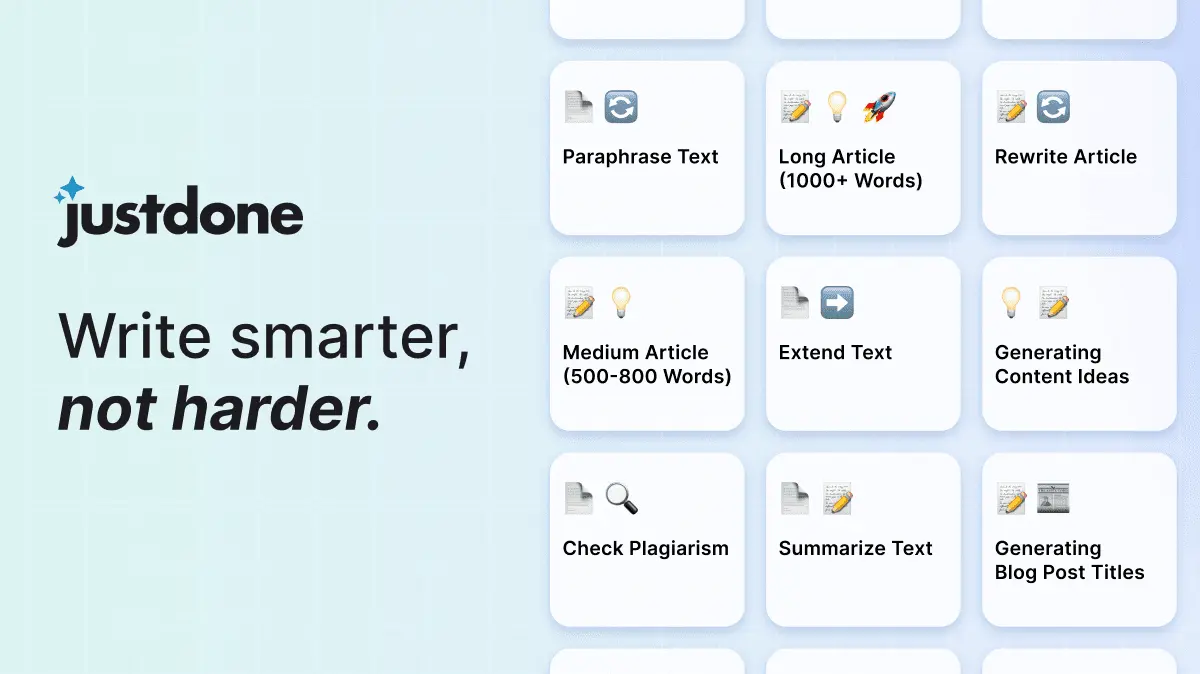
Plagiarism Checker by JustDone is an AI checker tool. A plagiarism checker bundled into the JustDone AI writing suite. It flags copied passages and hands off to a built-in paraphraser, with AI detection, humanizing, grammar checking, chat and a Chrome extension in the same account.
Plagiarism Checker by JustDone is one module in a larger AI assistant built for research, writing and studying. The checker is designed to flag copied passages in a draft, and the company positions it as a first step rather than a standalone tool: the natural follow-up in the same workspace is the Paraphraser, which rewrites flagged text so the wording reads as original. That pairing is the real product, since detection without a rewrite path tends to leave users stuck. The broader JustDone suite is what separates this from single-purpose plagiarism scanners. The homepage lists a Plagiarism Detector, AI Detector, Text Humanizer, Paraphraser, Grammar Checker and Image Generator among more than 120 tools, and the AI Chat adds document chat (PDF, DOC, TXT), website chat, internet search and real-time data on top of GPT4. A Chrome extension carries the assistant onto any page, which matters for people who check drafts while reading sources in the browser rather than in a separate dashboard. The tool is aimed at students, researchers, bloggers and marketing writers who need a fast originality pass before submitting or publishing. Typical use is straightforward: paste or upload a draft, review the matches, then send suspect sections to the paraphraser or humanizer and run a grammar check before the final read. Because the same account covers AI detection and humanizing, it suits people who also worry about machine-generated text being flagged, not just copied text. Where it sits among alternatives is worth being clear about. Dedicated plagiarism services publish large comparison databases and formal similarity reports, and JustDone does not advertise that on its homepage. This is better understood as an all-in-one writing workspace where plagiarism checking is one stop in a longer editing loop, rather than a citation-grade integrity platform for institutions.
A 7 day auto-renewing trial is advertised on the homepage. The displayed prices are placeholder values, so the actual trial charge and renewal amount need checking on the pricing page before signing up.
Learn moreSubscription only, with auto-renewal and cancellation from account settings. The homepage describes a 7 day trial followed by a monthly charge and also shows a $19.99/month plan, but the trial figures render as $00.00 placeholders, so current pricing has to be confirmed on the pricing page.
Learn moreThe homepage does not describe support channels. A Trustpilot profile with a 4.3 rating from about 9,700 reviews is linked, and the published replies to reviews point to an email address for feedback.
No third-party integrations are named on the homepage. The Chrome extension is the main way the tool reaches outside its own interface, alongside document upload for chat.
Plagiarism detection paired with a paraphraser, plus an AI detector and text humanizer for machine-written content. The wider suite adds a grammar checker, image generator, AI Chat with PDF, DOC and TXT uploads, website chat, internet search with real-time data and a built-in prompt improver on GPT4. A Chrome extension extends the assistant to any site.
Learn more AI Angels400+ customizable AI girlfriends for NSFW chat, voice calls, and roleplay
 Candy AIExperience the future of companionship with AI friends who chat, role-play, and connect with you on a human level.
 ourdream.aiA vast AI roleplay platform with millions of characters for chat, images, video and voiceAI Angels400+ customizable AI girlfriends for NSFW chat, voice calls, and roleplayCandy AIExperience the future of companionship with AI friends who chat, role-play, and connect with you on a human level.ourdream.aiA vast AI roleplay platform with millions of characters for chat, images, video and voice


