Free trial
The first transcript is free up to 2 hours of audio with no credit card. Longer files are free for the first 2 hours and charged at the normal rate afterwards. One free transcript per account.
Learn moreFile-based AI transcription and translation with prepaid credits, no subscription

PlainScribe turns audio and video files into transcripts with speaker labels, AI summaries, subtitles and translation across 47 languages. It uses prepaid credits at $4 per audio hour rather than a subscription, includes an offline desktop app for sensitive recordings, and deletes files after 30 days.
PlainScribe is a file-based transcription and translation service for audio and video, built around prepaid credits instead of a monthly plan. A single upload of up to 1GB returns a finished bundle: a transcript with speaker labels and timestamps, an AI summary, optional translation across 47 languages with automatic detection, and subtitle files. Common formats such as MP3, MP4, WAV, M4A and MOV are accepted, and exports come out as TXT, CSV, SRT, VTT or JSON. Every export format is available to every user at no extra cost. The pricing model is the main differentiator. One credit covers one hour of audio at $4 ($0.067 per minute), and balances are topped up in any whole-dollar amount from $10, with bonus credits on top-ups of $50 or more. There is no monthly fee and no per-seat charge, so quiet months cost nothing. Paid credits expire one year after purchase. The first transcript is free up to 2 hours of audio and requires no card, which lets a new user test accuracy on their own recordings before committing. The company's own comparison pages concede that TurboScribe's flat subscription wins on cost above roughly 30 audio hours a year. The tool suits freelancers, researchers, journalists, students and small teams with irregular transcription volume rather than a daily pipeline. Privacy is handled in two layers. Cloud transcripts and raw audio auto-delete after 30 days for all users, including the free transcript, and a desktop app included with any credit purchase runs transcription entirely on the local machine for confidential interviews or depositions. PlainScribe is candid that cloud jobs pass files to named third-party providers that may retain data or train on it, so the offline app is the recommended route for genuinely sensitive material. Compared with Otter, Rev, Descript and Sonix, the pitch is no seat licensing, a lower per-minute rate than Sonix and no bot joining meetings.
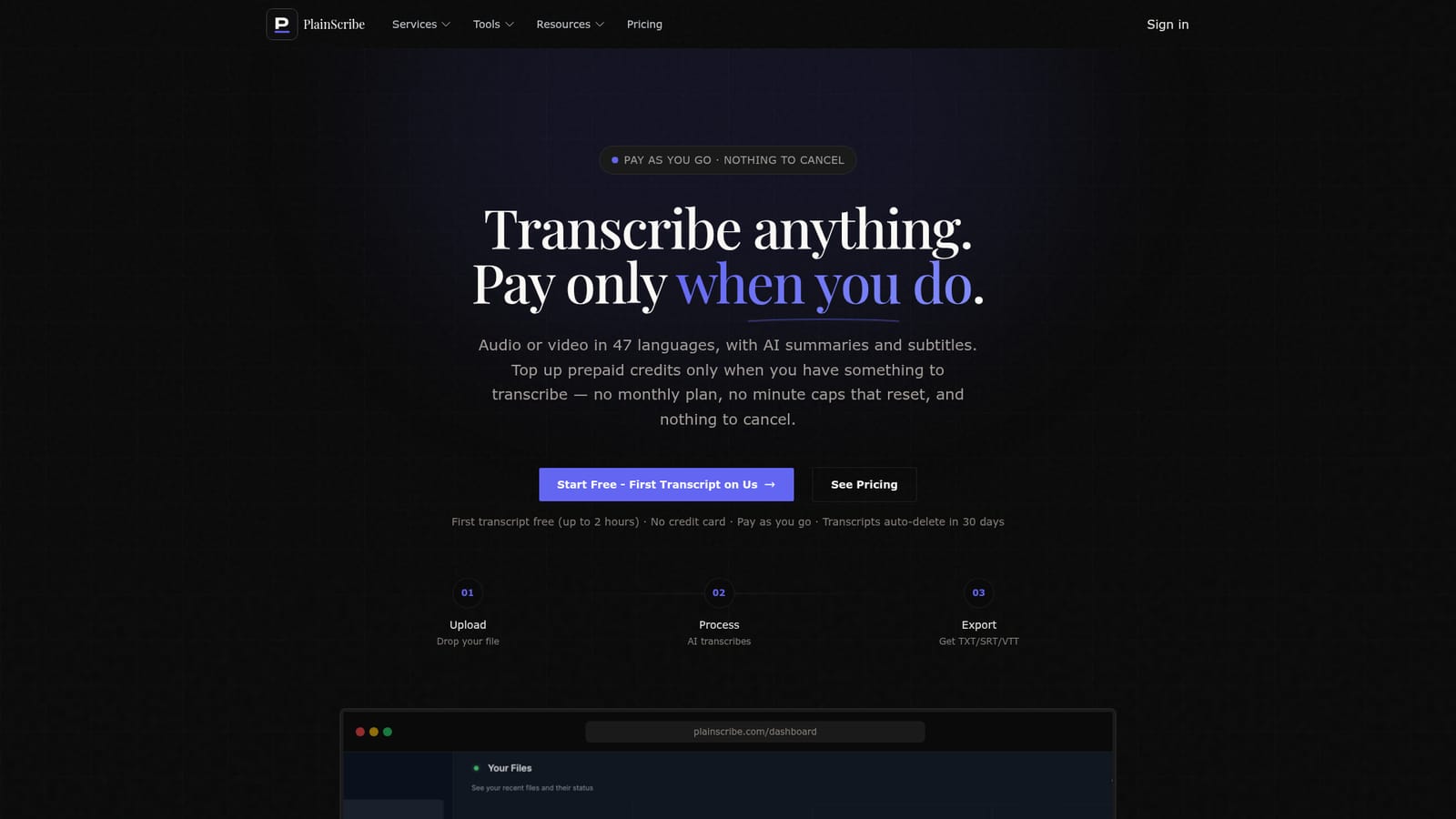
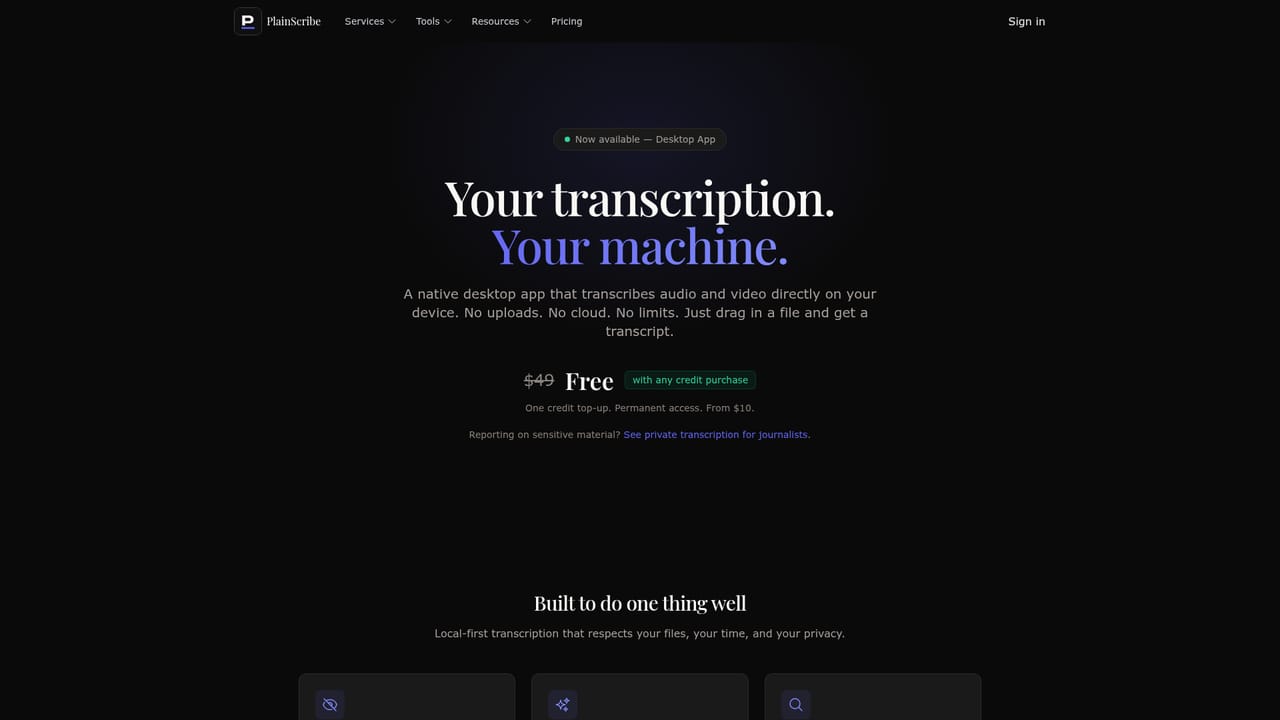
The first transcript is free up to 2 hours of audio with no credit card. Longer files are free for the first 2 hours and charged at the normal rate afterwards. One free transcript per account.
Learn morePay as you go at $4 per audio hour ($0.067 per minute). One credit equals one audio hour; top up any whole-dollar amount from $10, with bonus credits at $50 or more (up to 15% at $250). No subscription or per-seat fees. Paid credits expire one year after purchase.
Learn moreTranscription with speaker labels and timestamps, automatic language detection across 47 languages, translation, AI summaries with Smart Notes formatting, subtitle generation, searchable transcripts, and exports as TXT, CSV, SRT, VTT or JSON. An offline desktop app handles confidential files. Transcripts and raw audio auto-delete after 30 days.
Learn more AI Angels400+ customizable AI girlfriends for NSFW chat, voice calls, and roleplay
 Candy AIExperience the future of companionship with AI friends who chat, role-play, and connect with you on a human level.
 ourdream.aiA vast AI roleplay platform with millions of characters for chat, images, video and voiceAI Angels400+ customizable AI girlfriends for NSFW chat, voice calls, and roleplayCandy AIExperience the future of companionship with AI friends who chat, role-play, and connect with you on a human level.ourdream.aiA vast AI roleplay platform with millions of characters for chat, images, video and voice







