Free trial
The homepage offers a free way to try Planable, with a Try for free button leading to the registration page. The length of the trial and what it includes are not stated on this page.
Learn morePlan, review and approve social content in one shared workspace

Planable is a marketing tool that plans review and approve social content in one shared workspace. A social media content workspace where teams write, schedule, review and approve posts across nine networks plus blog and newsletter content, with client-friendly comments, version history and built-in AI caption tools.
Planable is a collaborative social media content workspace built around the gap between writing a post and publishing it. The product page frames it as one place for content, feedback and approvals, covering nine social networks plus long-form pieces such as blog articles, newsletters and campaign briefs. Teams create and schedule posts, clients review them, and everything moves forward through a visible approval flow rather than scattered documents and message threads. The composer is the core of the tool. Grouped posts let one idea be written once and sent to several platforms at the same time, with the option to sync edits across all versions or make platform-specific tweaks on each. Facebook, Instagram, X, LinkedIn, TikTok, YouTube, Pinterest, Threads and Google Business Profile each get dedicated fields: alt text, first comments, carousels, reels thumbnails, offers and events for GMB, video visibility and tags for YouTube, and character counters for X. Visuals can be edited inside the post, Canva assets come in with one click, and version history shows who changed what. AI sits inside creation as an accelerator rather than a separate product. It generates captions from custom prompts or from uploaded images and videos, rewrites copy to fit a brand voice or a platform limit, produces hashtags, and suggests new posts based on earlier ones. Around this, a drag-and-drop calendar with colour-coded labels and preferred posting times handles planning, while feedback tools, analytics and a social inbox cover review and engagement. Planable is aimed at agencies, multi-location brands and in-house marketing teams where more than one person touches a post. Its closest alternatives are scheduling suites with heavier publishing features; Planable competes on the review and approval experience, where agencies need clients on board without giving them a paid seat for every comment.
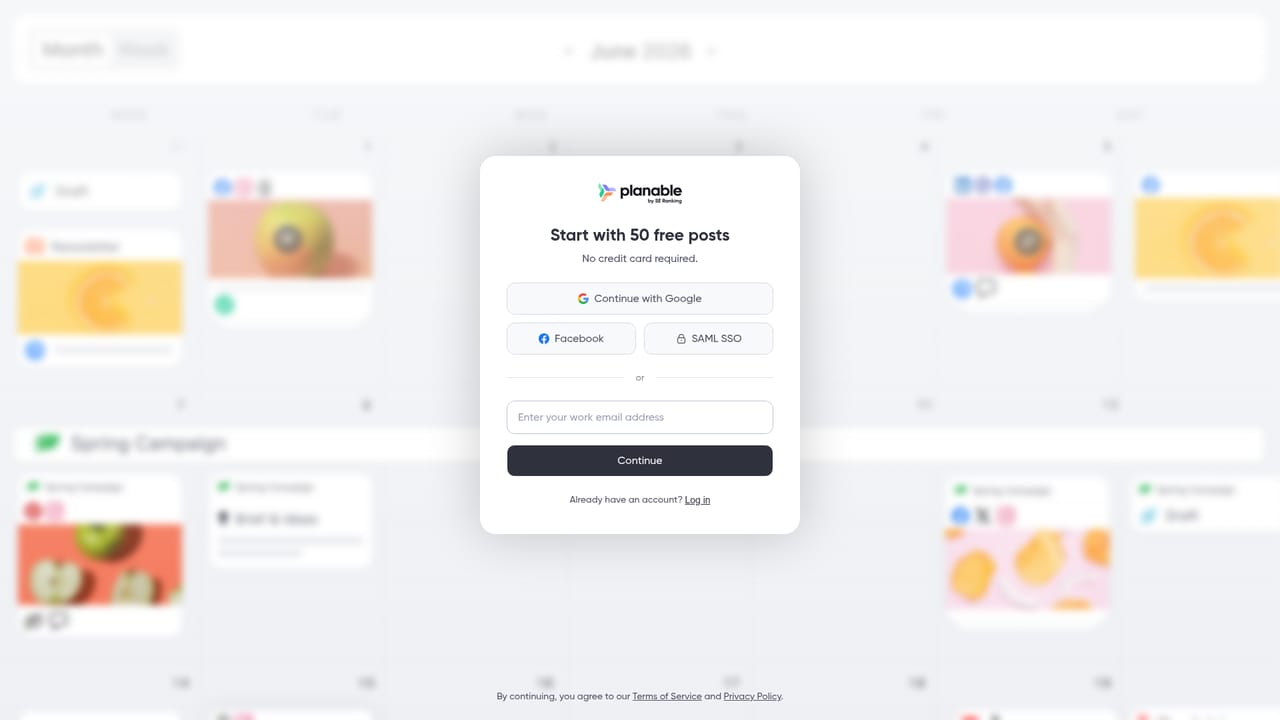
The homepage offers a free way to try Planable, with a Try for free button leading to the registration page. The length of the trial and what it includes are not stated on this page.
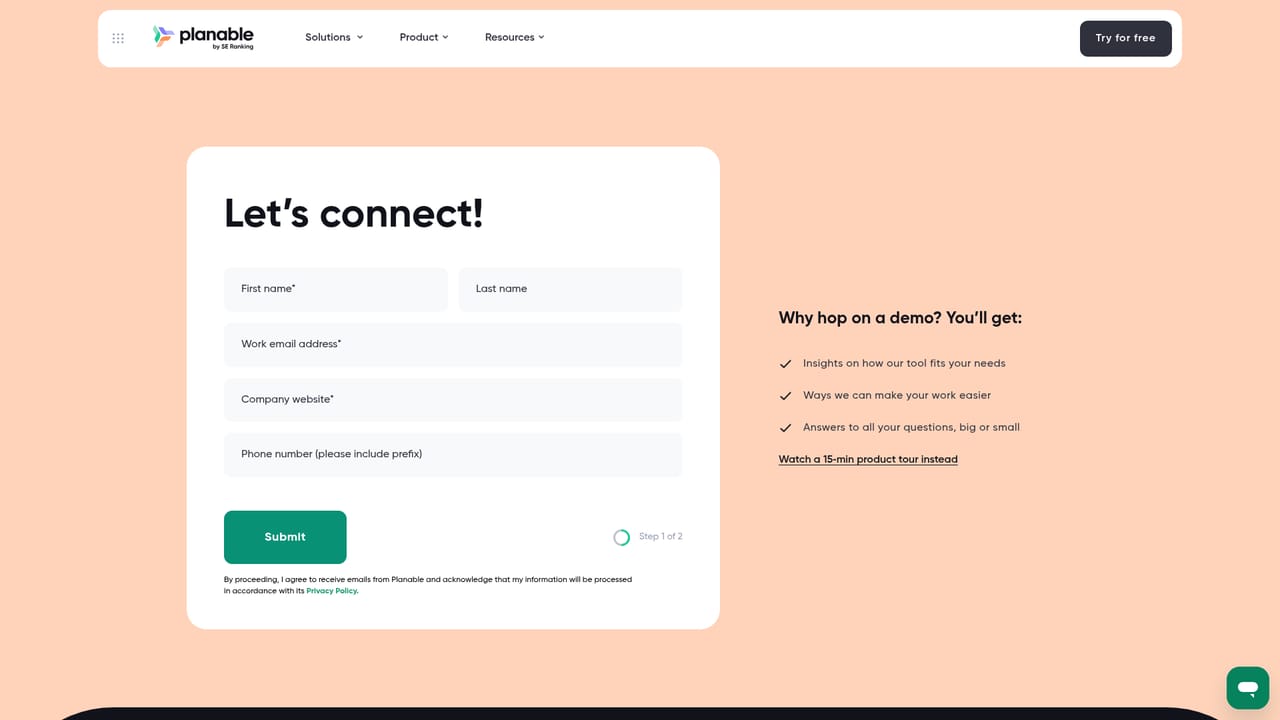
Learn moreThe site offers a live demo booking, a one minute product tour, customer stories, and dedicated pages for agencies and multi-location brands. No help centre or support channels are described on this page.
Learn moreCanva is named as a one-click asset import. Native publishing supports Facebook, Instagram, X, LinkedIn, Google Business Profile, YouTube, TikTok, Pinterest and Threads. No wider integration list appears on this page.
Creation across nine social networks plus long-form content, grouped posts with synced or platform-specific edits, in-composer image and video editing, Canva import, version history, AI captions, hashtags and post suggestions, a drag-and-drop calendar with preferred posting times, approval workflows, analytics and a social inbox.
 AI Angels400+ customizable AI girlfriends for NSFW chat, voice calls, and roleplay
 Candy AIExperience the future of companionship with AI friends who chat, role-play, and connect with you on a human level.
 ourdream.aiA vast AI roleplay platform with millions of characters for chat, images, video and voiceAI Angels400+ customizable AI girlfriends for NSFW chat, voice calls, and roleplayCandy AIExperience the future of companionship with AI friends who chat, role-play, and connect with you on a human level.ourdream.aiA vast AI roleplay platform with millions of characters for chat, images, video and voice


