Please Remind

Email reminders you write in plain English

Beginner API
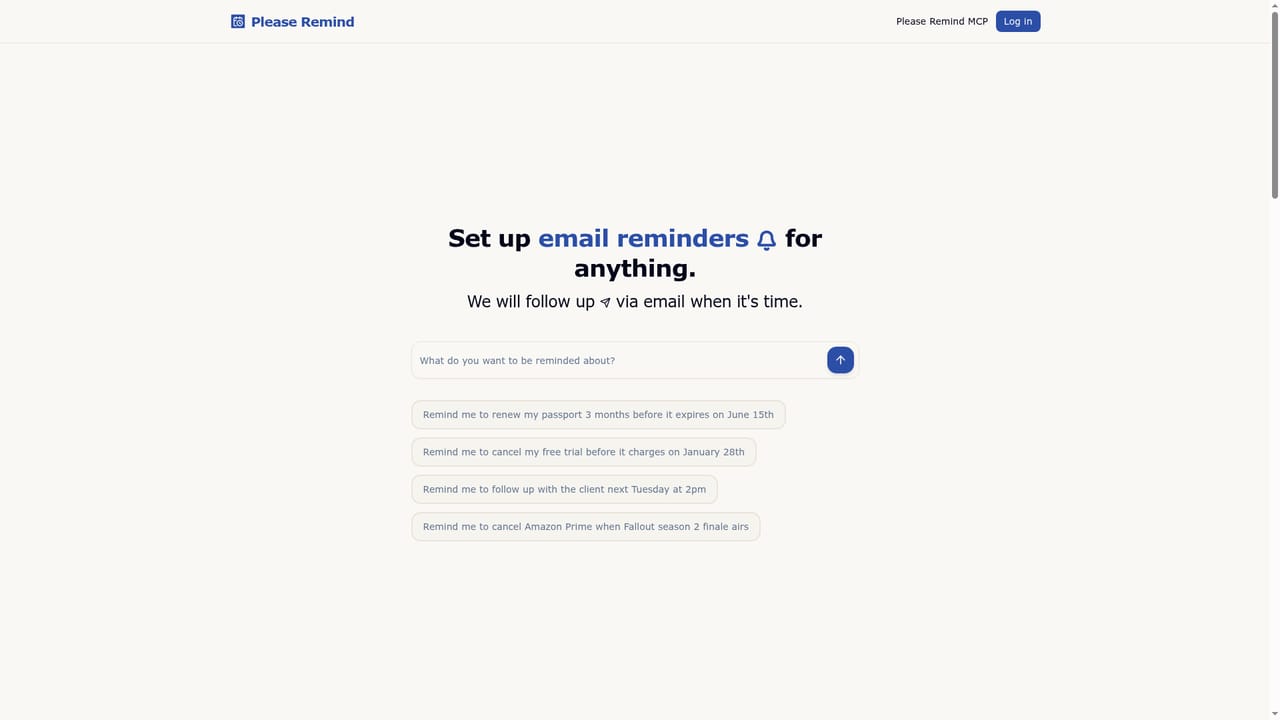
Screenshot of Please Remind, Email reminders you write in plain English

What is Please Remind?

Please Remind is an AI task generator tool. A natural language reminder service that turns a written sentence into a scheduled email. The AI extracts dates and times, the user confirms the details, and a notification arrives when the reminder is due.

Please Remind is an email reminder service built around a single idea: you describe what you need to remember in ordinary language, and the software works out the date, the time and the event itself. There are no forms and no date pickers. A typical entry looks like a sentence you would write to a colleague, covering a passport renewal months ahead, a free trial that charges on a fixed day, a client follow up next Tuesday at 2pm, or a subscription cancellation tied to a show finale. The process runs in three stages. The user types the reminder. The AI parses the sentence and extracts the relevant dates, times and event names. Before anything is confirmed, the extracted details can be edited, which matters when a relative phrase gets interpreted differently than intended. Once saved, a notification email goes to the address on the account exactly when the reminder falls due. The inbox message restates the original item so the context is not lost. The tool is aimed at people whose forgotten tasks carry a cost: trials that convert to paid plans, tax and homework deadlines, unanswered client messages, interview follow ups, and release dates for films, episodes and birthdays. Because delivery is by email rather than push notification, it suits anyone who already treats their inbox as a task list, including users who prefer to set reminders in bulk from a desktop rather than a phone. Where Please Remind differs from calendar apps and general task managers is the natural language layer and the low price of unlimited use. Its closest competition is the reminder features bundled into calendar and assistant products, but those usually require structured input and are tied to an ecosystem. Please Remind also exposes an MCP server, so AI assistants such as ChatGPT, Claude Code, Cursor and Codex can create and manage reminders on the user's behalf. The obvious trade-off is that it is a focused utility: it sends email and little else, so anyone wanting push alerts, shared lists or project views will need another tool.

How do you use Please Remind?

  1. 1Describe the reminder in plain English
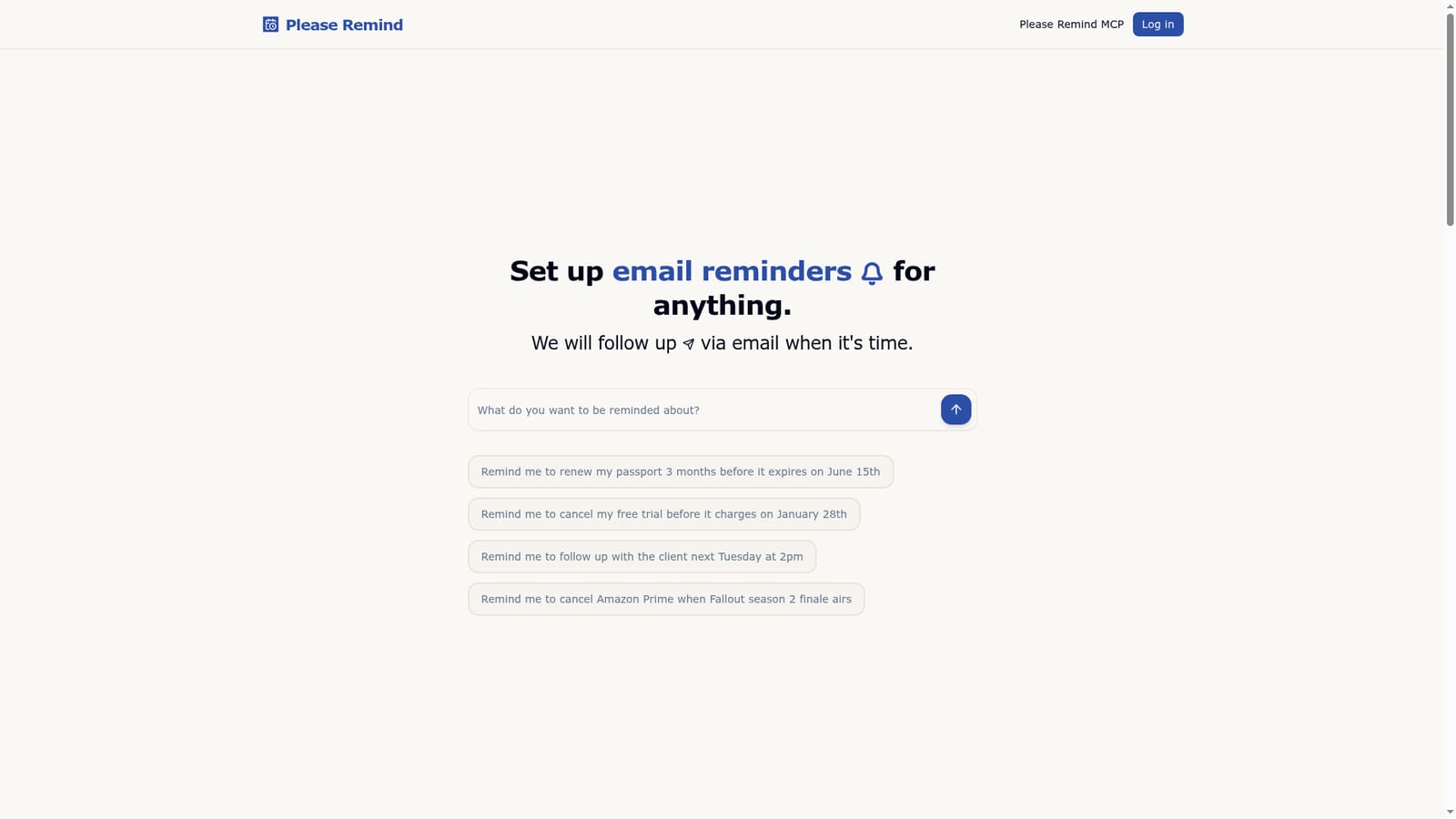
    Open the site and type the thing you want to remember as a normal sentence, including any date, relative time or event reference that matters.
    Please Remind — Describe the reminder in plain English
  2. 2Check the extracted details
    The AI parses your sentence and proposes the dates, times and event name. Edit any of these before confirming if the interpretation is off.
  3. 3Confirm and let the reminder sit
    Save the reminder once the details look right. There is nothing else to configure; the service holds it until the due moment.
  4. 4Watch for the email
    A notification arrives at the address on your account when the reminder falls due, restating the original item for context.
  5. 5Connect an AI assistant through MCP
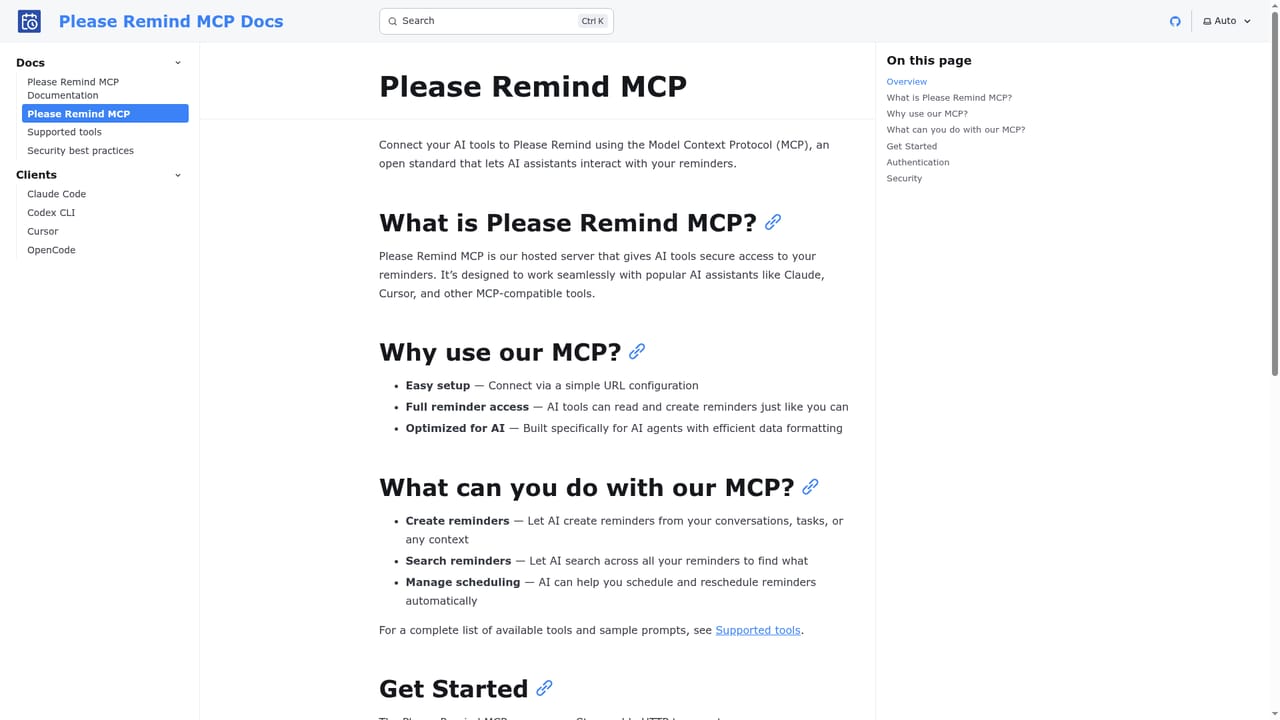
    Follow the MCP documentation to let assistants such as ChatGPT, Claude Code, Cursor or Codex create and manage reminders for you.
    Please Remind — Connect an AI assistant through MCP
  6. 6Upgrade when you pass 10 reminders
    The free plan covers 10 reminders. Move to the unlimited plan on the billing page when you need more, and cancel there at any time.
    Please Remind — Upgrade when you pass 10 reminders

Pros and cons

Pros

  • Plain English input removes the friction of date pickers and structured formsAI
  • Extracted dates and event names can be edited before a reminder is confirmedAI
  • Unlimited reminders at $4/mo is inexpensive for a always-on follow up serviceAI
  • MCP server lets AI assistants such as ChatGPT and Claude Code create reminders directlyAI
  • Reminders keep working until the end of the billing period if a subscription is cancelledAI

Cons

  • Email is the only notification channel listed, so there are no push or SMS alertsAI
  • The free tier caps users at 10 reminders, which runs out quickly for regular useAI
  • No native mobile apps are described, leaving the web interface as the main optionAI
  • Accuracy depends on how the AI reads a sentence, so ambiguous phrasing needs manual correctionAI
  • No shared lists, project views or team features for collaborative remindersAI

How much does Please Remind cost?

Pricing

Two tiers. The free plan allows 10 reminders. The Unlimited plan removes that cap for $4/mo. Subscriptions can be cancelled at any time, and existing reminders continue to work until the end of the paid billing period, so nothing is lost when a plan ends.

Learn more

Integrations

An MCP server lets AI assistants including ChatGPT, Claude Code, Cursor and Codex create and manage Please Remind reminders on the user's behalf. Setup instructions are in the MCP documentation.

Learn more

Features

Natural language reminder entry with AI extraction of dates, times and event names, editable before confirmation. Reminders are delivered as emails to the account address. Typical uses include cancelling trials before they charge, filing deadlines, client follow ups and release dates. An MCP server connects the service to AI assistants so they can create and manage reminders directly.

Frequently asked questions about Please Remind

  • How much does Please Remind cost?
    Two tiers. The free plan allows 10 reminders. The Unlimited plan removes that cap for $4/mo. Subscriptions can be cancelled at any time, and existing reminders continue to work until the end of the paid billing period, so nothing is lost when a plan ends.
  • Does Please Remind have an API?
    Yes, Please Remind offers an API.
  • How do you use Please Remind?
    The walkthrough on this page covers 6 steps: 1. Describe the reminder in plain English 2. Check the extracted details 3. Confirm and let the reminder sit 4. Watch for the email 5. Connect an AI assistant through MCP 6. Upgrade when you pass 10 reminders.
  • What platforms does Please Remind support?
    Please Remind is available on Web App.
  • What does Please Remind integrate with?
    An MCP server lets AI assistants including ChatGPT, Claude Code, Cursor and Codex create and manage Please Remind reminders on the user's behalf. Setup instructions are in the MCP documentation.
  • What are the limitations of Please Remind?
    Email is the only notification channel listed, so there are no push or SMS alerts. The free tier caps users at 10 reminders, which runs out quickly for regular use. No native mobile apps are described, leaving the web interface as the main option.

Status

StatusActive
Views0
Outbound clicks0
Added10/21/2026

Platforms

Web App

Pricing

FreemiumSubscription