Free trial
No free trial is offered. The company states that preparing an AI model is too costly to give away, and instead backs paid orders with a 14 day money back guarantee.
Learn moreStudio-quality headshots from your selfies, ready in under two hours.
Own Portrait Studio Pro? Verify ownership to get a dofollow link
Portrait Studio Pro converts uploaded selfies into batches of 40 to 240 professional headshots across multiple backdrops, with delivery in one to two hours and a 14 day refund window.
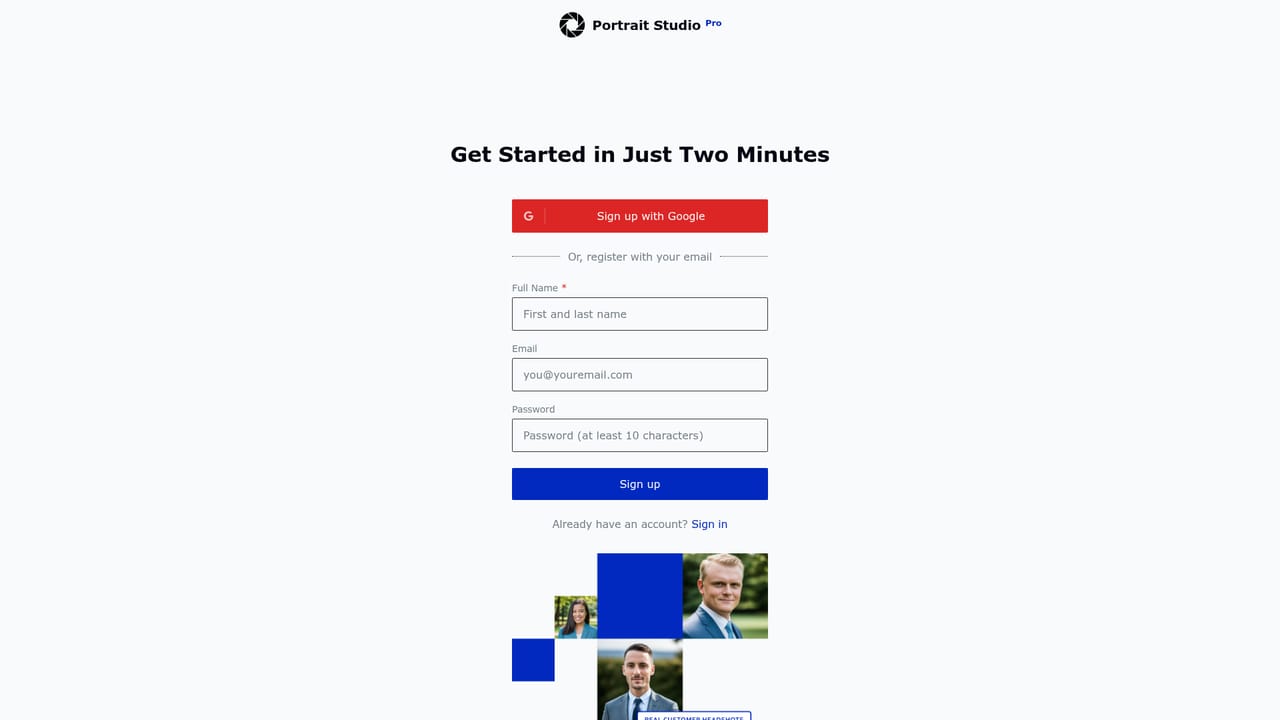
Portrait Studio Pro is an AI headshot generator that turns a set of ordinary selfies into professional business portraits. The service is aimed at people who need a polished photo for LinkedIn, a company website, a resume or a speaker bio but do not want to book a studio session. The process is deliberately simple: you upload a batch of shoulder-up selfies, the model learns your facial features, hair colour and other personal details, and it then renders a large set of portraits across a range of backgrounds and clothing styles. The output volume is the main differentiator. Depending on the package, a single order returns 40, 120 or 240 headshots, with up to six background styles per shoot. Background choices include office, library, city, cafe, park, woods, window and plain studio colours such as white, blue, black and grey. The company promises crisp high definition images that are consistent across the set and claims the results are hard to tell apart from real photography. Turnaround is quoted at one hour for the entry package and up to two hours for the larger ones. In practice, image quality depends heavily on the input. The site recommends 15 or more selfies with good lighting, simple solid backgrounds and no exaggerated poses, which is a larger upload burden than some competing tools that ask for a handful of photos. Photos are deleted from the company's US-based cloud storage within 7 days, and buyers receive a full commercial licence over the delivered images. Payment runs through Stripe, and unsatisfied orders can be refunded within 14 days. Against alternatives, Portrait Studio Pro competes on price and volume rather than on extras. There is no free tier and no API, and the product is a single-purpose web app rather than a broader image editing suite. For a job seeker or a small team that needs a batch of usable corporate portraits quickly, the combination of a low entry price and a large final gallery is the practical pitch.
No free trial is offered. The company states that preparing an AI model is too costly to give away, and instead backs paid orders with a 14 day money back guarantee.
Learn moreThree one-off packages priced per shoot in US dollars: Standard at $19 for 40 headshots with a one hour turnaround, Advanced at $29 for 120 headshots, and Premium at $49 for 240 headshots. All tiers include up to six background styles, and larger packages are quoted at up to two hours.
Learn moreSupport runs through the questions section on the homepage, which covers photo requirements, data handling, licensing, refunds and payment security. No separate help centre or contact channel is listed.
Uploads of JPG, PNG, BMP and TIFF selfies train a personal model that generates 40 to 240 headshots per order. Up to six background styles per shoot, covering office, library, city, cafe, park, woods, window, realtor and plain studio colours. High definition output with a full commercial licence, input photos deleted within 7 days, and Stripe payment processing.
 AI Angels400+ customizable AI girlfriends for NSFW chat, voice calls, and roleplay
 Candy AIExperience the future of companionship with AI friends who chat, role-play, and connect with you on a human level.
 ourdream.aiA vast AI roleplay platform with millions of characters for chat, images, video and voiceAI Angels400+ customizable AI girlfriends for NSFW chat, voice calls, and roleplayCandy AIExperience the future of companionship with AI friends who chat, role-play, and connect with you on a human level.ourdream.aiA vast AI roleplay platform with millions of characters for chat, images, video and voice
.png)