Free trial
Yes. New users get 5 free credits with no credit card required, plus stated opportunities to earn additional credits.
Learn moreDescribe a site, get a production-ready WordPress theme you own outright

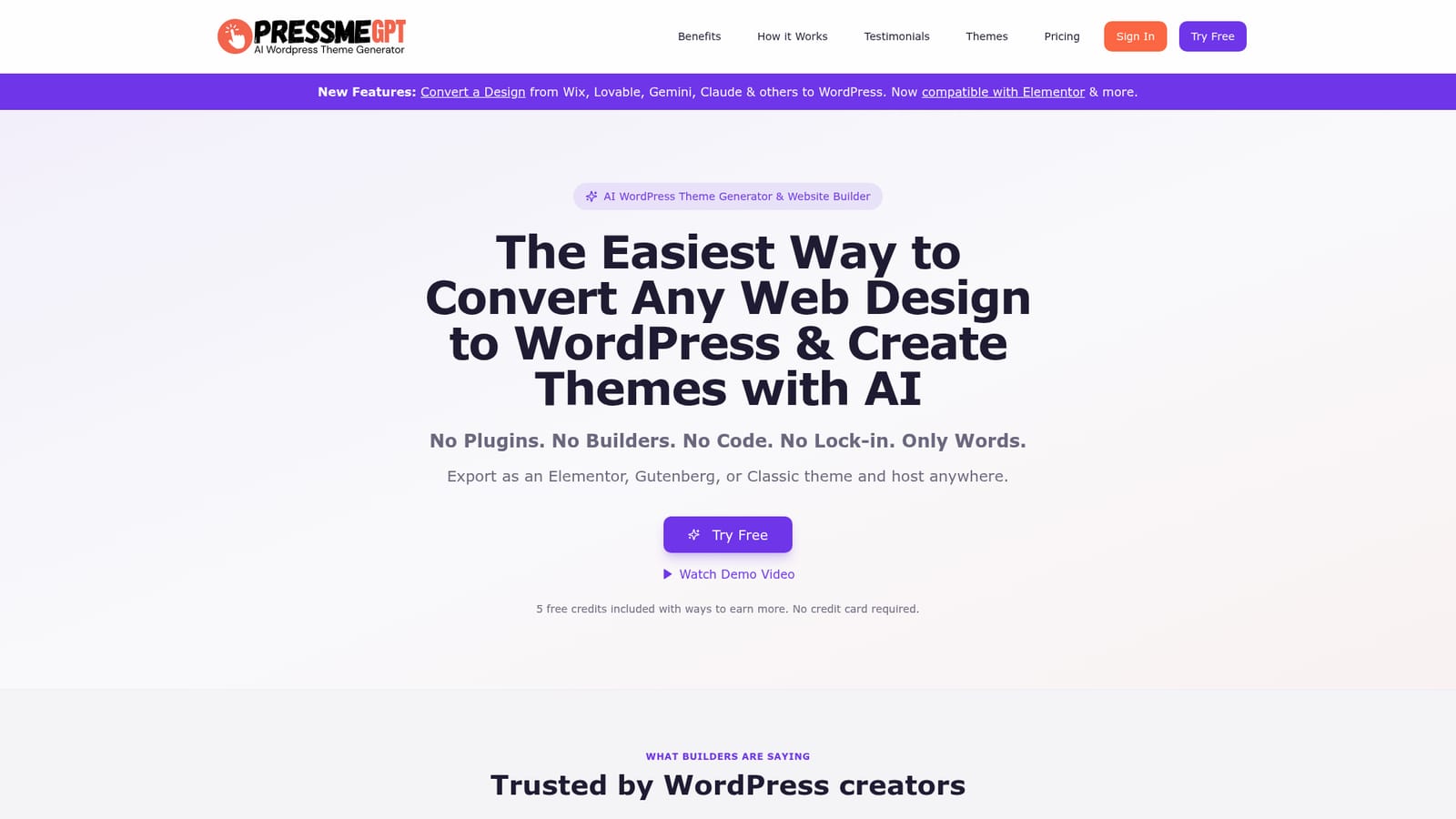
PressMeGPT is a website cloning tool. An AI generator that converts prompts or existing site URLs into lightweight WordPress themes you can export for Elementor, Gutenberg or the Classic Editor, with no page builder dependency and no ongoing subscription to keep a finished site online.
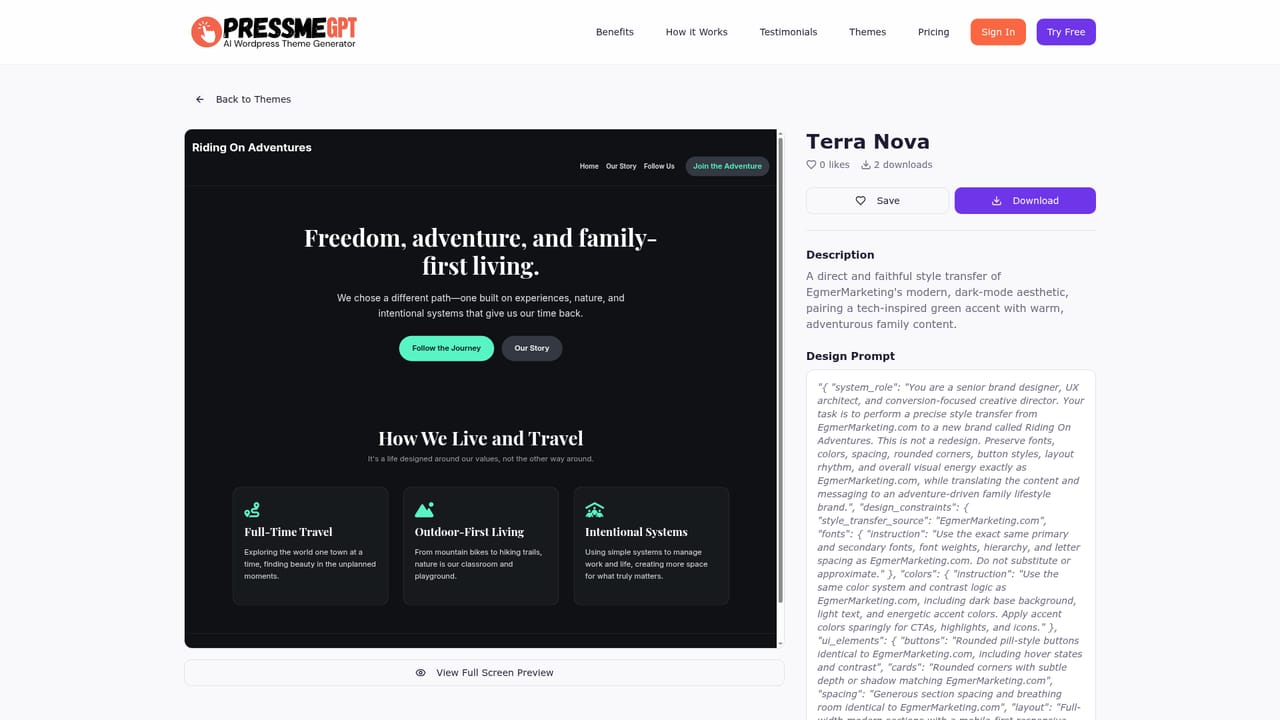
PressMeGPT is an AI theme generator for WordPress that turns a written description or an existing web design into an installable theme package. The workflow is deliberately narrow: you describe colors, industry and mood, the tool returns three candidate designs, you refine individual sections, then you download a theme archive you can upload to any WordPress install you control. No page builder is required at any point, and the exported files are yours to keep and host wherever you like. A second path handles sites that already exist. Pasting a URL from Wix, Squarespace, Framer, Webflow, Lovable, Bolt.new, Replit, Base44, Gemini or Claude prompts the system to replicate the structure, layout and styling as a clean WordPress theme. Output comes in three flavours: Elementor (free and Pro), native Gutenberg block themes, and classic PHP themes. PressMeGPT also states compatibility with a long list of block plugins including Spectra, Kadence Blocks, Generate Blocks, Stackable, Greenshift and Otter Blocks. The product is aimed at people who know WordPress but not design: small business owners avoiding a designer bill, freelancers who want to reach a client-ready draft faster, marketing teams making their own edits, bloggers tired of demos that never match the finished site, and development agencies that need a lightweight starting point without plugin bloat. The pitch is explicitly anti-subscription: credits are bought once and spent on generations, and a finished theme keeps running whether or not you ever pay again. That positions it against heavy builders such as Divi and Elementor's own site library, and against marketplace themes that must be repurchased or re-licensed. Expect the tool to deliver a strong structural draft rather than a finished brand system. PressMeGPT's own users describe getting most of the way there quickly and finishing the rest by hand, which is the honest way to plan around it.
Yes. New users get 5 free credits with no credit card required, plus stated opportunities to earn additional credits.
Learn moreCredit based rather than subscription based. The homepage states that 5 free credits are included with ways to earn more, and that credits are used to generate themes you then own. Specific credit prices and paid packages are not published on the homepage.
Learn moreExports target Elementor (free and Pro), Gutenberg with popular block plugins, and the Classic Editor. Import sources include Wix, Squarespace, Framer, Webflow, Lovable, Bolt.new, Replit, Base44, Gemini and Claude.
Prompt-to-theme generation with three design options, AI section customization, URL conversion from other site builders, and export as Elementor, Gutenberg block or classic PHP themes. Compatibility is claimed for block plugins including Spectra, Kadence Blocks, Generate Blocks, Stackable, Greenshift, Otter Blocks, Ultimate Blocks, Qubely, CoBlocks and ACF Blocks.
 AI Angels400+ customizable AI girlfriends for NSFW chat, voice calls, and roleplay
 Candy AIExperience the future of companionship with AI friends who chat, role-play, and connect with you on a human level.
 ourdream.aiA vast AI roleplay platform with millions of characters for chat, images, video and voiceAI Angels400+ customizable AI girlfriends for NSFW chat, voice calls, and roleplayCandy AIExperience the future of companionship with AI friends who chat, role-play, and connect with you on a human level.ourdream.aiA vast AI roleplay platform with millions of characters for chat, images, video and voice