Free trial
A permanent free plan gives 15 monthly AI credits with AI editor, HTML export and library access, enough to trial a single page redesign.
Learn moreAI website redesign from a URL, screenshot or plain description

Redesignr Ai is a generate concepts tool. Redesignr turns an existing web page into fresh AI generated layouts from a URL, screenshot or text brief, then lets you refine them with a chat editor or visual editor and export clean HTML and Tailwind code.
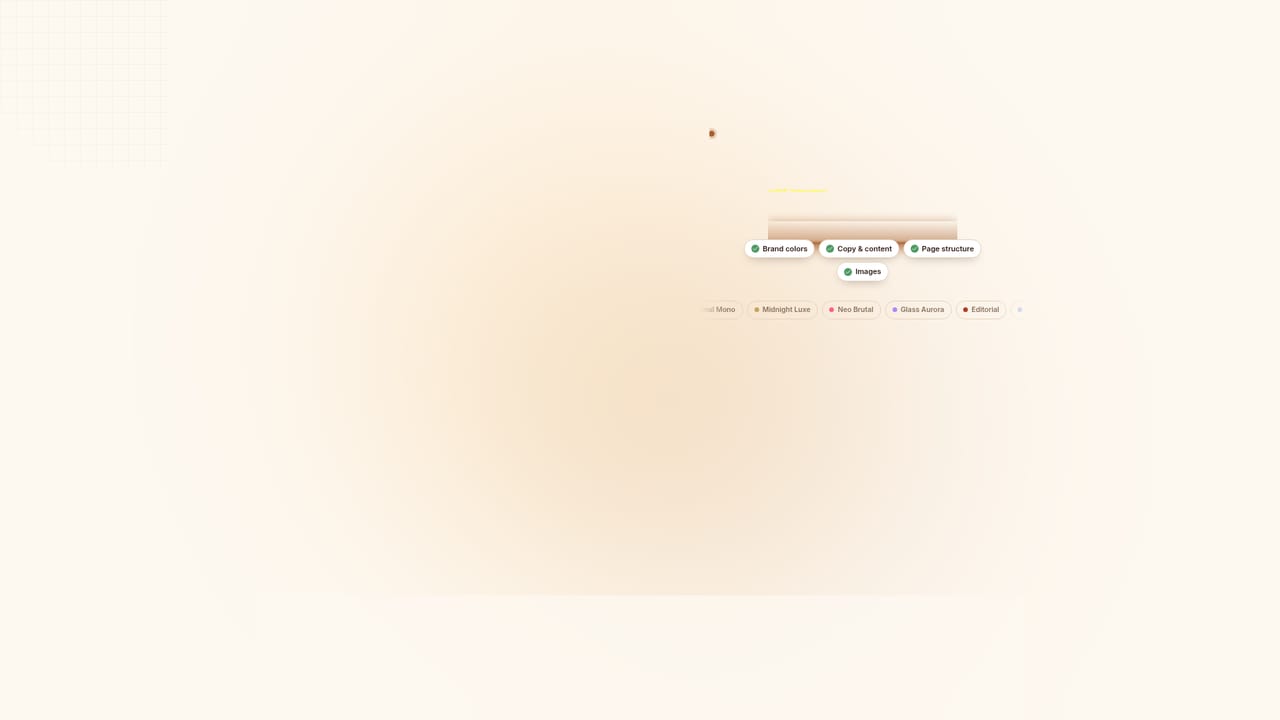
Redesignr is a browser based tool for rebuilding an existing web page in a new visual direction. You feed it a public URL, a screenshot of the current site, or a short written brief about a new brand, and its assistant (named Rede) returns a set of layout options. The demo on the site takes a dated coffee shop page and reworks it with the same text and structure but a modern visual layer, which is a fair picture of what the product does: it treats your page as source material and restyles it rather than writing a new business from scratch. Generation runs in a multi mode that produces three designs at once, typically two light themes and one dark. You can attach plain English instructions before generating, so a request like a vintage newspaper look or a soft claymorphism style shapes the output. After the first pass you either keep regenerating until a direction lands, or move into editing: an AI chat editor handles changes described in words, and a visual editor lets you click individual elements to adjust properties, styles and copy. On top of that sit a library of 1,600 or more themes and 10,000 or more prebuilt sections (hero, pricing, testimonials, FAQ and similar) that inherit your page's colours, type and spacing when dropped onto the canvas. It suits freelancers, small agencies and founders who can take a front end the rest of the way themselves. The output is HTML and Tailwind CSS, exportable to your own project, so there is no hosting lock in. The site is candid that a redesign is not a finished site: forms, payments, a CMS or backend, redirects and Search Console checks remain your job. Compared with a general site builder, Redesignr starts from what you already have, which makes it a faster fit for modernising a legacy page than for building something from zero. Free plan exists with monthly credits; paid tiers raise credit and token limits.
A permanent free plan gives 15 monthly AI credits with AI editor, HTML export and library access, enough to trial a single page redesign.
Learn moreFree tier includes 15 AI credits refreshed monthly, HTML export, AI editor and the theme and section libraries. Paid tiers are Professional at $20/mo (100 credits, 2M tokens), Developer at $50/mo (250 credits, 10M tokens) and Business at $100/mo (550 credits, 25M tokens), all shown at 50% off regular price.
Learn moreFree plan lists community support. Paid plans list priority support. No named support channels or response times are stated on the homepage.
AI redesign from URL, screenshot or text brief; multi mode producing three designs per run; plain English AI editor; visual element editor; 1,600+ themes and 10,000+ prebuilt sections with automatic theme blending; responsive HTML and Tailwind CSS output with code export.
Learn more AI Angels400+ customizable AI girlfriends for NSFW chat, voice calls, and roleplay
 Candy AIExperience the future of companionship with AI friends who chat, role-play, and connect with you on a human level.
 ourdream.aiA vast AI roleplay platform with millions of characters for chat, images, video and voiceAI Angels400+ customizable AI girlfriends for NSFW chat, voice calls, and roleplayCandy AIExperience the future of companionship with AI friends who chat, role-play, and connect with you on a human level.ourdream.aiA vast AI roleplay platform with millions of characters for chat, images, video and voice