Pricing
The homepage describes costs as usage-based but publishes no rates, tiers or plan names. Pricing appears to be arranged through a sales conversation, and a demo can be booked from the site.
Learn moreAlways encrypted AI chat, API and coding for sensitive data
Own Privatemode AI? Verify ownership to get a dofollow link

Privatemode AI is an AI chat bot tool. Confidential AI chat, API, coding agents and Office integration where data stays encrypted even during model processing, verified through hardware attestation and external audits. Aimed at insurers, public agencies, legal teams and healthcare organizations that handle regulated data.
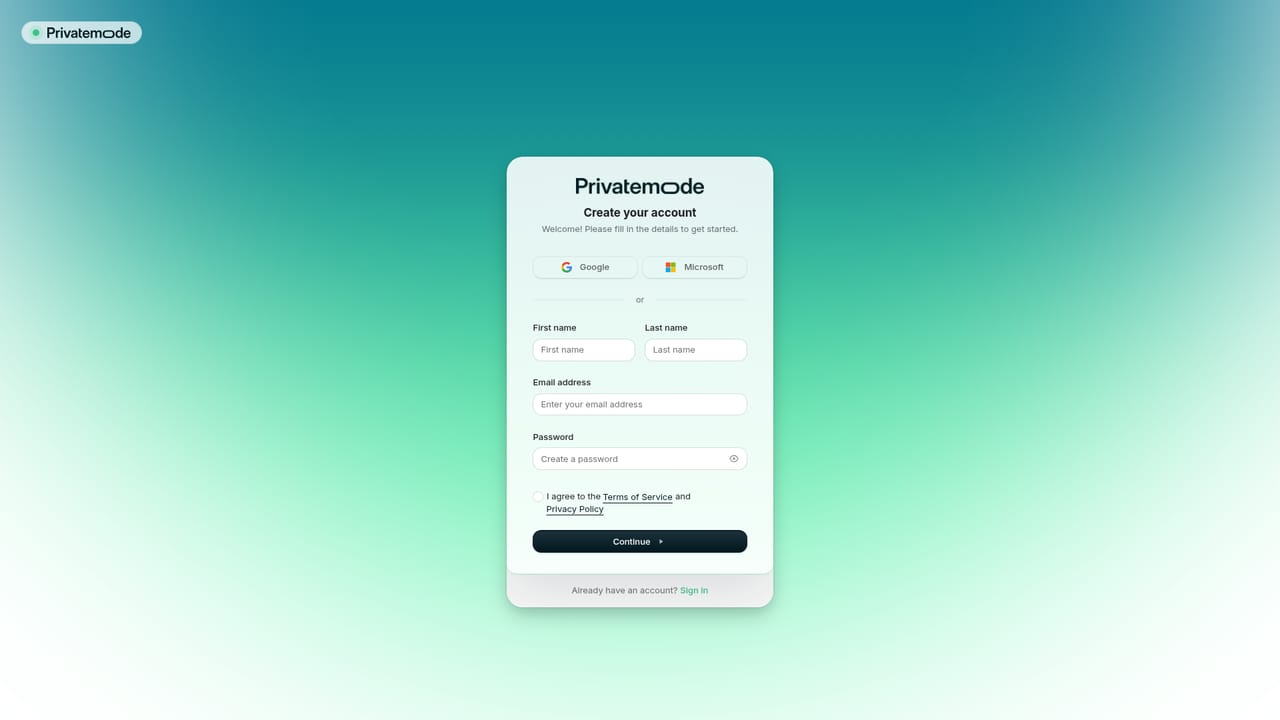
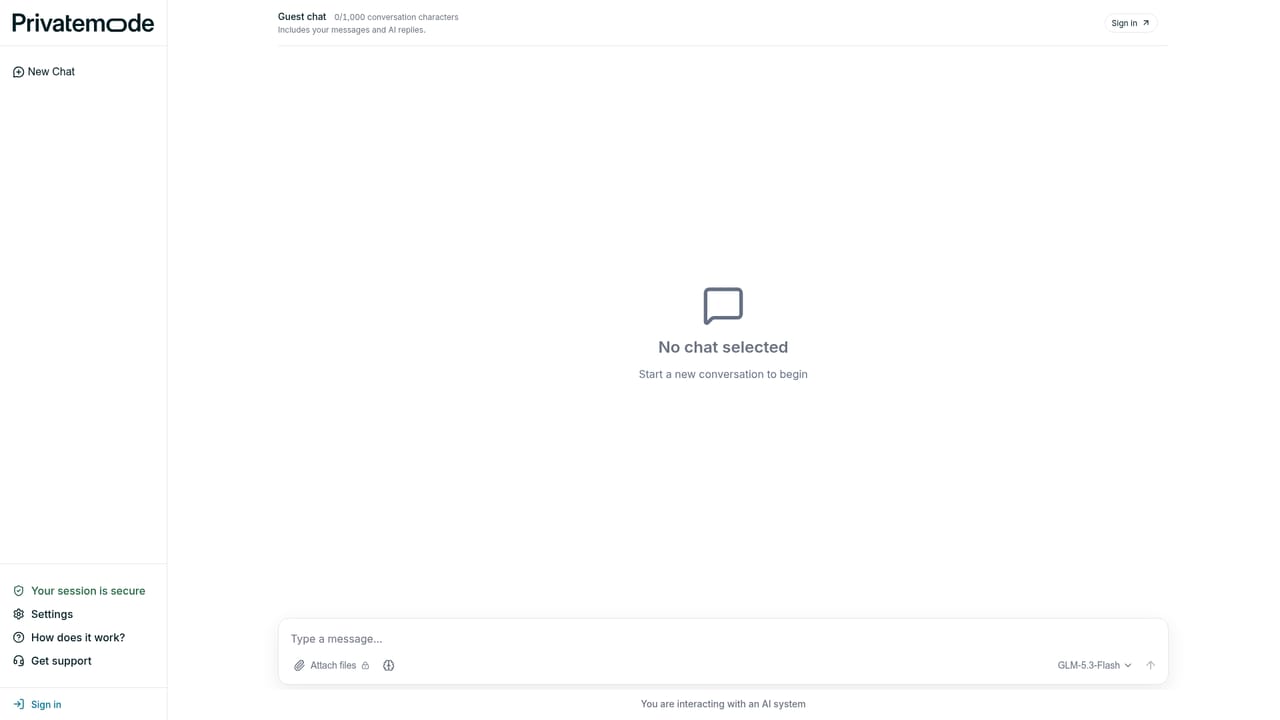
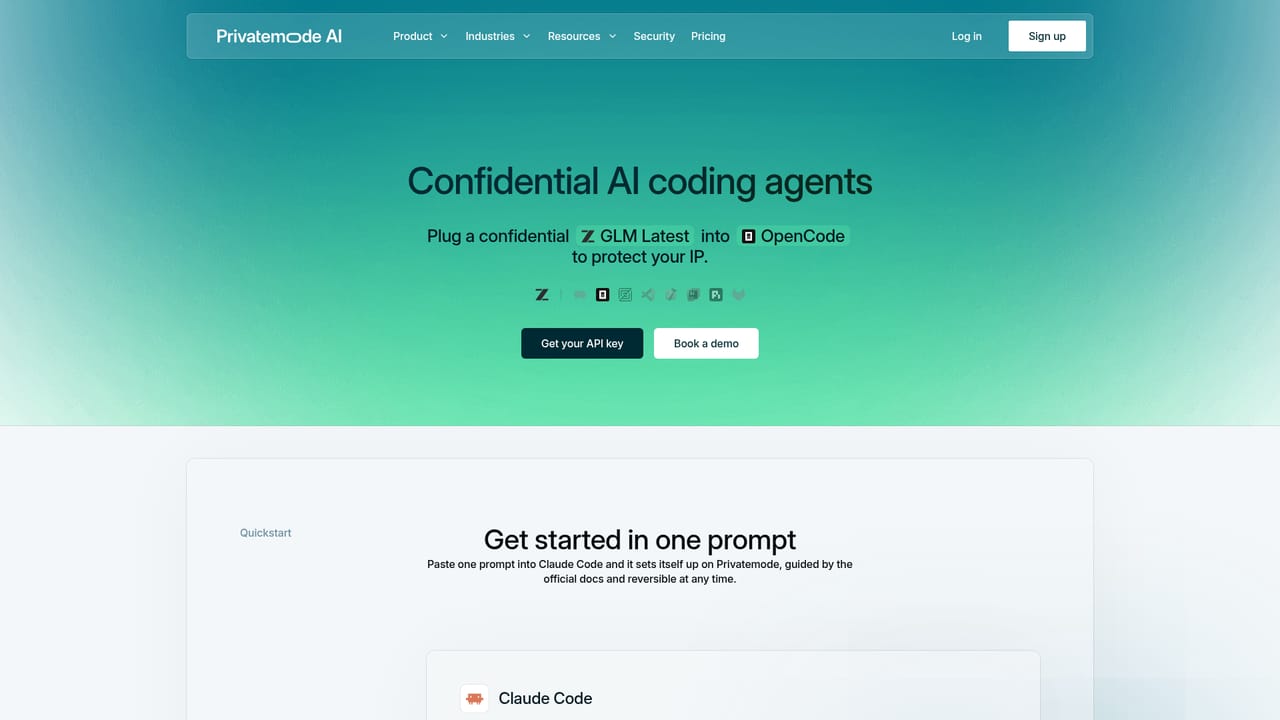
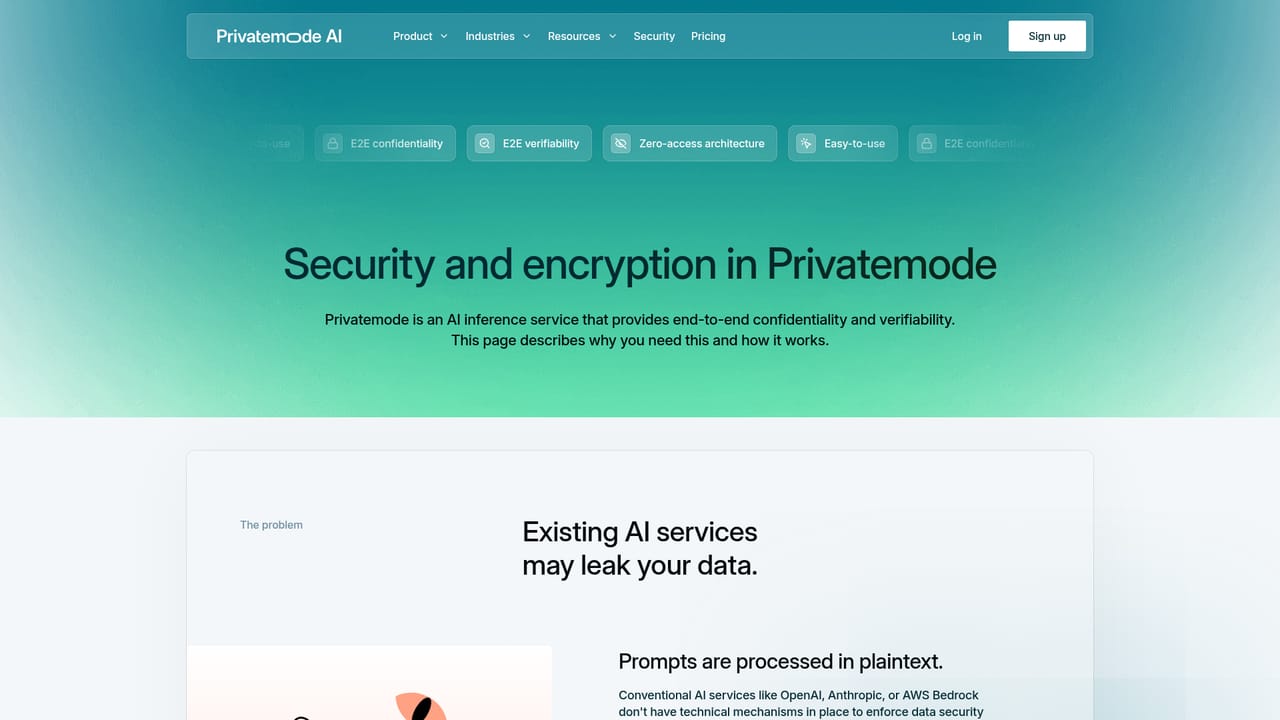
Privatemode AI is a confidential AI service built on confidential computing. Data is encrypted on the user's device before it is sent, and it stays encrypted while the model processes it on the provider side, so prompts and documents are never handled in plaintext on a server. Hardware-based certificates (remote attestation) let customers verify that the backend is running the software it claims to run, and external audits plus pen tests back that claim. The vendor positions this against two common alternatives: mainstream chatbots, which offer only contractual privacy promises, and self-hosted models, which demand dedicated hardware and in-house ML operations. The product comes in four entry points. A web chat at chat.privatemode.ai covers everyday conversations. An API with a small SDK snippet gives developers the same protected inference inside their own applications. A confidential coding setup plugs into agents and editors including Claude Code, OpenCode, Zed, VS Code and Xcode. An Office integration brings AI into Excel, Word and PowerPoint for documents that cannot leave the organization. Requests run on open frontier models from Z.ai (GLM), OpenAI (GPT-OSS), Qwen, Mistral and DeepSeek, and the available models are listed on the site. Privatemode is aimed at regulated and privacy-sensitive organizations rather than casual users. The site names insurers, public agencies, law firms, legal tech providers and health tech companies, and it publishes dedicated pages for insurance, the public sector, legal teams and healthcare. Compliance material is part of the pitch: the service is described as meeting BSI C5:2026 criteria for very strong attestation, and a review by an advisory firm recommends it for professions bound by professional secrecy under StGB §203, including doctors, lawyers and tax advisors. Named customers and partners include Airbus, the City of Munich IT department, Capgemini, Nvidia, GitLab, Bechtle, ID, eperi and Voloptimus, with case studies on the site. In practice it competes with private cloud deployments and self-managed model hosting. It removes the infrastructure burden of the latter while offering technical rather than purely contractual privacy guarantees compared with consumer AI services. Buyers who want on-premise control, or who need a provider outside the hosted model, still have reasons to look elsewhere.
The homepage describes costs as usage-based but publishes no rates, tiers or plan names. Pricing appears to be arranged through a sales conversation, and a demo can be booked from the site.
Learn moreA demo can be booked from the site, and audit and compliance documentation can be requested through a dedicated form. Technical documentation lives on docs.privatemode.ai, but no support tiers or SLAs are stated on the homepage.
Learn moreCoding agents and editors (Claude Code, OpenCode, Zed, VS Code, Xcode), Microsoft Office apps through the Office integration, and an API for custom applications. Model access covers Z.ai, OpenAI, Qwen, Mistral and DeepSeek.
Learn moreEncrypted chat at chat.privatemode.ai, an API with an SDK snippet, confidential coding for Claude Code, OpenCode, Zed, VS Code and Xcode, and AI inside Excel, Word and PowerPoint. Models include Z.ai GLM, OpenAI GPT-OSS, Qwen, Mistral and DeepSeek. Security rests on runtime encryption, hardware-based remote attestation, open source reproducible builds, transparency logs and external audits.
Learn more AI Angels400+ customizable AI girlfriends for NSFW chat, voice calls, and roleplay
 Candy AIExperience the future of companionship with AI friends who chat, role-play, and connect with you on a human level.
 ourdream.aiA vast AI roleplay platform with millions of characters for chat, images, video and voiceAI Angels400+ customizable AI girlfriends for NSFW chat, voice calls, and roleplayCandy AIExperience the future of companionship with AI friends who chat, role-play, and connect with you on a human level.ourdream.aiA vast AI roleplay platform with millions of characters for chat, images, video and voice


