Free trial
A free ProdPad trial is offered, and CoPilot PM is included in it. Trial length and any card requirements are not specified on the page.
Learn moreProduct management AI that answers from your own roadmap, ideas and feedback.

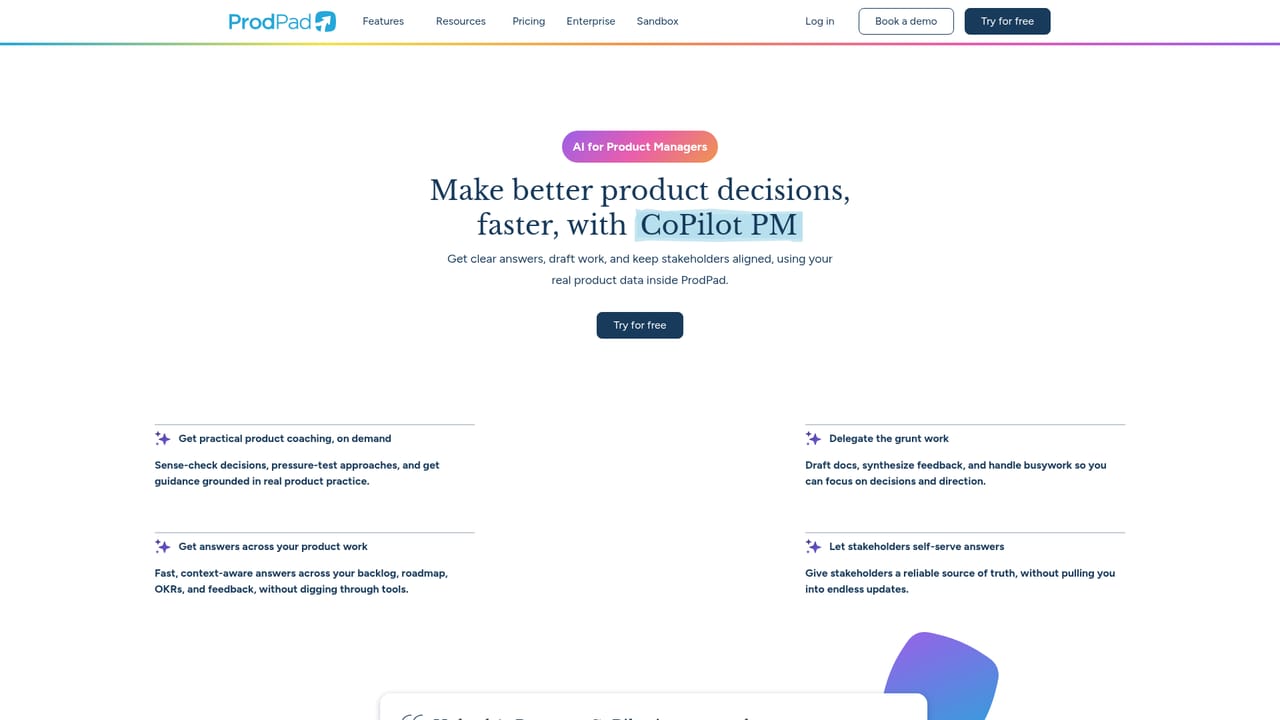
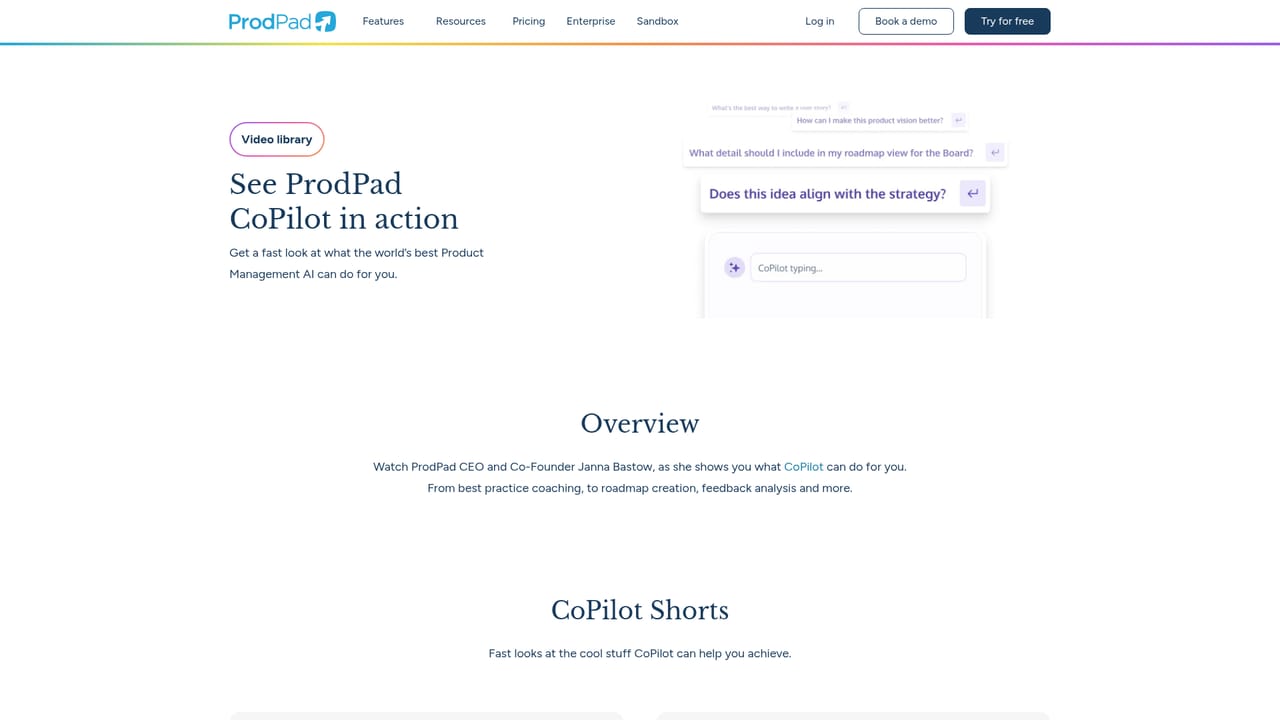
Prodpad is a proactive AI assistant tool. CoPilot PM is ProdPad's built-in AI assistant for product managers. It answers questions and drafts documents, key results, ideas and roadmap initiatives using a team's live roadmap, feedback, OKR and backlog data, and lets stakeholders self-serve common queries.
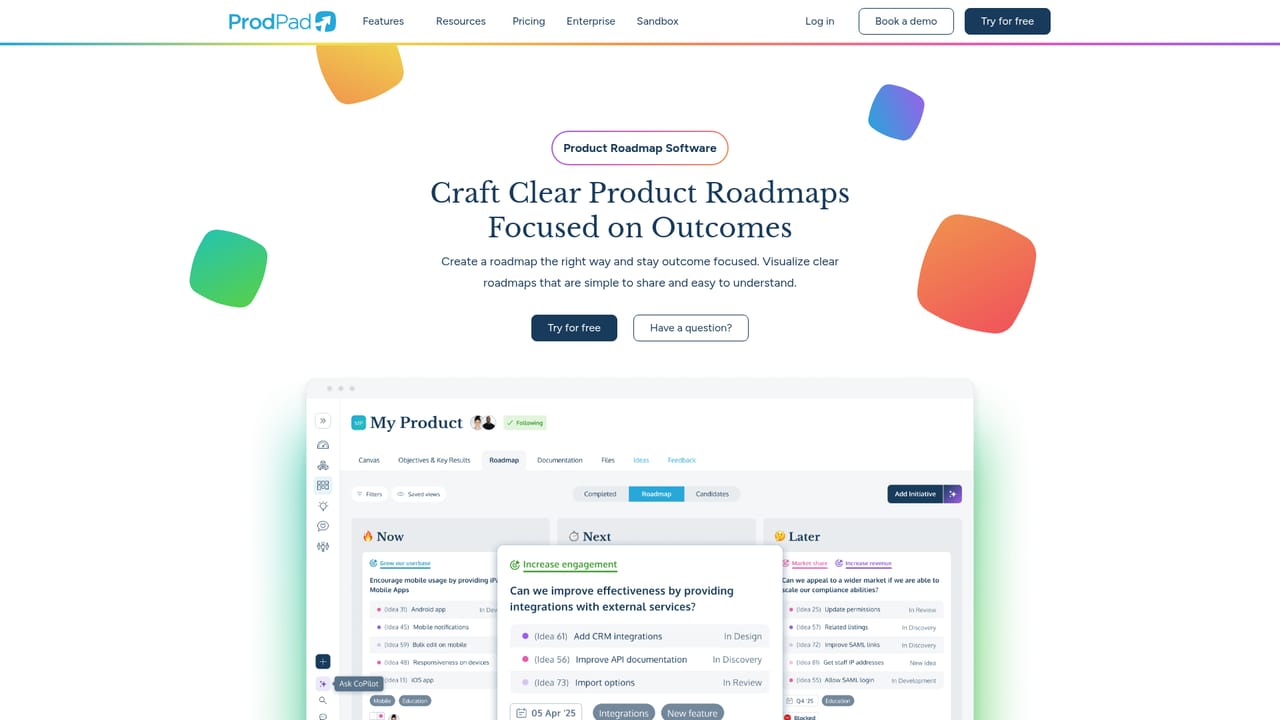
ProdPad CoPilot PM is the AI layer built into ProdPad, a product management platform covering roadmaps, ideas, customer feedback and OKRs. Rather than acting as a standalone chatbot, CoPilot works from the live data already stored in a team's ProdPad account: roadmaps, backlog items, objectives and key results, collected feedback and the history of past decisions. That context is pulled at the moment of each request, so answers reflect how a specific product actually operates instead of generic assumptions. The tool handles two broad jobs. The first is answering questions. A product manager can ask why an item was prioritized, what themes are emerging across feedback, or which ideas align with the current vision, and get a response without hunting through tabs. Stakeholders can query the same source of truth directly, which reduces the steady drip of status requests. The second job is drafting. CoPilot can produce documents and summaries, convert uploaded files or notes into structured ideas, initiatives, products and personas, generate key results from strategic objectives, and turn long research transcripts into short summaries. It also supports planning work. Teams can move a roadmap out of spreadsheets, brainstorm Now, Next and Later initiatives, and explore solution options for a defined problem. On the backlog side, CoPilot surfaces themes in feedback, links related feedback to the relevant ideas and flags duplicate suggestions through similarity matching. The assistant appears as a chat panel and as embedded prompts inside ProdPad screens, so common actions can be triggered without leaving the workflow. Under the hood it runs on OpenAI's API combined with ProdPad's own data model and system instructions. It suits product managers and product teams already working in ProdPad, or those willing to move their roadmap and feedback there, since the value depends on having real product data in the account. Teams that only want occasional AI writing help will find general assistants cheaper. CoPilot is optional and can be switched off, and it only creates or updates records after a person confirms.
A free ProdPad trial is offered, and CoPilot PM is included in it. Trial length and any card requirements are not specified on the page.
Learn moreCoPilot PM is included with every ProdPad plan at no additional cost, according to the vendor. Tactical plan prices and seat tiers are not stated on this page.
Learn moreNot described on this page. Product help and documentation are handled through the wider ProdPad site rather than a dedicated CoPilot support page.
CoPilot PM itself runs inside ProdPad. ProdPad lists workflow integrations on a separate integrations page, but specific connected tools are not named on this page.
Learn moreIncludes question answering grounded in live roadmap, idea, feedback and OKR data, product management coaching, document and summary drafting, file to structured item conversion, key result generation, roadmap kickstart and initiative brainstorming, solution exploration, feedback theme surfacing, automatic feedback to idea linking and duplicate idea detection via similarity matching.
Learn more AI Angels400+ customizable AI girlfriends for NSFW chat, voice calls, and roleplay
 Candy AIExperience the future of companionship with AI friends who chat, role-play, and connect with you on a human level.
 ourdream.aiA vast AI roleplay platform with millions of characters for chat, images, video and voiceAI Angels400+ customizable AI girlfriends for NSFW chat, voice calls, and roleplayCandy AIExperience the future of companionship with AI friends who chat, role-play, and connect with you on a human level.ourdream.aiA vast AI roleplay platform with millions of characters for chat, images, video and voice


