Free trial
No card is required for the Free plan, which runs indefinitely and includes 15 improvements a month plus a monthly try of any workflow outside the 3 free ones.
Learn moreRewrite your AI prompts before you send them.
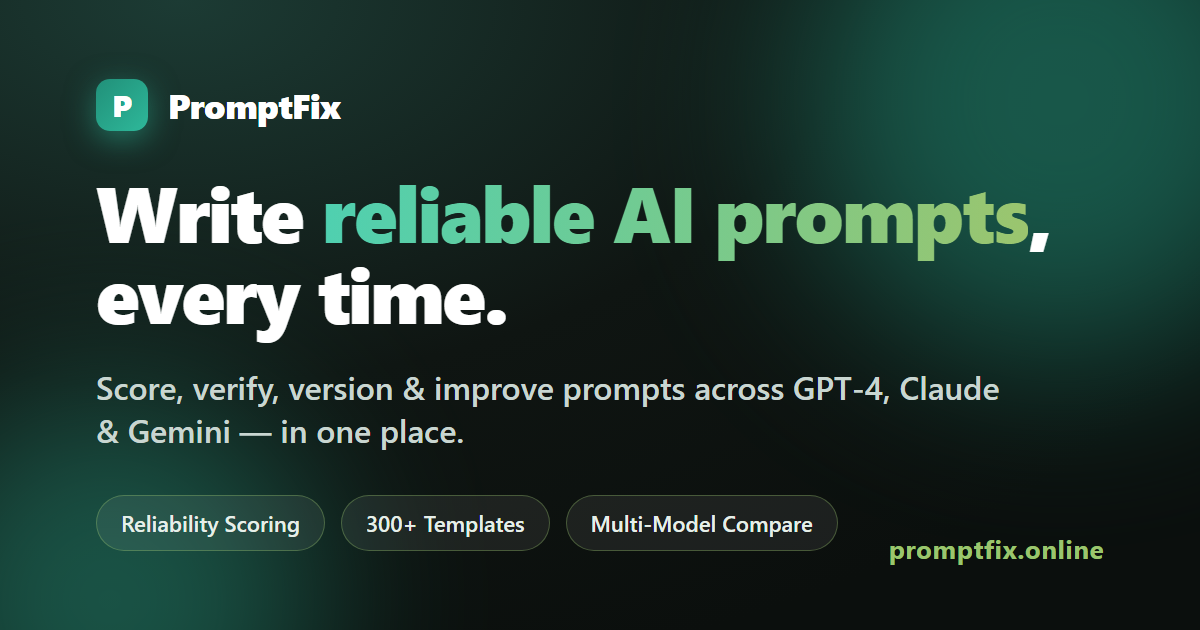
PromptFix is an app creation tool that rewrites your AI prompts before you send them. PromptFix rewrites the questions you type into ChatGPT, Claude, Gemini or Perplexity so the answers come back sharper.
PromptFix is a prompt improvement tool for people who already use ChatGPT, Claude, Gemini or Perplexity but keep getting vague or off-target replies. You paste the message you were about to send, and the service rewrites it into a clearer request: it adds the context the model is missing, states the format and length you want, identifies the audience, and replaces loose wording with specifics. The homepage example turns a one-line request about a broken heater into a polite but firm email brief with a subject line and a deadline. Turnaround is advertised at under a minute. The tool is built around a few connected surfaces. A web app handles the core rewrite and shows a plain-language breakdown of what was weak in the original prompt and what changed. A free Chrome extension does the same job inline inside ChatGPT, Claude, Gemini and Perplexity once an account is connected. On top of that sit 31 step-by-step workflows for recurring jobs (meeting notes into action items and a follow-up email, a syllabus into a study plan, a week of meals into a grocery list) and a library of 300+ ready-made templates, 25 of which are free. Paid tiers add A/B testing, side-by-side comparison of answers across models, saved preference profiles for tone and standing details, and a Reverse Prompt feature that reads an uploaded image and generates a prompt to recreate it. The audience is deliberately broad: students, office workers, small business owners and anyone doing personal admin who uses AI often enough to notice the quality gap but has no interest in learning prompt engineering formally. Practice games and an academy with a shareable certificate push in the same direction. Compared with prompt libraries that simply hand you static snippets, PromptFix sits closer to a linter for your own wording, and its model-comparison view is a useful check before committing to one assistant.
No card is required for the Free plan, which runs indefinitely and includes 15 improvements a month plus a monthly try of any workflow outside the 3 free ones.
Learn moreFree plan at $0 with 15 AI improvements a month, 3 workflows, 25 templates and one preference profile. Starter is $9/mo (or $79/year), Pro is $29/mo (or $279/year) with unlimited improvements and Reverse Prompt. Students pay half. Teams are $12 per seat a month, or $6 per seat for verified colleges and universities.
Learn moreA contact page covers custom and large-seat enquiries, with team pricing for organisations and schools handled through the same route.
Learn moreThe Chrome extension improves prompts inside ChatGPT, Claude, Gemini and Perplexity. Nothing else is listed as a native integration on the homepage.
Prompt rewriting with a plain-language critique of what was weak, a free Chrome extension for ChatGPT, Claude, Gemini and Perplexity, 31 step-by-step workflows, 300+ templates (25 free), saved preference profiles for tone, A/B prompt testing, side-by-side model comparison, image-based Reverse Prompt on Pro, plus practice games and an academy with a certificate.
 AI Angels400+ customizable AI girlfriends for NSFW chat, voice calls, and roleplay
 Candy AIExperience the future of companionship with AI friends who chat, role-play, and connect with you on a human level.
 ourdream.aiA vast AI roleplay platform with millions of characters for chat, images, video and voiceAI Angels400+ customizable AI girlfriends for NSFW chat, voice calls, and roleplayCandy AIExperience the future of companionship with AI friends who chat, role-play, and connect with you on a human level.ourdream.aiA vast AI roleplay platform with millions of characters for chat, images, video and voice