Free trial
Building is free: up to 5 draft pages with unlimited AI generation and edits, no card required. A paid plan is needed to publish live on a custom domain.
Learn moreDescribe your business, get a landing page that takes leads and payments
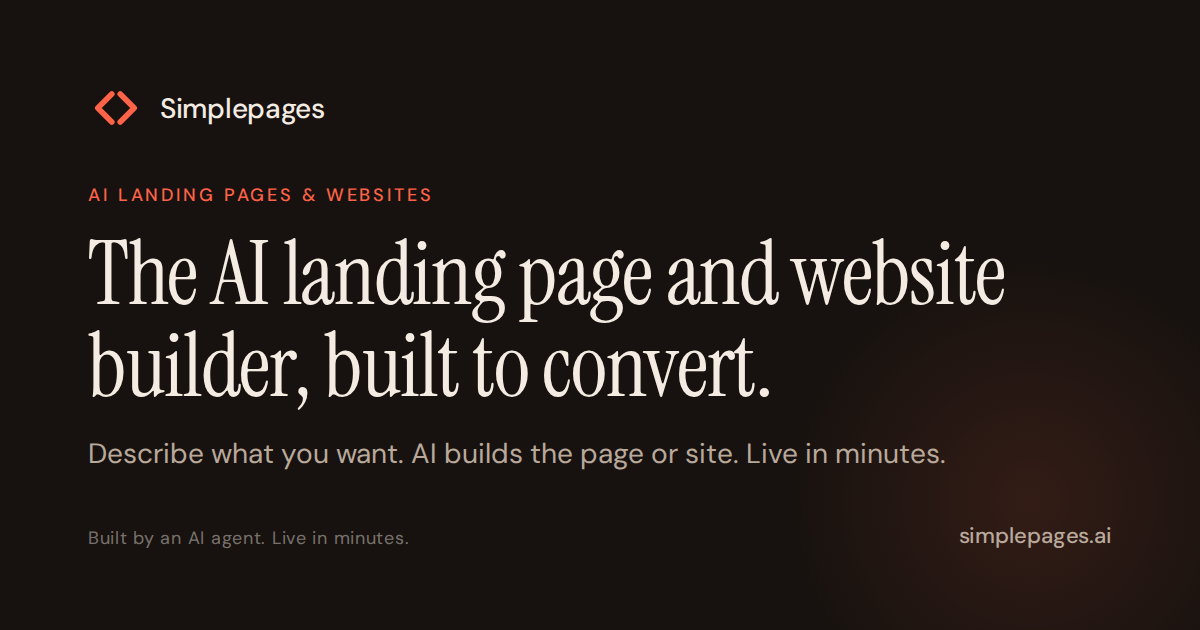
SimplePages is an app creation tool. An AI landing page builder where a written description becomes a live, conversion-focused page. Leads land in one inbox, Stripe checkout carries 0% commission, and first-party analytics show where visitors drop off. Free to build with unlimited AI edits; you pay only when you publish to your own domain.
SimplePages is an AI landing page builder aimed at solo operators and small service businesses: coaches, consultants, clinics, studios, law offices. Instead of assembling blocks in a drag-and-drop editor, you describe the business, the audience and the goal in plain language, and the platform generates a complete page in under 30 seconds. From there the page is refined by asking for changes in natural language, with unlimited AI edits on every tier, including the free one. Pages are built by frontier models rather than filled into templates, so layouts, hierarchy and generated imagery vary from one project to the next. The value sits in what is included by default. Every form feeds a single leads inbox showing name, contact details and originating page, so no spreadsheet or Zapier wiring is needed. Checkout is built in and runs on Stripe: sellers keep 100% of each sale, with only Stripe's own processing fee deducted, and every transaction is logged with product and buyer. First-party analytics report conversion rate and scroll depth, which reveals where visitors drop off before reaching a form or a booking link. Custom domain connection, SSL, SEO, sitemaps, redirects and responsive output are handled inside the same product, and pages can be unbranded. The natural comparison is drag-and-drop site builders such as Wix, Squarespace or Framer, where leads and payments are add-ons you configure yourself, and AI app builders such as Lovable or Bolt, which target web apps rather than conversion pages. SimplePages deliberately occupies the narrow space between them: one agent, one page, leads and money in the box. Anyone who needs a blog, a store with inventory or deep design control will find it constrained; anyone who needs a credible page live on their own domain this afternoon will find it fast. Practical fit: service businesses testing offers, coaches selling sessions or deposits, and marketers who spin up campaign pages regularly. The free tier holds up to 5 draft pages; publishing to a custom domain requires a paid plan. Pricing starts at $7 per month for one live page and rises through $17 and $47 tiers as page counts, lead volumes, seats and analytics depth grow.
Building is free: up to 5 draft pages with unlimited AI generation and edits, no card required. A paid plan is needed to publish live on a custom domain.
Learn moreThree monthly plans: Launch at $7 (1 live landing page, 1 site, 100 new leads per month, basic analytics), Grow at $17 (5 landing pages, 2 sites, 1,000 leads, 3 seats, Analytics+), Scale at $47 (10 landing pages, 5 sites, unlimited leads, 5 seats, advanced analytics, priority support). Annual billing saves 17%. A 30-day money-back guarantee applies and no card is needed to start.
Learn morePriority support is listed on the Scale plan. A 30-day money-back guarantee and cancellation at any time are stated, with self-serve help content not detailed on the homepage.
Checkout runs through Stripe. Paid plans list Slack and CRM integrations with automations, though no detailed connector directory is published on the homepage.
AI page generation from a written description, unlimited AI edits, native lead capture with a shared inbox, Stripe checkout at 0% commission, first-party conversion and scroll-depth analytics, custom domains with SSL, SEO with sitemap and redirects, AI-generated or uploaded images, brand styling, responsive output and accessible defaults, plus custom scripts and team seats on higher tiers.
Learn more AI Angels400+ customizable AI girlfriends for NSFW chat, voice calls, and roleplay
 Candy AIExperience the future of companionship with AI friends who chat, role-play, and connect with you on a human level.
 ourdream.aiA vast AI roleplay platform with millions of characters for chat, images, video and voiceAI Angels400+ customizable AI girlfriends for NSFW chat, voice calls, and roleplayCandy AIExperience the future of companionship with AI friends who chat, role-play, and connect with you on a human level.ourdream.aiA vast AI roleplay platform with millions of characters for chat, images, video and voice