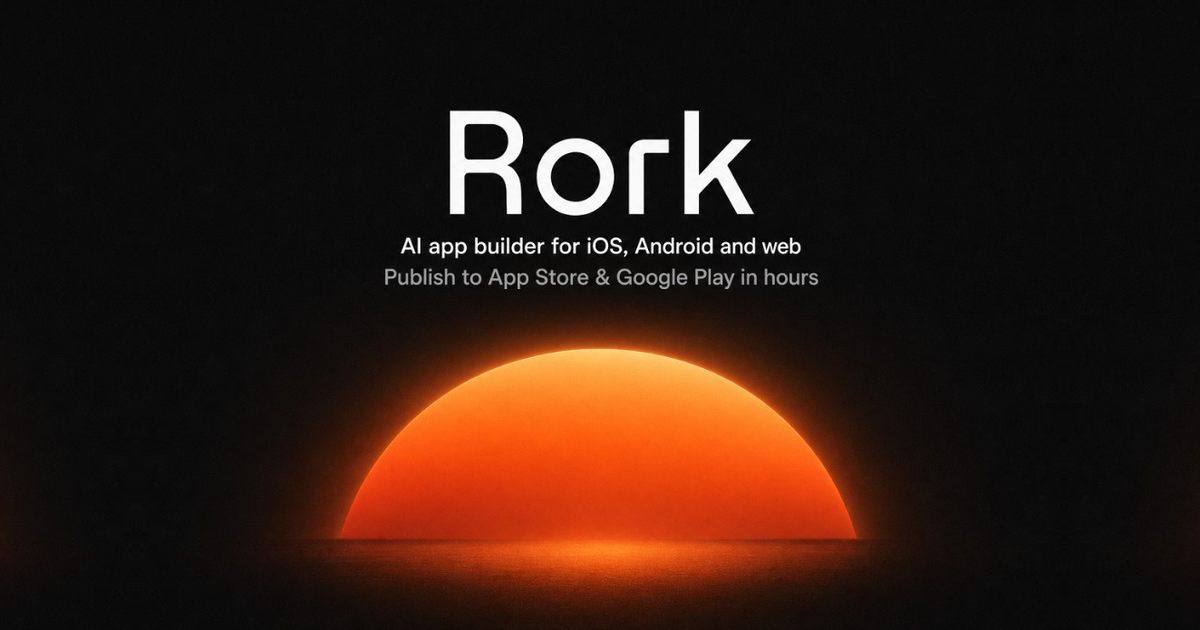
Rork

Chat your way to a shippable mobile app

Beginner
Screenshot of Rork, Chat your way to a shippable mobile app

What is Rork?

Rork is an app creation tool that chats your way to a shippable mobile app. Rork turns a written description into a working iOS, Android or web app, then lets you keep refining it through chat and publish to the app stores.

Rork is a cross-platform AI app builder aimed at people who want a finished product rather than a prototype. Instead of dragging components around a canvas, you describe the app you have in mind and the system generates it, then keeps iterating as you refine the request. The output targets three destinations at once: iPhone, Android and the web, so a single project can reach all three without a separate build pipeline. The pitch on the homepage is direct about the ambition: create mobile apps by chatting with AI, publish to the App Store, and start earning. The workflow is conversational. You open a project, type a description or drop reference files into the chat (uploads are capped at 10MB on the entry tier, with 5GB available after upgrading), and the builder produces a working app. From there you keep chatting to change behaviour, add screens or fix what looks wrong. A model selector and platform toggles sit alongside the prompt box, so the same conversation can be steered toward a specific device target. The company frames the product for non-technical founders first, and its marketing leans on founder stories, including a case study of a user who built a wrestling app with no coding background and turned it into an App Store business. Rork also ships a companion iPhone app, billed as Rork Max, which lets you build, install and publish iOS apps away from a desktop. That matters for the pitch: the intended user is often validating an idea on a phone, not sitting in an IDE. Compared with general-purpose coding assistants that assume you can read a diff, Rork hides the code layer almost entirely, which lowers the barrier but also narrows how much control you get when something needs hand-tuning. It competes with other prompt-to-app services on the strength of native store publishing rather than on raw development flexibility. Pricing details, integration options and support channels are not spelled out on the homepage, so anyone evaluating seriously should confirm plan limits, upload quotas and publishing requirements before committing.

How do you use Rork?

  1. 1Open Rork and sign in
    Go to the homepage, sign in, and land on the project workspace where the build conversation starts.
  2. 2Describe the app you want
    Type a plain-language description into the prompt box. Optionally attach reference files (10MB limit before upgrading) to give the model context.
  3. 3Pick a model and target platforms
    Use the model selector and the iPhone, Android and web toggles to steer what the generation is optimised for.
  4. 4Iterate in the same conversation
    Keep chatting to change screens, behaviour or styling. Each message refines the existing build rather than starting over.
  5. 5Install the Rork Max app for iOS work
    If you want to build, install and publish iOS apps from a phone, follow the install page for the companion iPhone app.
  6. 6Read a founder case study before publishing
    The Wrestle AI write-up walks through how one non-coder took an app from idea to an App Store business, which is useful context before you submit.

Pros and cons

Pros

  • Generates apps for iPhone, Android and web from the same conversational projectAI
  • Store publishing is part of the core pitch, not an afterthoughtAI
  • Companion iPhone app lets you build and install iOS apps without a desktopAI
  • File uploads let you feed reference material directly into the build conversationAI
  • Model selection and platform toggles give some steering over each generationAI

Cons

  • The conversational layer hides the code, which makes fine-grained fixes hard when output driftsAI
  • Homepage gives no pricing figures, plan limits or publishing cost breakdownAI
  • Uploads are capped at 10MB unless you upgrade, which rules out large asset bundlesAI
  • Founder case studies carry the credibility load; independent benchmarks are absentAI
  • Store review and account requirements still apply, so the promised speed depends on Apple and GoogleAI

How much does Rork cost?

Features

Conversational app generation for iPhone, Android and web from one project. Includes a prompt box with file uploads, a model selector, platform toggles, and an iPhone companion app (Rork Max) for building, installing and publishing iOS apps on the go. The homepage emphasises store publishing and monetisation as the end goal.

Frequently asked questions about Rork

  • How do you use Rork?
    The walkthrough on this page covers 6 steps: 1. Open Rork and sign in 2. Describe the app you want 3. Pick a model and target platforms 4. Iterate in the same conversation 5. Install the Rork Max app for iOS work 6. Read a founder case study before publishing.
  • What platforms does Rork support?
    Rork is available on Web App and iOS.
  • What are the limitations of Rork?
    The conversational layer hides the code, which makes fine-grained fixes hard when output drifts. Homepage gives no pricing figures, plan limits or publishing cost breakdown. Uploads are capped at 10MB unless you upgrade, which rules out large asset bundles.

Status

StatusActive
Views0
Outbound clicks0
Added10/21/2026

Platforms

Web AppiOS

Pricing

FreemiumSubscription