Free trial
A 14 day free trial is offered with all features included. No credit card details are stated on the homepage.
Learn moreLog rental work and build an audit-ready material participation record.

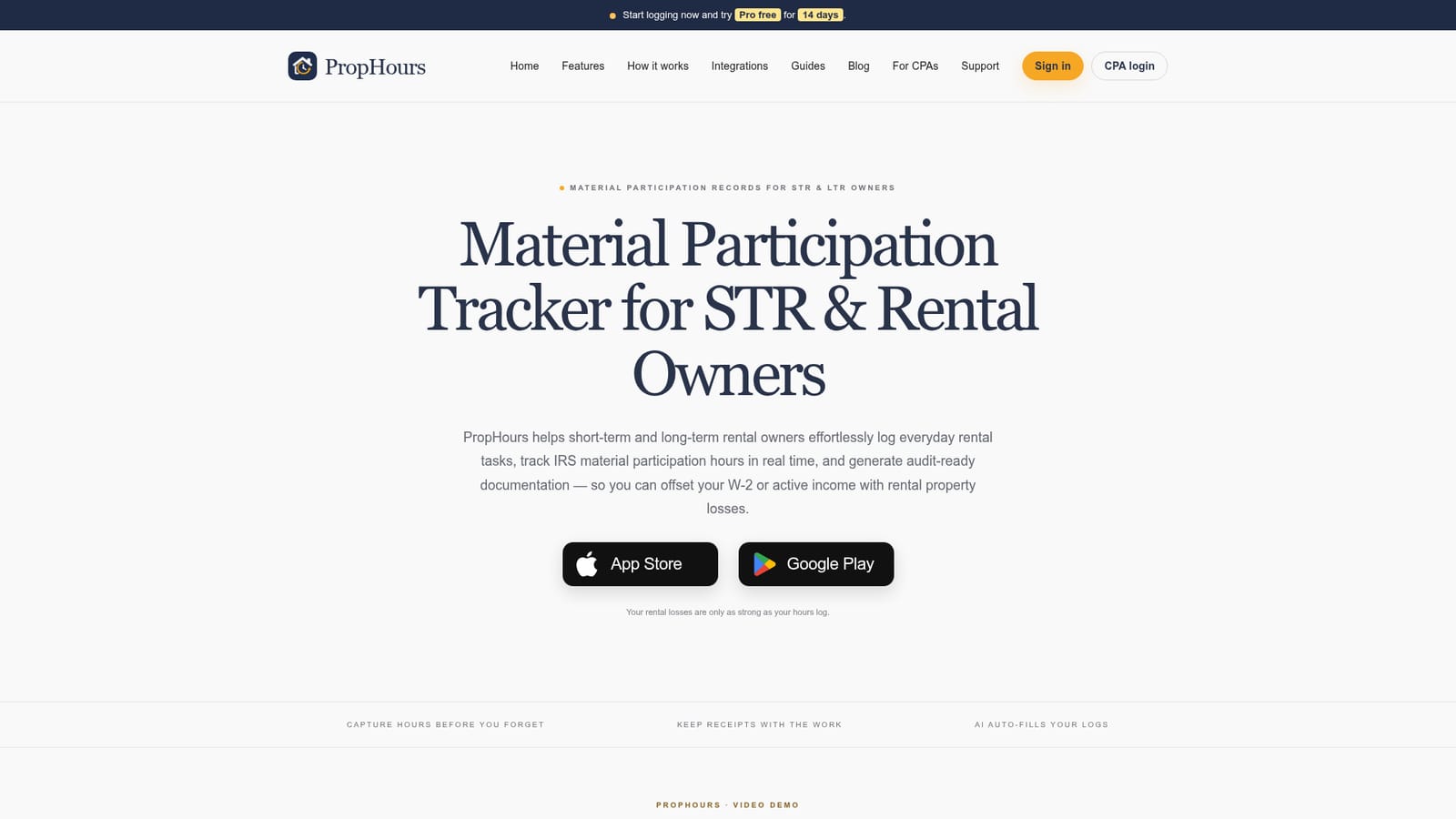
PropHours is a material participation tracker for Airbnb hosts, landlords and real estate investors. It logs rental tasks by AI, voice, scan or timer, keeps receipts and photos with each entry, and exports a CPA-ready PDF, CSV and evidence package.
PropHours is a time and evidence tracker built for short-term rental hosts, long-term landlords and real estate investors who need to document material participation in their rental activity. The app records the hours spent on turnovers, guest support, repairs, bookkeeping and inspections, then attaches receipts, photos or documents to each entry, so the work and its proof stay together. The stated aim is to make a defensible record that a CPA can review, not to decide whether a property qualifies. In practice, work is captured close to the moment it happens. A timer runs during a repair, a voice note is dictated on site, or a receipt is scanned and the app drafts the activity with the property, date, minutes and category for confirmation. Repeating tasks can be saved as templates and reused with one tap. Hours are shown against the 100, 500 and 750 hour benchmarks property by property, and optional participants (co-hosts, cleaners, handymen) can log their own time for comparison. An AI Pace Coach sends a reminder when a property falls behind its goal. For tax season, PropHours exports a PDF summary with an AI-written narrative, a CSV of every record and a ZIP package that includes evidence files. There is also a Schedule E pre-fill and a Section 469 election statement draft, both positioned as drafts for CPA review. A read-only portal allows an accountant to review the file, and exports can be shared through a private link that expires after seven days. Alternatives include spreadsheets and general time trackers, which require manual entry and separate evidence handling, or REPSLog, which PropHours compares itself to on its blog. The tool is designed for owners who already understand that hours alone do not establish material participation and who want a practical logging habit rather than a tax opinion.
A 14 day free trial is offered with all features included. No credit card details are stated on the homepage.
Learn moreThe homepage advertises a 14 day free trial with all features included, but does not list subscription prices or plan tiers after the trial ends.
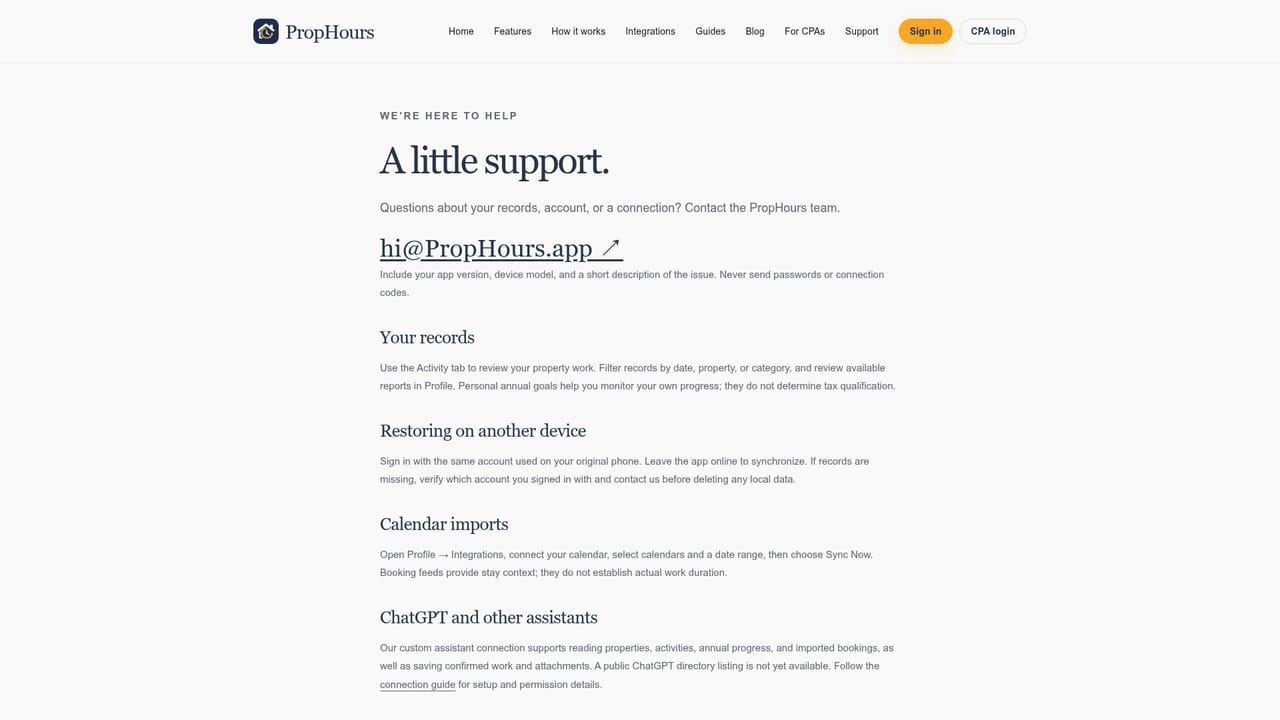
Learn moreA support page covers records and review, and there is a connection guide for AI assistants. No phone or live chat support is mentioned on the homepage.
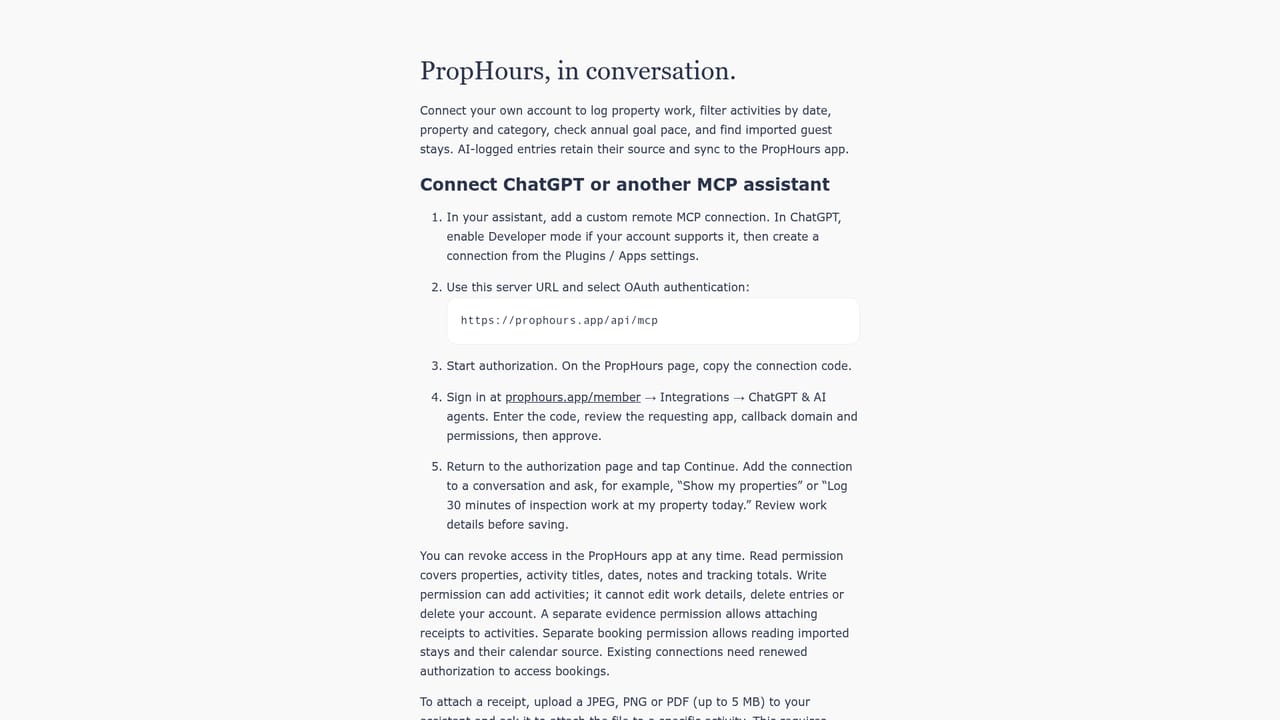
Learn moreConnects to Google and iPhone calendars, Airbnb, Vrbo and Hospitable iCal feeds, and ChatGPT or other MCP compatible AI assistants. Cloud sync keeps the log across web, iPhone, iPad and Android.
Learn moreCore features include logging by AI autofill, voice, receipt scan or timer; evidence attachment per entry; reusable quick add templates; progress tracking against 100, 500 and 750 hour benchmarks; participant invites for co-hosts and cleaners; AI Pace Coach reminders; calendar and booking iCal imports; connections to ChatGPT and other MCP compatible assistants through the assistant connect guide; and exports including PDF, CSV, Schedule E pre-fill and Section 469 election statement drafts.
 AI Angels400+ customizable AI girlfriends for NSFW chat, voice calls, and roleplay
 Candy AIExperience the future of companionship with AI friends who chat, role-play, and connect with you on a human level.
 ourdream.aiA vast AI roleplay platform with millions of characters for chat, images, video and voiceAI Angels400+ customizable AI girlfriends for NSFW chat, voice calls, and roleplayCandy AIExperience the future of companionship with AI friends who chat, role-play, and connect with you on a human level.ourdream.aiA vast AI roleplay platform with millions of characters for chat, images, video and voice


