Prototext

Turn scattered notes into linked, presentable, encrypted projects

Intermediate API
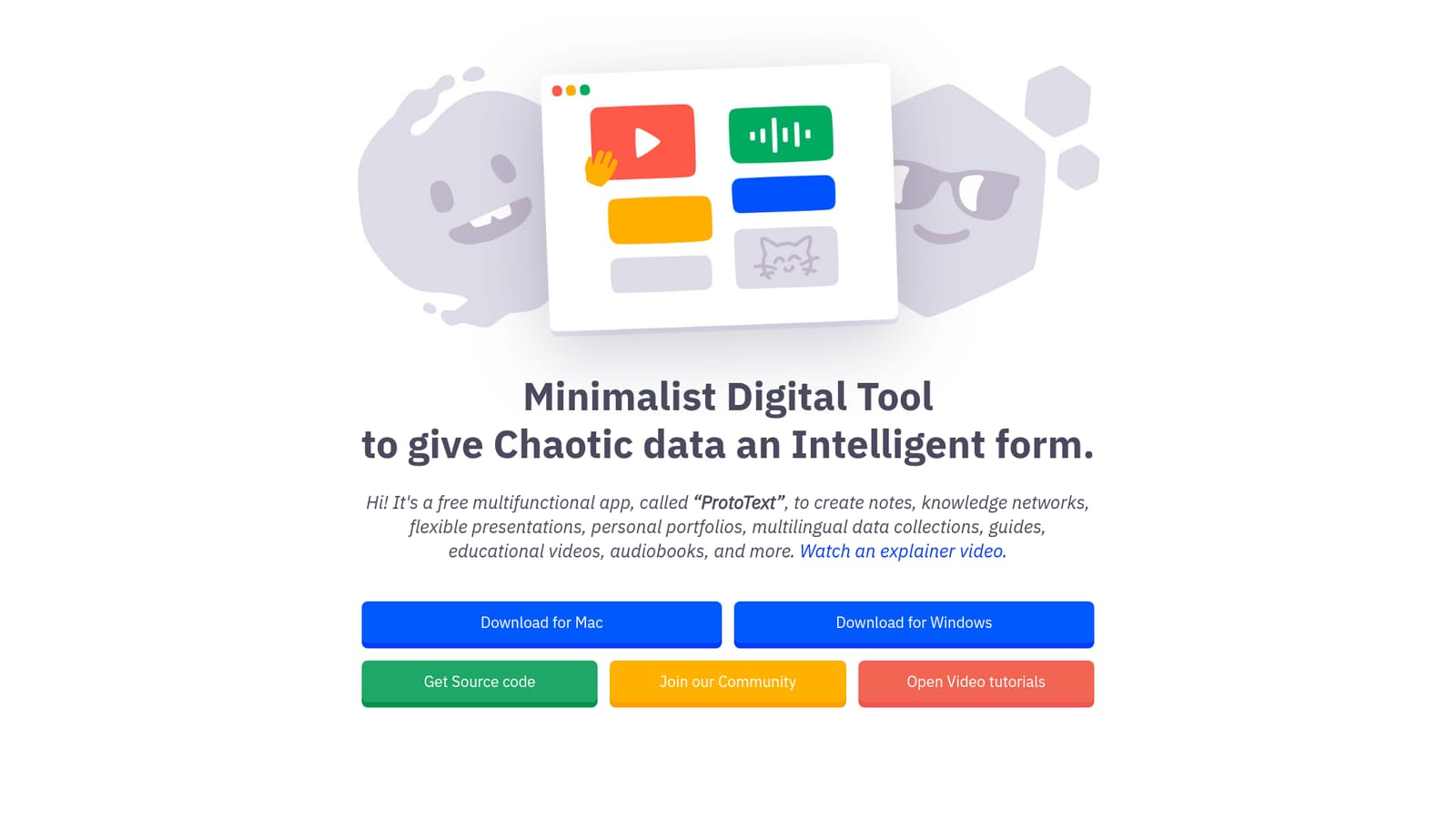
Screenshot of Prototext, Turn scattered notes into linked, presentable, encrypted projects

What is Prototext?

Prototext is a note maker tool that turns scattered notes into linked, presentable, encrypted projects. ProtoText is a free, open source desktop app for Mac and Windows that turns messy notes into linked cards, multilingual documents and presentations that can be rendered as video.

ProtoText is a free desktop application built around a single idea: chaotic material (notes, ideas, tasks, files) should be broken down into small cards and then reassembled into something with structure. The developer calls it a minimalist tool for giving chaotic data an intelligent form. In practice it behaves like a hybrid of a card-based outliner, a Markdown editor, a knowledge graph and a slide renderer, aimed at people who collect raw material faster than they can organize it. The workflow is card first. Fragments get dropped into small units, marked up in a simplified Markdown style with color and visual emphasis, and can be arranged in views resembling Trello or Notion. Cards are then linked into a knowledge network, which the app frames as a second brain for navigation. Localization views let the same content exist in several languages while keeping a connection to the original, and presentation mode turns the card collection into a flexible deck that can be rendered out as an MP4 media file, a fit for educational guides and video scripts. AI enters as an optional layer rather than the core product. ProtoText lets users plug in external AI and API services to compose text, generate images, and synthesize or recognize speech, and it advertises a set of popular integrations plus custom ones configured in settings. Content can also be exported as Markdown, JSON or JS, and confidential projects can be encrypted locally. The build is open source (source on Bitbucket), with no registration, no ads, no cloud storage and no tracking, so everything stays on the machine. That positions it against Notion, Obsidian and Zettelkasten tools for the note and linking side, and against presentation or video builders for the rendering side. The audience is broad on purpose: the site lists encrypted tax guides, farm documentation, artist portfolios, voiceover libraries, recipe books and engineering methodology guides. Anyone who wants a private, offline workspace and is willing to supply their own AI keys is the natural fit. Free downloads exist for Mac and Windows, and the author accepts donations via PayPal rather than charging a licence fee.

How do you use Prototext?

  1. 1Download and install the desktop build
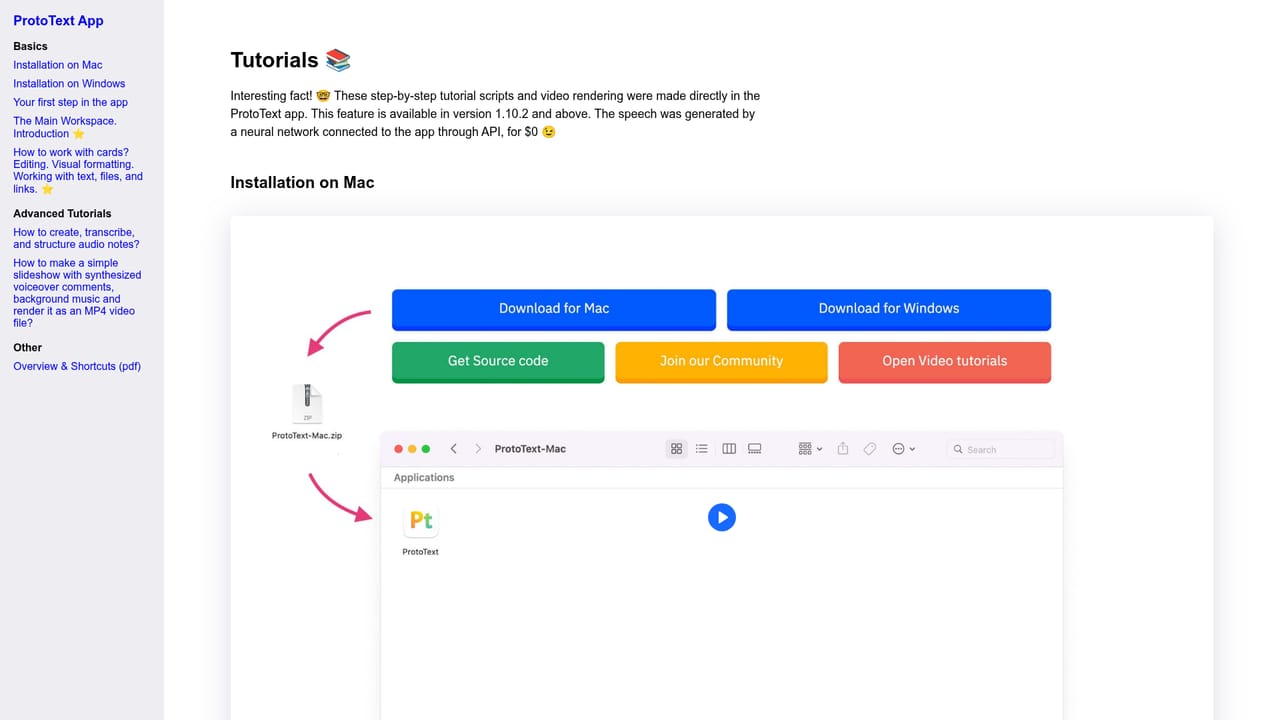
    Pick the Mac or Windows package from the homepage, unpack it and launch the app. No account or sign in is needed, and the source code is available if you prefer to build it yourself.
    Prototext — Download and install the desktop build
  2. 2Skim the explainer and video tutorials
    The wiki opens with a walkthrough of the main workspace and card features. Spending a few minutes there makes the card, markup and presentation modes much easier to follow.
    Prototext — Skim the explainer and video tutorials
  3. 3Dump raw thoughts into cards
    Start on the welcome screen and create a project, then split whatever you have (notes, tasks, files) into small cards. Drop everything in first and postpone ordering until the pile is complete.
  4. 4Mark up and link the cards
    Use the simplified Markdown style to add color and emphasis, then connect related cards into a knowledge network so you can navigate between them instead of searching.
  5. 5Connect AI services in settings
    Open settings to add the AI or API services you already pay for, then use them to draft text, make images or synthesize speech inside the current card.
  6. 6Present, render or export the result
    Switch to presentation mode for a live walkthrough or render the deck as an MP4 file. Export options cover Markdown, JSON and JS when content needs to leave the app.

Pros and cons

Pros

  • Completely free and open source, with source code published on BitbucketAI
  • No registration, ads, cloud storage or tracking, so work never leaves the local machineAI
  • Local encryption protects confidential notes, guides and personal recordsAI
  • Card plus knowledge network model suits Zettelkasten style linking and restructuringAI
  • Presentation mode renders decks out to MP4, which covers slides and educational video from one fileAI

Cons

  • Desktop only (Mac and Windows), with no web app, mobile client or browser versionAI
  • AI features depend on bringing your own API keys and services, so no model is bundledAI
  • No cloud sync or collaboration means sharing happens by exporting or sending filesAI
  • Documentation is mostly a wiki and embedded video, and onboarding assumes comfort with card and Markdown conventionsAI
  • No paid support, roadmap commitments or service levels behind a single author projectAI

How much does Prototext cost?

Pricing

The homepage states that ProtoText is a free multifunctional app, with Mac and Windows downloads offered without registration. The author asks for optional PayPal donations to support the project; no paid tiers or subscription prices are listed.

Learn more

Support

Support comes from a public wiki with video tutorials and a Discord community for questions. The project is a single author effort funded by donations, and no formal help desk or paid support is advertised.

Learn more

Integrations

The app lists popular AI integrations plus the option to add custom integrations through settings. The homepage does not name specific providers or models, and nothing is bundled: users supply their own services and keys.

Features

Card based editor with simplified Markdown markup, color and visual emphasis; knowledge network linking for a second brain; localization view for multilingual content; presentation mode with MP4 rendering; export to Markdown, JSON and JS; local encryption for confidential projects; connections to external AI and API services for text, images and speech; open source, offline, no registration or tracking.

Learn more

Frequently asked questions about Prototext

  • How much does Prototext cost?
    The homepage states that ProtoText is a free multifunctional app, with Mac and Windows downloads offered without registration. The author asks for optional PayPal donations to support the project; no paid tiers or subscription prices are listed.
  • Does Prototext have an API?
    Yes, Prototext offers an API.
  • How do you use Prototext?
    The walkthrough on this page covers 6 steps: 1. Download and install the desktop build 2. Skim the explainer and video tutorials 3. Dump raw thoughts into cards 4. Mark up and link the cards 5. Connect AI services in settings 6. Present, render or export the result.
  • What platforms does Prototext support?
    Prototext is available on MacOS and Windows.
  • What does Prototext integrate with?
    The app lists popular AI integrations plus the option to add custom integrations through settings. The homepage does not name specific providers or models, and nothing is bundled: users supply their own services and keys.
  • What are the limitations of Prototext?
    Desktop only (Mac and Windows), with no web app, mobile client or browser version. AI features depend on bringing your own API keys and services, so no model is bundled. No cloud sync or collaboration means sharing happens by exporting or sending files.

Status

StatusActive
Views0
Outbound clicks0
Added10/22/2026

Platforms

MacOSWindows

Pricing

Free