Free trial
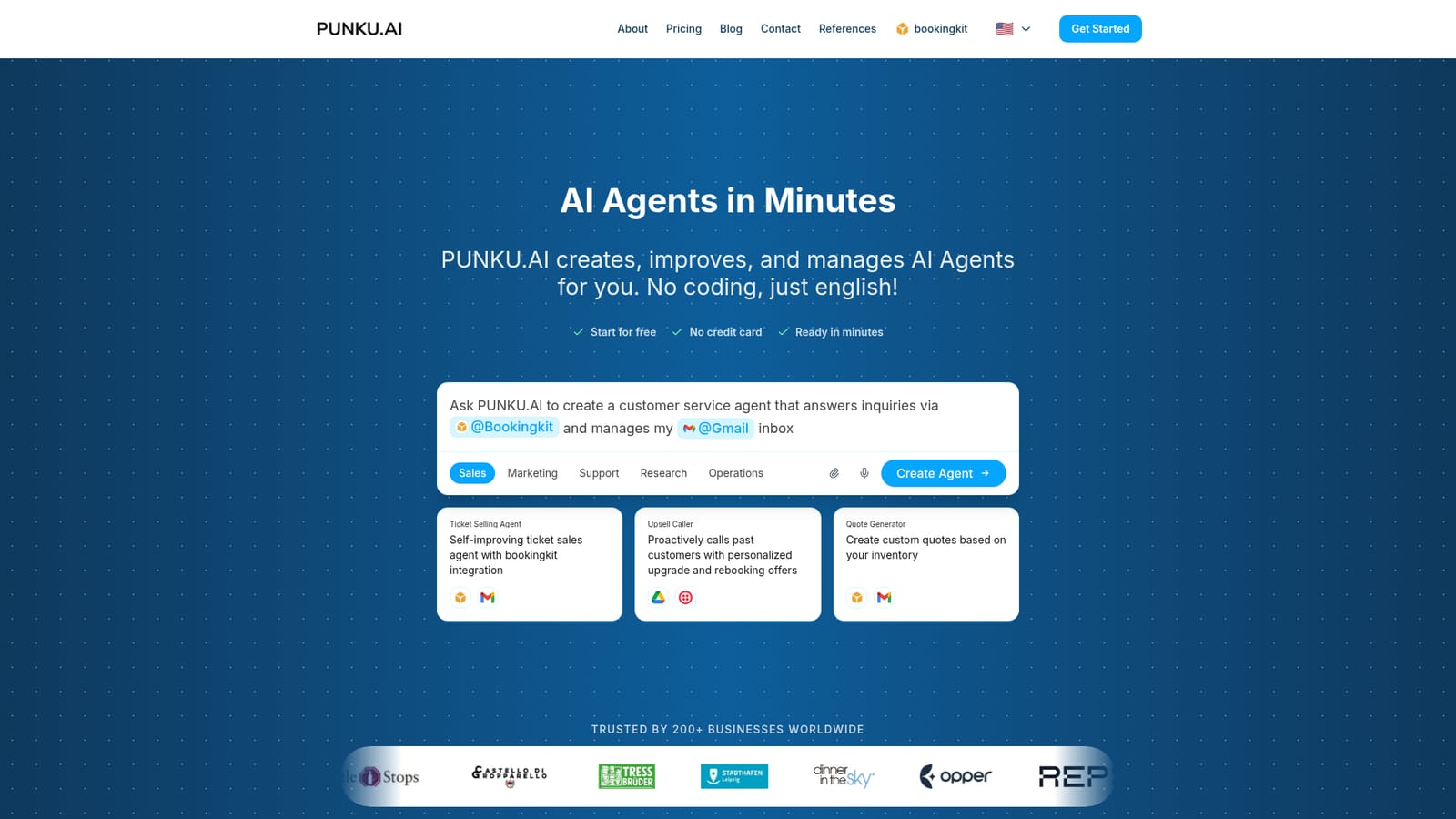
The homepage invites users to start for free with no credit card required and describes setup as taking minutes, but it does not state a trial length or what the free tier includes.
Learn moreBuild working AI agents in plain English, no code required

PUNKU.AI is an AI chat bot tool that builds working AI agents in plain English, no code required. PUNKU.AI builds AI agents from plain-English descriptions. It pairs 100+ templates with a claimed 2,700+ integrations (Gmail, Slack, Notion, bookingkit and others) so small businesses can automate inquiries, quotes, follow-ups and lead qualification without writing code.
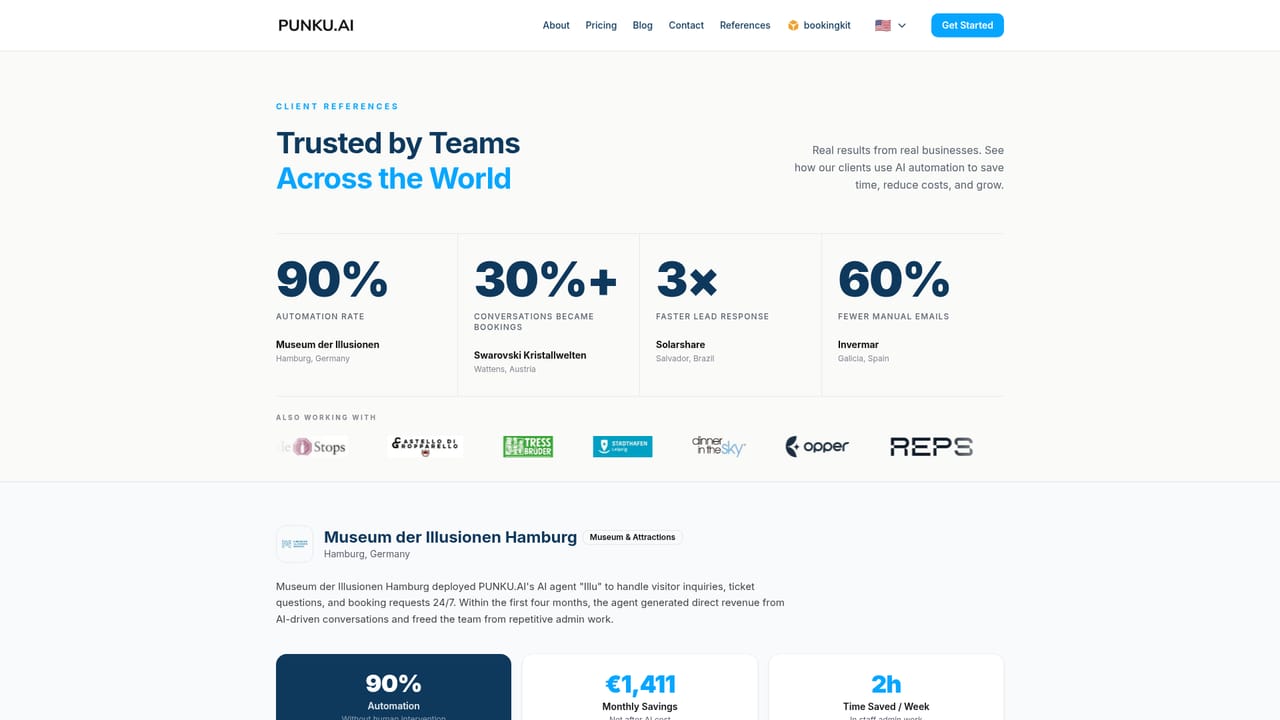
PUNKU.AI is an agent builder aimed at small and mid-sized businesses that want automation without a development project. The premise is deliberately narrow: describe the job you want handled in ordinary English, and the platform assembles an agent around that description. The company positions this against generic chat assistants, arguing that its value comes from pre-built automations for customer communication and operations rather than open-ended prompting. The workflow runs in three stages. A user either writes a plain-language brief or starts from a library of more than 100 expert-designed templates spread across sales, marketing, support, research and operations. Example templates include a review booster that chases recent visitors for Google reviews, a newsletter agent that drafts and sends seasonal campaigns, and a lead generation bot that qualifies inbound contacts. The second stage handles connections: the homepage advertises 2,700+ integrations, spanning Gmail, Outlook, Google Docs, Sheets, Drive and Calendar, Slack, Notion, Zoom, Twilio, Lexware and bookingkit, and states that agents wire into existing tools automatically with nothing to build. The third stage is instruction, where the operator gives the agent natural-language rules and the agent executes tasks around the clock. The product is clearly built for operators rather than engineers: visitor attractions, tourism operators, ski schools, energy and industrial firms all appear among its named references, and a customer quote from Museum der Illusionen Hamburg describes a visitor-facing agent handling guest questions. That profile suggests the sweet spot is repetitive front-office and back-office work such as answering inquiries, generating quotes from inventory, or calling past customers with rebooking offers. Buyers should note that the homepage omits concrete pricing tiers, model choices and data handling details, so those need verification before committing. It is best treated as a managed automation service for teams that lack engineering capacity, not as a developer framework for custom agent logic.
The homepage invites users to start for free with no credit card required and describes setup as taking minutes, but it does not state a trial length or what the free tier includes.
Learn moreThe homepage advertises 2,700+ integrations and names Gmail, Outlook, Google Docs, Sheets, Drive and Calendar, Slack, Notion, Zoom, Twilio, Lexware and bookingkit. Connection is described as automatic with nothing to build.
Agent creation from plain-English descriptions, a library of 100+ pre-built templates across sales, marketing, support, research and operations, automatic tool connection, natural-language custom instructions, and continuous 24/7 task execution. Example agents include ticket selling, upsell calling, quote generation, SEO optimisation, review requests, newsletters and lead qualification.
 AI Angels400+ customizable AI girlfriends for NSFW chat, voice calls, and roleplay
 Candy AIExperience the future of companionship with AI friends who chat, role-play, and connect with you on a human level.
 ourdream.aiA vast AI roleplay platform with millions of characters for chat, images, video and voiceAI Angels400+ customizable AI girlfriends for NSFW chat, voice calls, and roleplayCandy AIExperience the future of companionship with AI friends who chat, role-play, and connect with you on a human level.ourdream.aiA vast AI roleplay platform with millions of characters for chat, images, video and voice


