Free trial
The first image can be processed and downloaded free with no sign-up. Creating an account adds 5 one-time credits and one free Fast removal every day.
Learn moreBrowser-based background remover that keeps your photos on your device
Purgebg is a free browser-based AI background remover that processes images locally, exports transparent PNG or solid-color JPG, and offers Fast and Fine modes, with a free first image and daily free Fast removal.
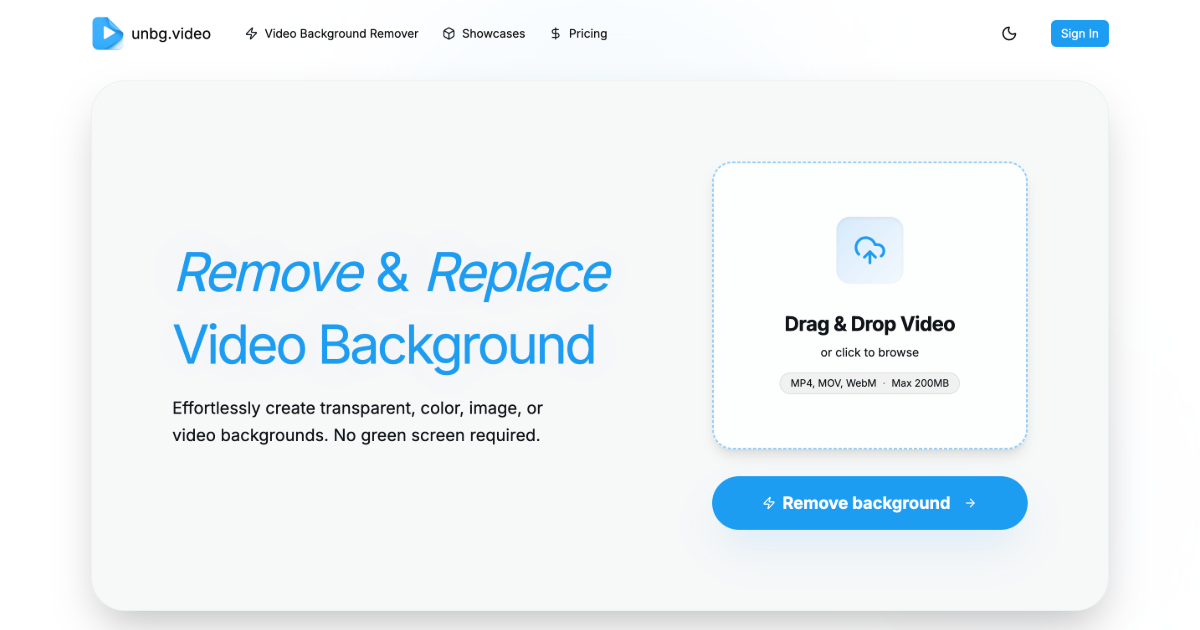
Purgebg is a web-based background remover that cuts the subject out of a photo and returns either a transparent PNG or a JPG with a solid color behind it. The processing happens inside the browser: the page downloads the model files, and the image itself is not sent to Purgebg's servers. That design makes it a reasonable choice for anyone who would rather not hand personal portraits or unreleased product shots to a third-party upload service. The workflow is short. An image in PNG, JPEG or WebP format is dropped onto the page, chosen from disk or pasted from the clipboard, and the background is removed automatically. The result can be inspected with a before and after slider, then exported as a transparent PNG or recolored with white, blue, red or a custom color. Two processing modes are offered. Fast is the general default for people, products, animals and cars, while Fine is a portrait-specific second pass aimed at hair and softer human edges, and it costs more credits. Beyond the main uploader, the site breaks the job into focused landing tools: a photo background changer, a background color changer, a white background maker, a green screen remover and a passport photo background helper. These suit sellers preparing marketplace listings, people making profile pictures or application photos, and designers who need quick cutouts without opening a full editor. Guides on white product backgrounds and on moving away from remove.bg sit alongside the tools. Access is credit based. The first successful image can be processed and downloaded without an account. A new account receives a one-time allotment of credits and one free Fast removal per day, with no watermark, and failed processing does not consume credits. Compared with desktop editors or heavier AI suites, Purgebg is narrower in scope: it does one job, removing and recoloring backgrounds, and it does so with minimal setup. Users who need layered editing, batch pipelines or generative backdrops will need to pair it with other tools.
The first image can be processed and downloaded free with no sign-up. Creating an account adds 5 one-time credits and one free Fast removal every day.
Learn moreThe first successful image is free without signing up. A new account gets 5 one-time credits plus one free Fast removal each day, and Fine uses 2 credits. Exports carry no watermark and failed processing uses no credits. Credits can also be purchased; prices are not stated.
Learn moreIn-browser background removal, Fast and Fine modes, before and after slider, transparent PNG or color JPG export, custom background colors, paste or drop upload, and focused tools for white backgrounds, green screens and passport photos.
Learn more AI Angels400+ customizable AI girlfriends for NSFW chat, voice calls, and roleplay
 Candy AIExperience the future of companionship with AI friends who chat, role-play, and connect with you on a human level.
 ourdream.aiA vast AI roleplay platform with millions of characters for chat, images, video and voiceAI Angels400+ customizable AI girlfriends for NSFW chat, voice calls, and roleplayCandy AIExperience the future of companionship with AI friends who chat, role-play, and connect with you on a human level.ourdream.aiA vast AI roleplay platform with millions of characters for chat, images, video and voice