Free trial
A free preview plan costs $0 with no credit card required. Results carry a small watermark and are limited to personal, non-commercial projects.
Learn moreBrowser-based AI video background removal with no green screen

Unscreen Pro is an AI web tool that removes video backgrounds automatically, with no green screen. It accepts MP4, MOV and WebM, offers a free watermarked preview, credit-based paid plans and API access on request, and targets former Unscreen users.
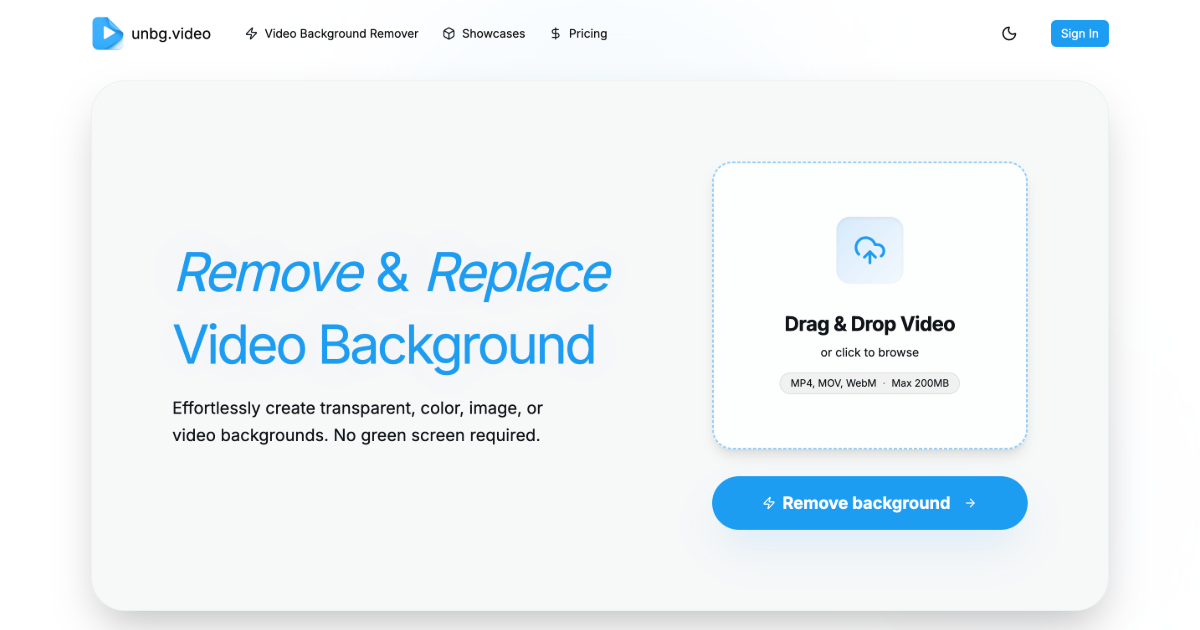
Unscreen Pro is a web tool that removes the background from video clips and returns the subject on a transparent backdrop. It needs no green screen, no manual masking and no keyframing. The service was built as a successor for people who relied on Unscreen.com, which closed on December 1, 2025, and the site devotes several pages to migration, covering the shutdown timeline, a feature comparison, pricing differences and API moves. In practice the workflow is short. A user uploads an MP4, MOV or WebM file (or tries one of four sample clips), and the AI analyzes each frame to separate the subject from whatever sits behind it. A live preview shows the original beside the transparent result before any payment is requested. The tool is pitched at people, pets and objects, and the FAQ adds that it can also detect and remove specific objects from footage, which a separate AI video object editor page expands on. Processing time depends on length and resolution: clips under 30 seconds usually finish in under two minutes, and paid users get priority. Uploaded videos are deleted from the servers within 24 hours. The audience is broad: YouTube and TikTok creators who lack studio gear, video editors tired of rotoscoping, marketing teams swapping in custom backgrounds for product demos, and businesses cleaning up training or presentation footage. Pricing is credit-based. A free preview costs nothing but carries a watermark and is limited to personal use, a Plus plan covers 500 credits a month, and a Pro plan covers 10,000 credits with faster processing. Paid plans include commercial rights. Developers can request API access for automation and batch jobs. Among alternatives, Unscreen Pro sits closer to single-purpose background removers than to full editors. It trades fine manual control for speed and simplicity, which suits quick transparent exports more than complex compositing. Its main selling point is continuity for former Unscreen users, along with the promise of 4K handling for demanding clips.
A free preview plan costs $0 with no credit card required. Results carry a small watermark and are limited to personal, non-commercial projects.
Learn moreFree Preview at $0 with a watermark, personal use only. Plus Premium is $4.99/month for 500 credits with no watermark. Pro Premium is $99/month for 10,000 credits, faster processing and priority support. Paid plans include commercial rights.
Learn morePro Premium includes priority support. The site also provides migration guides and an FAQ for former Unscreen users.
An API is offered for developers who want to build background removal into their apps, with automation and batch processing options. Access and documentation are available by contacting the team.
Learn moreAutomatic AI background removal from video, transparent output, live preview, support for people, pets and objects, object removal, MP4, MOV and WebM input, priority processing on paid plans and 24-hour deletion of uploads.
Learn more AI Angels400+ customizable AI girlfriends for NSFW chat, voice calls, and roleplay
 Candy AIExperience the future of companionship with AI friends who chat, role-play, and connect with you on a human level.
 ourdream.aiA vast AI roleplay platform with millions of characters for chat, images, video and voiceAI Angels400+ customizable AI girlfriends for NSFW chat, voice calls, and roleplayCandy AIExperience the future of companionship with AI friends who chat, role-play, and connect with you on a human level.ourdream.aiA vast AI roleplay platform with millions of characters for chat, images, video and voice