Pimg

A browser-based AI workspace for upscaling, enhancing, editing and generating images.

Beginner
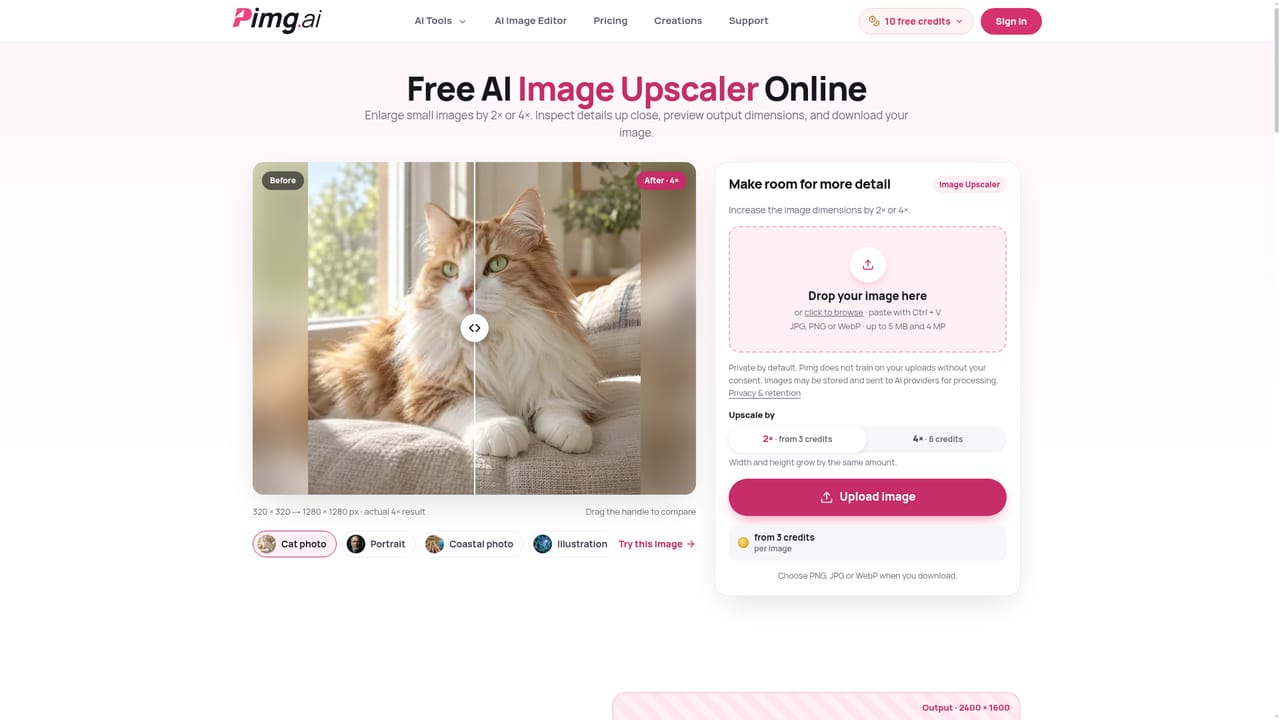
Screenshot of Pimg, A browser-based AI workspace for upscaling, enhancing, editing and generating images

What is Pimg?

Pimg is a browser based AI image workspace combining enhancement, upscaling, background removal, prompt editing and text-to-image generation under one shared credit balance, with a free daily allowance and no credit card required.

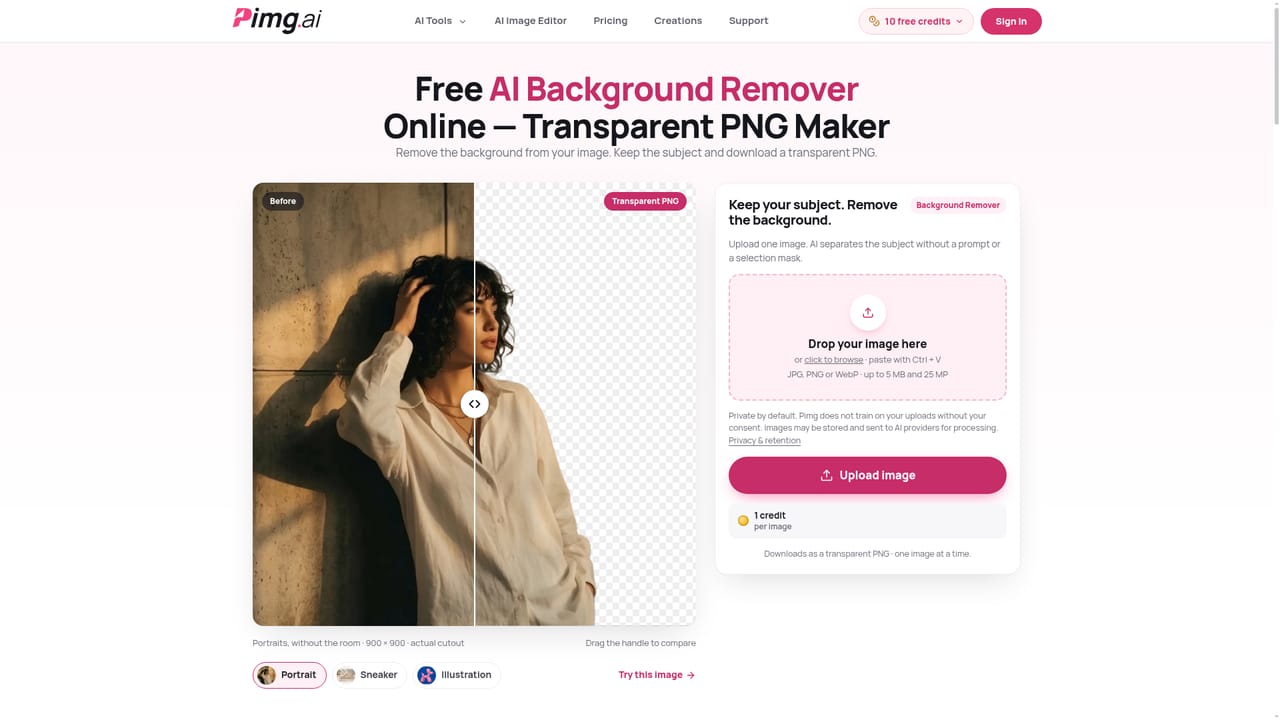
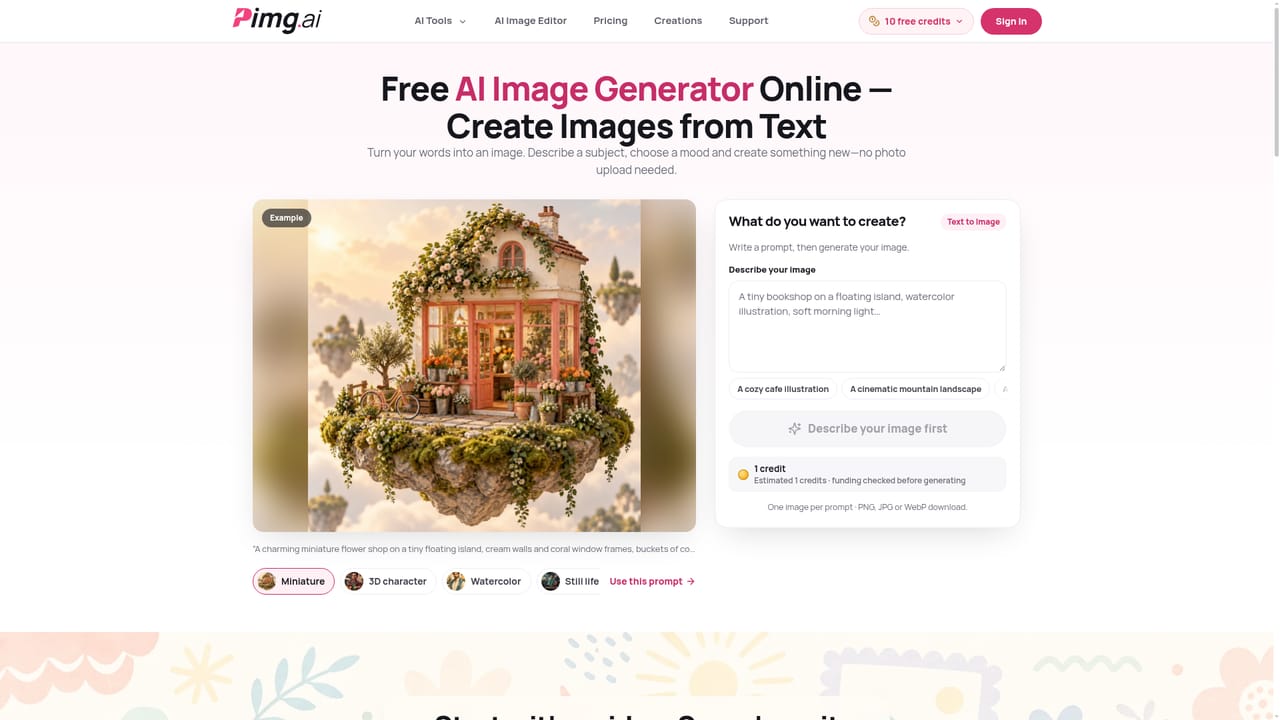
Pimg is a browser based AI image workspace that bundles several single purpose tools into one account and one shared credit balance. The lineup includes an image enhancer for same-size clarity fixes, an image upscaler for 2x or 4x resolution increases, an AI image editor for prompt driven edits, an image-to-image tool for restyling a reference photo, a background remover that outputs a transparent PNG, a text-to-image generator, and an image-to-prompt tool that turns a picture into a written description. Uploads are limited to a single JPG, PNG or WebP file up to 5 MB, with resolution caps that vary by tool. The service targets everyday image work rather than professional studio pipelines: photographers checking a portrait, online sellers needing a clean product cutout, marketers wanting a quick style variation, or anyone who needs a usable image without installing software. The workflow is deliberately simple: upload an image, pick a tool and settings, then compare the before and after with a slider before downloading in PNG, JPG or WebP (background removal always exports as PNG to keep transparency, and image-to-prompt exports as a text file). Pricing is credit based. Eligible users in supported regions get a daily free allowance that resets at 00:00 UTC without requiring a credit card, and signing in with Google preserves creation history and lets purchased credits cover extra usage. The exact credit cost is shown before a task starts, and tasks that fail for technical reasons return purchased credits. Within the broader AI image tooling space, Pimg sits closer to a general purpose utility belt than a specialized generator or a professional editing suite: it covers enough ground for quick fixes, cutouts and style exploration, but does not offer the depth of a dedicated photo editor or the fine grained control of standalone generative art platforms.
How do you use Pimg?

  1. 1Upload your image
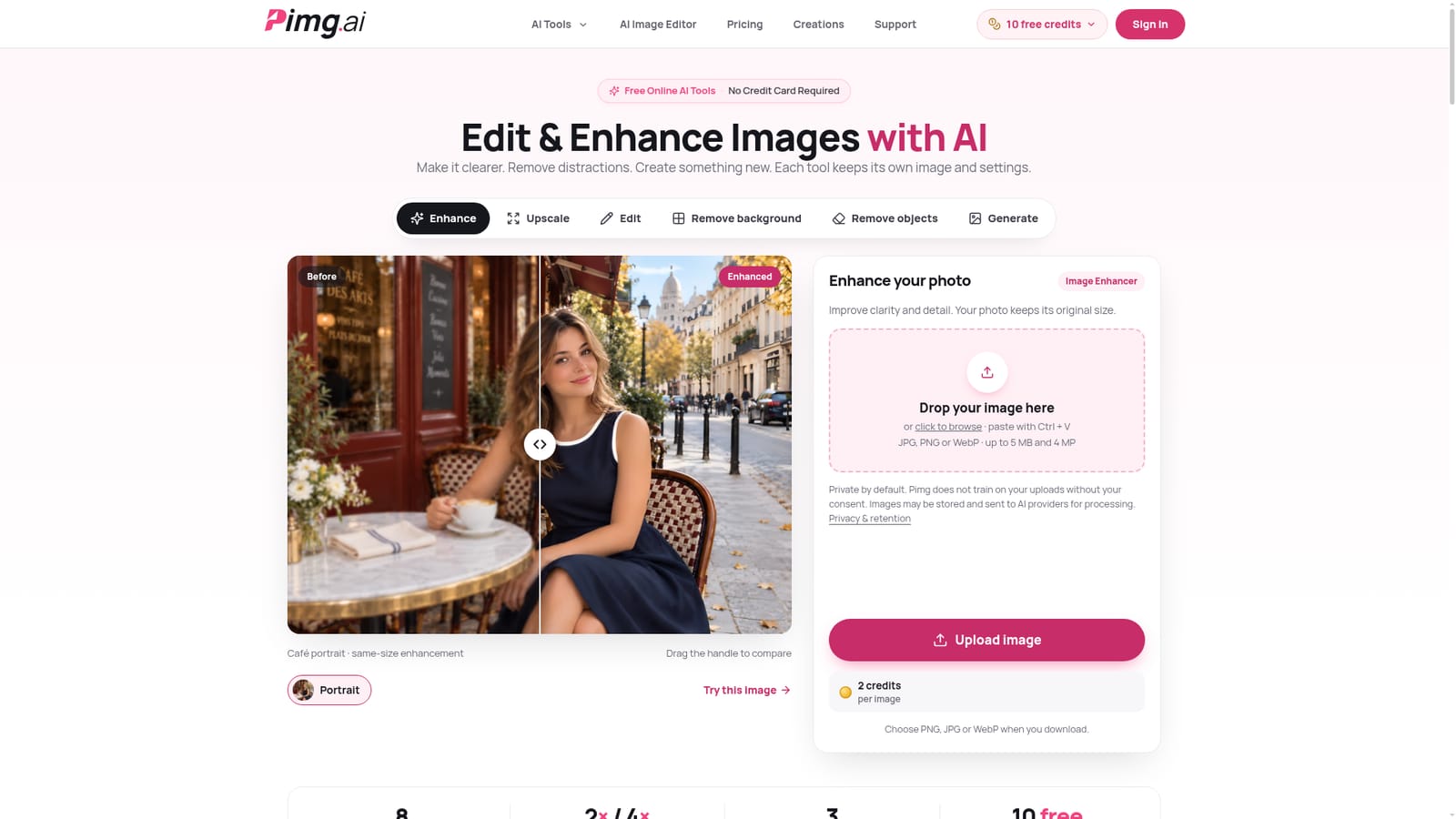
    Drag and drop, click to browse, or paste an image directly from the clipboard. Files must be a single JPG, PNG or WebP under 5 MB.
    Pimg — Upload your image
  2. 2Enhance or upscale for quality
    Use the image enhancer to improve clarity at the original size, or the upscaler to increase resolution by 2x or 4x before downloading.
    Pimg — Enhance or upscale for quality
  3. 3Edit or remove the background
    Describe a change with a text prompt in the AI image editor, restyle with image-to-image, or strip the background for a transparent PNG cutout.
    Pimg — Edit or remove the background
  4. 4Generate or describe an image
    Turn a written idea into a new image with text-to-image, or convert an existing image into a descriptive prompt for later use.
    Pimg — Generate or describe an image
  5. 5Compare and download the result
    Use the before and after slider to check faces, text and fine detail, then download the result as PNG, JPG or WebP.
  6. 6Review pricing before buying more credits
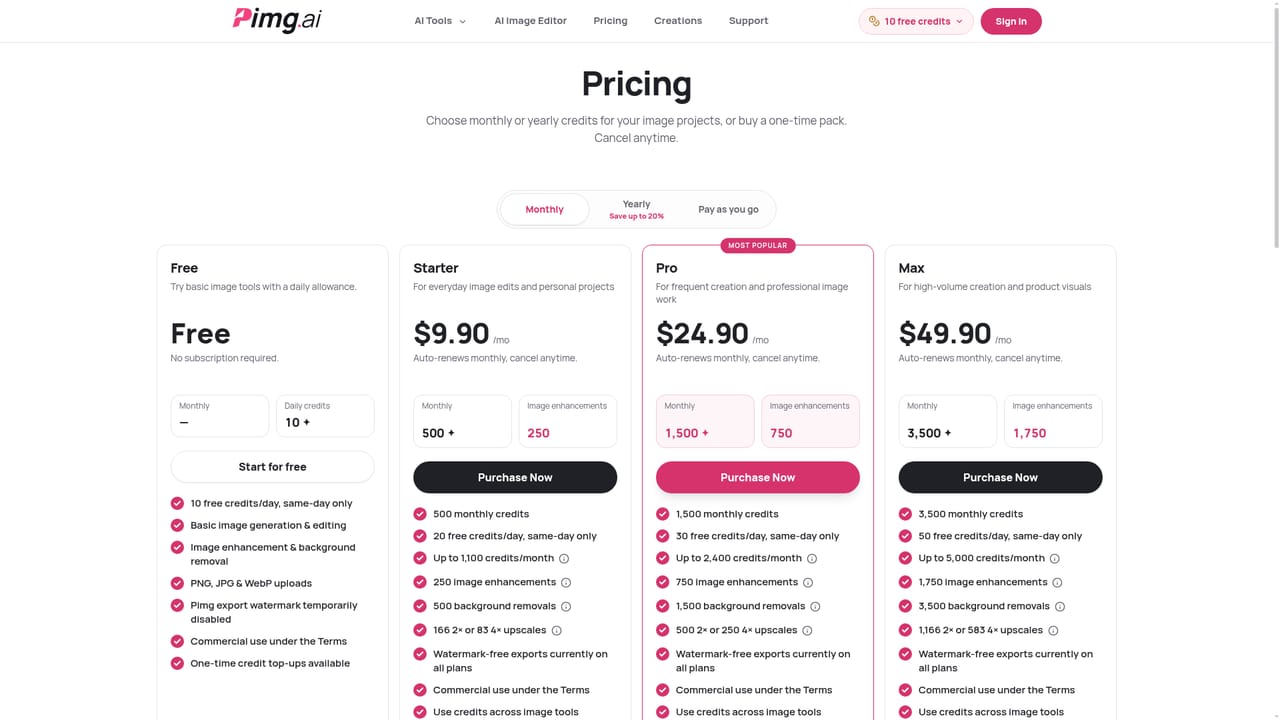
    Check the pricing page for subscription plans and one-time credit packs once the free daily allowance is used.
    Pimg — Review pricing before buying more credits

Pros and cons

Pros

  • Combines seven image tools under one account and shared credit balance, avoiding app switchingAI
  • Shows the exact credit cost before processing starts, so there are no surprise chargesAI
  • Eligible users can start with free daily credits and no credit card requiredAI
  • Supports PNG, JPG and WebP downloads, including transparent PNG for cutoutsAI
  • Private by default processing, with no training on user uploads without explicit consentAI

Cons

  • Uploads are capped at 5 MB, with only 4 MP allowed for enhancement and upscaling tasksAI
  • Free daily credits vary by region and reset at midnight UTC, making availability inconsistentAI
  • Non eligible guests must sign in with Google, limiting fully anonymous use in some regionsAI
  • Upscaled output is capped at 16 MP, so very large source images may need resizing firstAI
  • AI edits can alter fine details like faces, text and logos, requiring manual review before useAI

How much does Pimg cost?

Free trial

Eligible users in supported regions get free daily credits with no credit card required; the allowance varies by region and resets at midnight UTC without accumulating.

Learn more

Pricing

Pimg uses a credit system: a daily free allowance (region dependent, resets at 00:00 UTC) covers eligible usage, while paid subscription plans and one-time credit packs cover additional processing once free credits run out.

Learn more

Support

Support is available through a contact page and an extensive FAQ covering tools, credits, privacy and refunds; no live chat or phone support is mentioned on the homepage.

Learn more

Features

Seven image tools (enhancer, 2x/4x upscaler, AI image editor, image-to-image, background remover, text-to-image generator, image-to-prompt) share one account and credit balance. Uploads accept JPG, PNG or WebP up to 5 MB, with 4 MP limits for enhancement and upscaling and 25 MP for editing. Results download as PNG, JPG or WebP, with background removal always exporting a transparent PNG and image-to-prompt exporting a text file.

Frequently asked questions about Pimg

  • How much does Pimg cost?
    Pimg uses a credit system: a daily free allowance (region dependent, resets at 00:00 UTC) covers eligible usage, while paid subscription plans and one-time credit packs cover additional processing once free credits run out.
  • Does Pimg offer a free trial?
    Eligible users in supported regions get free daily credits with no credit card required; the allowance varies by region and resets at midnight UTC without accumulating.
  • How do you use Pimg?
    The walkthrough on this page covers 6 steps: 1. Upload your image 2. Enhance or upscale for quality 3. Edit or remove the background 4. Generate or describe an image 5. Compare and download the result 6. Review pricing before buying more credits.
  • What platforms does Pimg support?
    Pimg is available on Web App.
  • What are the limitations of Pimg?
    Uploads are capped at 5 MB, with only 4 MP allowed for enhancement and upscaling tasks. Free daily credits vary by region and reset at midnight UTC, making availability inconsistent. Non eligible guests must sign in with Google, limiting fully anonymous use in some regions.

Status

StatusActive
Views0
Outbound clicks0
Added10/19/2026

Platforms

Web App

Pricing

FreemiumPaidSubscription